I want to make a doom-like old school FPS game in Godot (I tried the same thing on Python a few years ago but I abandoned it because of the poor performance), however I already encountered a problem.
I want to stay away from 3D nodes and instead use raycasting algorithms like in Wolfenstein 3D, but for that I have to draw individual pixels (or small rectangles) on the screen.
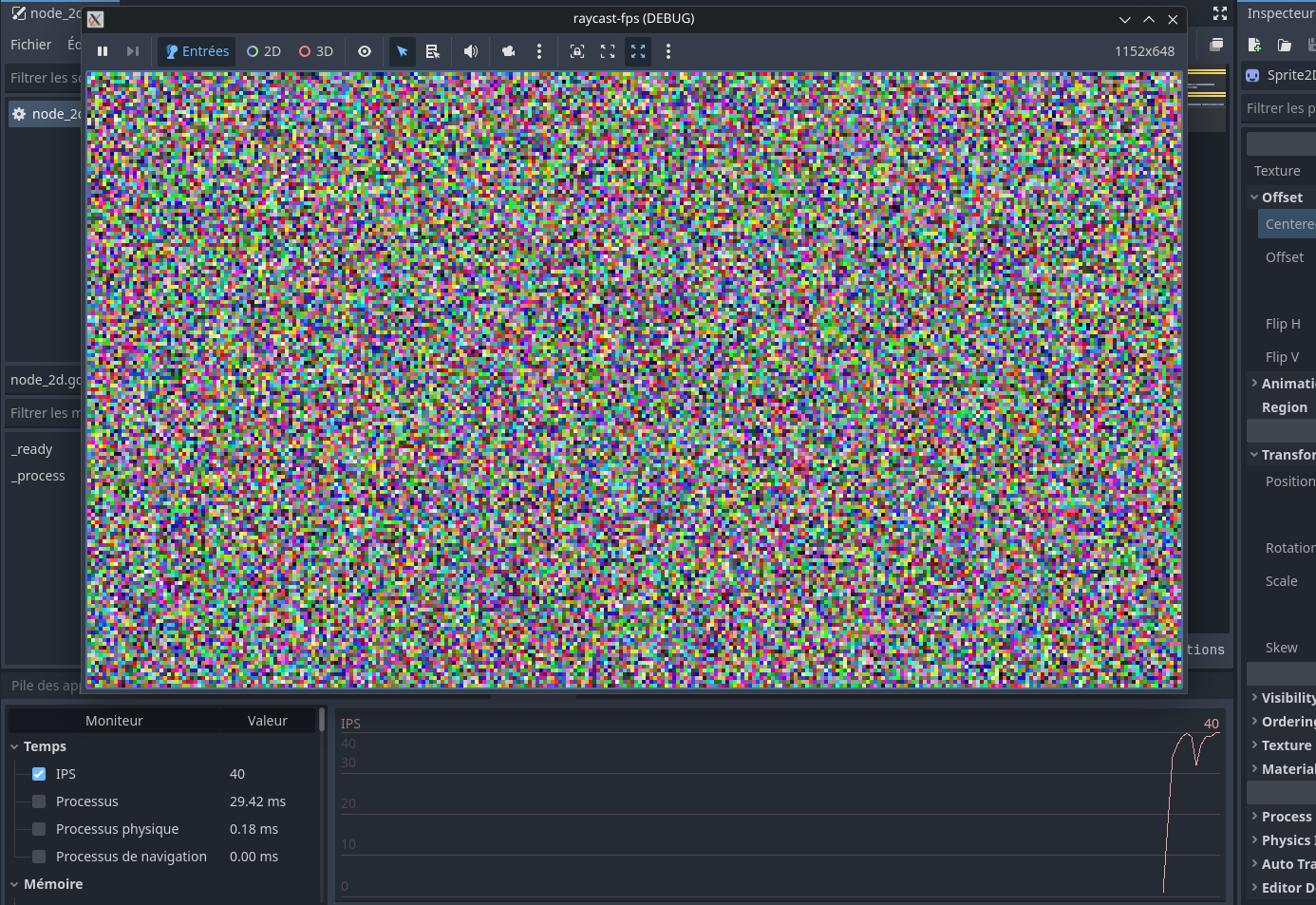
To test the performance I made a small project that draws random colors on every individual pixel on the screen. I tried functions like draw_rect(), set_pixel() and Image.fill_rect() and ultimately wrote this, using Image and TextureImage like from this post:
extends Sprite2D
const RES: int = 4
var WIDTH: int = 1920/RES
var HEIGHT: int = 1080/RES
var img: Image

func _ready() -> void:
	img = Image.create(WIDTH*RES,HEIGHT*RES,false,Image.FORMAT_RGB8)
	texture =  ImageTexture.create_from_image(img)

func _process(delta):
	var rand_clr: Color
	for y in range(HEIGHT):
		for x in range(WIDTH):
			img.fill_rect(Rect2i(x*RES,y*RES,RES,RES), Color(randf(),randf(),randf()))

	texture.set_image(img)
and on a resolution of 1920x1080, I get around 40FPS (though in reality it’s a resolution of 480x270 since i divide the size by RES, which is 4). However it isn’t as fast as the user claimed it to be (4000 FPS), so I think that I haven’t done everything correctly. I have thought about using shaders, but that seems intimidating because it has it’s own language and it isn’t intended for putting game logic and stuff from what I understand. Any help would be appreciated.
You admittedly abandoned this project before when it got too hard. You are travelling down the same road again. So what is the driving goal behind this? How it looks? If so, make a 2.5D game.
If you like the technical challenge, cool. But in that case, keep in mind this is the first of many challenges.
As for your technical issues, Keep in mind you are generating thousands of random numbers. That’s a processor drain. Second, you are drawing every single pixel on the screen without optimization. You’re going to have to create optimization. Third, dividing the size of the screen and altering where everything is instead of doing it pixel by pixel is another bottleneck.
Reading your post is like reading someone say, “I made chocolate chip cookies and followed the recipe. Except I left the sugar out so they’d be healthier. Now they don’t taste quite right.” If you want the same results as a demo, you have to follow it exactly, not closely.
If you want to avoid most engine features and do things your own way, then I highly suggest using MonoGame instead. It gives you a very simple and small base framework, and leaves all the implementation to you. It’s incredibly fast and a good way to learn.
I want to stay away from 3D nodes because I want to make a 2.5D game like you said: the actual game acts like a top-down 2D one but it will be rendered in a way that makes it look like 3D. I actually managed to get quite far in my Python project (textured walls, sprites, floor and top rendering), so I would like to use similar algorithms. Also, I find that making it in pure 3D would make it lose its charm.
I put a processor intensive code to test the worst case scenario of the game where it will have similar performance. The reddit post had the same type of code as mine though it got a much faster speed. Maybe it’s because it used c#, but I don’t really know, that’s why I asked for help.
Or SDL2 or 3, which has some fast blit routines if you want to write the whole graphics rendering pipeline by hand
Or a “lighter" engine, as Godot has put a lot of effort in providing quite the turnkey solution, with multiple, complex renderers. You’ll be fighting the engine if you don’t want to leverage existing features.
Or render 3D sprites for a 2.5D in 3D thingy in Godot.
What is the part of that project that motivates you? Graphics coding or making the game ?
I plan on switching to a c++ project (and using godot only as a level editor) if godot turns out slow, however I would like to see if it’s possible first because Godot has an UI and overall a simpler texture, audio and data management system.
I’m more interested in making the game, but I also want to get better at programming in general.
People think using C# instead of GDScript will make Godot faster. That used to be true. In most cases it is now not true. In fact nowadays GDScript is actually more optimized than C# for Godot in many cases. Like I said, sounds like you omitted the sugar.
Ok.
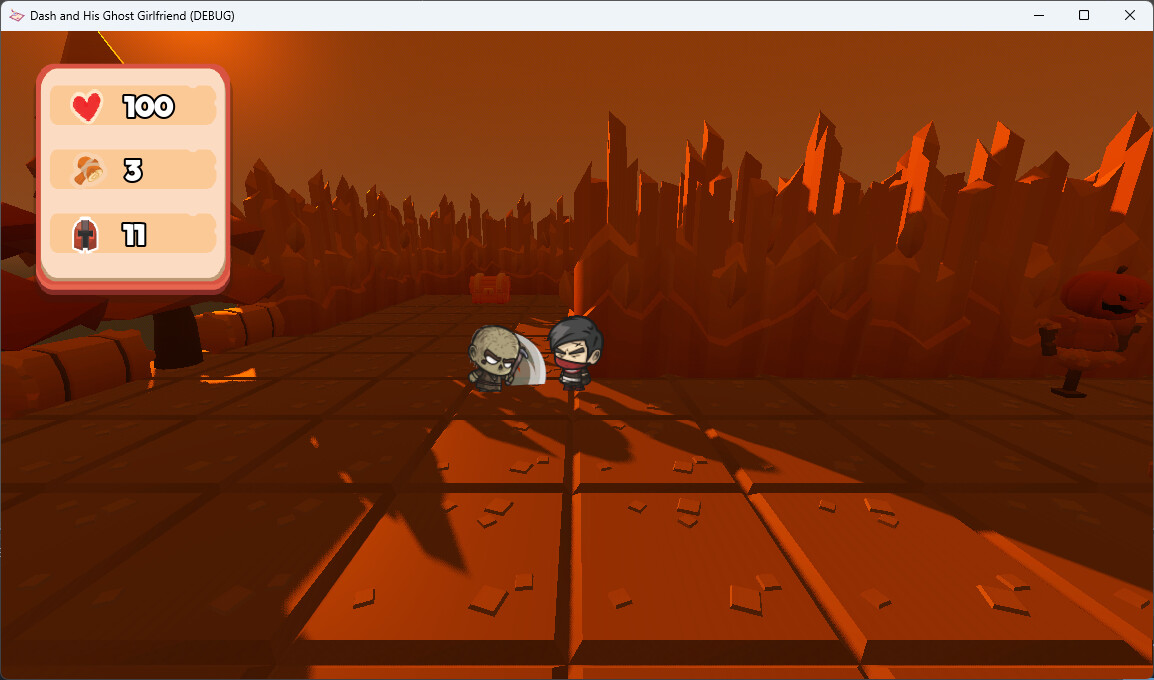
You can create a 3D environment with a fixed camera and use 2D assets to make that look. Two examples are my game Dash’s Ghost Girlfriend, which uses that approach, and Skele-Tom which uses 3D assets, a screen shader and fixed camera to create an old school 2D platformer like Mario.
That depends on what you do to make it charming. You can use shaders on 3D objects to make them look 2D, like Cel Shaders. Or you can use 2DSprite nodes or 3DSprite nodes. This allows you to leverage lots of Godot engine things, but make it look old skool.
You can get better at programming using GDScript. You can also ask questions here on the forum and get quick answers. If you choose to use C++ with GDExtension you will find a lot less help on here because most people here don’t use it. (Even for those of us who know C++.)
If you are thinking about using Godot, I recommend actually testing speed with an actual game project rather than a screen load test. The 2D engine would make so much easier for you, even if you don’t actually want to make a 2.5D but a 2D-isometric game. (People often confuse the two.)
You can learn how to program/improve your programming skills with any language - including GDScript.
You never need to draw individual pixels. That’s what graphics cards do. Emulating almost every retro aesthetic is possible without actually doing it the same way it was originally done.
If you insist on writing every pixel for a 3D game from your own code then you’re effectively implementing a rasterizer, and that likely needs to be done in native code. The whole purpose of using engines or even rendering APIs and framework is to avoid doing that tedious low level work.
So unless you want to learn how rasterizing actually works - don’t do it. It will take considerable amount of time and effort. And it’ll certainly be very impractical doing such a thing through a high level engine like Godot.
You might find olcPixelGameEngine to be of interest. It’s a 3D software rasterizer that renders into console, written from scratch.