When a file is opened with the WRITE Flag it is supposed to be truncated. But my save.json is not being truncated thus causing saved data to be added to. Then enemies that are loaded are duplicated. here is my save code. I have been researching all day and there seems to be no one else with this problem and I have no been able to find anything.
extends Node2D
const slime = preload("res://Mobs/slime.tscn")
const SAVE_PATH = "user://save.json"
const SAVE_FILE_NAME = "save.json"
const SECURITY_KEY = "234KLJH"
var enemy_data_array : Array[EnemyData] = []


func save_data(path : String):
	var file = FileAccess.open(path, FileAccess.WRITE)
	if file == null:
		print(FileAccess.get_open_error())
		return

	var enemies = get_tree().get_nodes_in_group("Enemies")

	for slime in enemies:
		var enemy_data = EnemyData.new()
		enemy_data.health = slime.stats.health  # Adjust according to your actual variable names
		enemy_data.global_position = slime.global_position  # Adjust according to your actual variable names
		enemy_data.custom_id = slime.name
		enemy_data_array.append(enemy_data)
	var enemy_data_array_serialized = []
	for enemy_data in enemy_data_array:
		var enemy_data_dict = {
			"health": enemy_data.health,
			"global_position": {
				"x": enemy_data.global_position.x,
				"y": enemy_data.global_position.y
				},
			"custom_id": enemy_data.custom_id
			}

		enemy_data_array_serialized.append(enemy_data_dict)
	var data =  {
			"enemies": enemy_data_array_serialized
		}

	var json_string = JSON.stringify(data, "\t")

	file.store_string(json_string)
	file.close()
@zdrmlpzdrmlp I am confused looking at the plugin. I want to save and load slimepositions and health when the scene changes. I have a resource script called EnemyData with var health var global_positin and var custom_id.
Before what I did was in the save function, it would get all of the current slime instances and using EnemyData it would store the variables. All the slim instances share 1 script.
dont have to put it on save system if for this, unless you want to make it like an autosave for each scene changes. if that’s what you want, then you will need to make an array or dictionary in a variable created in the SaveSystem
and append the slime pos and health in a form of resource like the github shown how to use it.
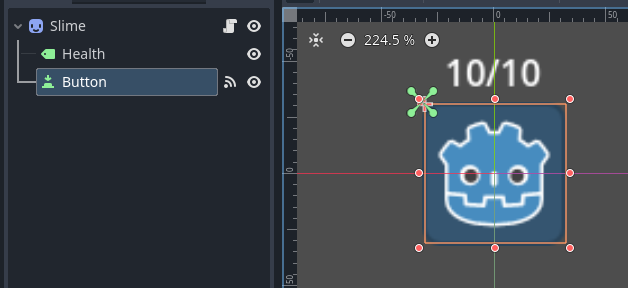
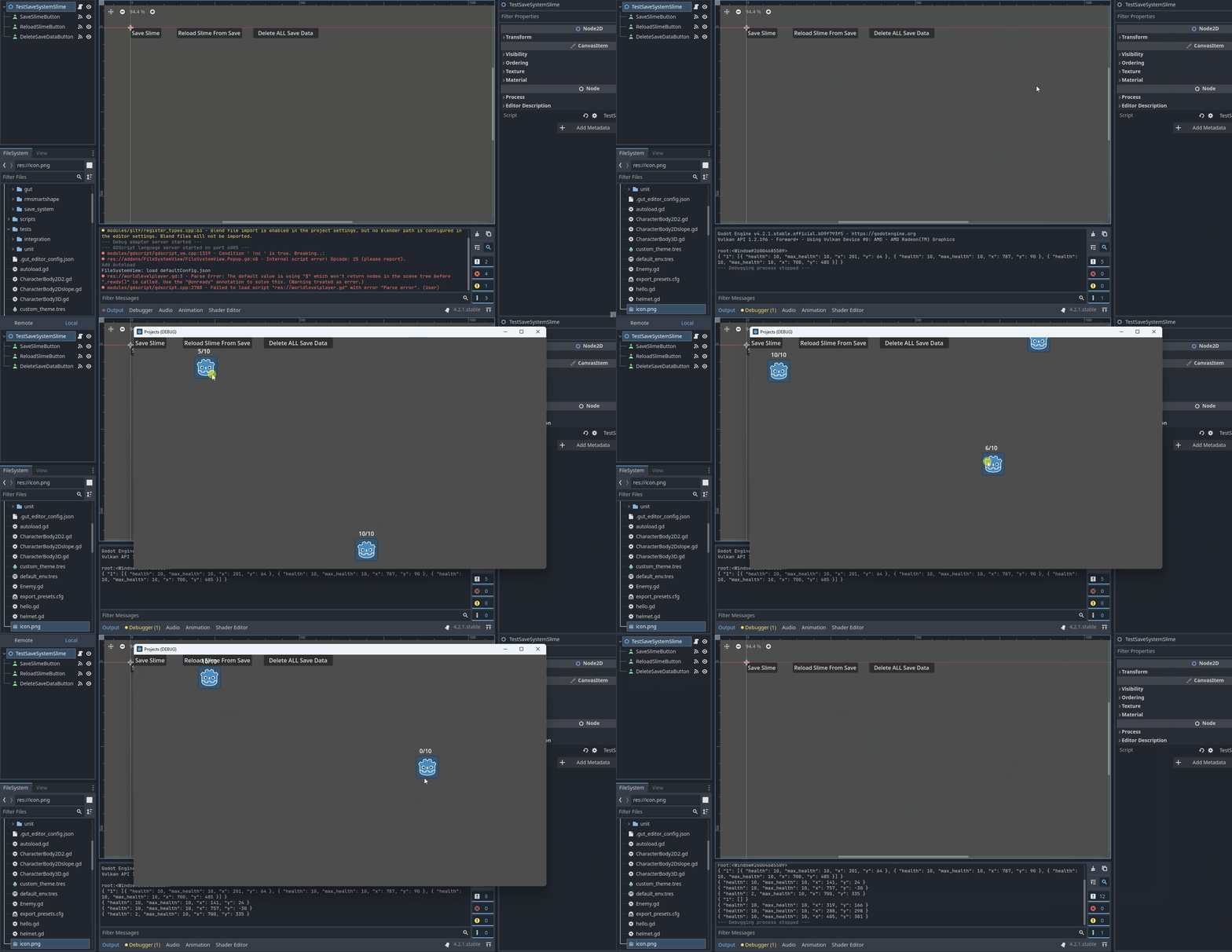
i have created a simple slime game to demonstrate how to use the Save plugin, tho only 1 level but expandable. here’s the code with SaveSystem implemented:
on main_script.gd:
extends Node2D

@onready var save_slime_button:Button=$SaveSlimeButton
const A_SLIME=preload("res://slime.tscn")

var slime_node_ref:Array=[]
var is_spawning:bool=false
var current_level_id:int=1

func _ready():
	print(SaveSystem.current_state_dictionary)
	randomize()
	spawn_slimes()


func spawn_slimes():
	if is_spawning:
		return
	is_spawning=true
	for slime in slime_node_ref:
		remove_child(slime)
		slime.queue_free()
	slime_node_ref.clear()
	if SaveSystem.has(str(current_level_id)):
		generate_slime()
	else:
		SaveSystem.set_var(str(current_level_id),[])
		print(SaveSystem.current_state_dictionary)
		generate_default_slimes(3)
	is_spawning=false

func generate_slime():
	var slimes=SaveSystem.get_var(str(current_level_id),[])
	for i in range(slimes.size()):
		create_slime(slimes[i].duplicate(true))

func generate_default_slimes(count:int):
	for i in range(count):
		var display_size=DisplayServer.screen_get_size()
		var data={"health":10,"max_health":10,"x":0,"y":0}
		data["x"]=randi()%display_size.x/2
		data["y"]=randi()%display_size.y/2
		create_slime(data)
	save_current_slime_state()

func create_slime(data):
	var slime=A_SLIME.instantiate()
	slime.global_position=Vector2(data["x"],data["y"])
	add_child(slime)
	slime.set_health_display(data["health"],data["max_health"])
	slime_node_ref.append(slime)

func save_current_slime_state():
	var temp_array:Array=[]
	for slime in slime_node_ref:
		var temp_data
		temp_data={"health":slime.health,"max_health":slime.max_health,"x":slime.global_position.x,"y":slime.global_position.y}
		print(temp_data)
		temp_array.append(temp_data)
	SaveSystem.set_var(str(current_level_id),temp_array)
	SaveSystem.save()


func _on_save_slime_button_pressed():
	save_current_slime_state()


func _on_reload_slime_button_pressed():
	spawn_slimes()


func _on_delete_save_data_button_pressed():
	SaveSystem.delete_all()
	SaveSystem.save()