Fragment shader gives blocky appearance when only sampling once

Godot Version

v4.6.2.stable.arch_linux [001aa128b]

Question

Hello!

I’ve encountered some weird behavior with a shader I wrote.

Also to preface: I’ve since had reason to change this shader a lot so this isn’t actually an immediate issue, but I’m posting this because I’m curious as to what is wrong with my code (or Godot, or my GPU drivers).

My issue is that my original shader (right) where I only sample the relevant texture has a blocky appearance, as though it’s only one of the two textures for some large area instead of per-pixel. The working one (left) I sample both and then just don’t use one of them. You might have to zoom to see it but on a large monitor it’s very distracting.
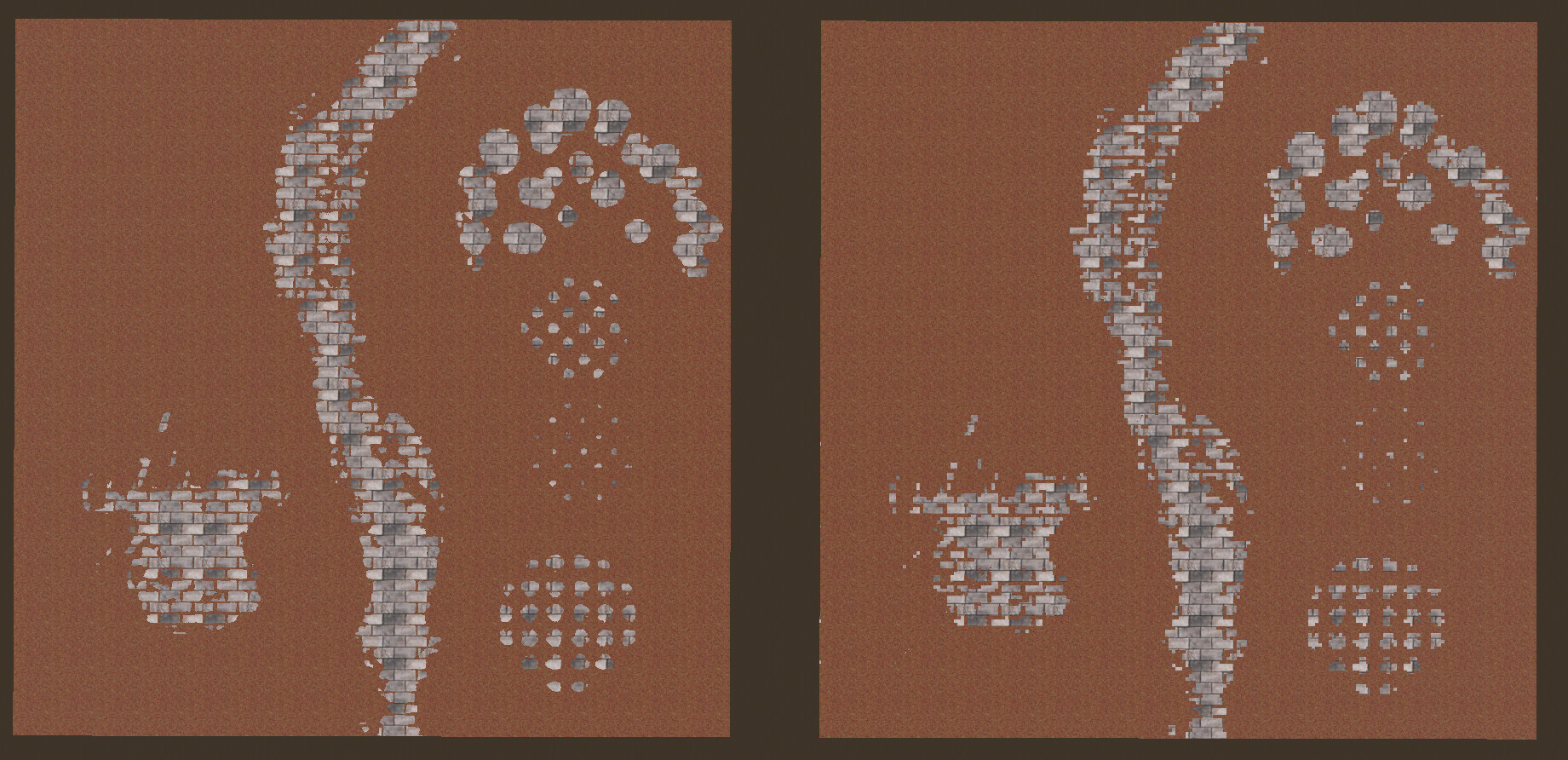
Broken (right):

shader_type spatial;

uniform sampler2D textures[2]: source_color;
uniform sampler2D bias;
uniform float texture_repeats: hint_range(1.0, 100.0, 1.0);

void fragment() {
	float t0_priority = texture(textures[0], UV*texture_repeats).a;
	float t1_priority = texture(textures[1], UV*texture_repeats).a + texture(bias, UV).r*2.0-1.0;
	int opted_texture = t0_priority > t1_priority? 0:1;

	ALBEDO = texture(textures[opted_texture], UV*texture_repeats).rgb;
}

Working (left):

shader_type spatial;

uniform sampler2D textures[2]: source_color;
uniform sampler2D bias;
uniform float texture_repeats: hint_range(1.0, 100.0, 1.0);

void fragment() {
	float t0_priority = texture(textures[0], UV*texture_repeats).a;
	float t1_priority = texture(textures[1], UV*texture_repeats).a + texture(bias, UV).r*2.0-1.0;
	int opted_texture = t0_priority > t1_priority? 0:1;
	
	vec4 samples[2] = {
		texture(textures[0], UV*texture_repeats),
		texture(textures[1], UV*texture_repeats)
	};
	
	ALBEDO = samples[opted_texture].rgb;
}

My understanding is that these should be the same, given that the sampler2Ds are readonly. To me what this feels like is I’ve broken an assumption some optimization somewhere has made, and that doing both samples disables that optimization path. I’m not sure though. I do observe this behavior on both my desktop and laptop, but they are both intel (Arc B580 and UHD Graphics 620 respectively).

What happens if you change the renderer?
Can you post the actual textures?

My original post was with Forward+, with Mobile it looks the same, and with Compatibility the blocky one is completely invisible instead.

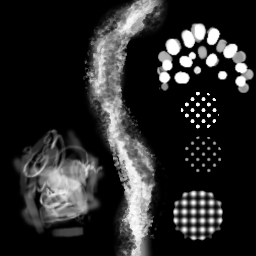
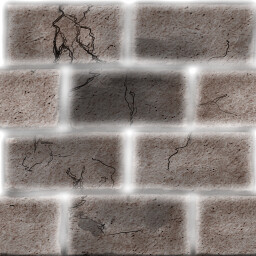
textures[0]:

textures[1]:

bias:

Try explicitly setting linear filtering for all textures.
Btw why not simply use mix() for this?

Explicitly setting the filtering seems to not fix it. I can tell it changes the look but doesn’t get rid of the blockiness.

In what way? Like mix(sample[0], sample[1], opted_texture) in the working shader?

Funnily enough, in the version I’m using currently in my actual project I realize I should be using that because it does have the a*(1-c) + b*c pattern (albeit a little more involved). I’m just scratching my head on how it’d make this minimum example here simpler and/or more correct.

Are you running exactly the code you posted?

For the pictures I posted here, yes. But for my actual project, no. I’m asking what’s wrong with the original code out of curiosity because I still don’t understand why it behaves the way it does. See (what might be in hindsight ambiguous on this point):

Also to preface: I’ve since had reason to change this shader a lot so this isn’t actually an immediate issue, but I’m posting this because I’m curious as to what is wrong with my code (or Godot, or my GPU drivers).

If you’re really curious what I’m doing for my actual project, here’s the code:

shader_type spatial;

uniform sampler2D textures[2]: source_color;
uniform sampler2D normals[2];
uniform sampler2D bias;
uniform float texture_repeats: hint_range(1.0, 100.0, 1.0);
uniform float smoothness: hint_range(0.0, 1.0, 0.01);

void vertex() {
	// Called for every vertex the material is visible on.
}

void fragment() {
	float t0_priority = texture(textures[0], UV*texture_repeats).a;
	float t1_priority = texture(textures[1], UV*texture_repeats).a + texture(bias, UV).r*2.0-1.0;
	float opted_texture = smoothstep(-smoothness, smoothness, t1_priority - t0_priority);
	
	// NOTE (2026-06-02): I would do this like `texture(textures[opted_texture]...` but that gives a blocky appearance for whatever reason
	vec4 samples[2] = {
		texture(textures[0], UV*texture_repeats),
		texture(textures[1], UV*texture_repeats)
	};
	
	// NOTE (2026-06-03): Direct averaging of sRGB colors is bad 
	//ALBEDO = samples[0].rgb*(1.0-opted_texture) + samples[1].rgb*(opted_texture);
	ALBEDO = sqrt(mix(pow(samples[0], vec4(2.0)), pow(samples[1], vec4(2.0)), opted_texture)).rgb;
	
	vec4 normal_samples[2] = {
		texture(normals[0], UV*texture_repeats),
		texture(normals[1], UV*texture_repeats)
	};
	NORMAL = mix(normal_samples[0], normal_samples[1], opted_texture).rgb;
}

That’s not the same thing as previous two shaders. Here you’re mixing and smoothstepping the mix factor while previously you just picked the either/or texture.

I never claimed it is. I in fact claimed the opposite:

Where’s the problem then? Just mix the two textures using the bias texture as the interpolation factor.

I didn’t have a problem, I had a question: what’s the bug with my original code?

Is there a way I should have phrased my original post to have made this more clear?

The “bug” is in not mixing the textures using your bias texture. You always pick either one or another so the grayscale gradients in the bias texture serve no purpose. You effectively threshold to a two-value bitmask.

But the working code (in the original post) doesn’t exhibit that issue, even though it also just chooses one or the other.

I cannot replicate it. Can you test on some other machine?
You can also try to make a minimal reproduction project from scratch to see if it replicates in a fresh project.

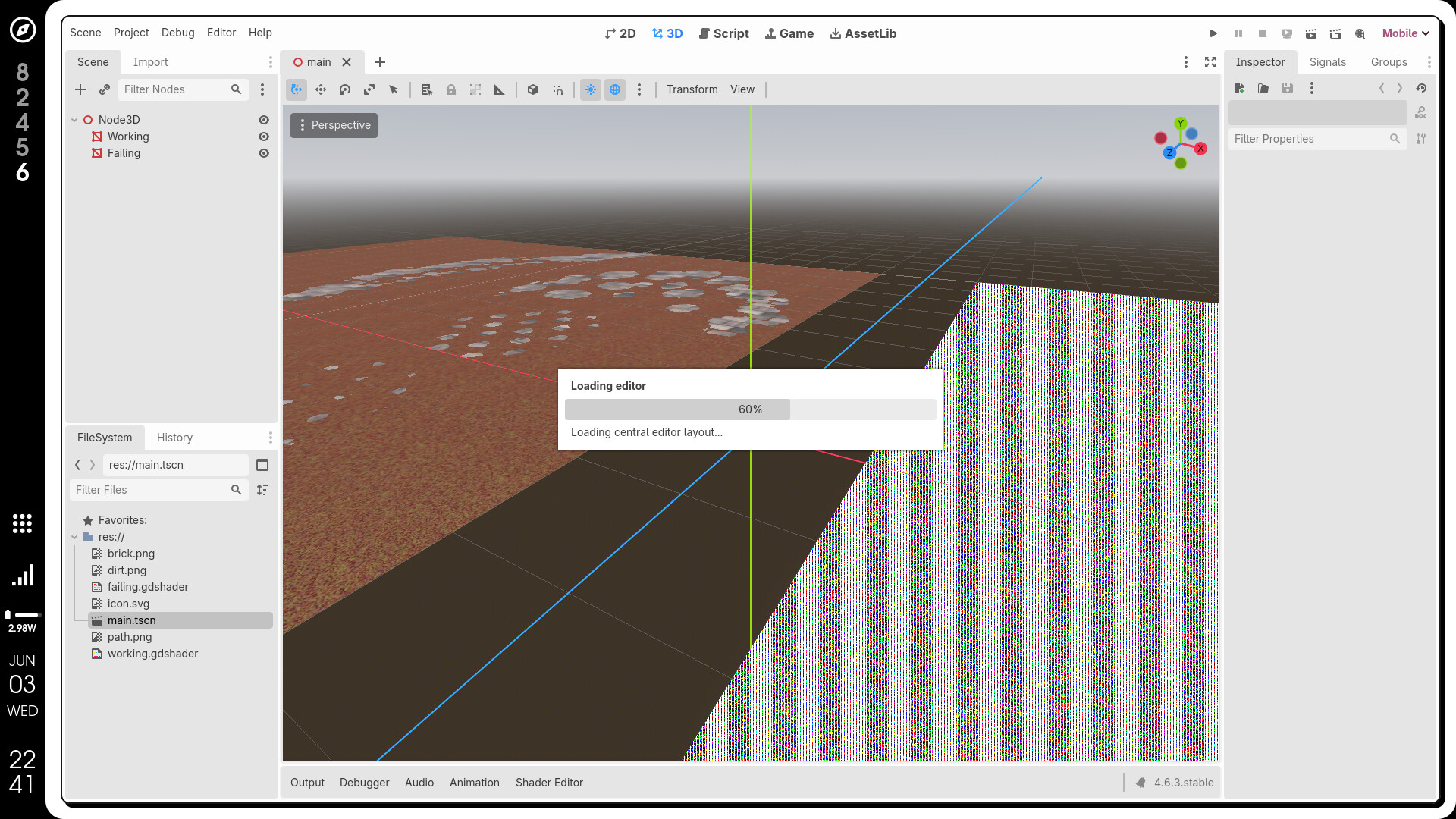
The original post was actually in a minimal reproduction project lol. I did try to upload a zip of it but it looks like that’s not allowed here. Both the machines I have access to right now exhibit the issue unfortunately. Ok I on my laptop when I switched to the mobile rendering pipeline I see a flash of this:


and then the editor crashes… so it’s buggier than I thought I guess.

Definitely looks like a hardware/driver problem.
Try not using sampler arrays. Declare each sampler as a separate uniform.

Ok, your suggestion put me down a rabbit hole that I won’t get into the details of, but I believe I now understand what the issue is:

  1. The gdshader gets transpiled into GLSL
  2. In GLSL, the index for an array of samplers must be a comptime expression (<4.0) or a dynamically uniform integral expression (>=4.0) [1]
  3. In either case, a per-fragment value doesn’t fulfill the requirement

The documentation does allude to this issue [2], but I had been skimming it before because it seemed to imply the Forward+ renderer would have no issues:

In GLSL versions before 4.0 (i.e. GLSL 3.3 and lower), you cannot directly index a texture array using a per-instance uniform, as sampler arrays can only be indexed by compile-time constant expressions. This affects shaders compiled with the Compatibility renderer.