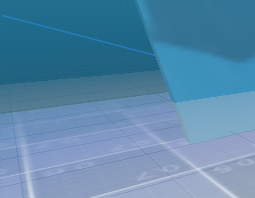
I was working on a aquatic scene with Water Caustics and a screen-wide wobble effect.
Until I realized that the standard Quad method of post processing doesn’t render any transparent materials at all, due to Hint_Screen_Texture not doing so. unsure how to work around this…
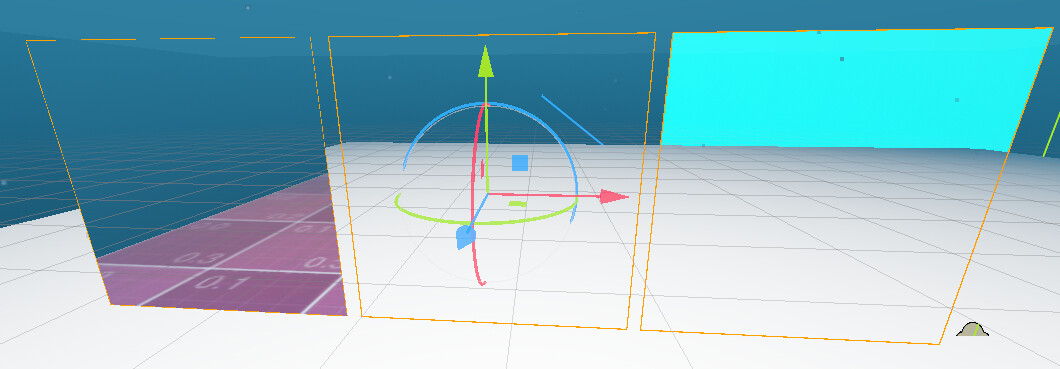
Here i set the Post processing Shader to 0.8 Alpha to showcase the disconnect
You can use any transparent material to see the issue
Using screen texture sends the object down the transparent pipeline. Set quad material’s render priority to be less than priority of any other transparent material in the scene.
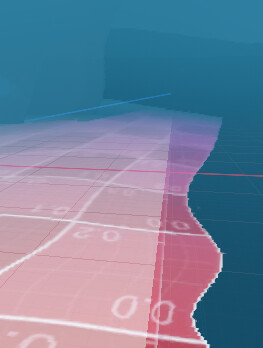
I have tried tinkering with the render priority and while it does “work”, transparent stuff still aren’t apart of the texture. So all the transparent stuff won’t be effected and produce some nasty de-syncs like this one:
I don’t understand what is your last screenshot supposed to show.
First try to make a pass-through shader that just renders the screen texture to see what it actually captures. If quad’s render priority is the lowest and if it doesn’t touch the depth buffer, the pass-through shader should look exactly as if it doesn’t exist.
Just copying and pasting your shader still doesn’t render transparent as expected.
Setting the Render priority lower makes it invisible like you shown.
The issue with setting the render priority is that if you wanted to apply an effect such as only using “.r” instead of “.rbg”. All of the transparent stuff will be unaffected and look out of place since they weren’t apart of the texture.
You’re right. You’ll have to do a post-transparent pass using the Compositor.
Screen texture apparently only captures the opaque pass. Without the Compositor, you could probably do it using dithered/hash transparency if that sort of thing is acceptable from the aesthetics side.
The other option is to render the whole scene into a subviewport and use its texture in a post processing shader.