I ran some experiements on massive open world game environments and have found that when i start to populate the world the editor is consistently sluggish with long load times (>10 min) and difficult to work with because the main.scn file also has to reload each time i switch to it. So basically i am wondering whether the trick is to use a component based method where the assets are stored on tiles, placed with a tool, then streamed in with a multithreaded loader when needed … how should distant objects be handled?
I also get a repeating issue where after adding something new the game runs with unstable FPS … e.g. 60, 15, 10, 25, 29, 7,….etc with repeating periodic drops. I have managed to kick start everything back to smooth and steady each time by removing heavy assets and changing the settings, but the instability is pretty weird because starting the game from one position will cause high FPS in a different zone, and a zone that was running smoothly will be slower at a later time.
Godot doesn’t have any automatic partitioning/streaming. In fact the only engine I know that is capable of doing this out of the box (including in the editor) is Unreal 5.
So you’ll have to write your own partitioning system for the runtime and for the editor, best to edit piece by piece. Implementing streaming into Godot’s editor might be quite involved.
I was thinking the streaming would happen in the game, then for large tiles, ( 250 m^2 or 500 m^2) the content could be loaded in using threads. I suppose theres a problem with how objects are placed on the terrain from a different scene … i could access a chunk and just build a temporary heightmap for each tile …
The FPS problem might be a memory issue, i have reached a limit on the data i can load - even storing the instance data for the trees and bushes can take up a lot of memory.
You should do a search on the forum for this topic. There have been others who have posted their own findings trying to do this. It might be helpful because they also posted lessons learned.
Thanks yeah i try to read them regularly. I am frankly tempted to abandon the idea (again) because the rendering tasks are too heavy.
For example, i have a large forest of trees that actually rendered at above 30 FPS with volume fog, bushes, rocks etc on my AMD 5800U mini pc. I used a scatter tool for scenes, ScatterBox. The problem is that with a city rendered behind the forest, seen from a distance, the frame rate (without grass) drops from 60 fps to 15 fps when looking in that direction.
I tried the godot imposter addon, and the render was even worse, possibly due to the overdraw … i think from a distance the entire forest could be rendered to texture and displayed quickly, only updating incrementally when the player moves to another tile. This is unfortunately not possoble for me at this stage, i just dont have the knowledge to dynamically create that type of imposter.
Well the imposters do seem to work properly for less dense areas, some views seem ok, and the FPS is usually ok, although my computers GPU is inherently lazy and will try to render at a minimum.
I just have issues with the snag cases and organizing the actual scene … Also because Godot has a maximum object number i have limits on how many bushes, trees, or window frames, etc i can hold in memory at any one time.
So i have an idea of setting up Node3d objects as tiles, so they occupy the location of the tile center, then objects within that region could be parented to the tile. Then its easy to show/hide them, but i need to actually save them to disk
Of course that could be done with ‘save branch as scene’ then the tile removes the scene but keeps the name of the resource, the uuid, then reloads when within range.
Why are you trying to bruteforce this? That’s no way to handle it… in any engine. You need to partition, lod, batch/instance and otherwise optimize away as much as possible. For a more specific suggestion, describe what exactly are you hoping to build.
No just so far until recently ive not had problems … the render time was ok, the assets in far locations didnt affect the render time. Im finally getting to a stage where the scene takes too long to load and theres a real need to push more content in, so im thinking about the tiled loader as a tool for even using the editor and also for working in the game …. Visibility at a distance is also a problem now.
The assets are quite optimized, ive done loads of tweaks and adjustments, tests, etc. The imposters are ok but im thinking of render to texture solutions for imposters that dont have enormous fragment shaders.
The problem could be certain assets not being as optimal actually. …
Well if you keep on piling stuff up it will start to choke at some point, even if what you’re piling is just impostors. You need a system that provides an illusion that the world is “massive” without your scene graph actually being massive.
Im actually sure i would rather go for a walk in the park, these games are boring IMHO but somehow these games are popular …
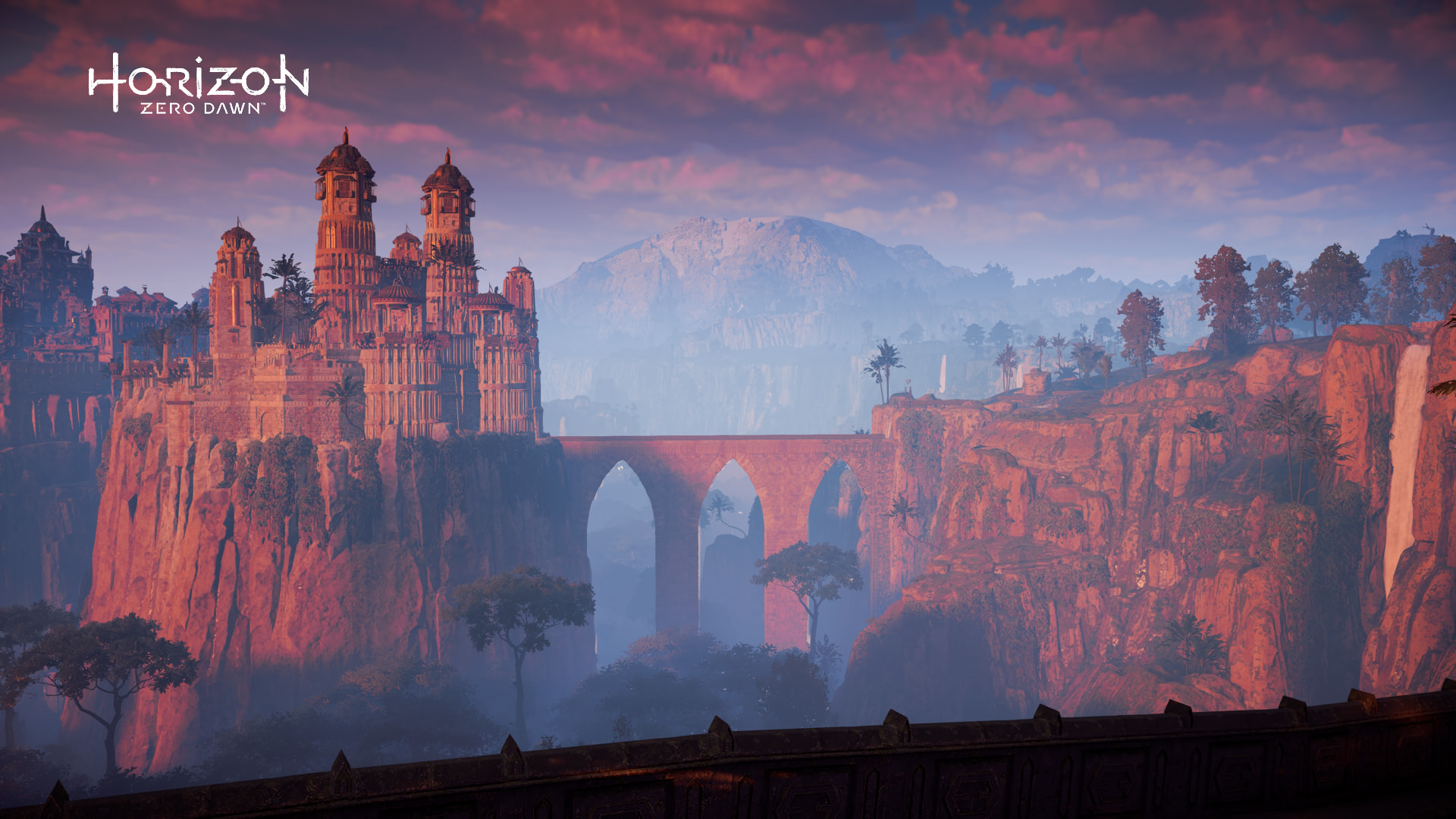
The problem with that scene above is that the castle, the bridge, and the rocks are models with textures and probably a large memory footprint. Every time you load the map Godot has to process that stuff to make it renderable on demand … so maybe its developed with all that hidden or grey boxed ….
You never load a higher LOD version of an asset until you absolutely must. I’m sure those towers at that distance consist only of few triangles with low res textures. Nothing else is loaded. It’s all smoke and mirrors.
I totally agree about walking in the park though. Open world games are tiresome. Besides, reality has 128x the detail
I prefer games whose systems and “worlds” have obvious, clearly defined limits, even better if they are “on rails”. I like when a game is “gamey”, which is often synonymous with “bad” among open world fans. Not that I play much of anything these days, open or closed.
The higher res versions need to be loaded before its displayed, the distance where its loaded is a function of the player speed, the mesh scale, and a user set tweak depending on the actual appearance. Obviously some models change differently when passed through lod algorithms.
I think a really accurate mesh card / imposter / billboard system would be useful - the imposter coild be pre-rendered from the ‘imposter distance’ which is just when the difference between the pixels of the model rendered from each corner of the local tile/aabb is less than a threshold.
So theres one on each tile, and they blend / lerp with neighbour tiles.
Then an accurate transition is produced by ensuring that the imposter properly lines up with the model.
The advantages over octahedral imposters include lighting accuracy and less fragment processing, disadvantages are that the billboard has to be re-rendered for different daylight settings.
I keep imagining the entire skybox rendered with motion vectors could have the imposters ready for each tile … at least with distant mountains, or maybe even layered. Problem is then how to interpolate using the motion vecs ….
The point is - Godot doesn’t have a lod streaming system. Afaik the built in mesh lod loads all of the lod levels into the gpu storage, which makes it not really useful for large streaming maps. So you’ll need to make your own system or just use Unreal.
I’m pretty sure “massive open worlds” are just smaller closed worlds connected together. It achieves the exact same thing, but it doesn’t require a NASA computer to run.
And also, loading zones are completely fine to 99.99% of gamers. They don’t care about the size of the world, but instead, how fun it is to traverse and play in.
Do you know how long it used to take to load GTA 5? That game (to my knowledge) loads the entire world before letting you play. It takes MULTIPLE MINUTES to load and it’s a real momentum killer.
Precisely. Those smaller worlds just need to be cleverly “stitched” together (in technical and visual sense) to sell the illusion of one massive seamless world.