Godot Version
v4.6.1.stable.mono.official [14d19694e]
Question
This is a follow-up from this post, but the main gimmick of what I’m making is that the light that comes from a prism thingy shows hidden objects, hence enabling and disabling their collisions as well.
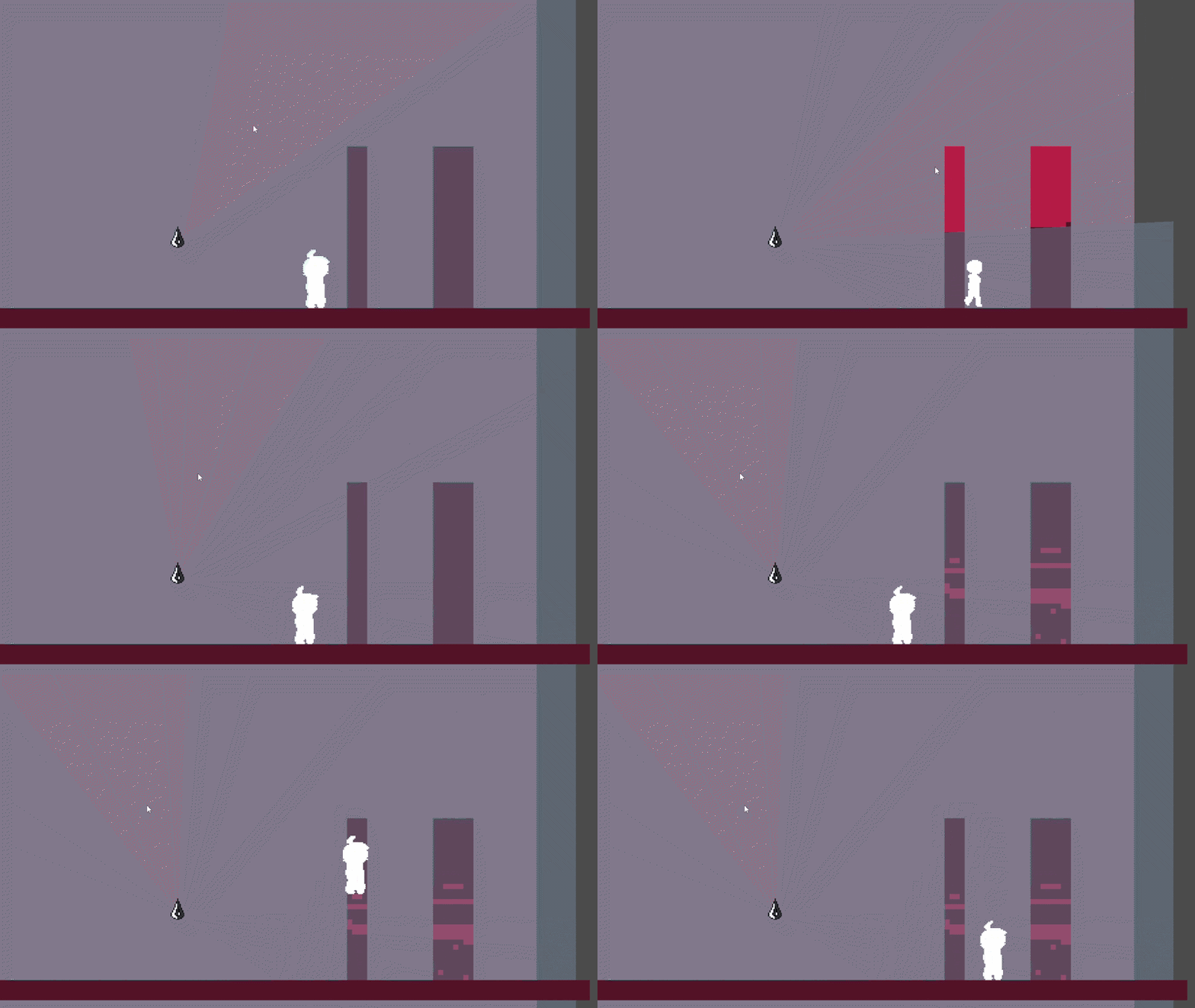
In the gif, I have a tilesetlayer with two 4x4 tiles with separate physics layers solely for collisions whereas I can use another tilesetlayer for the visual tiles. By using an area2d within the prism light, I use the body_shape_entered and exited signals to change the collision tilesetlayer tiles individually like this:
func _on_entered(body_rid : RID, body: Node2D, _body_shape_index : int, _local_shape_index: int):
    if body is TileMapLayer:
        #print("entered " + body.name)
        var tile_pos = body.get_coords_for_body_rid(body_rid)
        var tile_data = body.get_cell_tile_data(tile_pos)

        if tile_data:
            #print("found tile!")
            if body.get_cell_atlas_coords(Vector2i(6,4)):
                body.set_cell(tile_pos, 0, Vector2i(1, 0), 0) #tile with physics layer 0 that collides with player
            pass
    pass

func _on_exited(body_rid : RID, body: Node2D, _body_shape_index : int, _local_shape_index: int):
    if body is TileMapLayer:
        #print("left " + body.name)
        var tile_pos = body.get_coords_for_body_rid(body_rid)
        var tile_data = body.get_cell_tile_data(tile_pos)

        if tile_data:
            #print("left tile!")
            if body.get_cell_atlas_coords(Vector2i(1,0)):
                body.set_cell(tile_pos, 0, Vector2i(6, 4), 0) #tile with physics layer 1 that doesn't collide with player
            pass
    pass
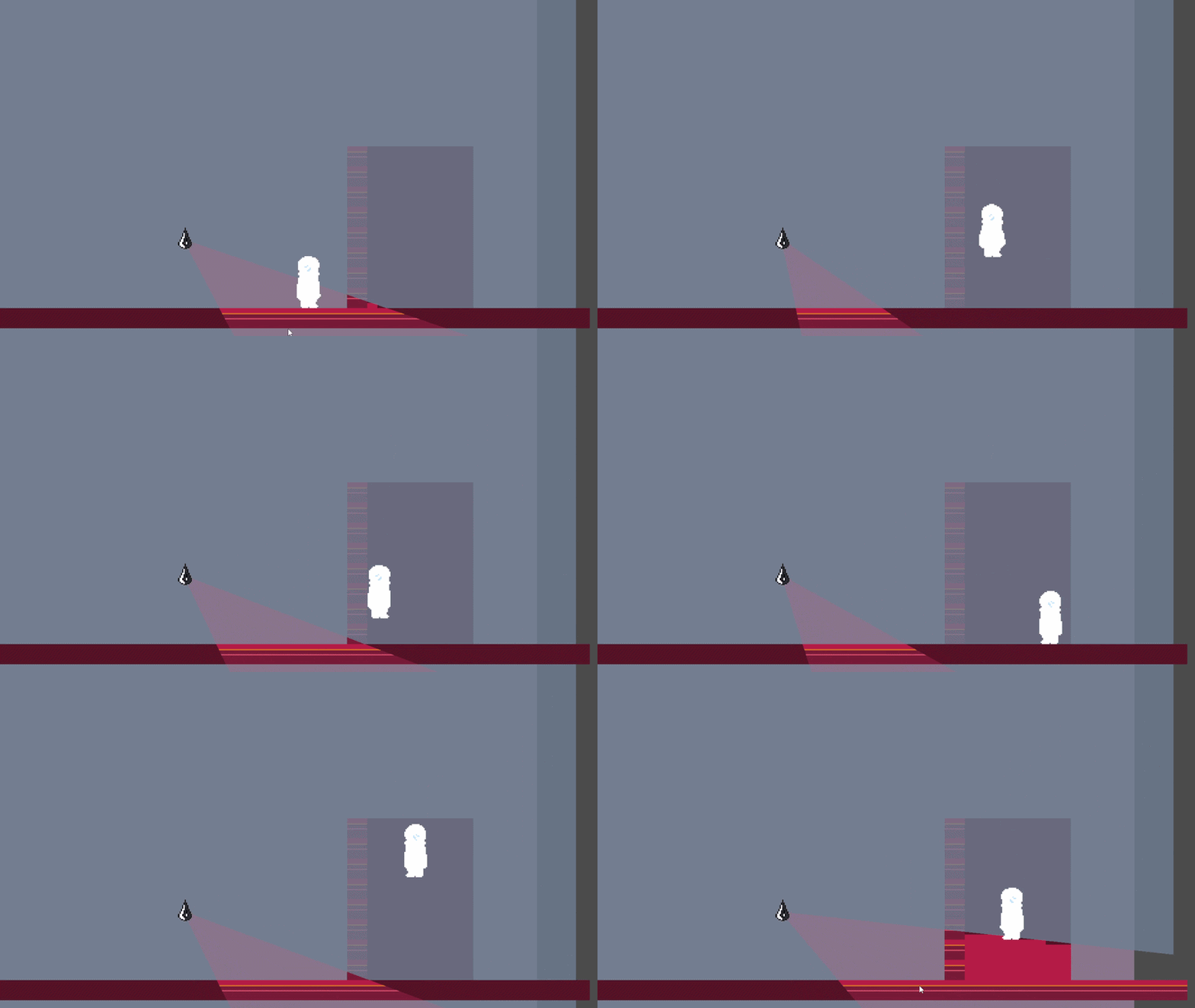
The problem I’m stumped on now is whenever I move the light too quickly, the _on_exited function sometimes doesn’t work, resulting in tiles left behind that still collide with the player, which is also shown in the video.
I had an idea of using another function that checks for the tiles outside of the area2d with maybe an array that lists all of the tiles that have been enabled so it can disable them once the area2d stops covering them, but that would probably need to be placed in a process function which doesn’t have the arguments I would also need for finding the separate tiles again.
What could I do?
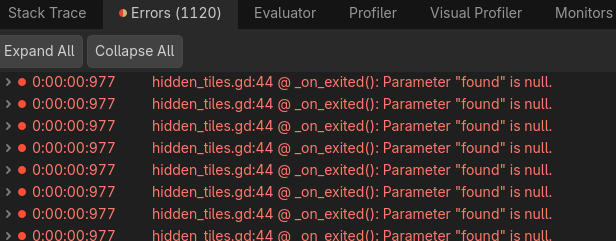
While I’m at it, I might as well mention another problem I’m having. Interestingly enough, whenever _on_entered is signaled, I get this error each time, is there any fix to this as well?