Godot Version
4.5
Question
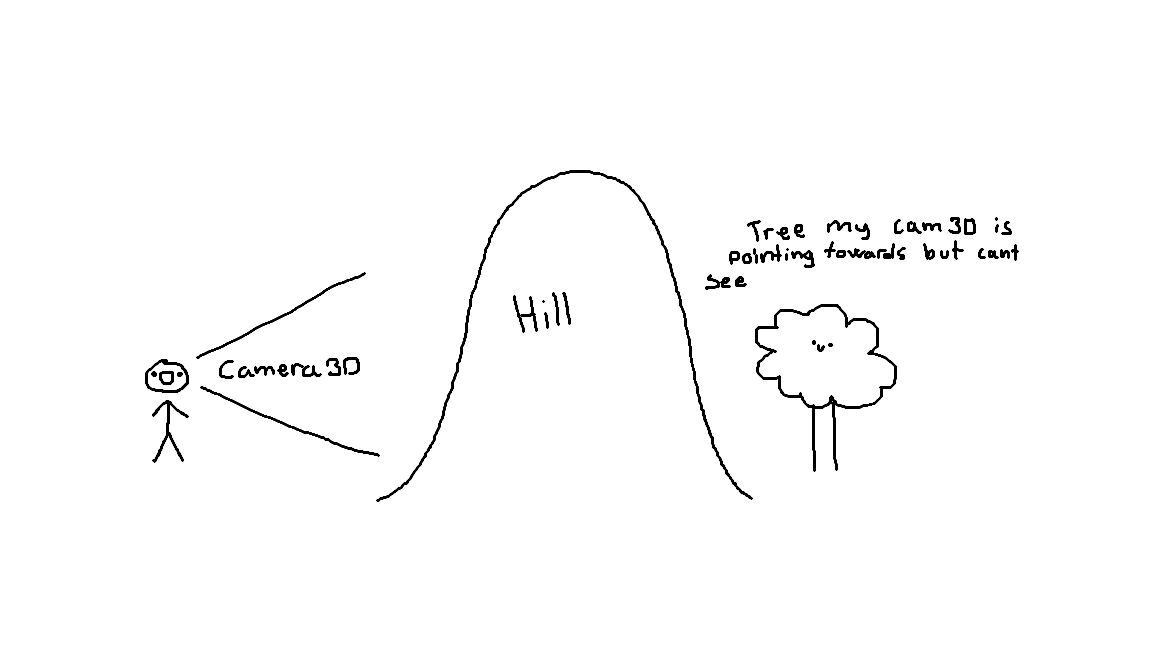
Hey there! I am trying to figure out how to completely disable a scene object (like a tree) when its hidden behind the terrain but its still technically in the 3D cameras view. My tree has a GD script that checks the distance from the player and replaces the mesh with a 2D imposter when far away, as well as a basic wind shader.
How do i completely disable all of it so it displays no mesh and runs no code/shader when its hidden behind a hill or a mountain etc?
In case it is relevant, I am using the addon Terrain3D for my landscape
Here is an example of what im thinking:
^^