Godot Version
v4.5.1.stable.official [f62fdbde1]
Question
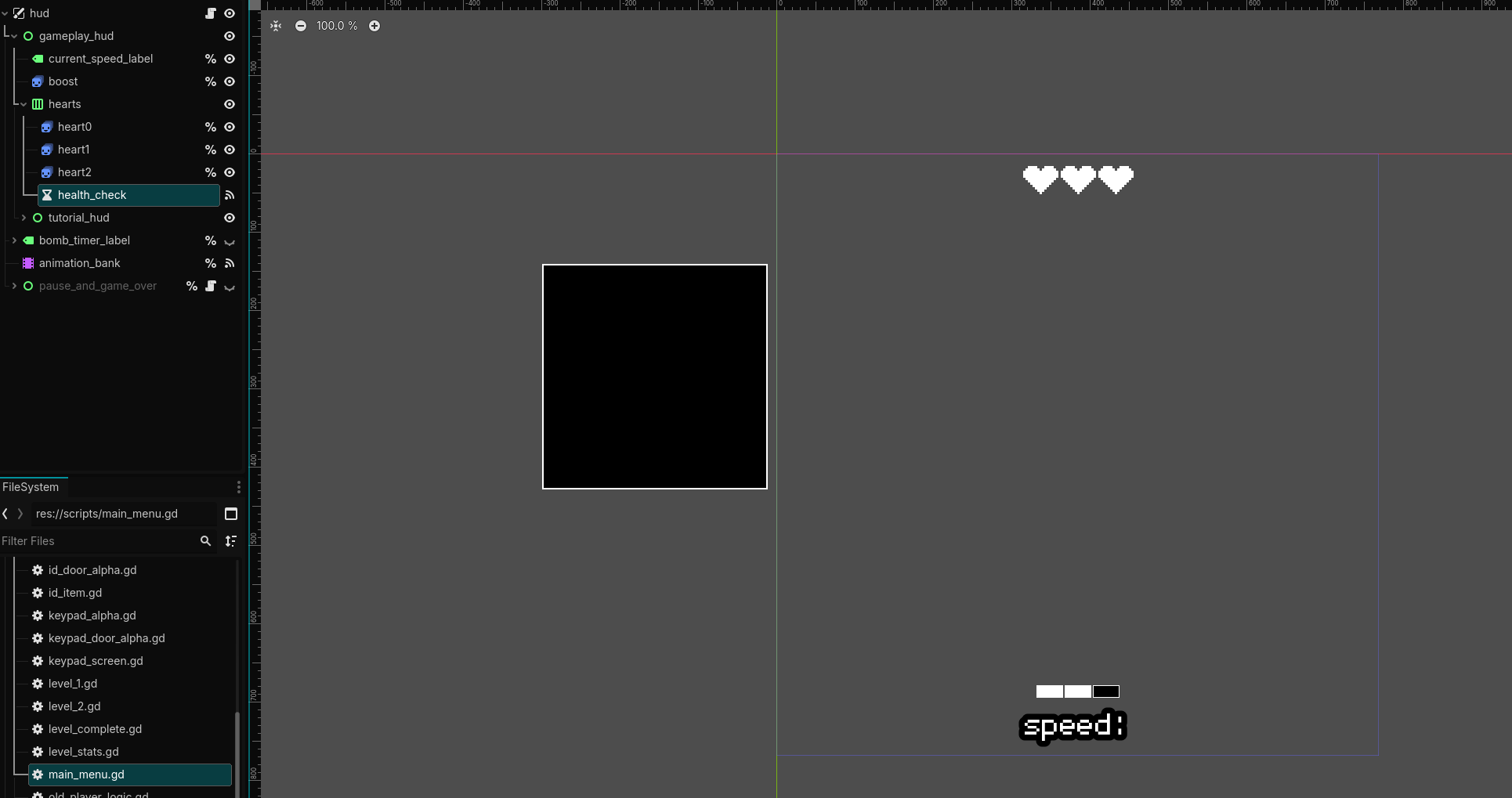
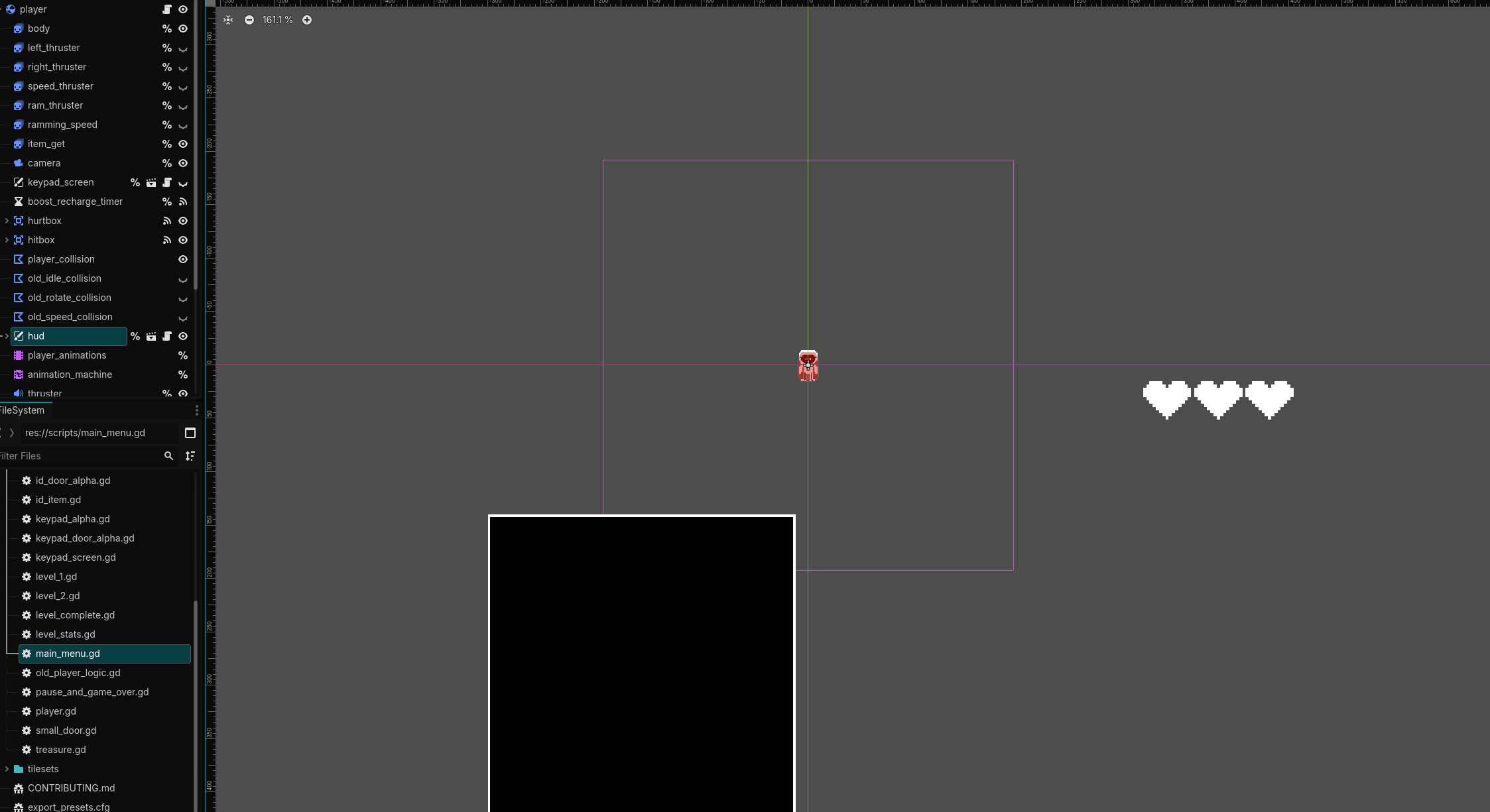
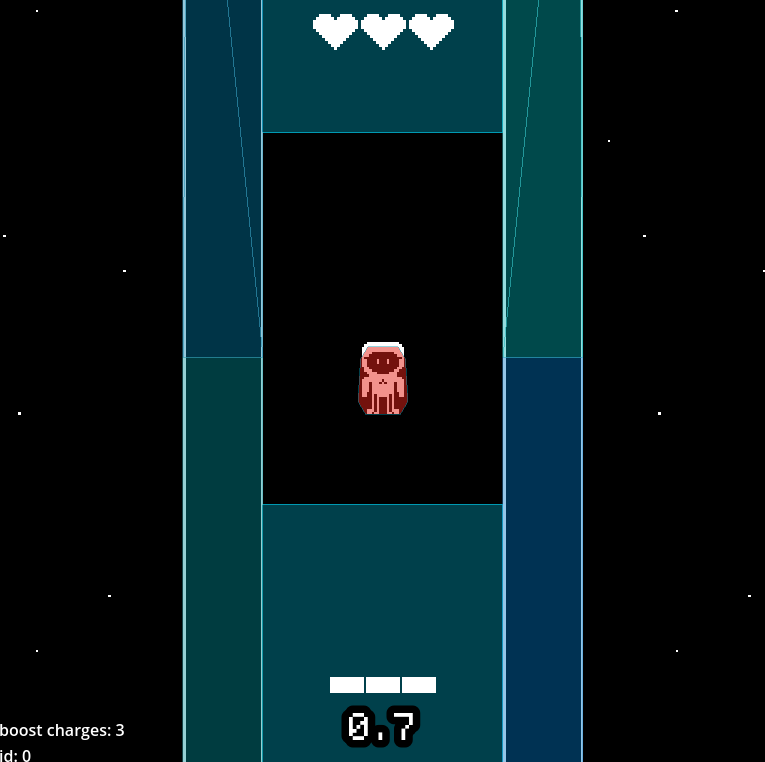
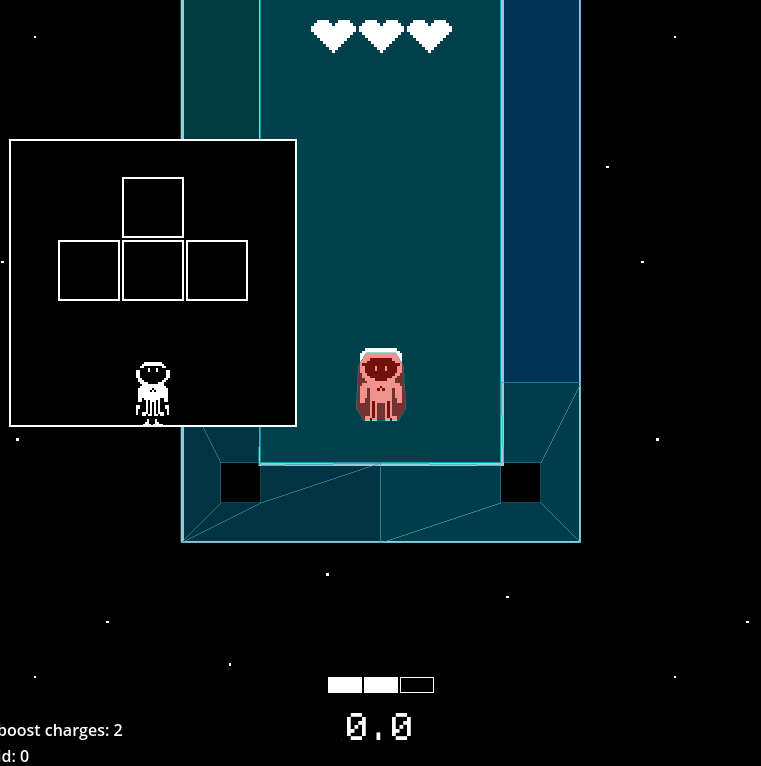
How do I make UI seperate from main screen, so it wont block main screen and it would be above it even when camera moves?
How can I add some borders that can always be seen on main screen, even if camera moves?
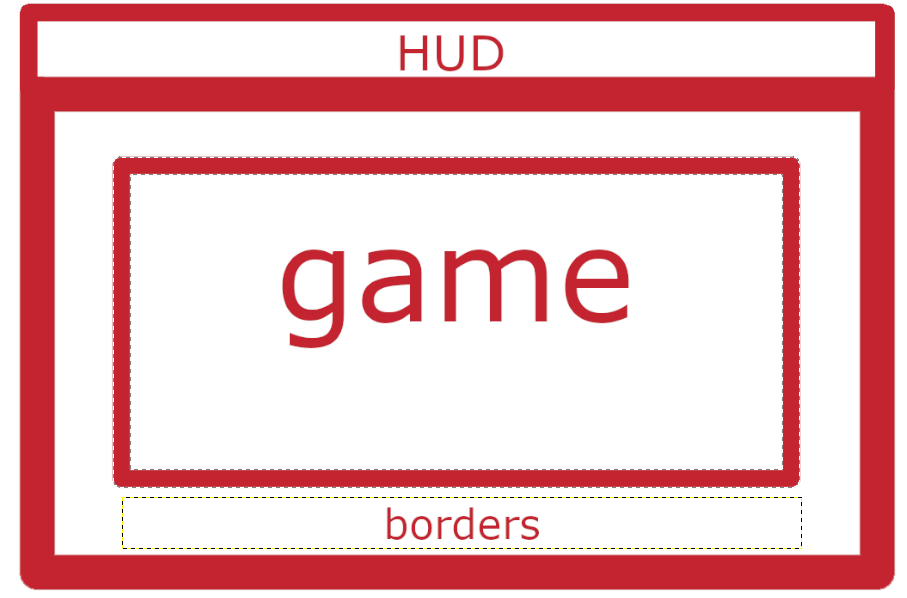
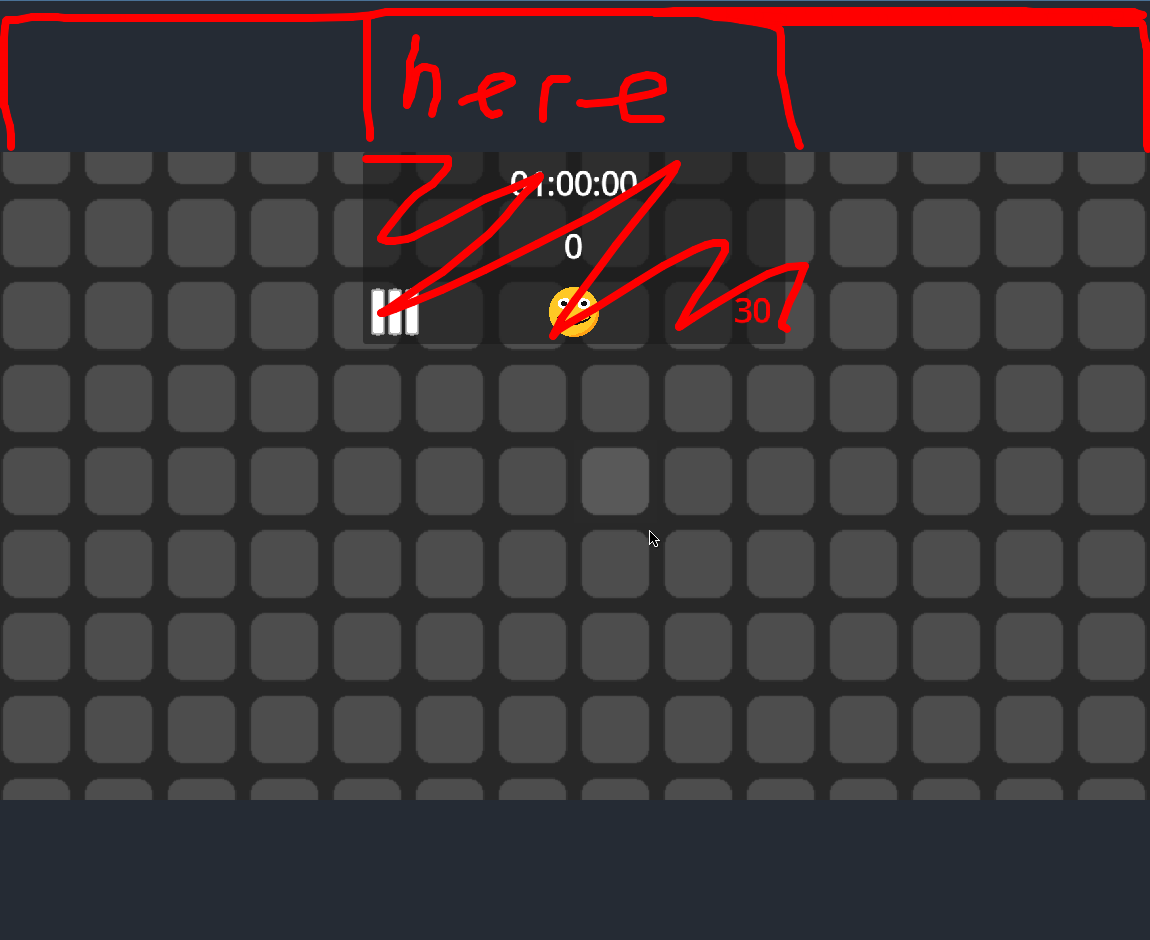
How can i make something like this? I tired using CanvasLayer, but it is only always inside of main screen, blocking some space on the upper part. Is there any way to make something like this?