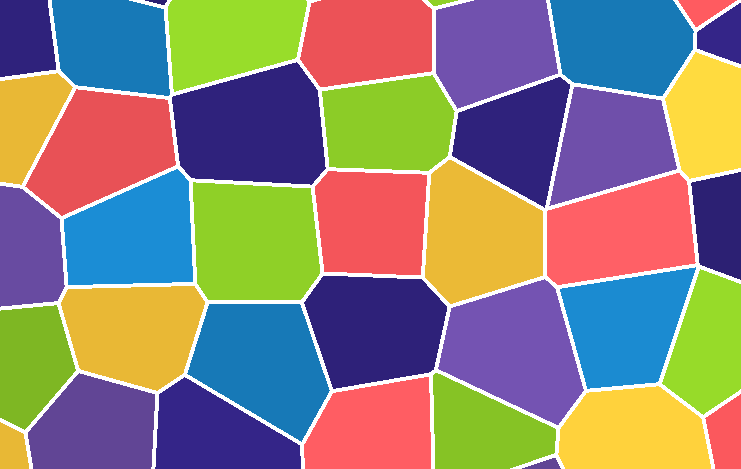
I’m still very new to shaders and it appears that making this is hard! Polygon2D polygons don’t have any default UV mapping, I’m not using any textures, and the pixel size of the outline would ideally be relative to the world and not to screen space.
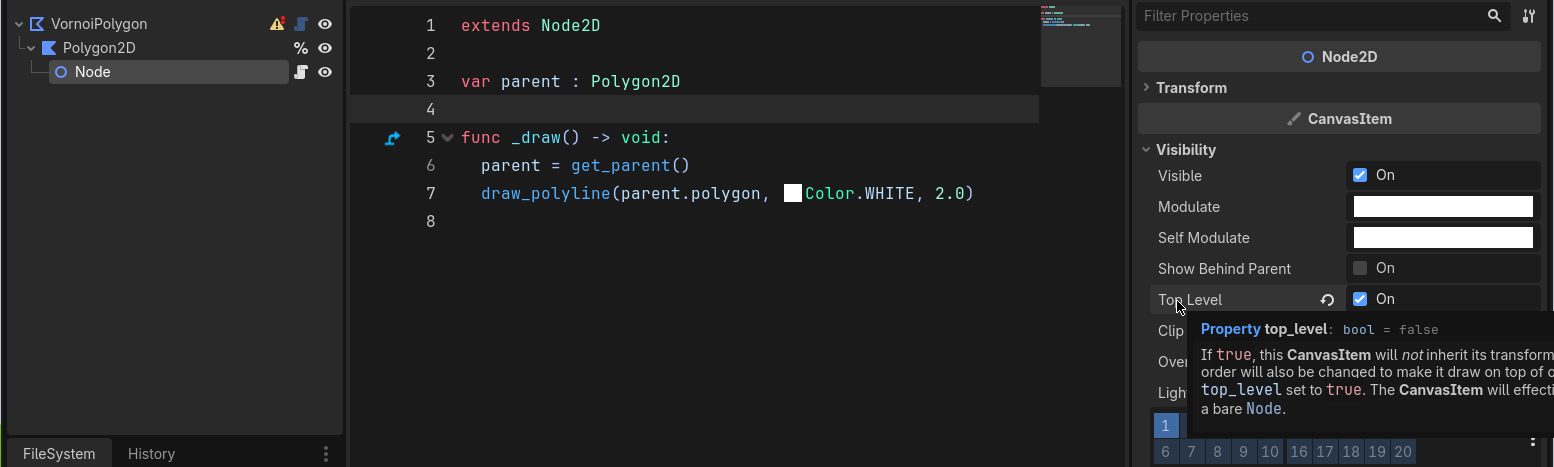
Finally figured this for my own use case and it’s actually in the docs: Custom drawing in 2D
I still had to do some trickery because the next polygon draw would slightly overlap. Putting the _draw() function into a child node that I set as top level did the trick though.
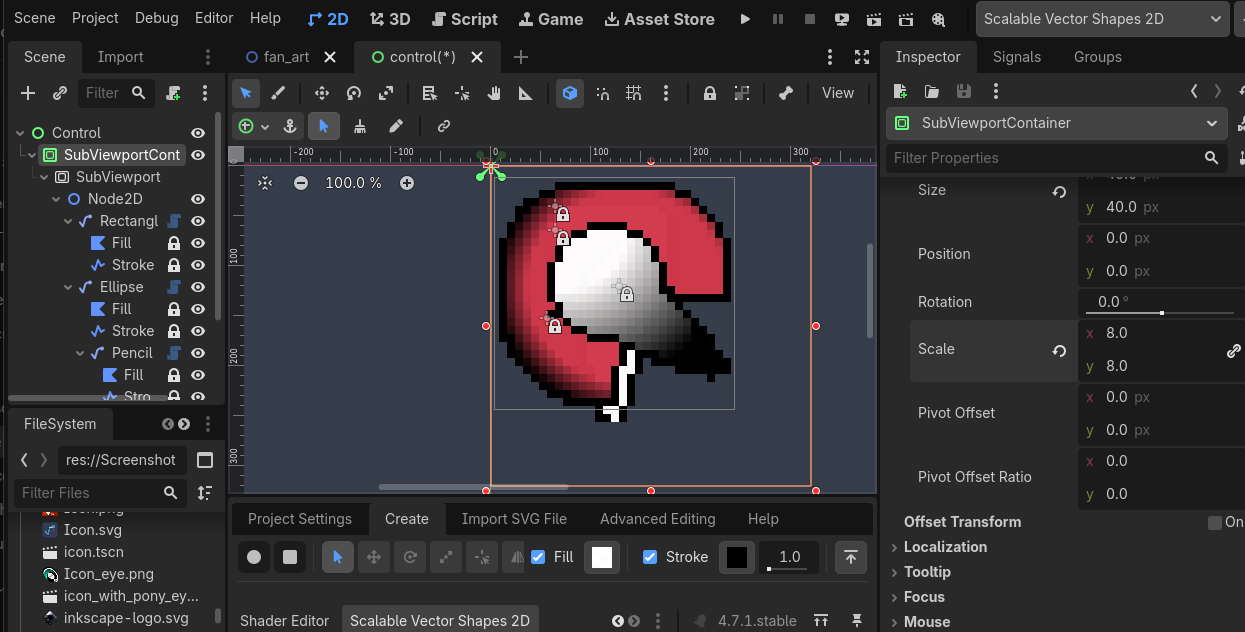
As you hinted at the UV mapping, that’s missing because just like I you don’t set a texture on that polygon2D. SubViewports are the way to go for that as explained in this video https://youtu.be/YCI0tL9L4sU?t=466
Besides using the _draw callback for a draw_polyline call, you can get Line2D to do this too (after feeding itspoints array the polygon’s polygon array), if you use the correct texture filter (this screenshot contains the it as the default setting in my PoC project, but you can assign it in any CanvasItem)