How to get my RigidBody3D projectile to fly faster?

Godot Version

4.6

Question

In theory, this question is pretty simple.

I have a RigidBody3D I use as a projectile, everything about it works, except for the fact that no matter how much force or linear velocity I apply, the projectile won’t fly faster. No matter if it’s multiplied by 50 or 50 million.

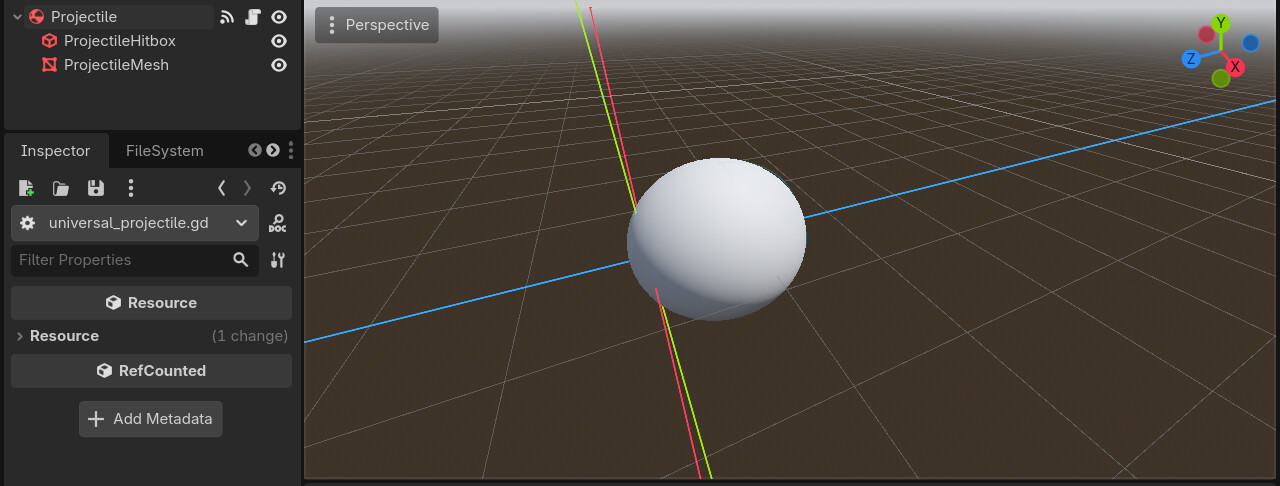
Projectile Scene:

Projectile Movement Code:

func move_projectile() -> void:
	
	apply_force(-global_transform.basis.z * 5)

Other Info:

  • The move_projectile() function is called every physics tick. That’s 60 times per second.
  • The -global_transform.basis.z allows the projectile to always spawn forward.
  • Physics engine is Jolt.
  • The projectile’s mass is 0.001 kg
  • Gravity is 0.0
  • Rotation is locked.
  • Continuous collision detection (CCD) is on.
  • Contact monitoring is on.

Any help would be greatly appreciated. If you need more information, let me know as well.

After using linear_velocity.length(),I found out the max speed a RigidBody3D can go is 500.00

Speed:500.0
Speed:499.999938964844

There’s something fishy…

1 Like

@Demetrius_Dixon
can you try cranking it up?


Yayyy! It works for me : D

I set the speed to 5000:

func move_projectile() -> void:
	
	apply_force(-global_transform.basis.z * 5000)
1 Like

Yup, that was the solution. It was just a jolt setting.

image

Now, the slider only goes to 500. So you’ll have to manually double click, then type your max linear velocity

image

Note for future people, ALWAYS CHECK THE SETTINGS!!! Especially if it’s Jolt, because they have some wacky defaults.

And after further testing, do NOT go over 1,000 m/s. This is genuinely the max, not only for game design purposes, but before the physics breaks and gets wonky.

If you want to have instant projectiles, then you don’t want projectiles, you want hitscan. You implement hitscan with a raycast from the camera.

New Projectile Movement Function:

func move_projectile() -> void:
	
	linear_velocity = -global_transform.basis.z * 1_000

Wait…The Area3D doesn’t work well in that speed duh…

I already solved that problem:

