I'm using Moho since I have no better option to animate 2d characters using skeletal rigs for a game, I export them to GLTF and shove them in godot, the game itself works fine, but I have realized that I am extremely limited on effects for things since I cannot do shaders for them (at least I dont think I can) since the images for the skeleton rig are all MeshInstance3D, would anyone happen to know a few routes I could take to achieve this for my game? Some kind of custom rendering rules or maybe there IS a way I could apply shaders to the GLFT
oh really? do you have any like, examples of that in practice i can use as reference? if that’s not much to ask ^u^, if no then i’ll keep digging until i find
I mean shaders are kind of low-level, you may not find a lot of tutorials for shaders designed around 2D-like objects in 3D. I’d wager most 2D shaders could be converted to 3D with a handful of keyword changes. Here’s the official doc’s tutorial on 3D shaders, there’s also a visual shader graph editor in Godot. I’d save dissolve and displacement shaders are a good starting point.
Here’s a website full of free shaders, though reading their source code will often be difficult to understand, I find most shaders on here are overly complicated and could be simplified greatly.
i see yeah, i have some decent understanding of 2d shaders, so i’ll take a peep and see how it goes, thank you tho, for the longest time i just thought that like, 3d texture displays couldn’t handle shaders honestly, thought 3d shaders were exclusive to 3d models for some reason
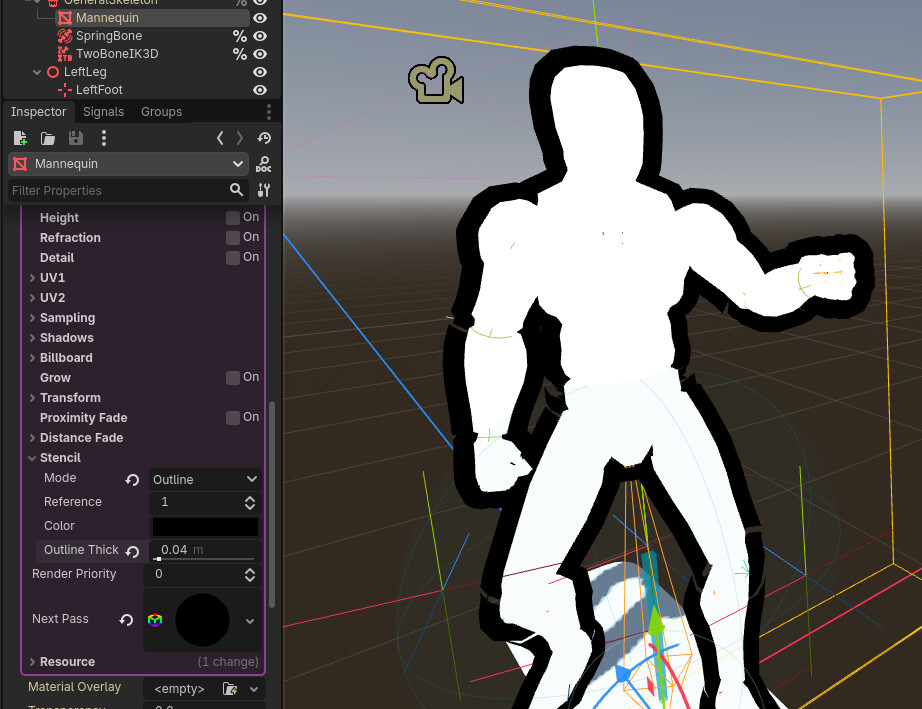
OKAY! So I’m onto something, my solution is a bit jank but since I wont use this everywhere in the game and it is genuinely just to highlight some animated objects, what i am going to do is:
find a way of duplicating the mesh temporarily and changing its material to use of a custom shader I made that generates the outlines, then I shove the mesh a bit behind my objects, and bam
Hoping this doesn’t mess up with performance haha, but it is all I could do, I tried making it so each mesh on the GLTF skeleton had the outline but that caused the outlines to go over sprites they did not belong, since it is several meshes meaning that they don’t exactly know anything about eachother, at least I don’t know if that would ever be possible, but hoping that my first solution works ^u^
Oh I see, I’ll try this later but I have a feeling it won’t work?
The way godot imports .GLTF files is by turning the 2d images into textures on mesh instances 3d, so unless it accounts for the empty space I doubt that will work
I got something working past night but it was very visually buggy so I just decided to try again sometime today
Not sure what you mean by buggy, here’s some things that come to mind
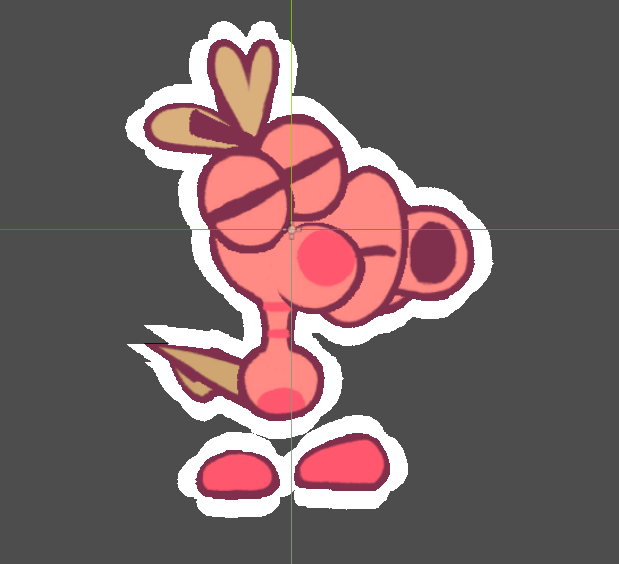
Typically the empty space or alpha is expensive to render, and more so a problem in 3D. The default way to handle this usually is to discard transparent pixels, so you end up with either fully opaque or full transparent parts of the mesh, this can create aliased jagged edges like in your image.
In 3D textures are typically used for floors and walls and don’t use hard lines. So Godot will typically detect and import textures used in 3D as “VRam Compressed”, this has a “High Quality” setting you should enable for your project, or set to a different mode.
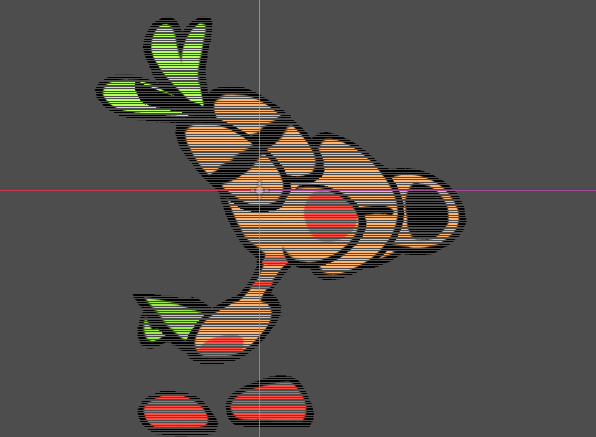
Similarly 3D textures are zoomed-in and zoomed-out much more often and somewhat uncontrollably than 2D textures, if Godot didn’t detect it as 3D you will want to enable “Generate Mipmaps” in the texture import, and set the StandardMaterial3D to sample by linear mipmaps too. Without mipmaps these jagged lines are produced on the texture, not just the edges.
Also by buggy I meant, it just felt very expensive since I was duplicating every sprite to create a copy of it with the material shader I wanted, that and also the fact I was unable to make the outlines disappear without updating the shader every frame so I just discared the way I did it and figured I’d try again, Don’t worry much about this though, I’m sure I’ll figure out How I want this to work soon enough and if I hit a brick wall again I’ll send an update here
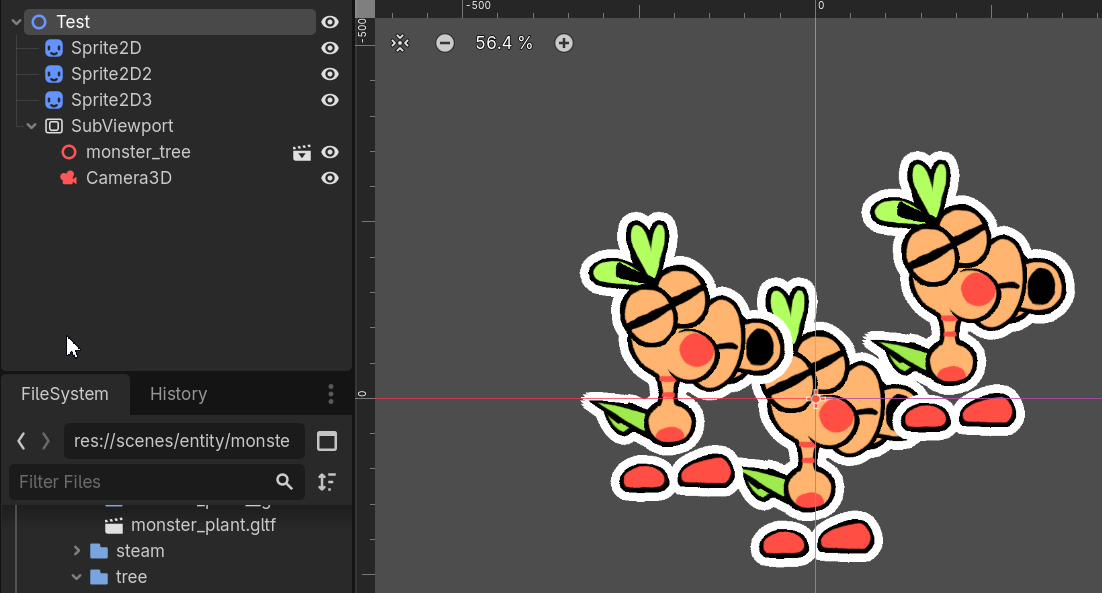
This WILL require me to rewrite a lot of my code but that’s fine since the project isn’t toooo far into development, Not sure how performant it is but I will hope it works fine (the outline shader used was this one)
This is much easier because I don’t have to deal with the limitations of the game being forcefully 3d now!