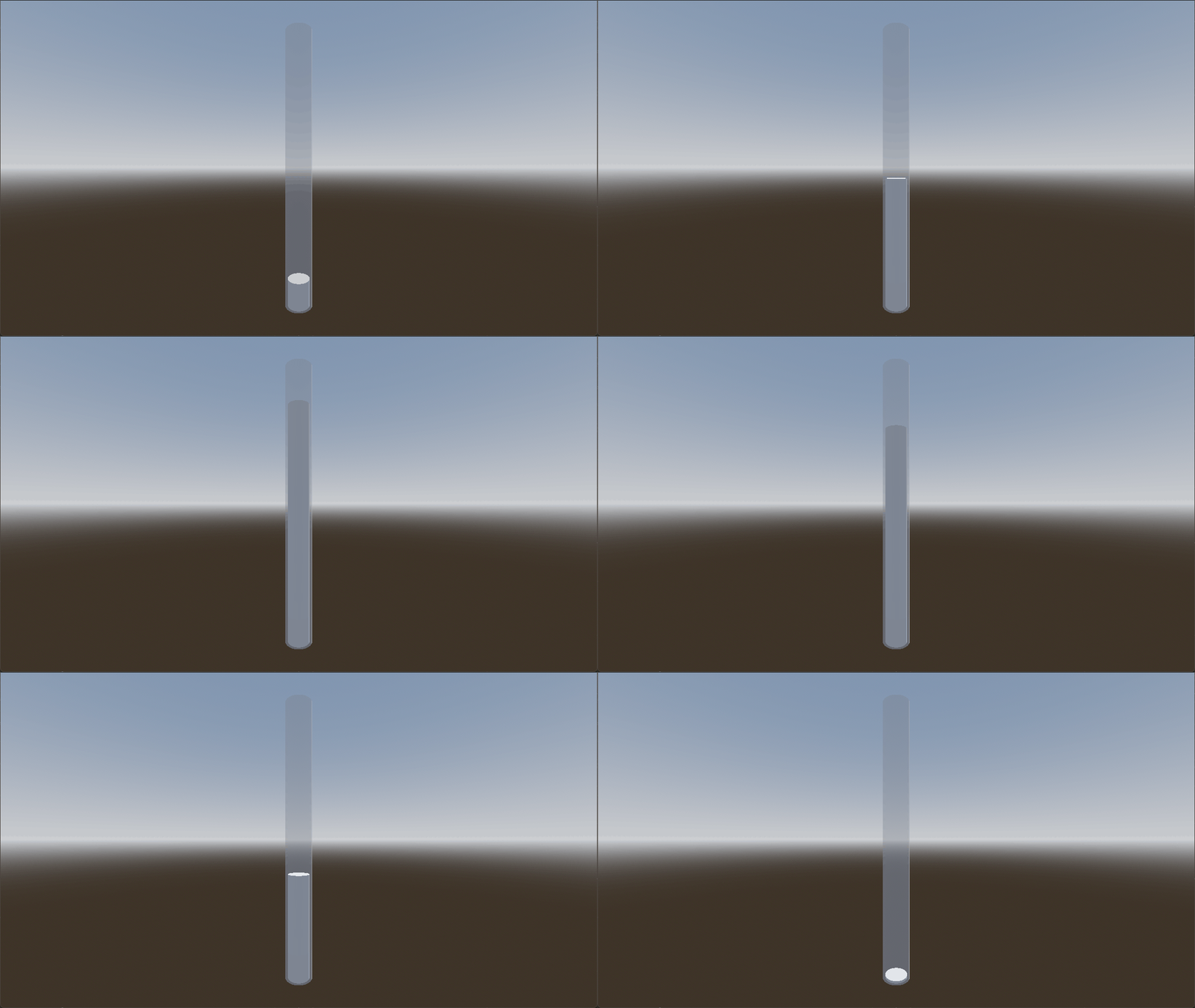
So I dont how to search it up because all I ever see is just 2D health bars in 3D space which is not what I am looking for.
But in my game I want to have 3D model of a container and everytime the player gains or loses health the container fills up or drains the “water”/“blood”.
Pass 1 (liquid side): discard all pixels whose y coordinate is above the fill value supplied via an uniform.
Pass 2 (liquid top): same as pass 1 but cull the front faces and set the normal to always point upwards.
Pass 3 (glass): Displace vertices along normals to simulate glass thickness, adjust transparency, specularity, fresnel etc. You can also enable Godot’s refraction to make it look cooler.
oh wow I was about to say that I wasn’t a shader person so I wouldnt really know how to achieve that but now that I see the video I see that this is really cool and surprisingly a lot simpler than I thought.
You can’t really do it without shaders if the form is anything but a regular cylinder, which can simply be vertically scaled (as in @tomcat’s example).
So I have some question about this because I am currently fiddling around with this. But how do you change the colour or add texture? Because in your demonstration video its purple but for me I cant seem to change it from the basic white colour.
Assign the color to ALBEDO in the fragment() function. You can also declare an uniform and assign that to ALBEDO. That way you’ll be able to adjust it from the inspector.