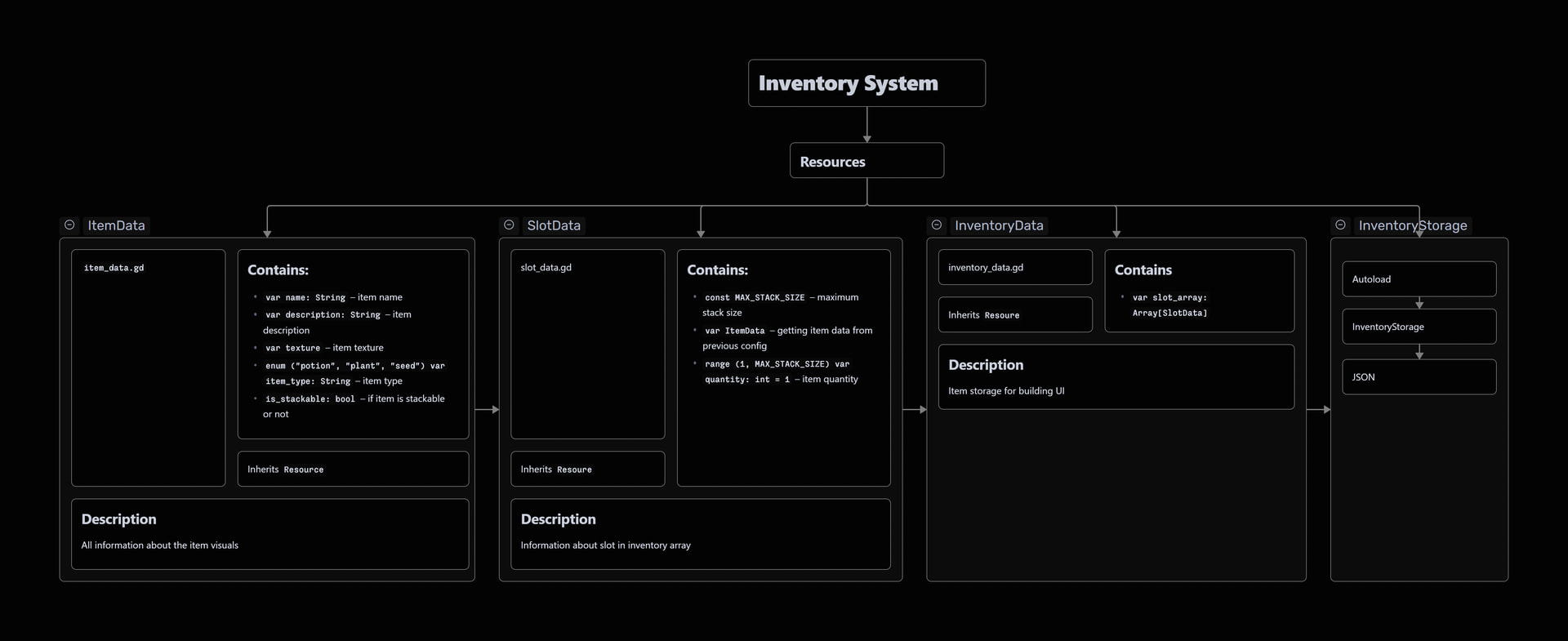
Best practices for creating an inventory system
Godot 4.5.1
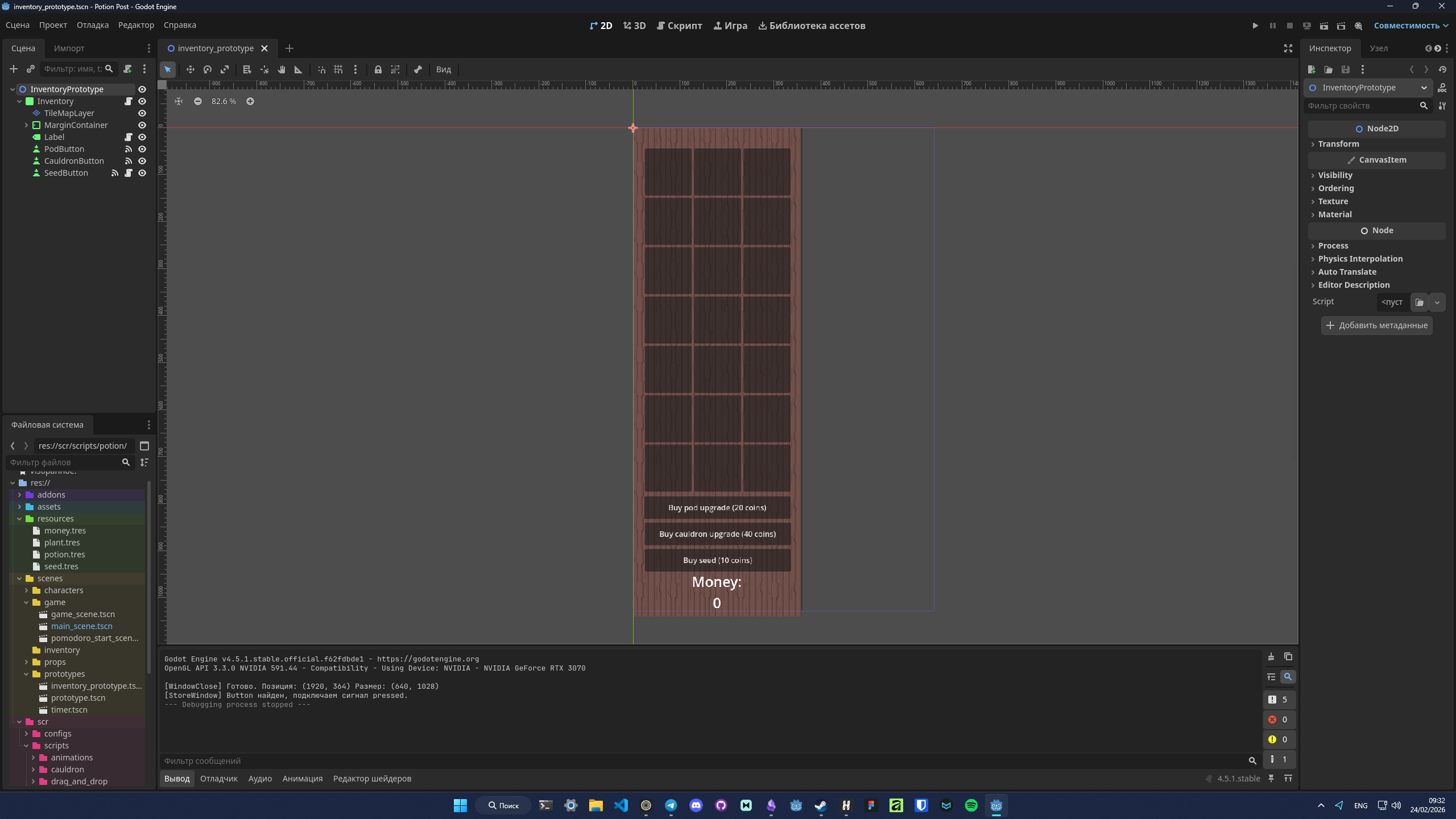
Hello everyone, I’m new to Godot. My team and I are making an overlay desktop idle game. (here’s sceenshot of our prototype below). We made minimal prototype, and now I want to improve the inventory system.
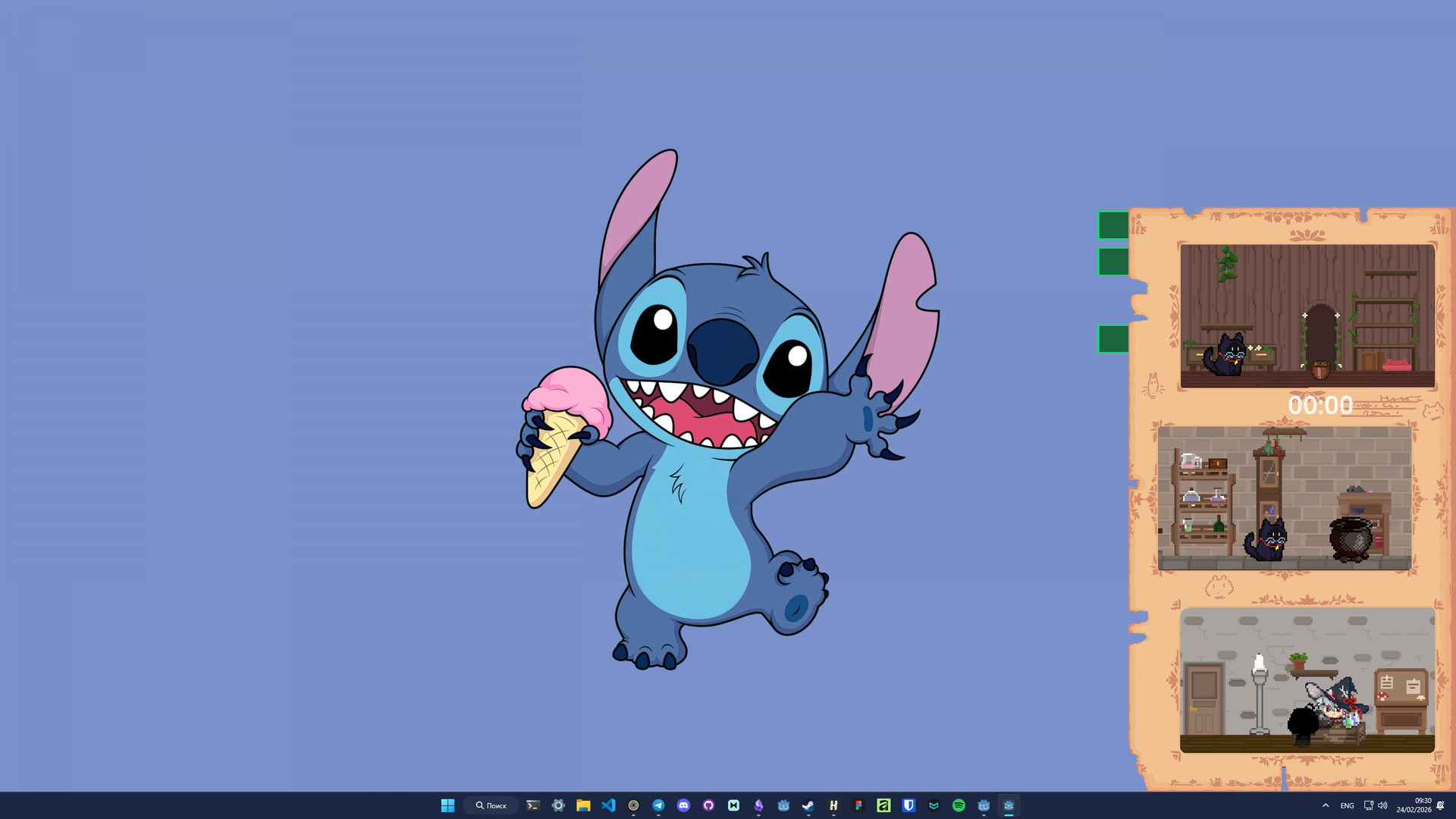
Inventory system
The inventory system is currently made with a GridContainer node. It has pretty uncomplicated script I made with a guide:
extends Panel

@onready var icon: TextureRect = $Icon
@export var item: ItemData


func _ready() -> void:
	update_ui()


func update_ui() -> void:
	if not item:
		icon.texture = null
		tooltip_text = ""
		return

	icon.texture = item.icon
	tooltip_text = item.item_name


func _get_drag_data(_at_position: Vector2) -> Variant:
	if not item:
		return

	var preview = duplicate()
	var c = Control.new()
	c.add_child(preview)
	preview.position -= Vector2(25, 25)
	preview.self_modulate = Color.TRANSPARENT
	c.modulate = Color(c.modulate, 0.5)

	set_drag_preview(c)
	icon.hide()
	return self


func _can_drop_data(_at_position: Vector2, _data: Variant) -> bool:
	return true

func _drop_data(_at_position: Vector2, data: Variant) -> void:
	var tmp = item
	item = data.item
	data.item = tmp
	icon.show()
	data.icon.show()
	update_ui()
	data.update_ui()


func _notification(what: int) -> void:
	if what == NOTIFICATION_DRAG_END:
		icon.show()
Placing script
I also made a script for placing items in the inventory, and copied it to all the placeable items:
extends Control

@onready var pod_sprites: AnimatedSprite2D = get_node_or_null("../PodSprites")
@onready var timer: Timer = $"../PodTimer/Timer"
@onready var label: Label = $"../PodTimer/Label"
@export var accepted_type: String
const INVENTORY_SLOTS_GROUP := "inventory_slots"

var _inventory_state: bool


func _process(_delta: float) -> void:
	if not timer.is_stopped():
		var progress := 1.0 - (timer.time_left / timer.wait_time)
		if progress >= 0.66:
			pod_sprites.play("grow_position_big")
		elif progress >= 0.33:
			pod_sprites.play("grow_position_medium")
		else:
			pod_sprites.play("grow_position_small")


func _can_drop_data(_at_position: Vector2, data: Variant) -> bool:
	if not timer.is_stopped() or pod_sprites.animation != "grow_position_seed":
		return false
	else:
		return data and data.item and data.item.item_type == accepted_type


func _drop_data(_at_position: Vector2, data: Variant) -> void:
	data.item = null
	data.update_ui()
	label.show()
	timer.start()


func _on_timer_timeout() -> void:
	label.hide()
	timer.stop()
	_inventory_state = true


func _get_inventory_slots_root() -> Node:
	var slots_root := get_tree().get_first_node_in_group(INVENTORY_SLOTS_GROUP)
	if slots_root == null:
		push_warning("Inventory slots root not found. Add GridContainer to group '%s'." % INVENTORY_SLOTS_GROUP)
	return slots_root


func add_item_to_inventory(item: ItemData) -> bool:
	var slots_root := _get_inventory_slots_root()
	if slots_root == null:
		return false

	for slot in slots_root.get_children():
		if slot.item == null:
			slot.item = item
			slot.update_ui()
			return true
	return false


func _on_gui_input(event: InputEvent) -> void:
	if event is InputEventMouseButton and event.pressed and event.button_index == MOUSE_BUTTON_LEFT and _inventory_state == true:
		add_item_to_inventory(preload("res://resources/plant.tres"))
		pod_sprites.play("grow_position_seed")
		_inventory_state = false
After all that, it looked like this. But as I understand, it’s a bad solution to store data in Godot UI nodes (if it’s possible at all). I really don’t know how to store data in Godot. I thought about using JSON or resources, but here’s the problem: I don’t know how to store data in Godot correctly.
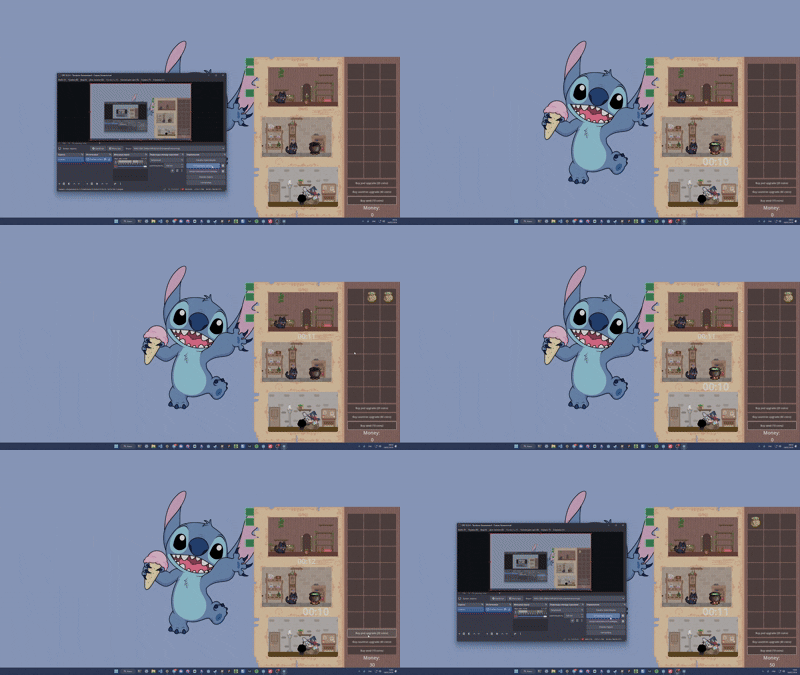
As I understand, my code is not good right now, and I’m looking forward to making it better. So:
- What are the best practices in making inventory?
- How to make a good inventory management system? (If you have any cool articles, please share them with me)
- How do you make inventories in your games? What functions and classes do you use? How you make your code?
- Is it worth using Godot plugins for working with inventory?