Godot Version
4.6
The Goal
I’m trying to make tiles (houses) in a TileMapLayer squash and stretch in time with music.Like this:
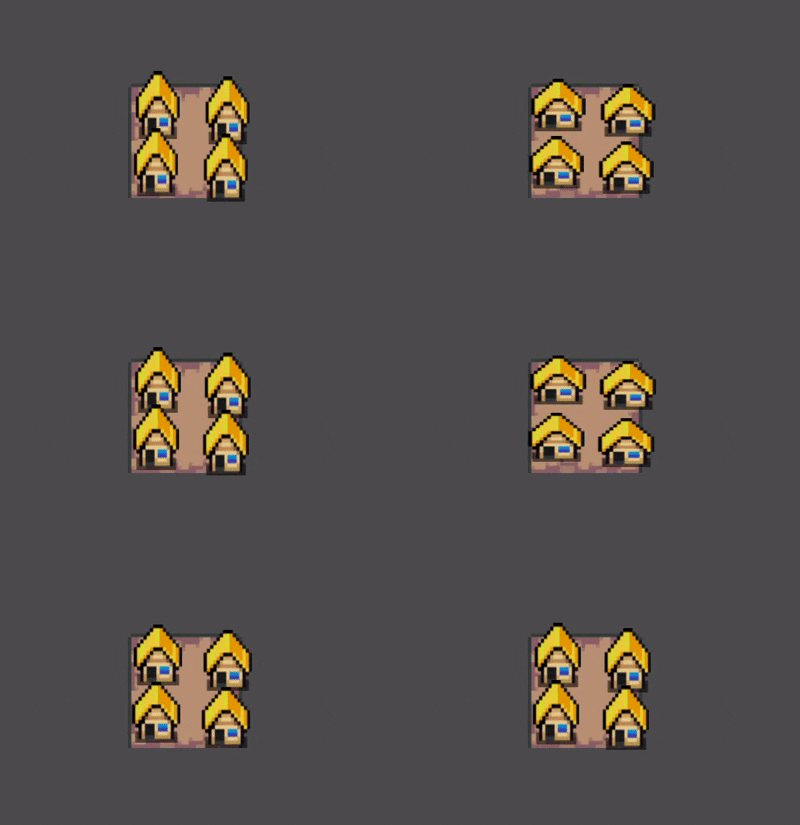 (This are
 Sprite2D)
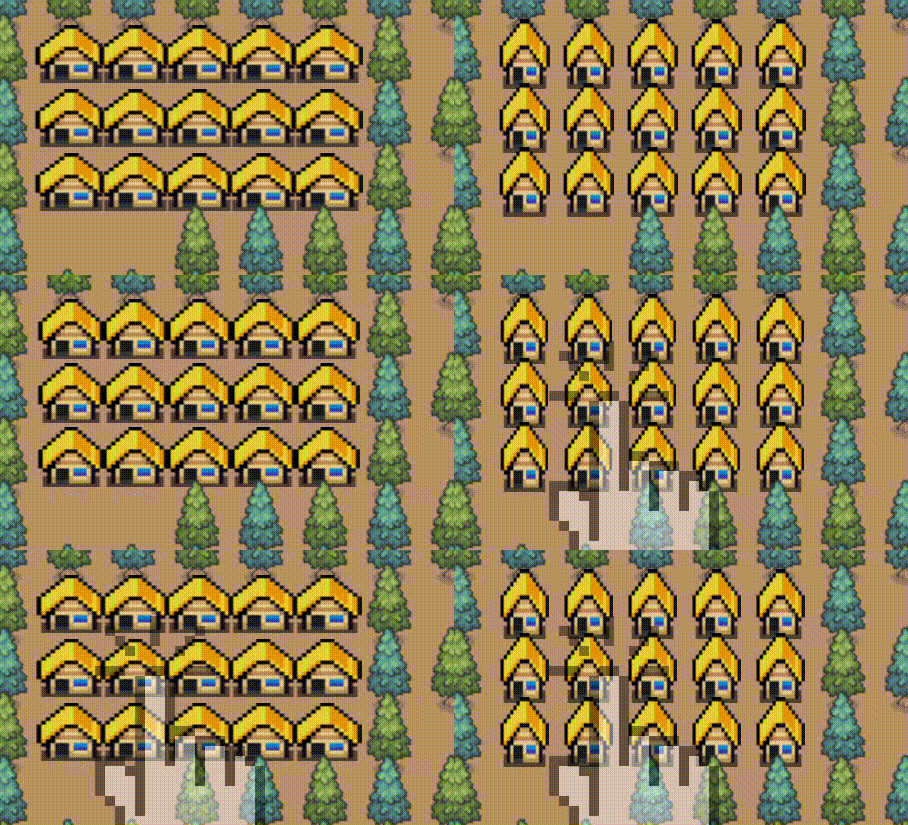
I have this working perfectly with Sprite2D nodes, but when I apply the same logic to a TileMapLayer, the tiles aren’t at the right position.
The Working Sprite2D Setup
Currently, I use a RhythmNotifier to trigger a Tween that updates a deformation uniform in this shader:
// Sprite2D Shader (Works)
shader_type canvas_item;
uniform vec2 deformation = vec2(0, 0);

void vertex() {
    vec2 scale = 1.0 - abs(deformation);
    VERTEX.x *= (scale.x / scale.y);
    VERTEX.y *= (scale.y / scale.x);
}
The Problem with TileMapLayer
When applied to a TileMapLayer, scaling the VERTEX moves the tiles relative to the map origin.

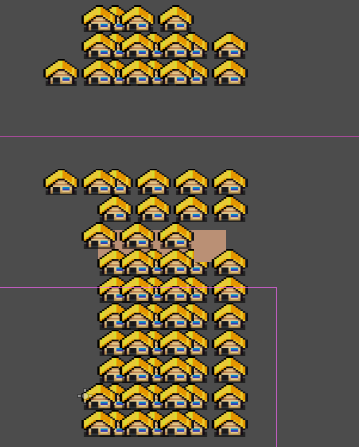
I tried to “re-center” the scaling by subtracting the tile origin before the scale and adding it back afterward, but this breaks the squash effect. Instead of scaling the individual tiles in place, it just shifts their entire positions based on the deformation value.
My Attempted Shader Fix:
shader_type canvas_item;
uniform vec2 deformation = vec2(0, 0);
uniform vec2 tileSize = vec2(32.0, 32.0);

void vertex() {
    // Attempting to find the top-left of the tile
    vec2 tile_origin = floor(VERTEX / tileSize) * tileSize;
    vec2 scale = 1.0 - abs(deformation);

    // Subtract origin to scale locally, then add back
    VERTEX -= tile_origin;
    VERTEX.x *= (scale.x / scale.y);
    VERTEX.y *= (scale.y / scale.x);
    VERTEX += tile_origin;
}
Questions:
-
My
tile_origindoesn’t give back the right position. Is there a built-in way to get the tile’s center/origin in the vertex shader or a better way to do it? -
If I get the
tile_origincorrectly, is this “Subtract → Scale → Add back” approach valid for aTileMap, or do I have a logic error in my code?