Godot Version
Godot 4.x
Problem
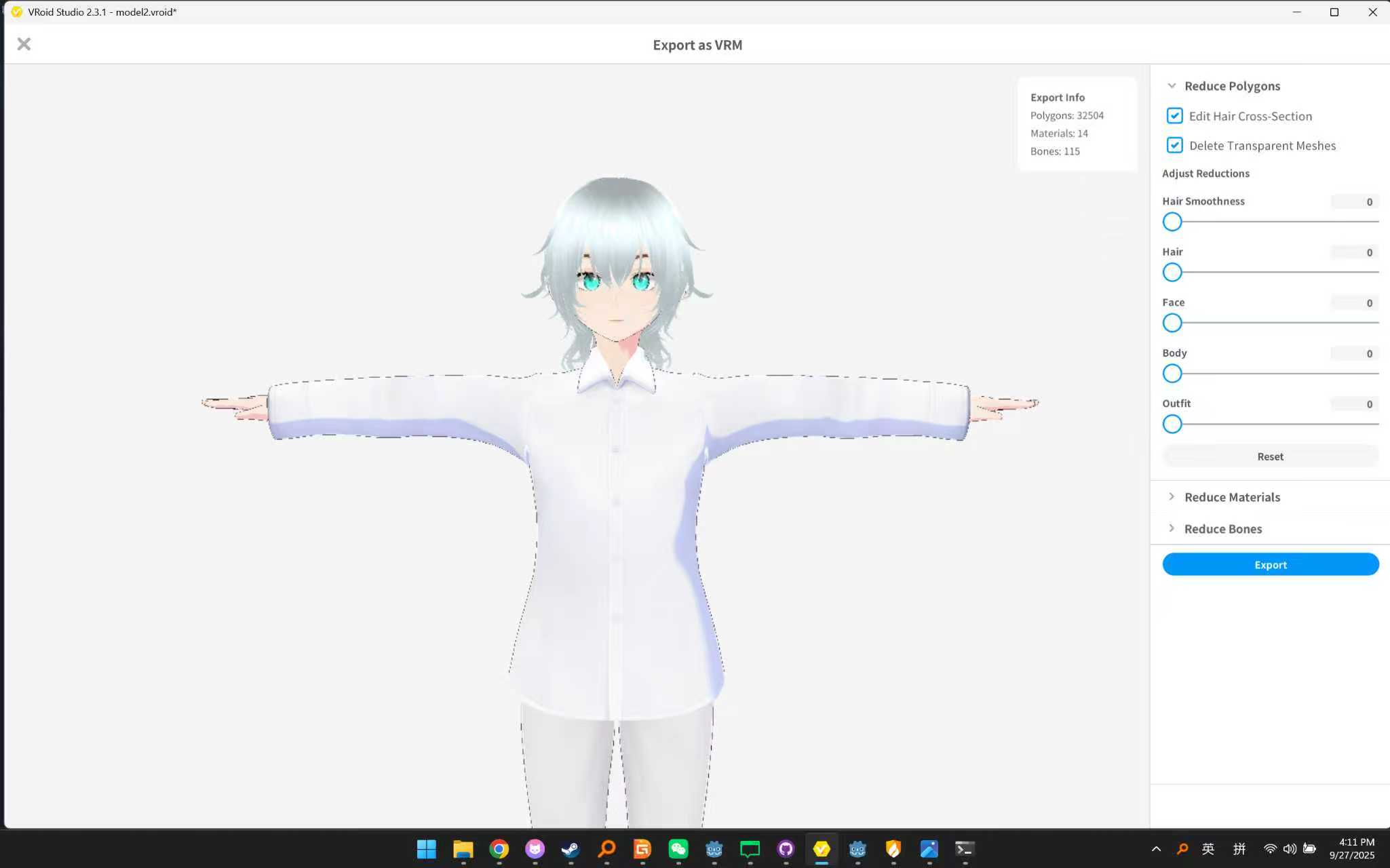
Hey everyone! I’m a student from China, and since I’m kinda tech-savvy, I got tasked with making a “virtual host” for some special school events.
I’m trying to make a shader for my character model ( like this )
)
But… I’ve seriously checked every tutorial, asked around in every community I could find, and I still have no clue how to get it done. Totally stuck right now…
The model is converted from VRM to Godot skeleton, and here’s the dream look I want:
- Soft, glowing skin
- Eyes with glow/highlights
- Layered hair shading
- Simple animation compatibility (optional)
Budget is super tiny—only $30  It’s all I can spare (no pocket money here, just my own savings). I’d be so, so grateful if anyone could help me make it, or even just share some hints/references/ideas… might even cry happy tears

I know it’s a small ask, but this is kinda my last resort… hope someone sees this and can lend a hand 
Thanks a ton!!
Maybe this, not exactly what you want, but it is similar.
I’d combine fresnel, contour rendering, custom lambertian wrap lighting from a directional source and environment glow on top of the shader output. You may also bake some AO into the model and use that texture to attenuate some of the said elements. As part of the modeling I’d also supply an intensity texture that controls the overall intensity of all or some elements of the shader.
I am not a shader guy but I think Le Lu’s videos can help you!
his shaders are awesome!
you can look into some of his tuts!
maybe it will help you.
and I think you have to make the character transparent,then blast the bloom and yeah some shading etc .
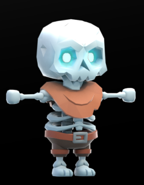
If something like that skeleton with some added color would work, take a look at
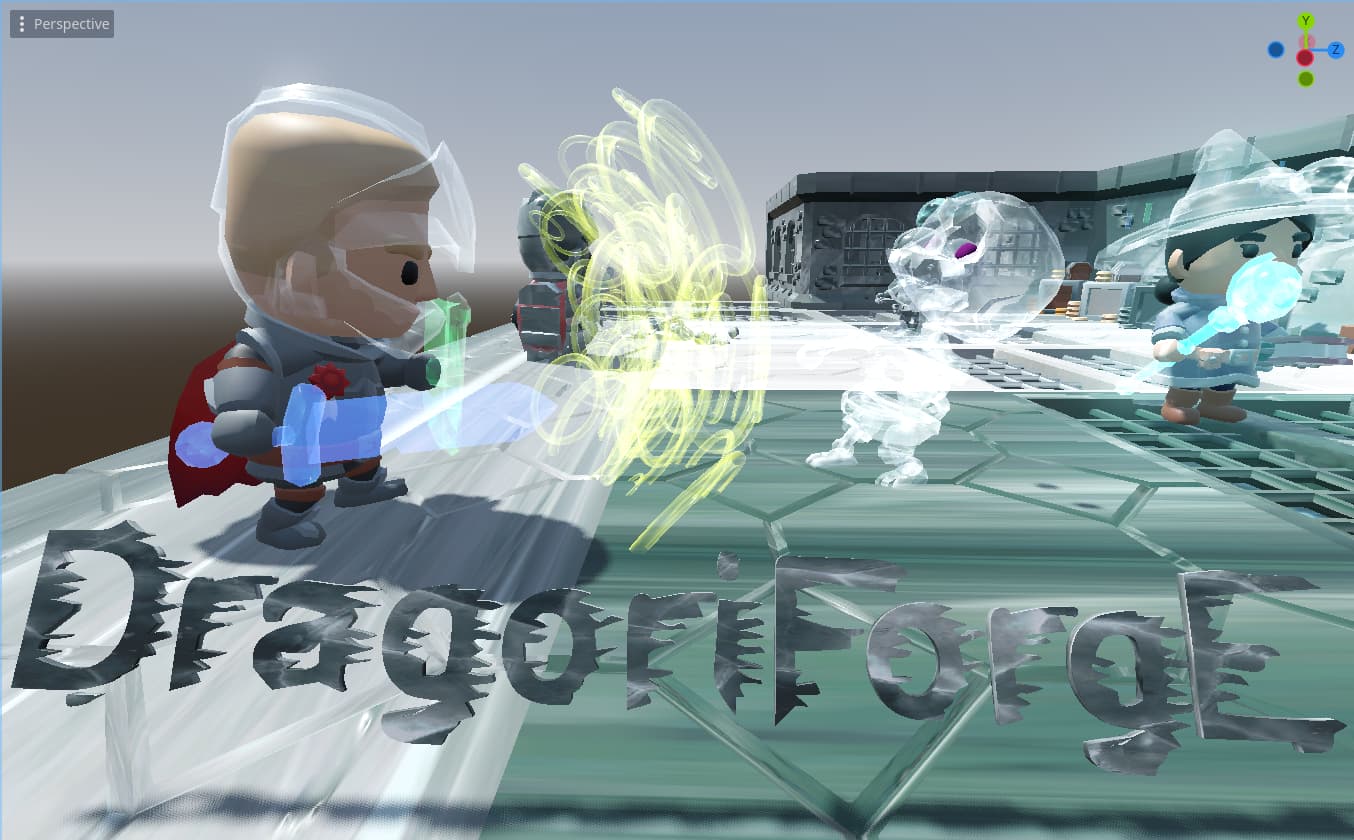
Godot 3D Ice Material Shaders and VFX by Dragonforge Development. I made them free a while back. Just download the big project and see what I did with the various ice materials. You can probably make something similar to what you want that way. Just add some blue to the albedo of the transparent ice material.
For reference, without the transparent ice material applied, that skeleton looks like this:
I didn’t do any skeleton modifications of the model or anything.
In the original reference image the character actually does not appear to be transparent.
I can see the stars through the person, so it looked transparent to me. Regardless, there are lots of options there using materials to create different effects in there, and if nothing else it might inspire an easier solution than the OP is currently considering.
Enlarge the image. It’s clothing texture imo. If it was transparent then we’d see the body through that front hand. At the least it’s not self-transparent.
In any case, it’s doable by combination of techniques mentioned above. My hunch is that’d require at least 2 render passes if it needs to be transparent towards background but appear opaque towards itself.
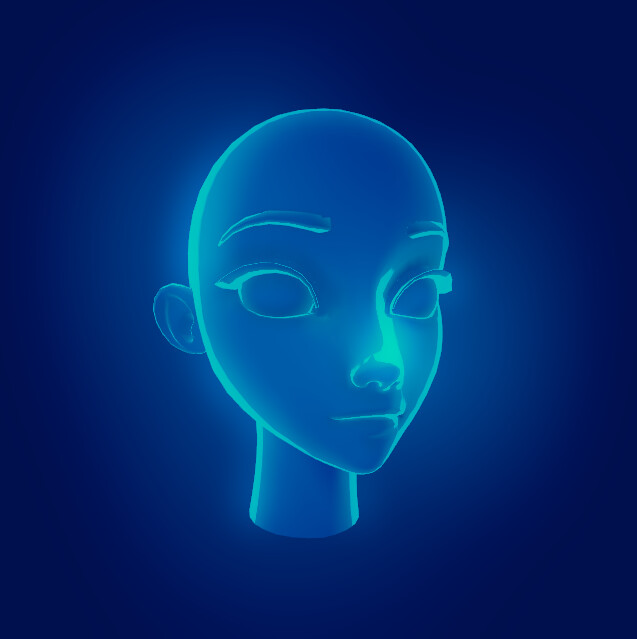
Here’s my very quick take:
It’s two gradients of fresnel added, a faint lambert wrap and additive environment glow.
From the modeling side it could additionally use an albedo texture to differentiate the eyes or other glowing elements, and a baked ao texture to attenuate the fresnel in crevices.
Optionally one of the outline rendering methods could be superimposed if fresnel is not emphasizing the contours enough.
That looks amazing. I really should get more into shader. 
But, where is he? Where is @Howard_Jones
I doubt we’ll hear from him any time soon