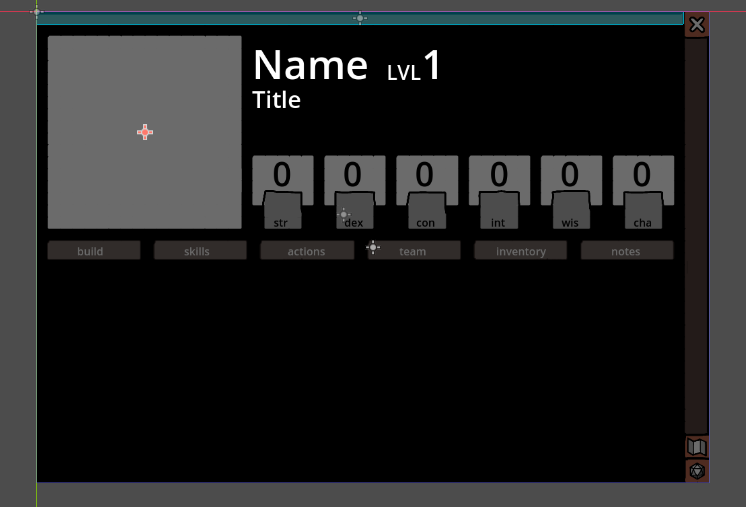
and if a player drops an image from their file into the window, the image goes to that big gray square (that works). Unfortunately i don’t know how to save that image in the files for it to be stored, in a way that it’s still “there” if i close the game and open it back up.
This is the code i have in the place you drop the image:
(i tried to make the path reference both an image resource (.tres) and a png, and neither worked)
@onready var img: TextureRect = $TextureRect

func _ready() -> void:
	img.texture = load_img()
	get_tree().get_root().files_dropped.connect(changeImage)

func changeImage(files):
	var imag = Image.new()
	var tex = ImageTexture.new()
	var err = imag.load(files[0])
	if err:
		# play a error sound or something
		return
	tex.set_image(imag)
	img.texture = tex
	save_img()

func save_img():
	img.texture.get_image().save_png("res://sheet_floder/pic.png")

func load_img():
	var file = Image.load_from_file("res://sheet_floder/pic.png")
	return file
Ok… saving an image to res: is problamatic when deploying your game since it is packed… so you should user instead… This will (in windows) locate to c:\users{winuser}\appdata\romaing\godot.. and something like your project name…
extends Control

@onready var img: TextureRect = $TextureRect
const SAVE_PATH = "user://saved_image.png"

func _ready() -> void:
    # Connect the files_dropped signal
    get_tree().get_root().files_dropped.connect(change_image)

    # Try to load existing image on startup
    load_img()

func change_image(files: PackedStringArray) -> void:
    # Check if we received any files
    if files.size() == 0:
        return

    var image = Image.new()
    var err = image.load(files[0])

    if err != OK:
        print("Error loading image: ", err)
        return

    # Create texture from image
    var texture = ImageTexture.create_from_image(image)
    img.texture = texture

    # Save the image
    save_img()

func save_img() -> void:
    if img.texture:
        # Get the image from the texture
        var image = img.texture.get_image()
        # Save to user directory
        var err = image.save_png(SAVE_PATH)
        if err != OK:
            print("Error saving image: ", err)

func load_img() -> void:
    if FileAccess.file_exists(SAVE_PATH):
        var image = Image.new()
        var err = image.load(SAVE_PATH)

        if err != OK:
            print("Error loading saved image: ", err)
            return

        var texture = ImageTexture.create_from_image(image)
        img.texture = texture
Godot is constant scanning new stuff in its " repository"… So dynamic stuff like this you could better leave " external ". Or after every “drop” … you would need to restart the engine to scan the new images in your project… But i think that is not the usecase for that
If this is an image that should be modifiable by the player:
Save it to the user directory instead of res://:
gdscriptCopyfunc save_img():
var save_path = OS.get_user_data_dir() + “/pic.png”
img.texture.get_image().save_png(save_path)
func load_img():
var save_path = OS.get_user_data_dir() + “/pic.png”
if FileAccess.file_exists(save_path):
var image = Image.load_from_file(save_path)
if image:
return ImageTexture.create_from_image(image)
return null
Because in exported version the res:// folder can be read-only, so you never save things in res://, use user:// folder for save external files.
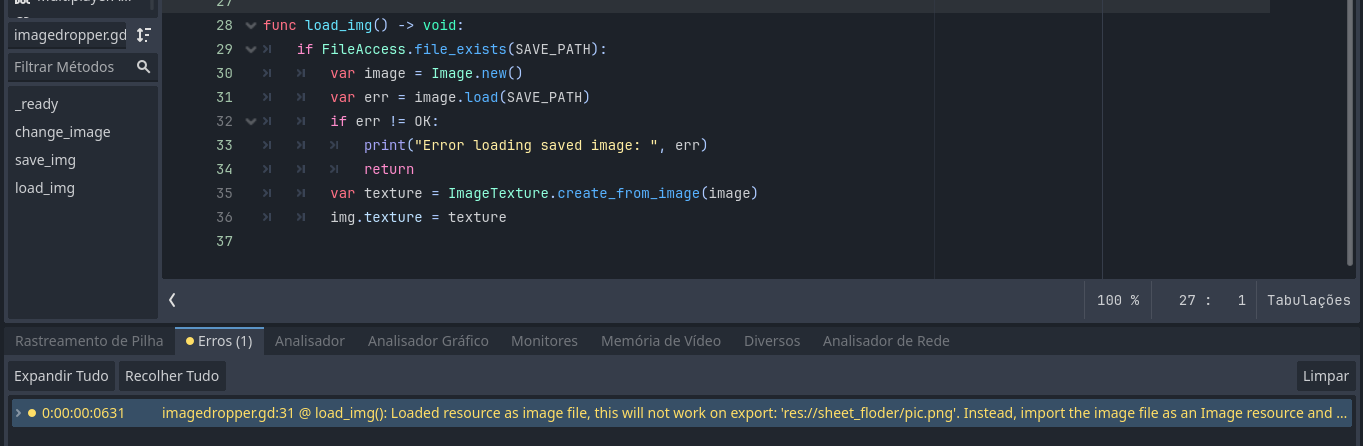
The warning probably is because you’re using the project paths with Image.load(), when Godot export the projects, the files inside can be remapped/renamed so you’ll not find the files you want like this.
one other thing, sorry for bothering
I’ve tried searching for the file itself in the file manager but i can’t seem to find it, how do i dig it up? Also, is it good practice to abuse of this method? just importing and saving multiple images like this? or should i create a folder or something