Godot Version
4.3.stable
Question
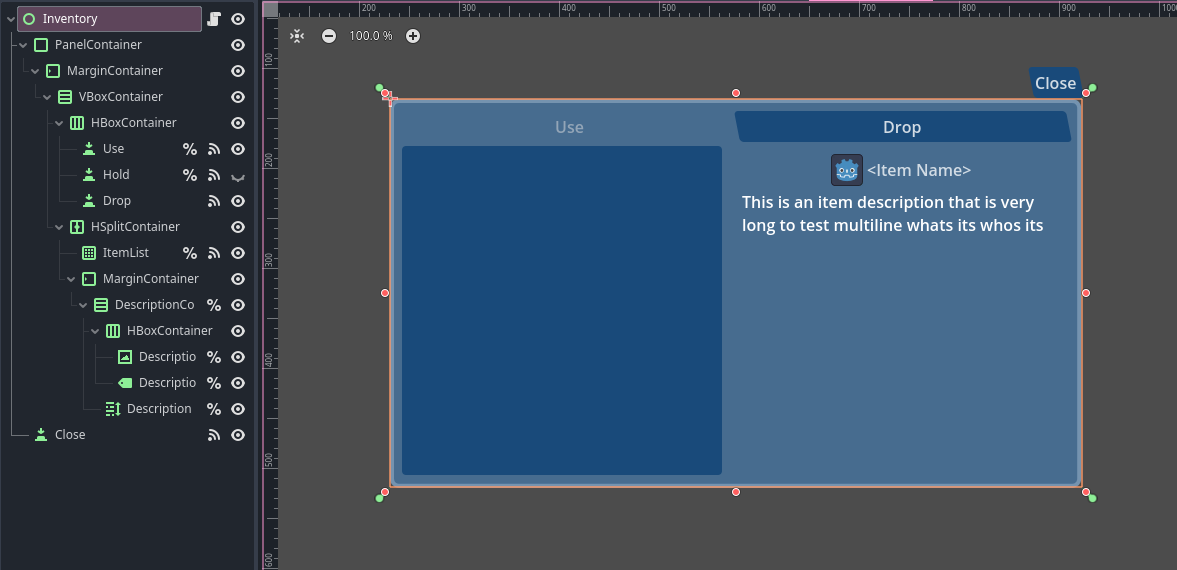
I’m relatively new to Godot and I’m currently working on a project for school. I’m building a 2D game where you have different views, like in the Cube Escape games by Rusty Lake. You move around with arrows that changes the scene by using change_scene_to_file(). Then I have an Inventory Scene at the bottom of the screen. The Inventory should always be visible, also when I change the Scene. I then tried to reference the scene via a Singleton, so I could paste it in every Scene, because the Items that you can collect in the different Scenes should obviously stay in the Inventory as well. This is the exact code I used:
In the first Scene:
if Global.inventory_ref == null:
Global.inventory_ref = %Inventory
The button that changes the scene:
func _on_area_2d_input_event(viewport: Node, event: InputEvent, shape_idx: int) → void:
if Input.is_action_just_pressed(“click”):
	Global.inventory_ref.get_parent().remove_child(Global.inventory_ref)
	get_tree().root.add_child(Global.inventory_ref)

	get_tree().change_scene_to_file("res://level_1_rechts.tscn")
An finally in the upcoming Scene (level_1_rechts in this case):
func _ready() → void:
if Global.inventory_ref.get_parent() != self:
get_tree().root.remove_child(Global.inventory_ref)
add_child(Global.inventory_ref)
The problem is that this version didn’t really work, because the items in the inventory just randomly disappeared and reappeared when changing the Scenes. I also have to admit that ChatGPT wrote this and it seems pretty sketchy to me.
I also tried asking ChatGPT how to approach this in a different way, so I tried making the Inventory itself an Autoload, but that didn’t work either because it always was visible for just one frame and then disappeared for no apparent reason.
I feel like there is a simpler way, because I see this concept in many games. So how would do this?