Godot Version :
Godot 4.6 (stable)
Hi, i’m working on a PS1 style graphics toolkit, inspired by Acerola’s PSX demo on my phone.
I have 2 problems that i can’t get around solving.
First Problem:
I have a fake dynamic lighting system that is mainly built with GDScript.
The problem is that i can’t get it to support multiple dynamic objects.
Here’s the code for the light influence node (The “light probes” are children of this node):
extends Node3D

@export var update_frequency : int = 1

var curr_timer : int = 0

func apply_light_influence(object : Node3D, object_mesh : GeometryInstance3D):
	#Get the ShaderMaterial's light_influence_color variable if it exists
	object_mesh.mesh.surface_get_material(0).get("shader_parameter/influence_color")

	var light_probes = get_children(true)

	var final_color : Color = Color.BLACK
	for lp in light_probes:
		if lp is LightProbe:
			lp.object = object
			final_color += (lp.final_light_color * lp.final_light_color)

	final_color.r = clamp(final_color.r, 0.0, 1.0)
	final_color.g = clamp(final_color.g, 0.0, 1.0)
	final_color.b = clamp(final_color.b, 0.0, 1.0)
	final_color.a = clamp(final_color.a, 0.0, 1.0)

	#Set the ShaderMaterial's light_influence_color variable to the final color
	object_mesh.mesh.surface_get_material(0).set("shader_parameter/influence_color", final_color)
Here’s the code for each individual “light probe”:
extends MeshInstance3D
class_name LightProbe

@export var light_color : Color = Color.WHITE
@export var distance_curve : Curve

@onready var object : Node3D
var final_light_color : Color

# Called every frame. 'delta' is the elapsed time since the previous frame.
func _process(_delta: float) -> void:
	var start_pos  : Vector3 = global_position
	var target_pos : Vector3 = object.global_position
	var distance : float = start_pos.distance_to(target_pos)
	var dis_from_light := distance_curve.sample(distance / 10)

	final_light_color = light_color * dis_from_light
	$Label.text = str(final_light_color)
And here’s how you apply the light influence to an object:
@export var light_influence : Node3D # Set it to the light influence node

light_influence.apply_light_influence(object, object_mesh)
Second Problem:
My PS1 shader, has a cubemap reflection effect that looks weird when the mesh is rotating and looked at from certain angles.
Here’s some examples:
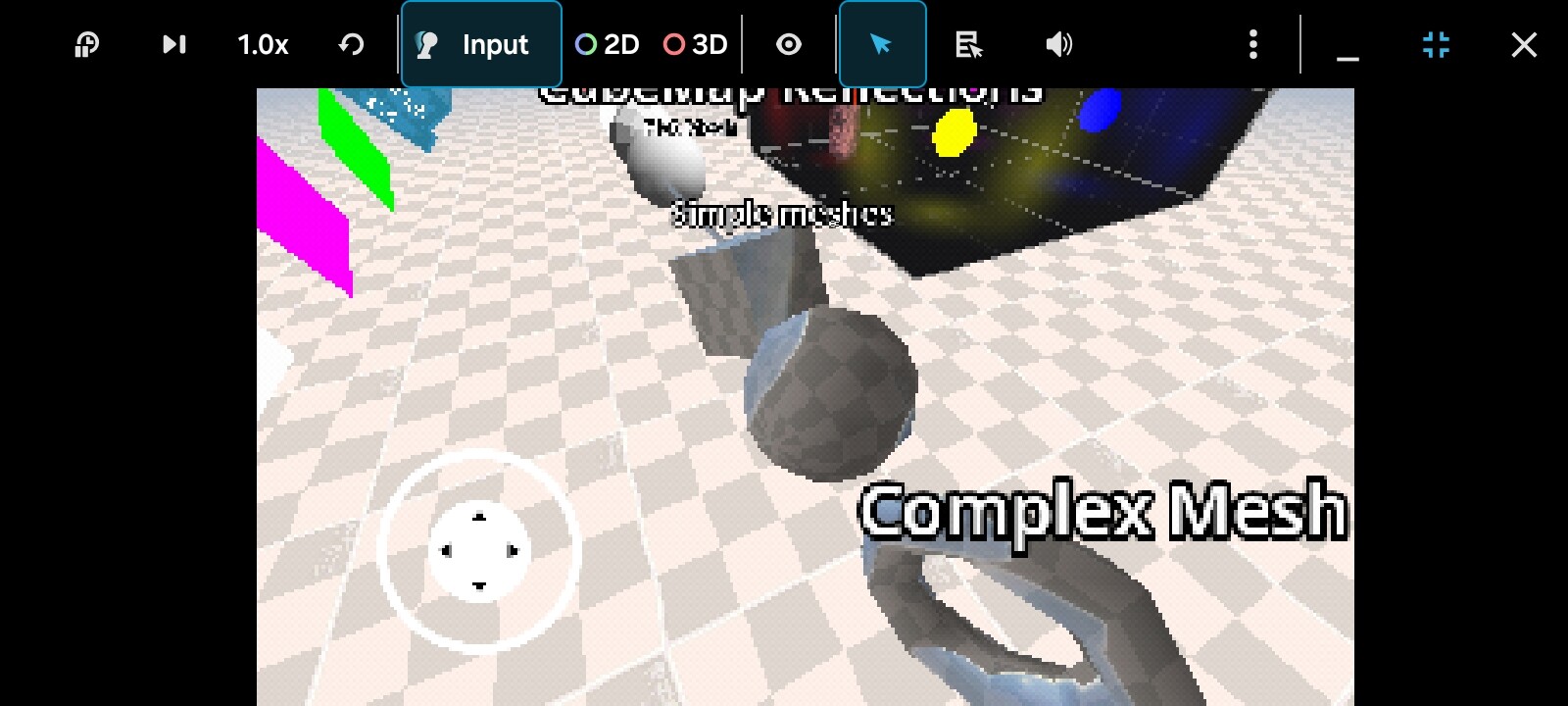
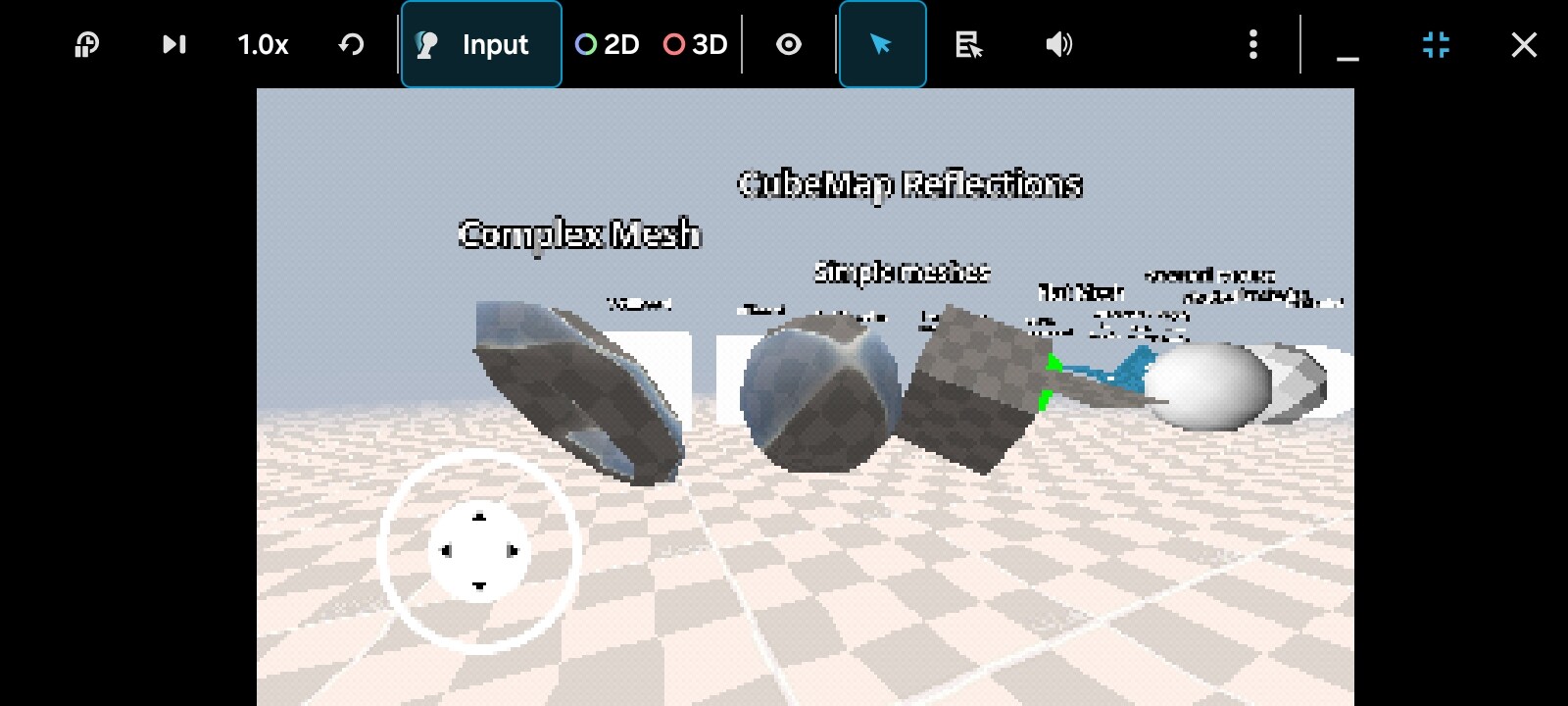
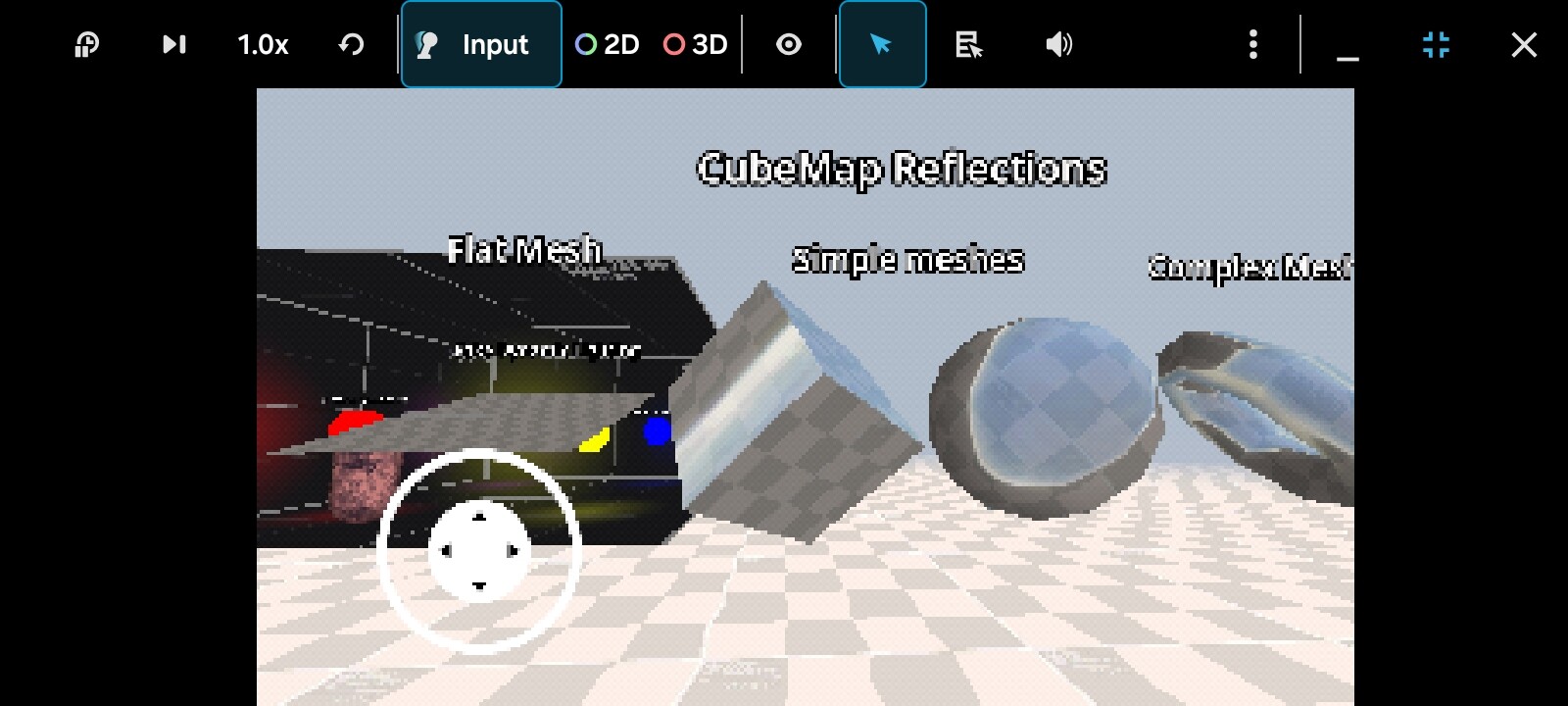
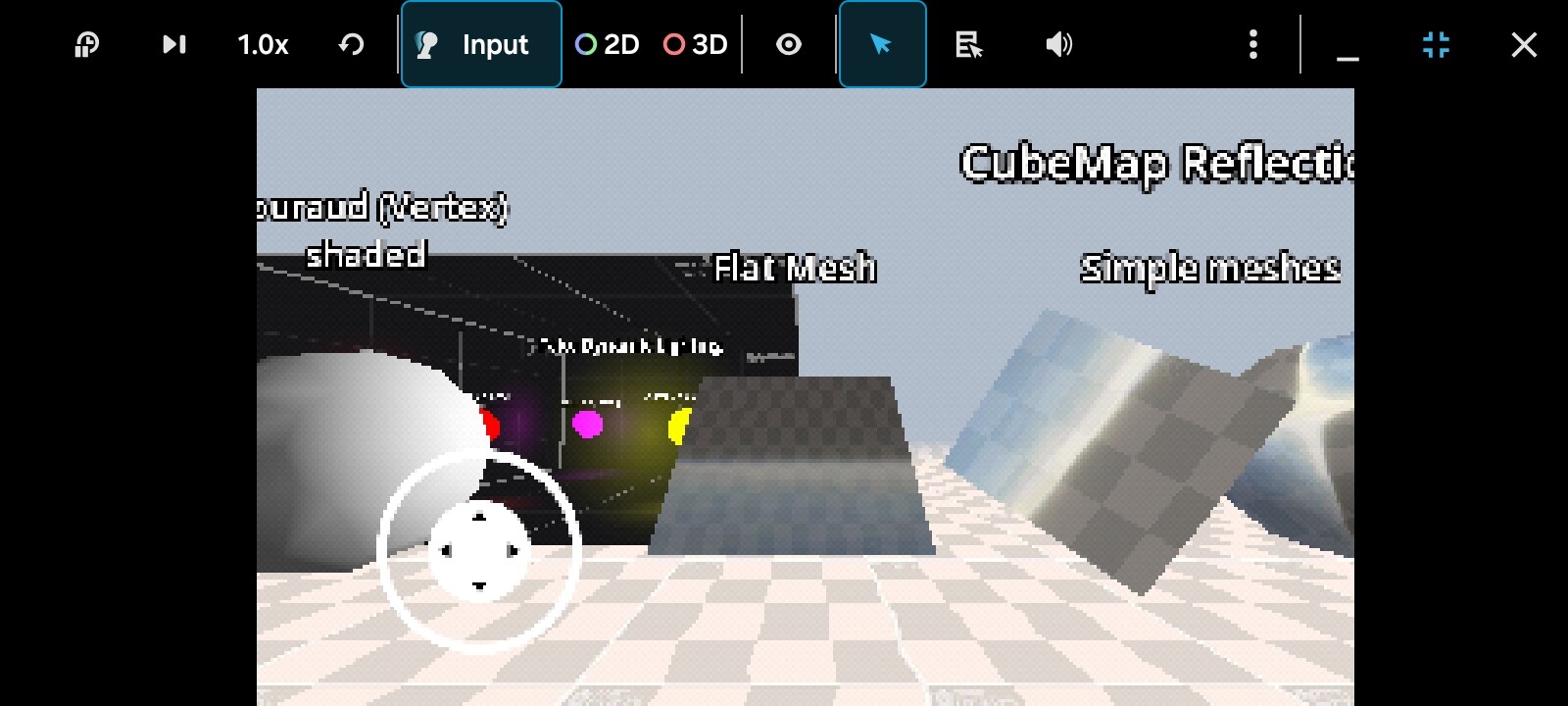
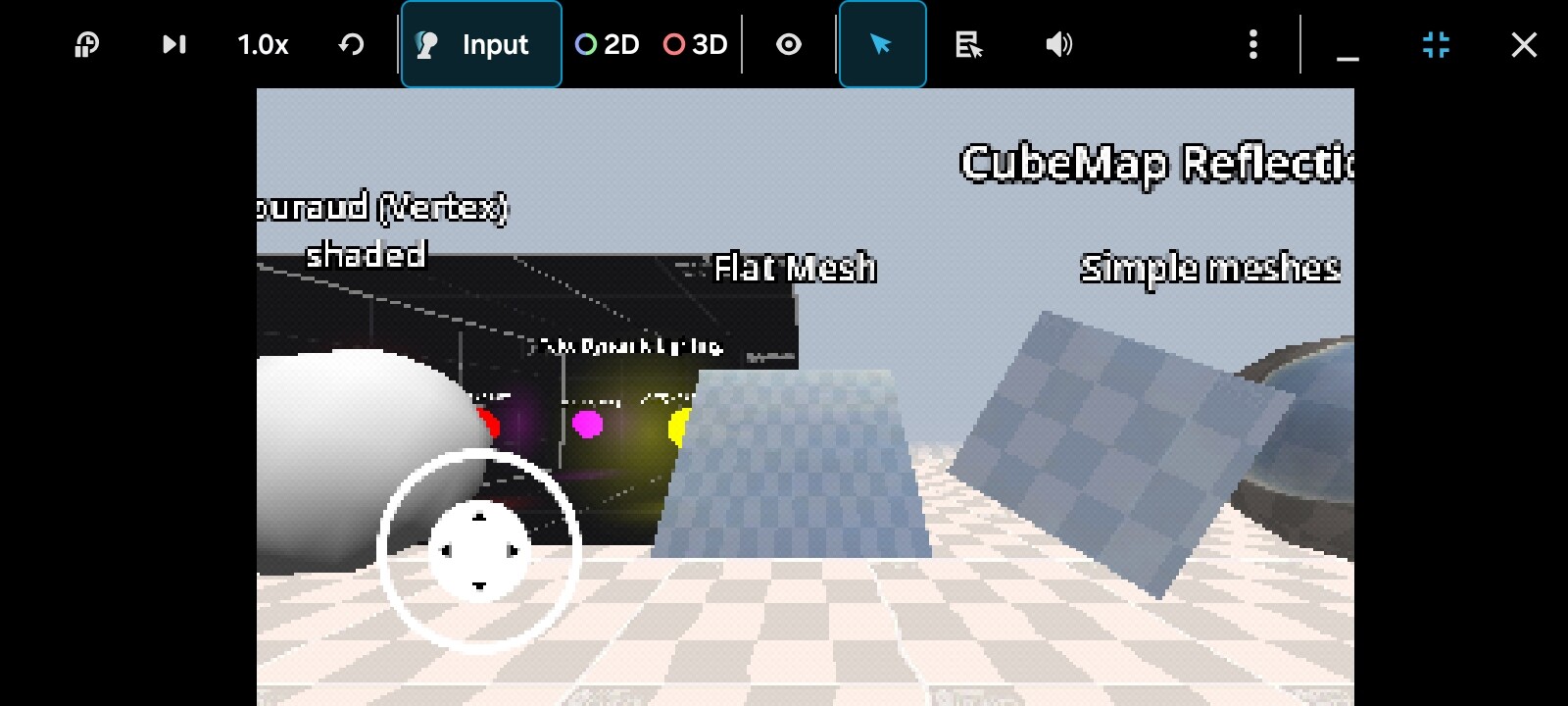
I heard about parallax correction that may fix this problem, but i don’t know how to implement it to my shader.
Here’s the vertex shader logic:
if(toggle_reflections) {
	REFLECTION_POSITION = (MODEL_MATRIX * vec4(VERTEX, 1.0)).xyz;
}
And here’s the fragment shader logic:
if(toggle_reflections) {
	vec3 view_dir = normalize(REFLECTION_POSITION - CAMERA_POSITION_WORLD);
	vec3 world_normal = normalize(MODEL_MATRIX * vec4(NORMAL, 0.0)).xyz;

	REFLECTION_VECTOR = reflect(view_dir, world_normal);

	vec4 cubemap_texture = texture(cubemap, REFLECTION_VECTOR);
	texture_color = mix(vec4(texture_primary * texture_secondary), cubemap_texture, reflection_intensity);
}
If anyone has solutions to these 2 problems, please let me know.
Thank you.