Godot Version
4.5.1 Stable
Question
I am following this tutorial: Animating thousands of fish with MultiMeshInstance3D — Godot Engine (stable) documentation in English
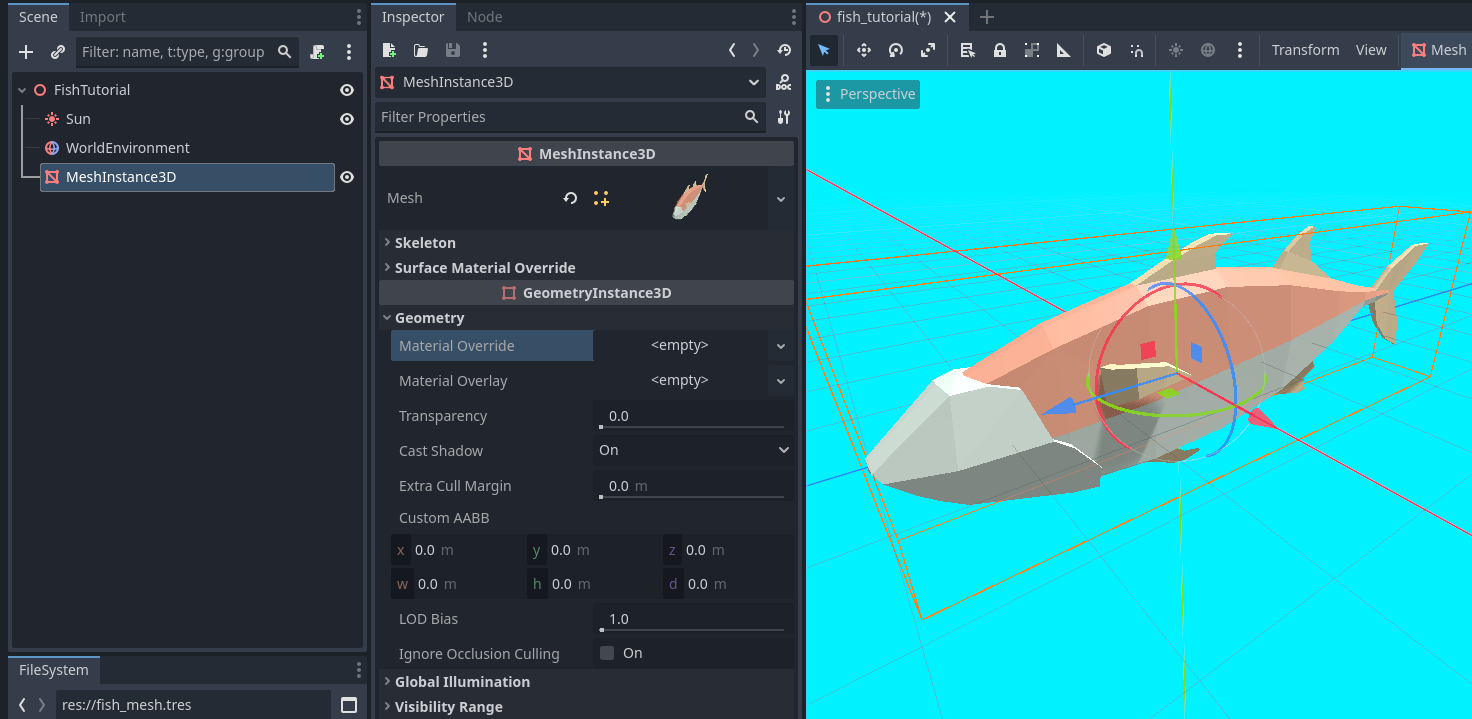
I have created a meshinstance3d and loaded the fish model, which looks like this:
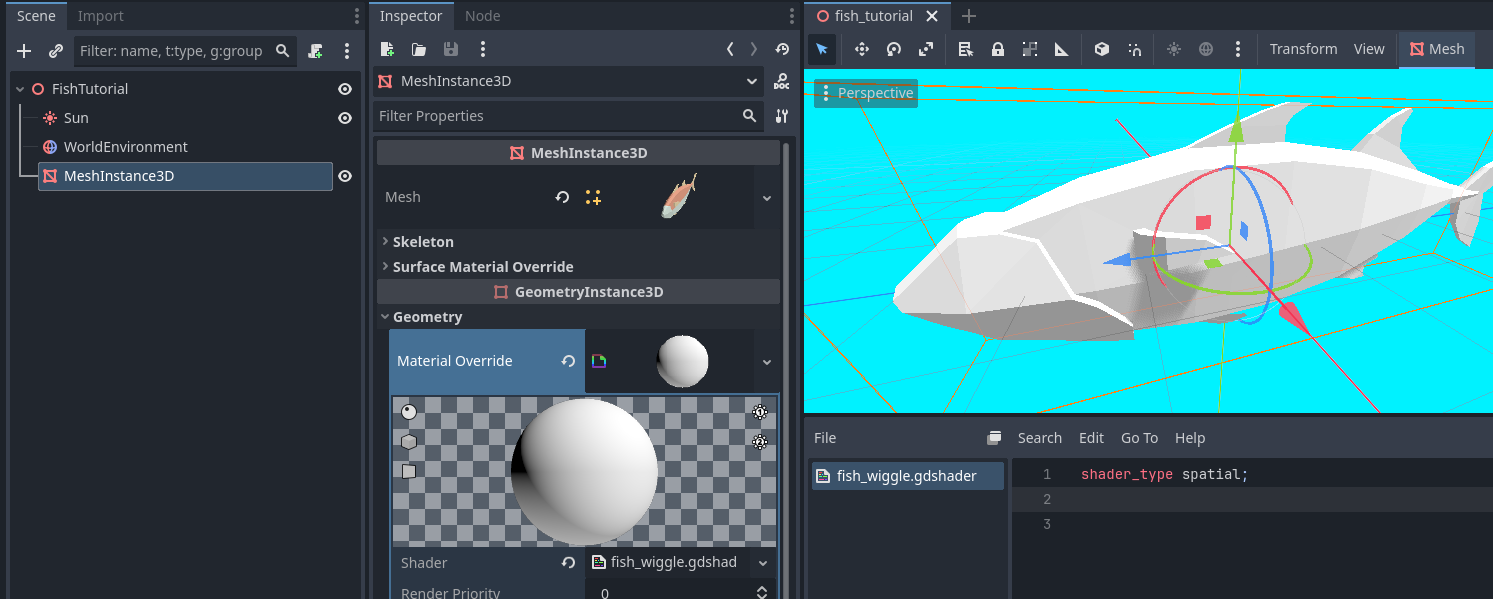
Once I attach a shader to the meshinstance3d, it loses the colors:
This makes sense, being a material override. Is there a way to keep the colors?
Copy mesh material to the override property and convert it to a shader material.
Thank you for the response, however I’m a little confused. The fish has 3 materials, how could I copy them all? Or combine them into one material? I am exporting from Blender.
Assign a new shader material to material_overlay instead of material_override. In the shader’s fragment() function set ALPHA to 0.0 and then continue with the tutorial stuff in the vertex() function.
That’s not working for me. Setting it to 0.0 simply hides the shader fish while leaving the original mesh.
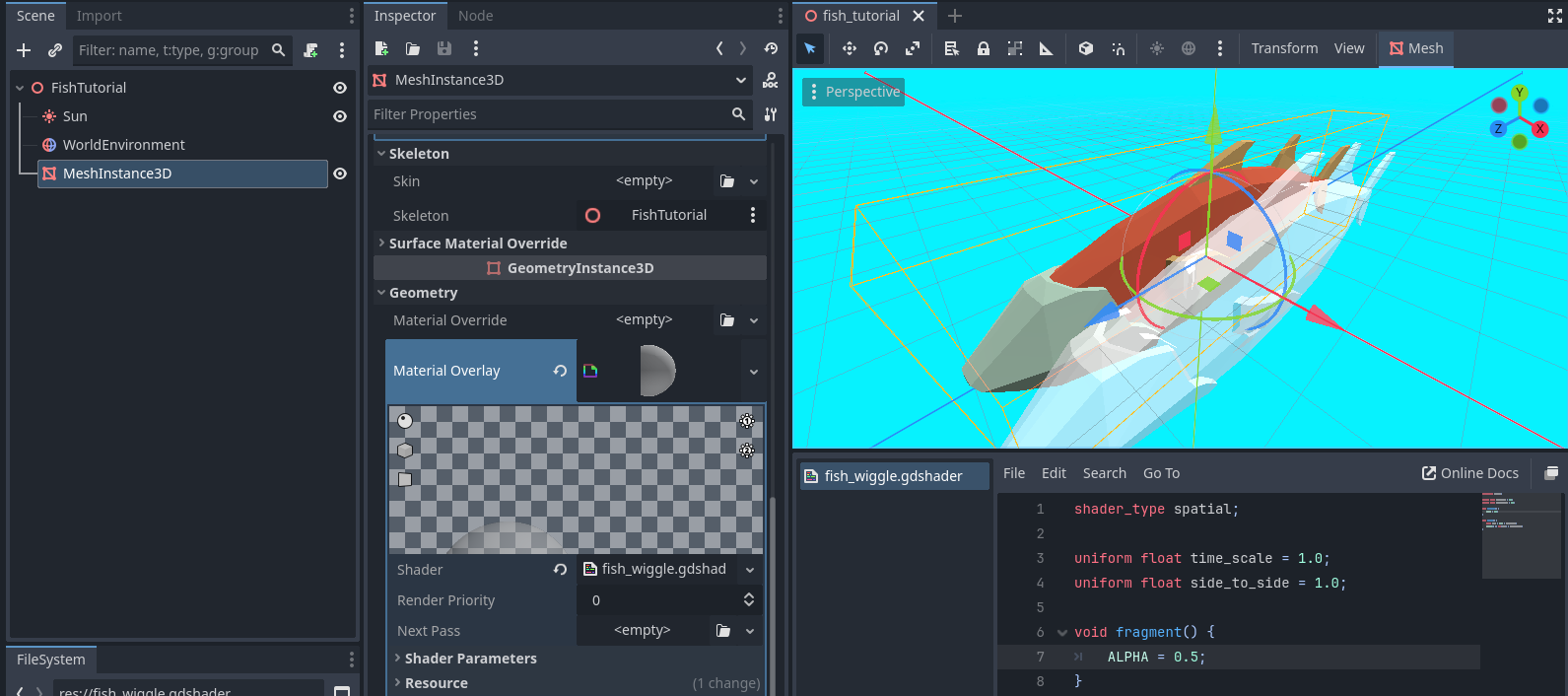
I’ve ALPHA to 0.5 for demonstration:
For reference, having the shader in material override did not leave the original fish mesh like material overlay is.
Best to edit your model in Blender so there’s only 1 material.
For a quick and dirty fix copy all materials to corresponding surface material override slots, convert them all to shaders and run the same vertex shader code on each.