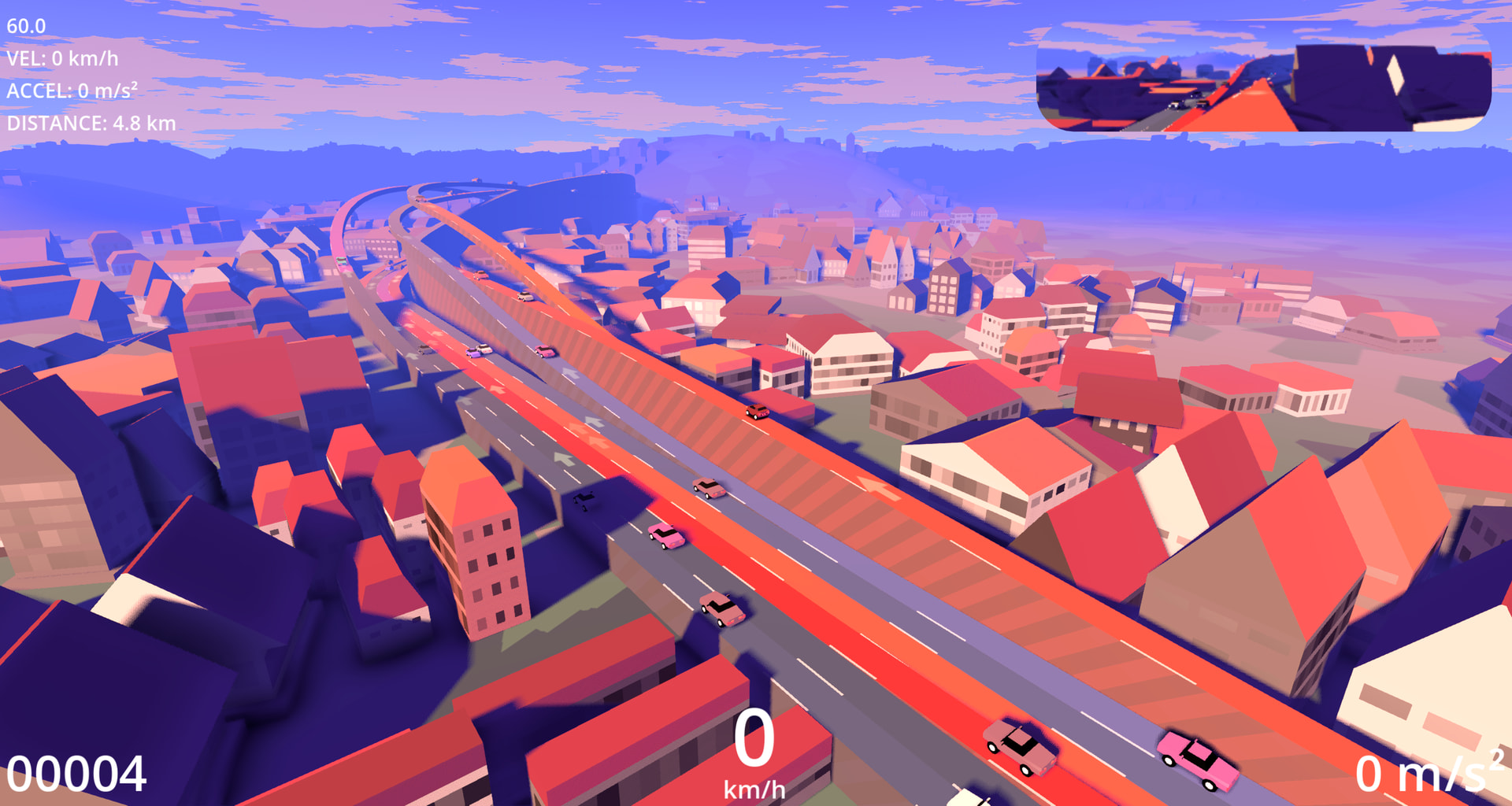
I’m working on a 3D open world game.
I created a system that allows me to only draw basic shapes with curves (or create them via code), and the game generates a building based on a few modular pieces and rules. It allows me to “mass produce buildings” of any shape.
However, I was wondering what would be the best way to handle ridiculous amounts of instances. Because buildings can be very tall, have many pieces and layers, I resorted to using a single MultiMeshInstance3D per piece type.
This works great and performance is good enough to create buildings instantly, even the huge ones. But MultiMeshes have a few limitations:
They don’t support per instance frustum or occlusion culling, nor do they support instance shader parameters (can be kind of worked around by using MultiMesh.set_instance_custom_data.
You can’t bake collision shapes at runtime either (I’m using premade Shape3Ds for now).
They do support LODs and frustum culling, but only based on the entire instance’s combined AABB. So that’s nice, but not as good as per instance.
But what advantages would MultiMesh have over using regular MeshInstance3Ds? Assuming I pass them via the RenderingServer, not using the nodes.
Godot has automatic GPU Instancing for regular Mesh Instances that share the same mesh and material. So basically the same limitations MultiMesh has, but with per instance frustum culling, instance parameters and a bit more flexibility.
I’ve seen something about MultiMeshes being internally counted as a single instance, and that there’s allegedly a limit to how many regular Mesh instances you can render. But I couldn’t find much about this in the docs.
While both will reduce to a single draw call, multi mesh will always draw from a static buffer with virtually zero per-frame cpu involvement. On the other hand, batched individual instances will require some cpu work per frame as per-instance frustum culling check and consequential re-assemblage of the draw buffer needs to happen. Multimesh is pure brute force, the gpu will typically process many triangles that are not visible but this may still yield better performance because gpus love brute force work.
A good compromise, if profiling shows there’s a vertex bottleneck on the gpu side, is to break into several multi meshes and employ some sort of space partitioning for them. That way you can benefit from frustum culling to a certain degree.
I know solo developing an open world game is going to take a lot of time and effort, and I’ve already spent years on this. Which is why I’m betting on procedural generation to give it the variety and save the huge amount of manual work I couldn’t do. The world would be more like Minecraft or other procedural worlds rather than a more traditional fully handcrafted world. It’s working fine so far.
Chunked multimeshes sound like a nice balance. So we wouldn’t have a single multi mesh per piece type, but several smaller ones.
In theory, this should make it so that each MultiMesh has its own smaller AABB, so the camera should still be able to just automatically cull those chunks (even if it’s not per instance) without any code other than splitting the multimeshes into chunks themselves. Right?
I might use RenderingServer MultiMeshes, to skip all the overhead from MultiMeshInstance3D nodes.
Yes, you let the engine cull chunks instead of individual instances. You can adjust the size of the chunk by trial and error. Subdivide as much as possible while still retaining the benefit of multi instancing. The culling is automatic, so yeah, no additional code other than some chunk management would be needed.
Also, if you’re assembling objects from primitives and depending on your visual style, you can minimize the overall number of mmis by implementing versatile primitives that can be morphed into variety of shapes by the vertex shader, controlled by per-instance data. Here’s an example from one of my projects. All of the buildings are handled by a single mmi. The primitive mesh is a cube with specially adjusted UVs so the shader can configure it into various kinds of prisms and pyramids that are then stacked like lego blocks:
You may not even need to do that as the number of mmi nodes will still be relatively small, so the node processing overhead probably won’t come into play. Start with mmi nodes. You can always re do it directly on the server later.
I just wanted to add more details in case someone else wonders the same thing in the future.
I’ve done my own tests and I’ve found MultiMeshes to be considerably faster than GPU Instanced Rendering Server MeshInstances. Running as a tool script in the editor, they seemed about the same. But once I added them to the actual game, that’s when I noticed a considerable performance difference of ~30+ FPS.
While the Rendering Server mesh instances do have the advantage of lower draw calls and per instance culling, they are still submitted as individual objects. You can see this in the View Information section in the Editor
I noticed the CPU Time was higher with MeshInstances (1.5-2.2ms), while MultiMeshes had less than 1.0ms. So that could be the reason behind the performance difference.
If you plan to move these instances at some point, you’d have to move thousands of MeshInstances.
But keep in mind that chunked MultiMeshes also have to be implemented carefully. The more chunks you have, the more draw calls you get. And the less chunks you have, the lower the draw calls, but the culling becomes less precise.
What I think I’m going to do is to chunk each major face of a building. So if a building is rectangular, I could create a single MultiMesh per each face. You would get 4 major faces and chunks. It still allows you to cull the most important angles. Or you could chunk vertically too. It depends on your game, but I found it better to have less chunks.