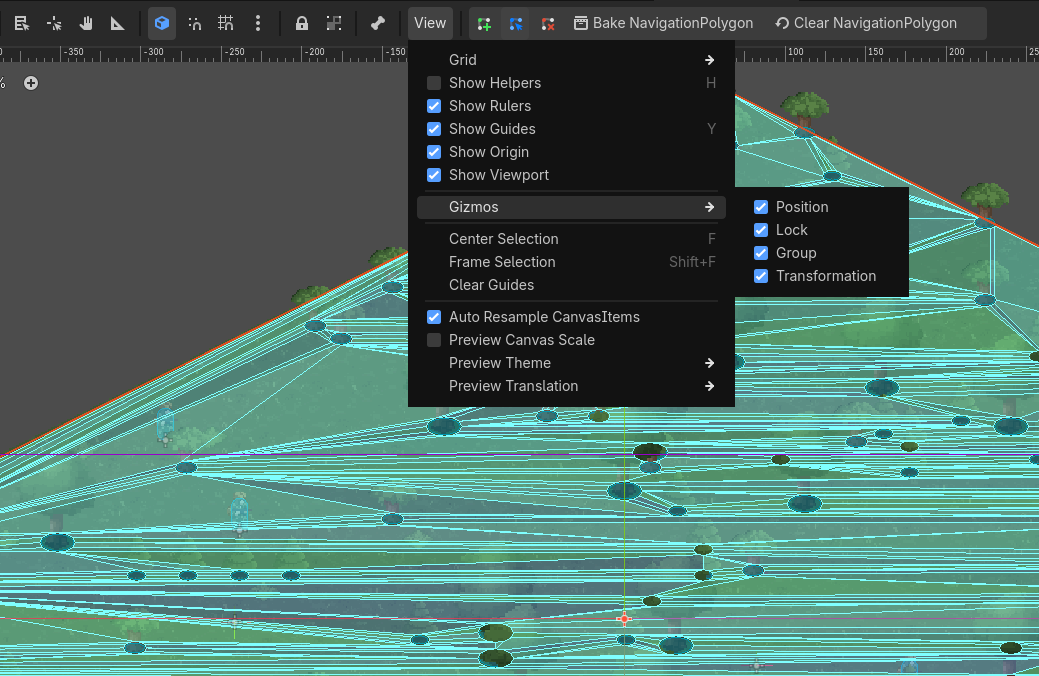
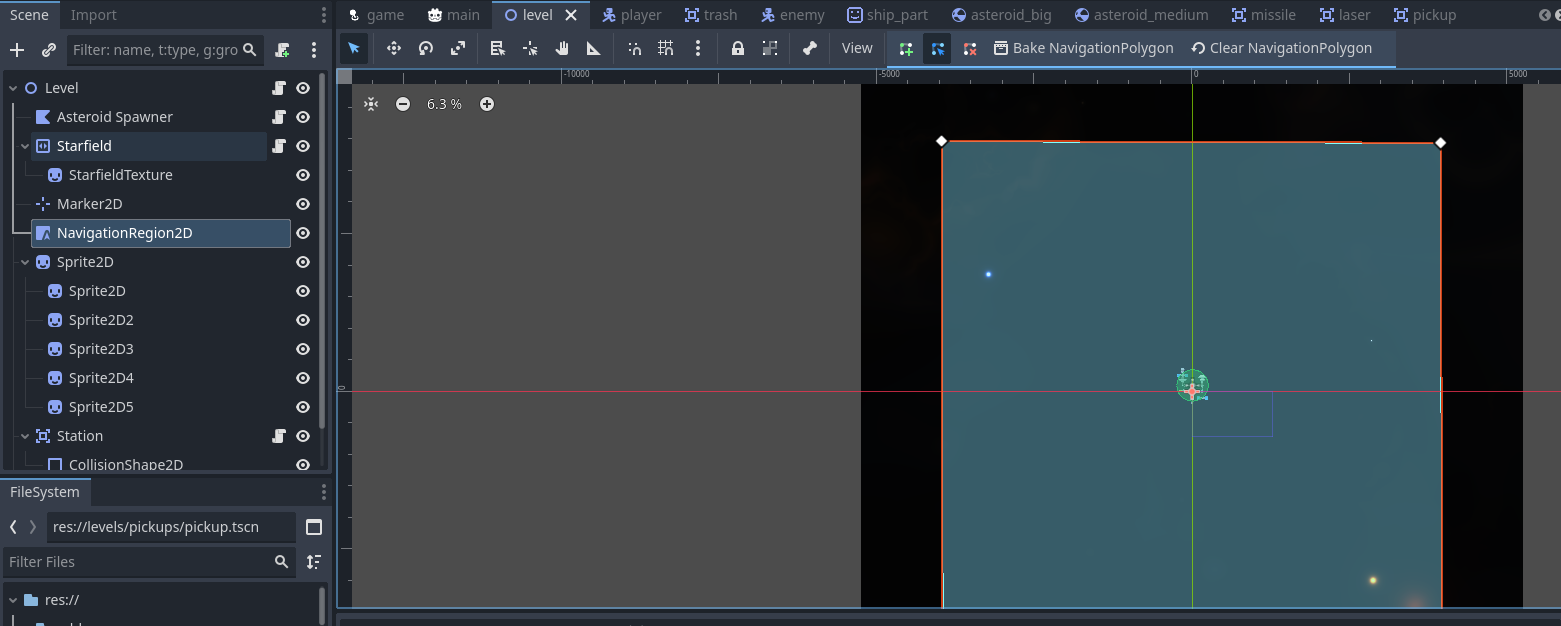
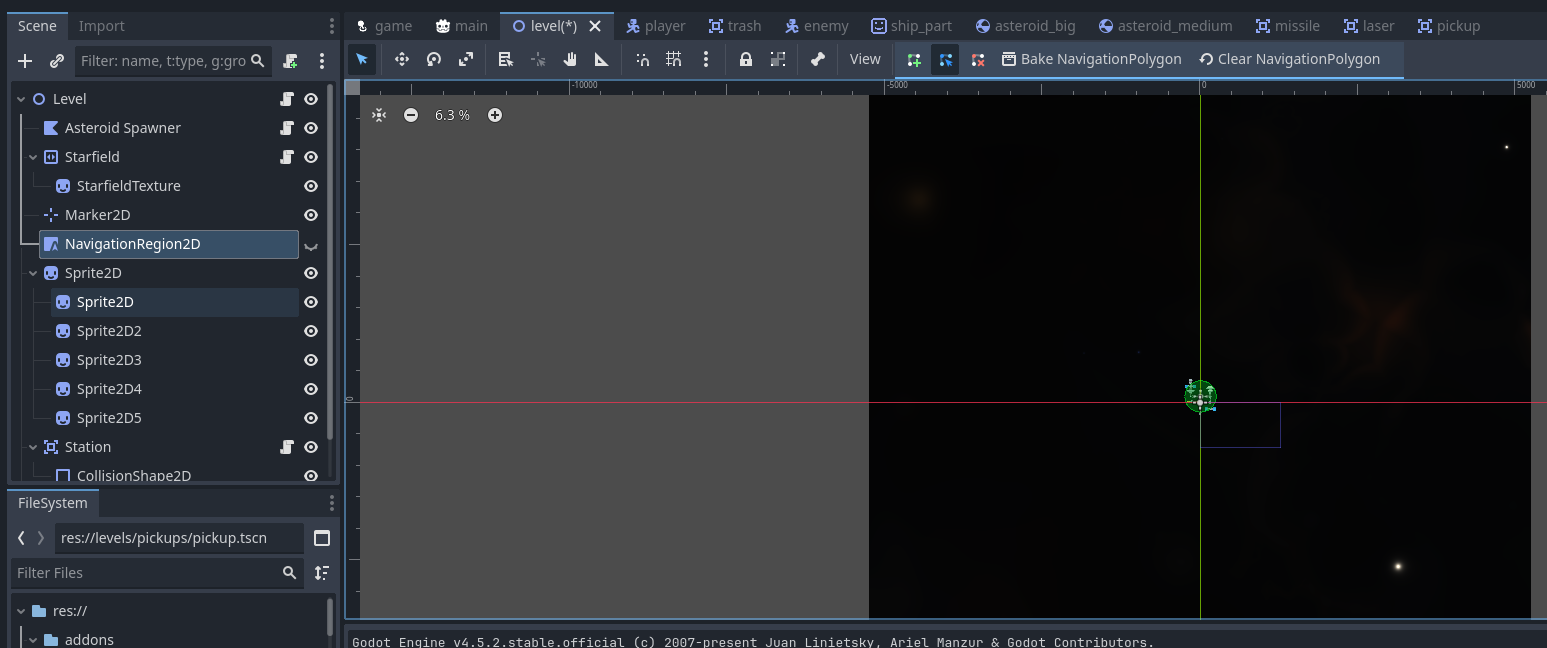
Im using NavigationRegion2d and when you bake the polygon it adds a blue debug view of the baked polygon over everything, is there a way to hide this? I’ve seen some other answers say its under the viewport → view → gizmos menu but i dont see it while i have the nav region 2d selected or not
That option is only there for NavigationRegion3D. My guess is whatever answer(s) you saw were either someone who never used a NavigationMesh2D and assumed they were the same or from an LLM that made the answer up.
The only thing you can do is turn off the visibility of the NavigationRegion2D.
For me i have the NavigationRegion2D as my root node of my scene with child nodes, so hiding it will hide all child nodes which wont be helpful. I guess i could refactor and use the group approach but it will be a bit annoying to do that way i think. Is using the group with children approach the recommended way normally?
TBH I don’t know. I use NavigationRegoin3D a lot more. I had to dig up the one project where I’ve used NavigationRegion2D. I’d recommend logging a request for this feature in Godot Proposals. It’s a good QOL improvment.