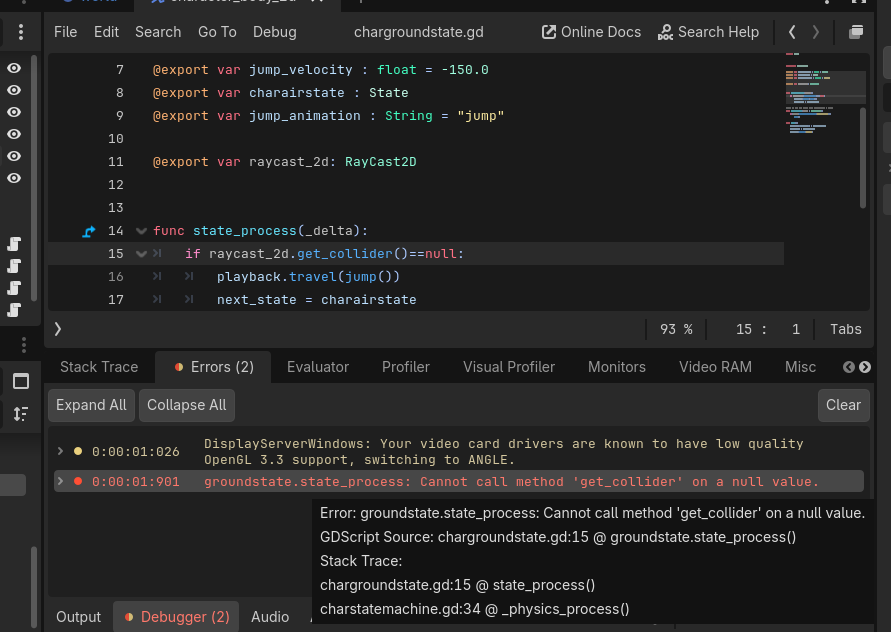
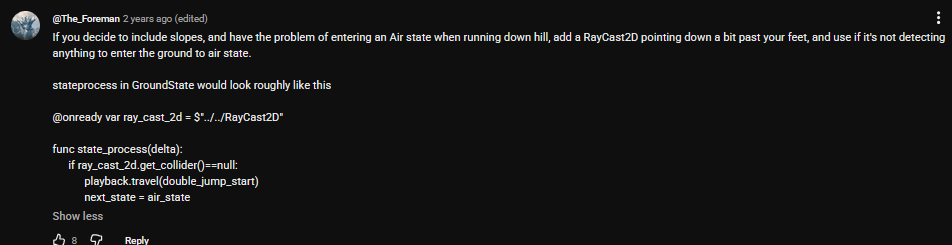
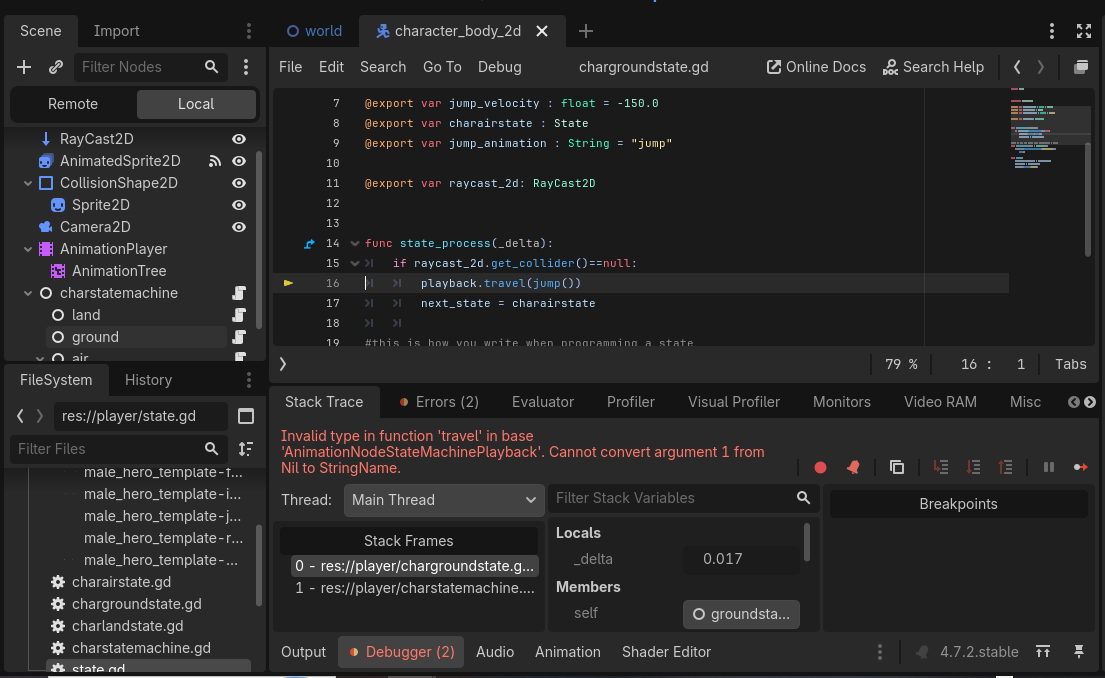
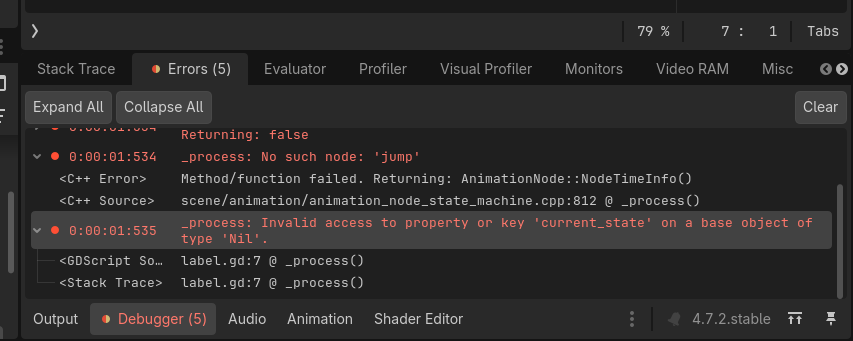
Was following a tutorial about state machines by chris tutorials and fond a comment that provided a solution for the problem with switching states when going downhill, I applied it and it got me an error:
extends State


class_name groundstate

@export var jump_velocity : float = -150.0
@export var charairstate : State
@export var jump_animation : String = "jump"

@export var raycast_2d: RayCast2D


func state_process(_delta):
	if raycast_2d.get_collider()==null:
		playback.travel(jump_animation)
		next_state = charairstate

#this is how you write when programming a state
func state_input(event : InputEvent):
	if(event.is_action_pressed("ui_accept")):
		jump()

func jump():
	character.velocity.y = jump_velocity
	next_state = charairstate
	playback.travel("jump")

extends Node


# Called when the node enters the scene tree for the first time.
class_name charstatemachine


@export var current_state : State
@export var character : CharacterBody2D
@export var animation_tree : AnimationTree

var states : Array[State]


func _ready():
	for child in get_children():
		if(child is State):
			states.append(child)

			#get states that are need to function

			child.character = character
			child.playback = animation_tree["parameters/playback"]

		else:
			push_warning("Child" + child.name + "is not a state for charstatemachine")

func _physics_process(_delta):
	if(current_state.next_state != null):
		switch_states(current_state.next_state)


	current_state.state_process(_delta)

func check_if_can_move():
	return current_state.can_move

func switch_states(new_state : State):
	if (current_state != null):
		current_state.on_exit()
		current_state.next_state = null

	current_state = new_state

	current_state.on_enter()


func _input(event: InputEvent):
	current_state.state_input(event)