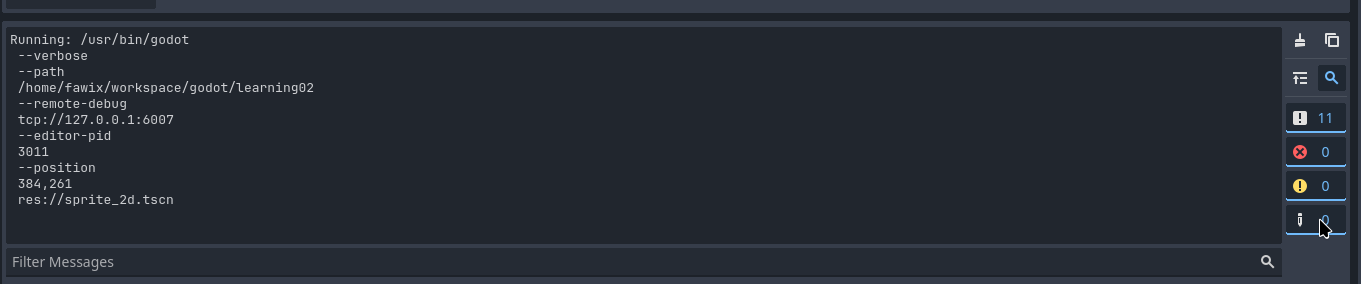
I also tried to add a breakpoint on the print line as well; however nothing happened, it just ran without stopping at the breakpoint and the sprite is correctly showing on the screen. (no breakpoint on the screenshot, that was a straight F6)
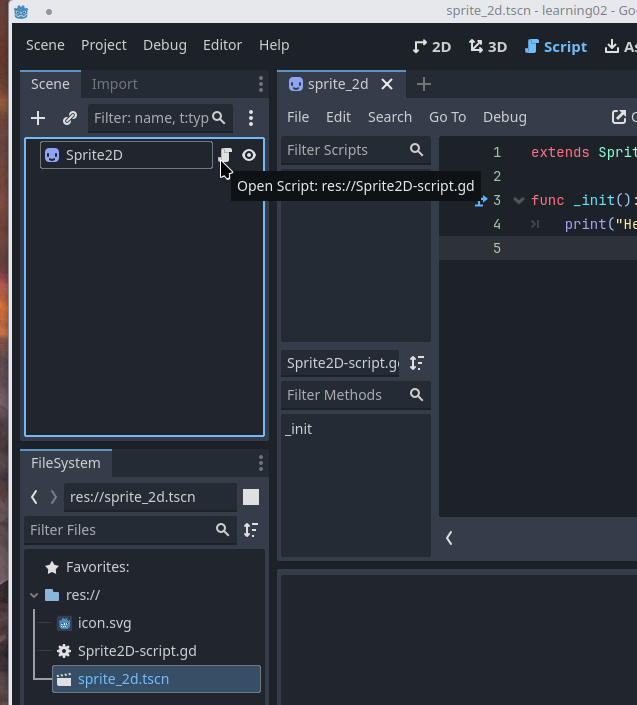
Oh I see that icon in my “Sprite 2D” !
Also, when I right click on “scene1.tscn” and choose “Open Scene” it opens the script directly, so I think it’s attached? But I attached it to the “Sprite2D” I created like the tutorial says, I will try saving the “Sprite2D” as scene instead and see what happens!
for that perticular case I couldnt help 100%, maybe you clicked on the .gd file by accident instead of the tscn? this way, if your window mode is already in the script tab. that would explain why it opened up the script right away. but I banged my head an entire evening trying to understand why now, I double check if my scripts are attached to my scenes
Good point! I’ll make sure to keep that in mind and double check my scenes too!
my sprite2d says it’s attached to the script, when I hover the scroll icon it also says the correct name for the script
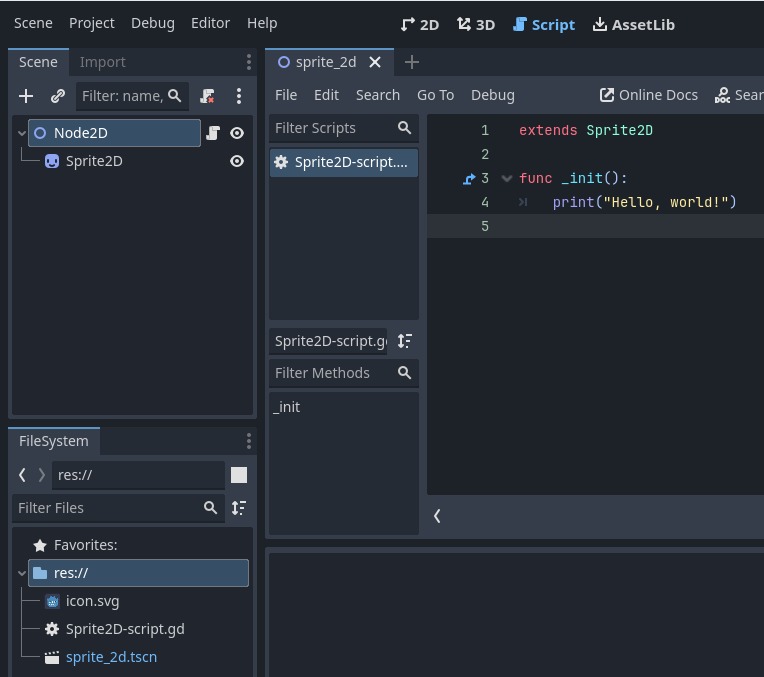
at this point unfortunately I am probably as much of a newb as you are! maybe its because it is on a sprite that is not in a scene? if you try parenting it to a node2D would that print?.. I’m 100% guessing with assumptions. btw if it doesnt make sense I’d suggest to wait for someone who knows his sh*t because I dont hahaha… good luck!
edit unfortunately I just tried and I got a printed message … sorry I cannot help you more than that…
my first print encounter was pretty weird too, maybe it is a bug in the refresh state. if you found as a work around to re assign it, I’d do this for now but if you manage to repro the bug 100% with all the steps I guess it’d be nice to share it
Thanks for helping! I think it was good ideas to try anyway (I just totally clueless about what might be going on - I still don’t really understand how scenes and nodes affect each other )
edit unfortunately I just tried and I got a printed message … sorry I cannot help you more than that…
this is making me wonder if it’s related to me running in compatibility mode; I will try getting my hands on another computer later that has a vulkan support to see how it goes!
yeah that specific aspect is a bit confusing… one day I woke up and it printed… no idea why… tonight, found that attach script thing was actually a thing so I guessed that was it but maybe it wasn’t! what looks weird and make me think it potentially something else is that you dont even have the basic lines --- Debugging process started --- Godot Engine v4.2.1.stable.official.b09f793f5 - https://godotengine.org Vulkan API 1.3.277 - Forward+ - Using Vulkan Device #0: NVIDIA - NVIDIA GeForce RTX 4060 Laptop GPU
at the beginning making me think your engine is not even starting… but rest assured, so far that community is extremely helpful even to total newbs like ourselves someone will try to help by tomorrow I’m almost 100% sure!
You overriding a virtual function called _init(). _init() only runs when you instantiate a class via code.
Try your print statement in the _ready() function.
Thanks for the response sancho2! I’ve just tried with _ready - but the result is still the same. I wish it was at least throwing some kind of error message.
Click the “Project” menu → Project Settings → Application → Run
Look at the “Main Scene” property. Is it “res://sprite_2d.tscn” or something else?
Your first screenshot shows that clicked the “Run Project” button and not the “Run Current Scene” button. So it’s possible the scene you expect to run is not the main scene of your game.
Yes, It’s pointing to res://sprite_2d.tscn
PS: it doesn’t let me add two screenshots in one post so I’ll reply to this post with the relevant screenshot
I don’t know if relevant but my glxinfo shows: OpenGL version string: 4.5 (Compatibility Profile) Mesa 24.0.3-arch1.2
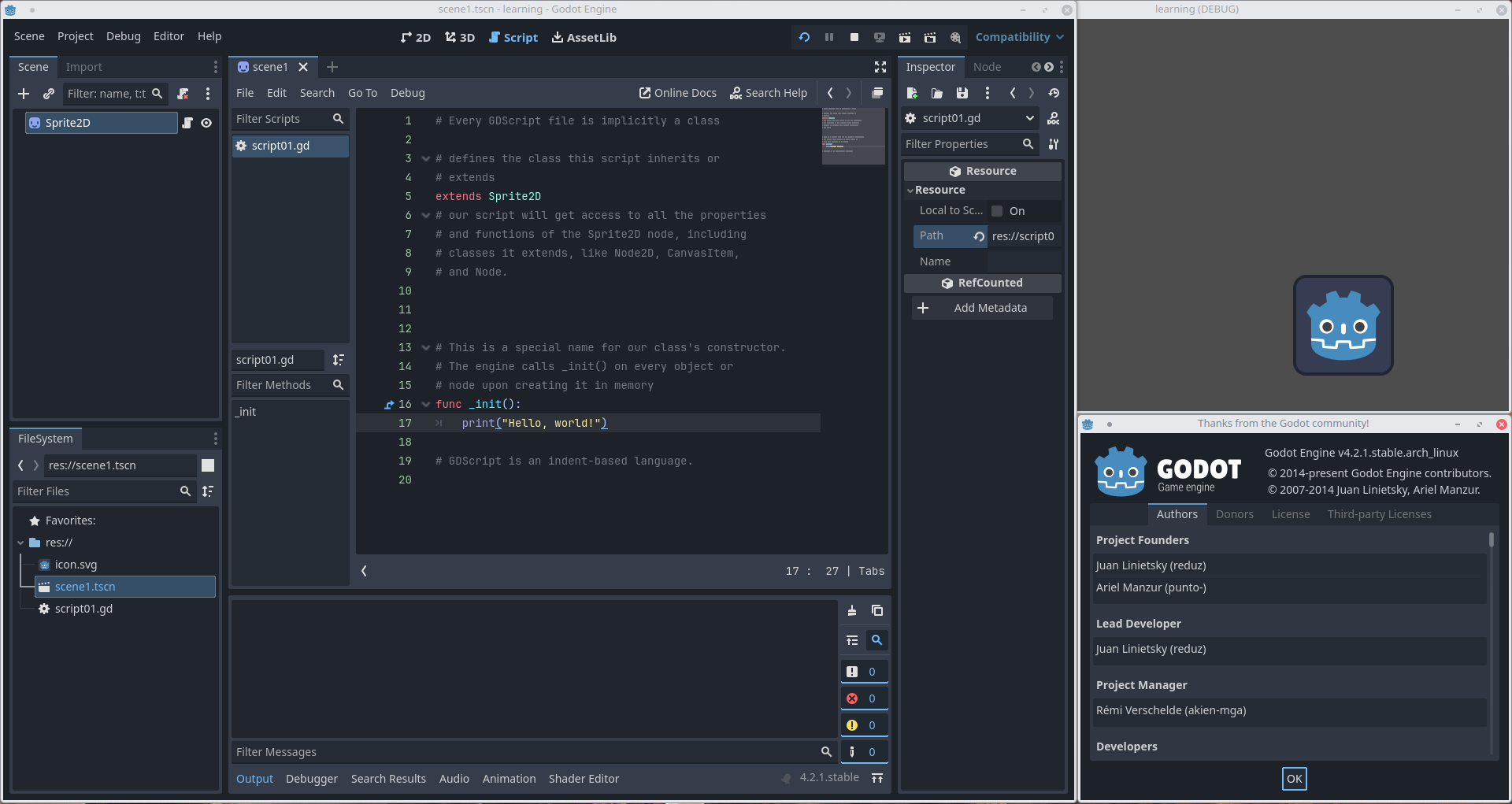
 is your script attached to your scene?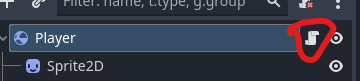
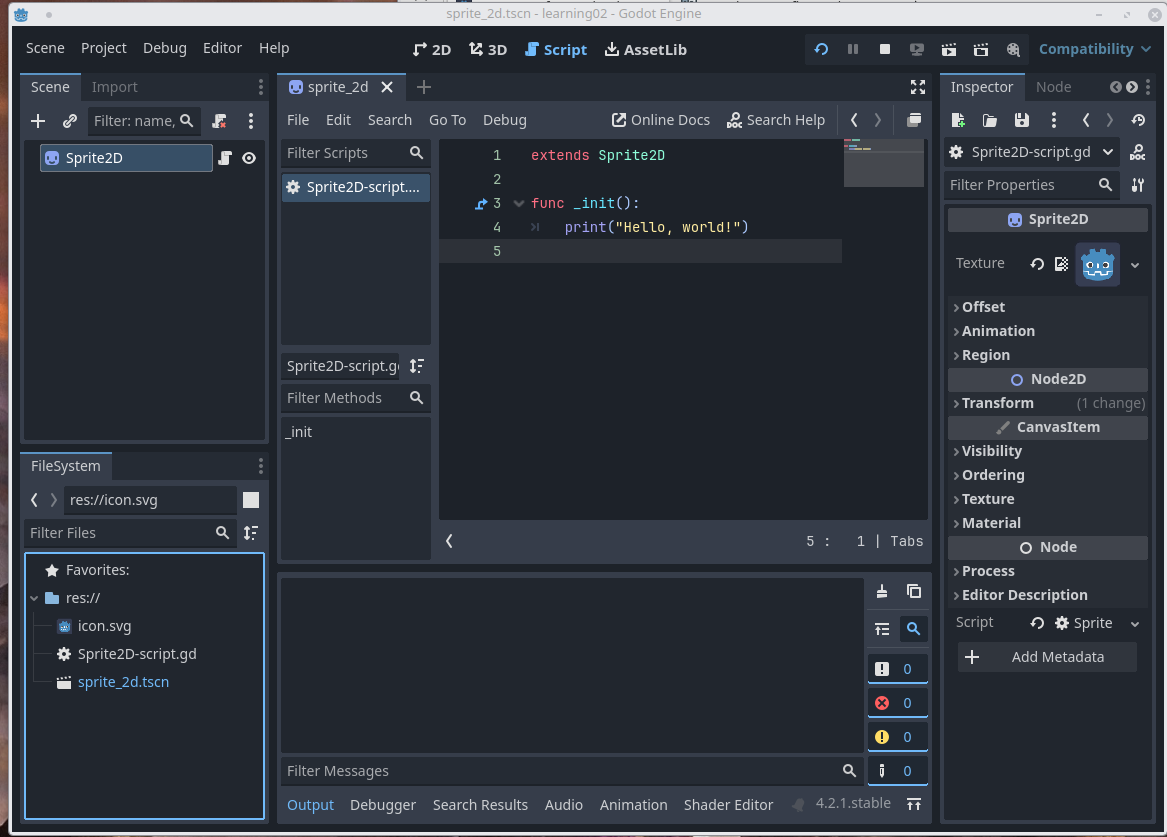
 now, I double check if my scripts are attached to my scenes
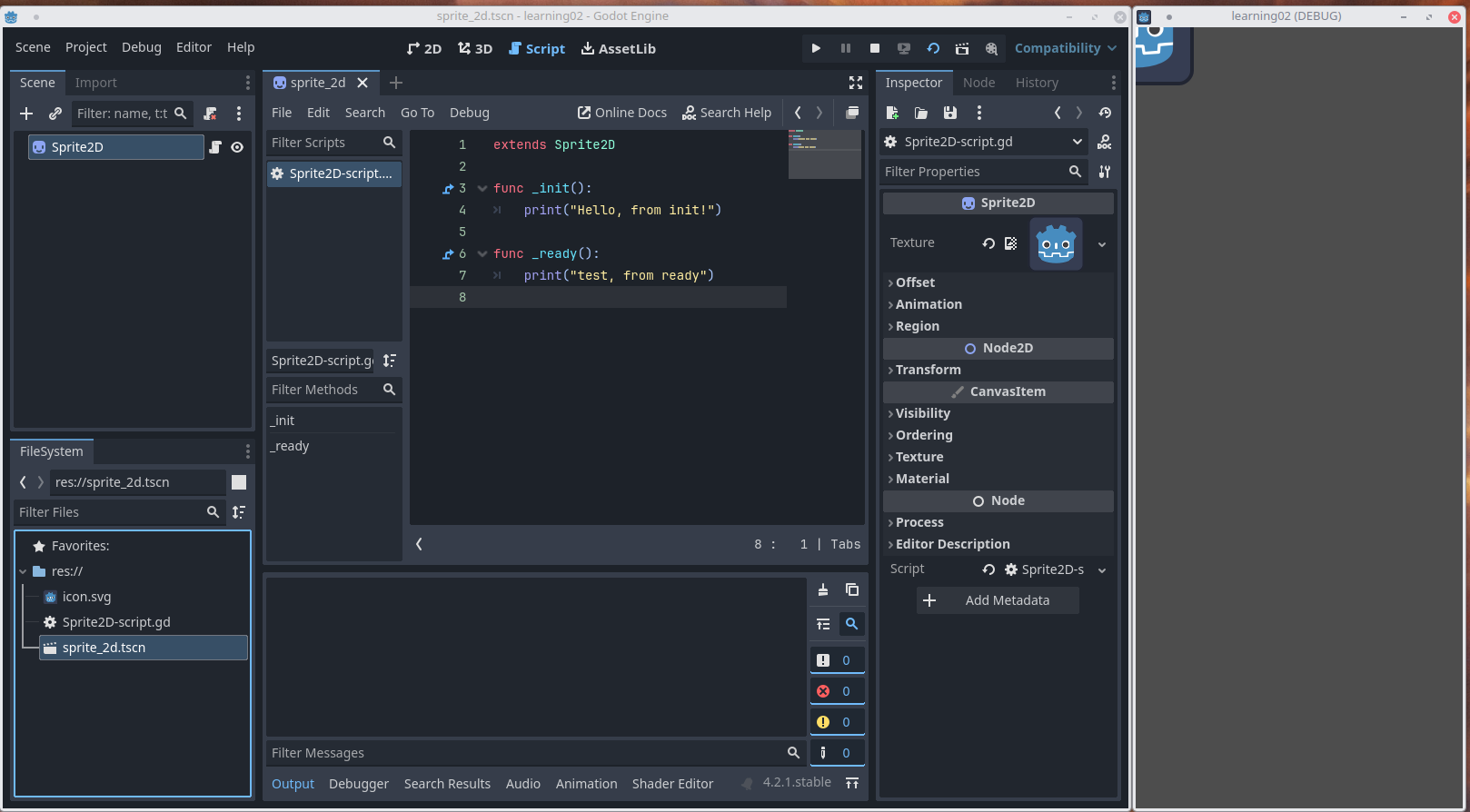
 button and not the “Run Current Scene”
  button. So it’s possible the scene you expect to run is not the main scene of your game.