Godot Version
4.5.1
Question
I would like to do a animation, if the player colliedes with a enemy (the collision gets tracked via a killzone) the player animation changes to a death animation.
What should i add to my Script so it works ?
Player Script
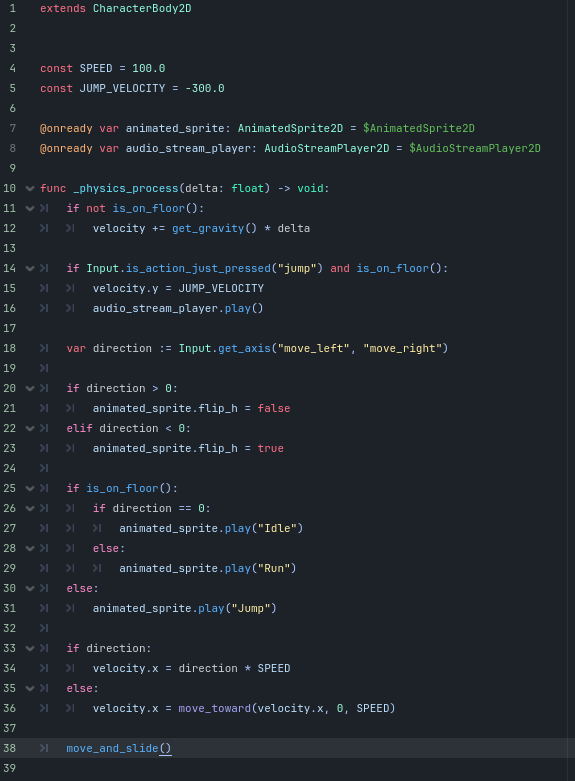
image575×781 60.6 KB
Player Tree
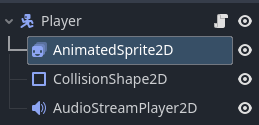
image259×125 6.42 KB
Killzone Script
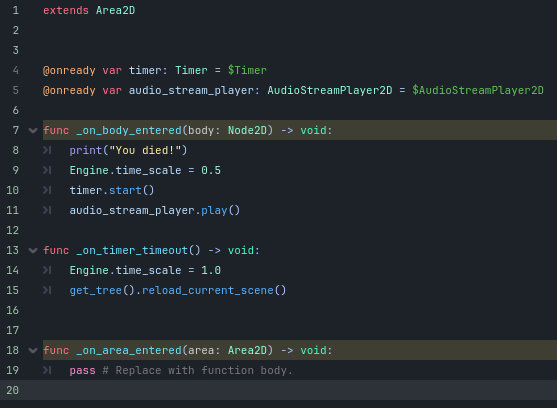
image557×408 29.3 KB
Killzone Tree
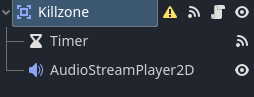
Hi,
You would basically need to add 3 things :
1/ In the killzone script, if the collided body is the player, then call a function `die()` or death() on that player so that it knows it needs to play its death animation.
2/ Implement that death function in the player script, in which you will play the death animation using animated_sprite.play("Death").
3/ Add a boolean is_dead in the player script to keep track of the state of the player. If it is dead, then you don’t execute all of the code in process and physics process as the player should not move anymore, and not play its idle/run/jump animations.
I’m new. Could u give me a example code ?
If you want example code, then you should post your code by pasting it between ```` on the lines above and below your code. Like so:
```gdscript
# Code Here
```
# Code Here
Otherwise, you are asking us to type up your code again before modifying it to show you an example.