### Code on basic 2D platformer + animations by IcyEngine

extends CharacterBody2D

@export var walk_speed = 150.0
@export var run_speed = 250.0
@export_range(0, 1) var acceleration = 0.1
@export_range(0, 1) var deceleration = 0.1

@export var jump_force = -400.0
@export_range(0, 1) var decelerate_on_jump_release = 0.5

@export var dash_speed = 1000.0
@export var dash_max_distance = 300.0
@export var dash_curve : Curve
@export var dash_cooldown = 1.0

@export var animated_sprite : AnimatedSprite2D

var rank : String = "Academy Student" #default rank

# Get the gravity from the project settings to be synced with RigidBody nodes.
var gravity = ProjectSettings.get_setting("physics/2d/default_gravity")

var is_dashing = false
var dash_start_position = 0
var dash_direction = 0
var dash_timer = 0

func _physics_process(delta):
	# Add the gravity.
	if not is_on_floor():
		velocity.y += gravity * delta

	var speed
	if Input.is_action_pressed("Move_Run"):
		speed = run_speed
	else:
		speed = walk_speed

	# Get the input direction and handle the movement/deceleration.
	# As good practice, you should replace UI actions with custom gameplay actions.
	var direction = Input.get_axis("Move_Left", "Move_Right")
	if direction:
		velocity.x = move_toward(velocity.x, direction * speed, speed * acceleration)
		animated_sprite.flip_h = direction == -1
		if is_on_floor():
			if Input.is_action_pressed("Move_Run"):
				match rank:
					"academy student":
						animated_sprite.play("Walk")
			else:
				match rank:
					"academy student":
						animated_sprite.play("Walk")
	else:
		velocity.x = move_toward(velocity.x, 0, walk_speed * deceleration)
		if is_on_floor():
			match rank:
				"academy student":
					animated_sprite.play("Idle")

	# Handle jump.
	if Input.is_action_just_pressed("Jump") and (is_on_floor() or is_on_wall()):
		velocity.y = jump_force
		match rank:
			"academy student":
				animated_sprite.play("Jump")

	if Input.is_action_just_released("Jump") and velocity.y < 0:
		velocity.y *= decelerate_on_jump_release

	# Dash activation
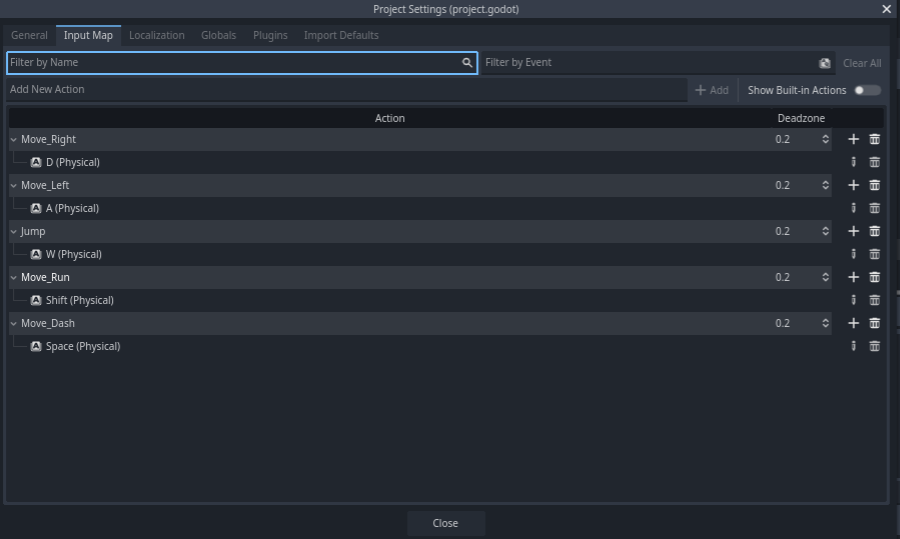
	if Input.is_action_just_pressed("Move_dash") and direction and not is_dashing and dash_timer <= 0:
		is_dashing = true
		dash_start_position = position.x
		dash_direction = direction
		dash_timer = dash_cooldown

	# Performs actual dash
	if is_dashing:
		var current_distance = abs(position.x - dash_start_position)
		if current_distance >= dash_max_distance or is_on_wall():
			is_dashing = false
		else:
			velocity.x = dash_direction * dash_speed * dash_curve.sample(current_distance / dash_max_distance)
			velocity.y = 0

	# Reduces the dash timer
	if dash_timer > 0:
		dash_timer -= delta

	move_and_slide()
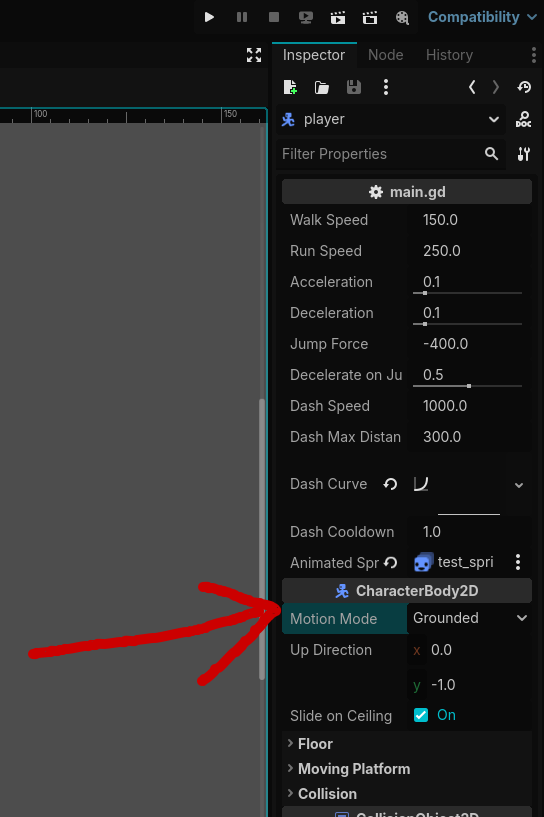
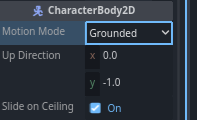
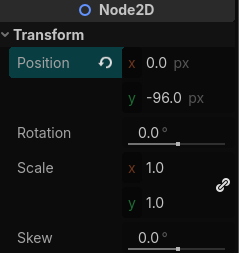
From my testing I can’t find anything wrong unless you changed a value in the inspector panel on your player ): sorry i couldn’t be of more help.
maybe trying to redo the player script from the beginning (start again with only moving left and right) and slowly adding the rest of the features (dash, jump, sprint, animations)back would help find the issue?
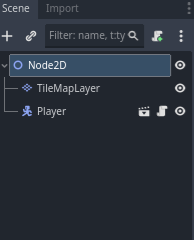
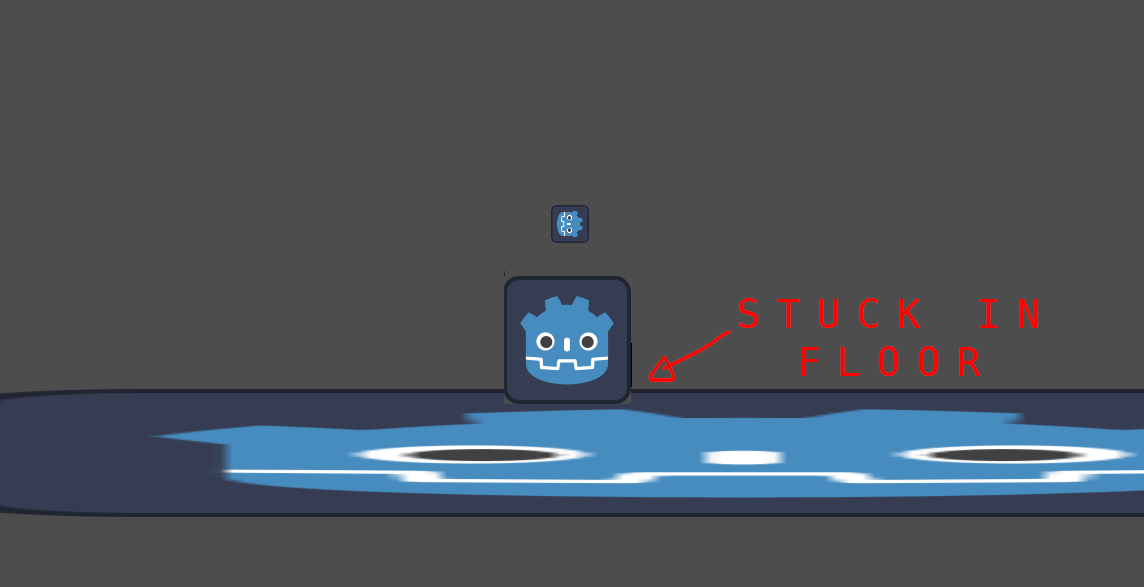
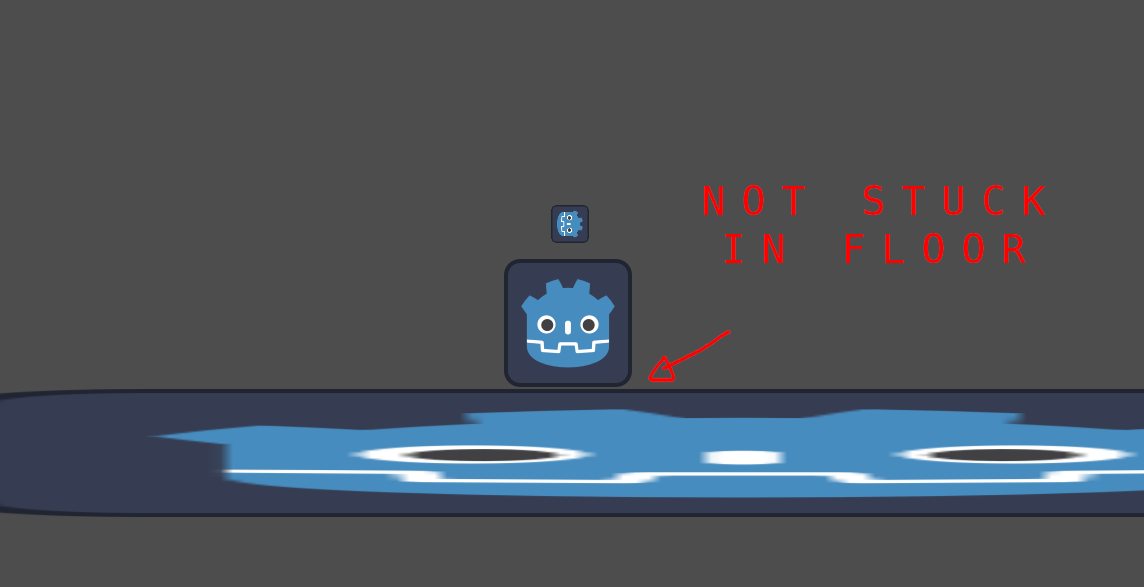
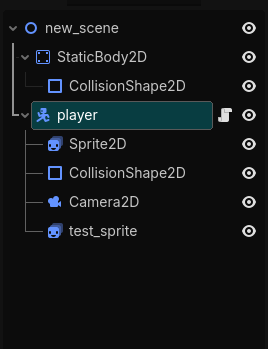
We need to isolate where the problem is, is it in the node_2d scene?
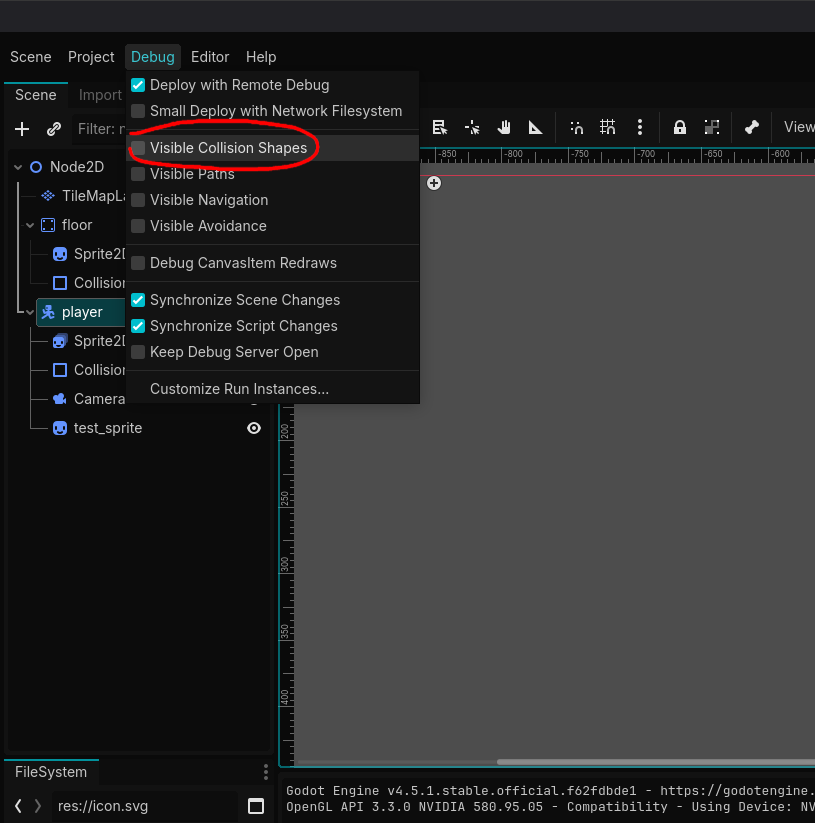
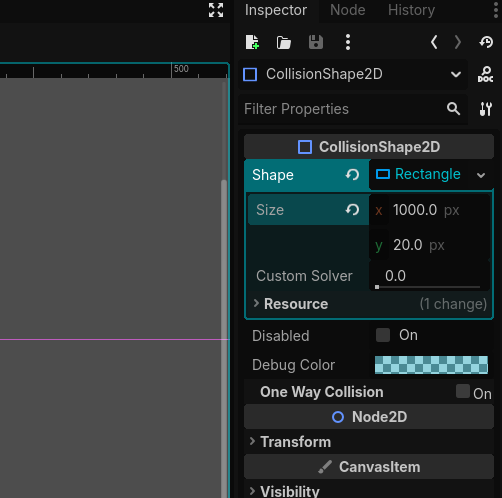
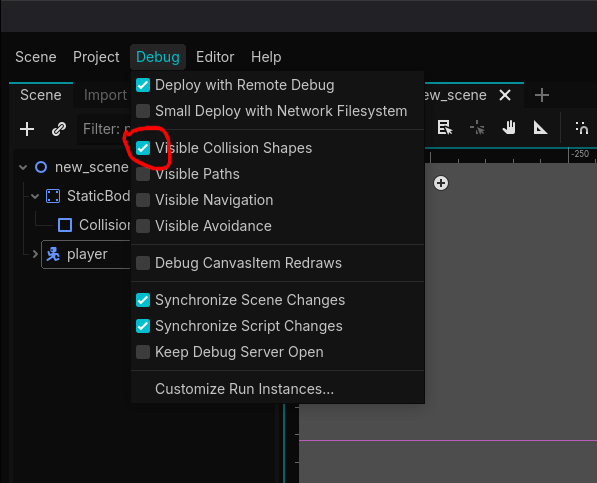
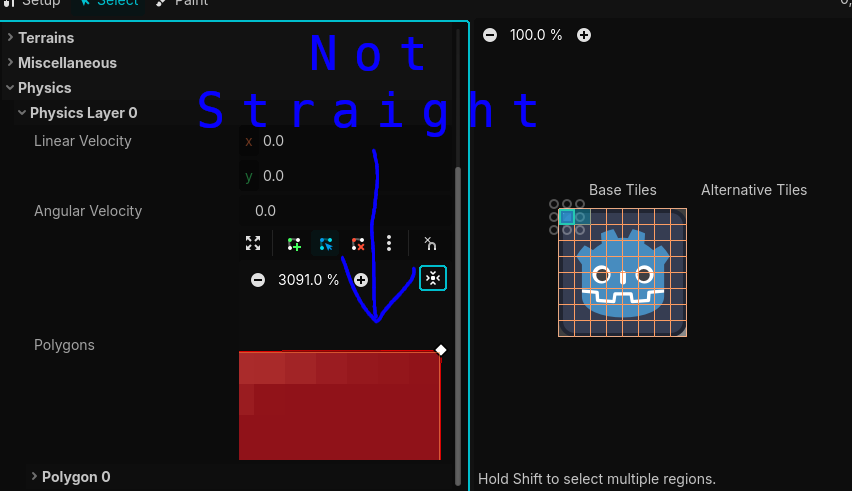
Maybe something is weird with the collision in your TileMapLayer or something weird happened with the player script in that scene.
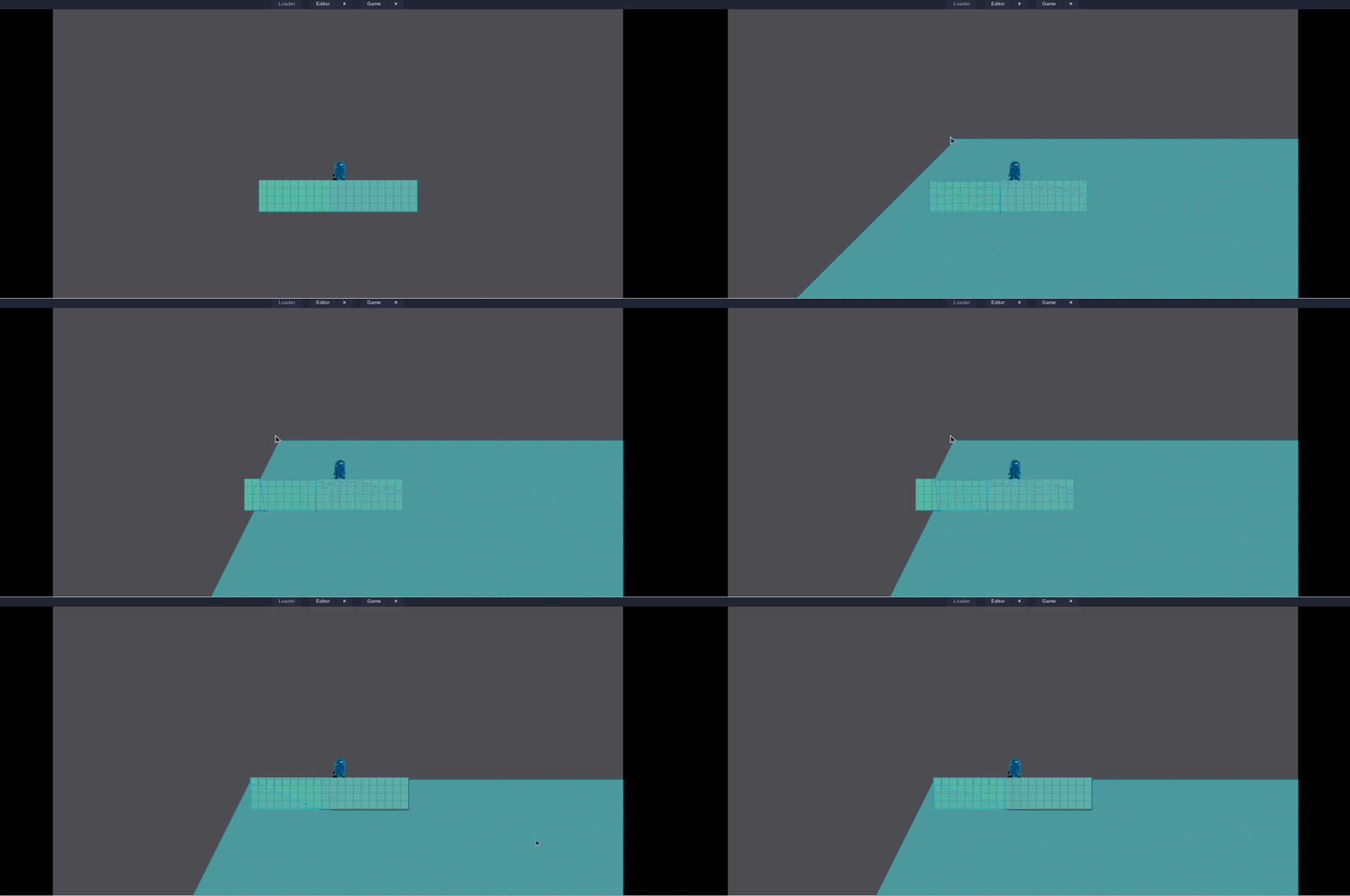
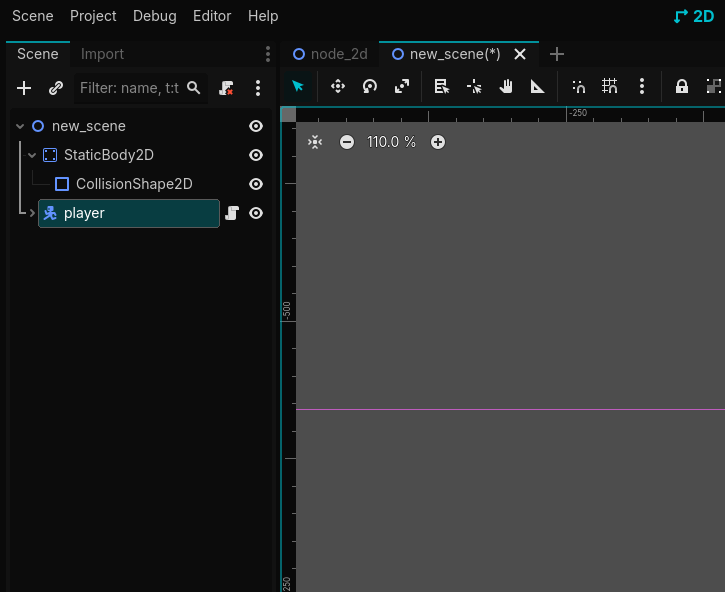
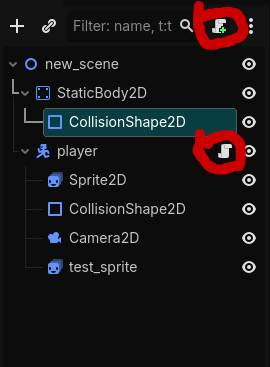
I am asking you to create a new scene to see if the problem happens again, if it doesn’t then we know for sure that the browser Godot you are using isn’t the problem and we can for sure rule that out.