Godot Version
4.2
Question
Hello there, I’m trying to achieve a post-processing effect where I need a blurred version of the screen along with normal/depth information.
To my knowledge only a spatial shader has access normal/depth but when I try blurring with textureLod() the screen texture appears to have no MIPs and isn’t really usable.
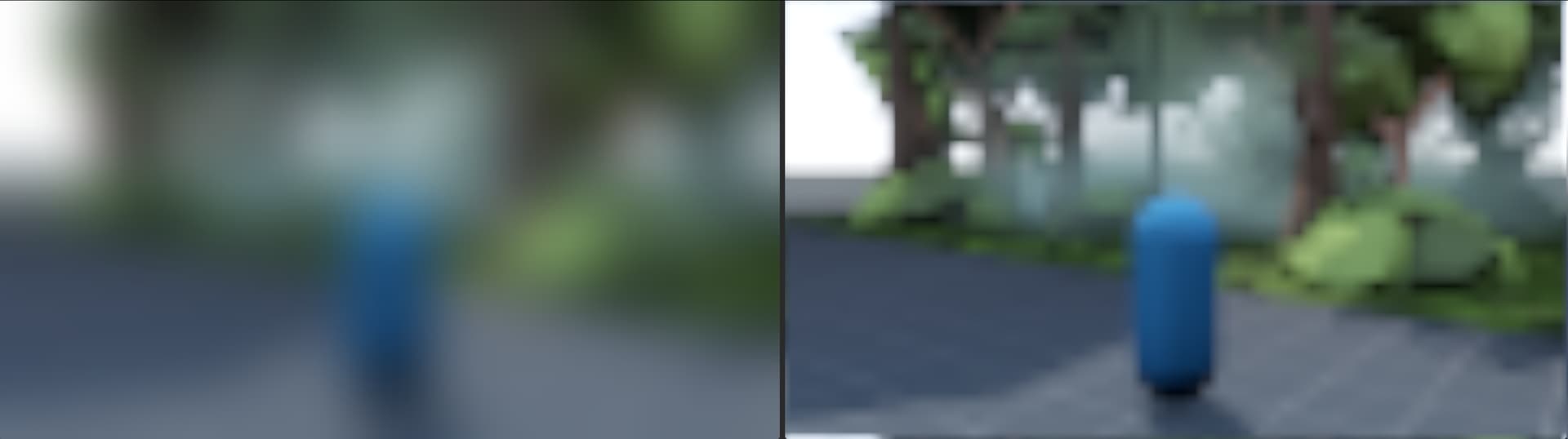
Using a canvas shader, textureLod() produces a lovely blur, but I can’t access the Normal/Depth buffers… here is a comparison of canvas vs spatial textureLod():
Iterative blurring is too expensive for the size of blur I’m wanting unfortunately.
Does anyone know a method of post-processing where I can have access to a screen texture with MIPs and Normal/Depth buffers?
Would the upcoming Rendering Hooks functionality make this possible? (I’m not smart enough to truly understand the implications  )
)
I’d hugely appreciate any insight anyone can offer — Thanks!
Target Effect/Visual
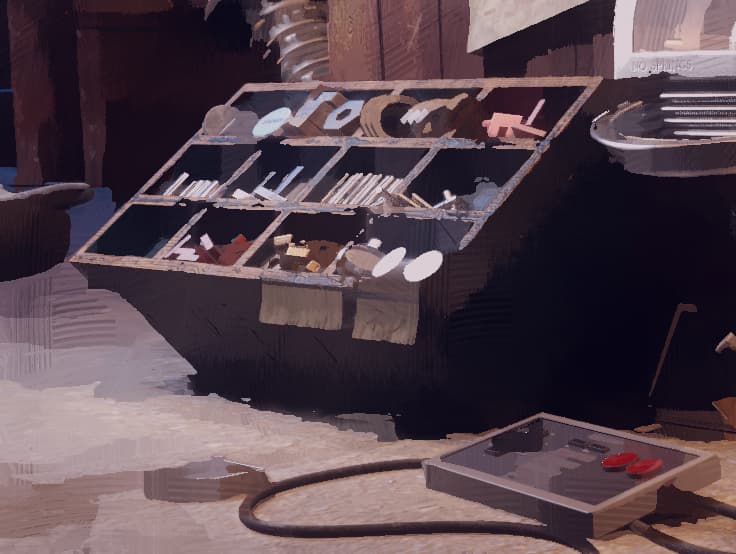
I’m looking to replicate this painterly “lost edges” effect I made in Blender’s compositor:
A high-pass is a crucial part of the effect and that needs a blur…
You can use a bicubic sampling function on the spatial mip as done here: Improve BaseMaterial3D refraction quality by using bicubic filtering by Calinou · Pull Request #86047 · godotengine/godot · GitHub
This works at any mip level and greatly improves quality while remaining fairly cheap. A similar approach is used in Godot’s glow implementation.
1 Like
Thanks for the response, it really does improve the quality!
In still frames it looks OK, however, in movement it’s not stable:
Is this expected or have I messed up the implementation somehow?
Can you post the full shader code here? Also, which mip level are you sampling? I suggest sampling integer levels only (like 2.0 and 3.0), otherwise you’ll get a blend of two different mips which can look bad for this kind of effect.
1 Like
Sorry that video was indeed blending 2 MIPs as I was trying to get rid of the effect…
I’ve cleaned up the shader here:
Shader Code
shader_type spatial;
render_mode unshaded;

uniform sampler2D SCREEN_TEXTURE: hint_screen_texture, filter_linear_mipmap;

// Move to camera
void vertex(){
	POSITION = vec4(VERTEX, 1.0);
}

// w0, w1, w2, and w3 are the four cubic B-spline basis functions
float w0(float a) {
	return (1.0f / 6.0f) * (a * (a * (-a + 3.0f) - 3.0f) + 1.0f);
}
float w1(float a) {
	return (1.0f / 6.0f) * (a * a * (3.0f * a - 6.0f) + 4.0f);
}
float w2(float a) {
	return (1.0f / 6.0f) * (a * (a * (-3.0f * a + 3.0f) + 3.0f) + 1.0f);
}
float w3(float a) {
	return (1.0f / 6.0f) * (a * a * a);
}

// g0 and g1 are the two amplitude functions
float g0(float a) {
	return w0(a) + w1(a);
}
float g1(float a) {
	return w2(a) + w3(a);
}
// h0 and h1 are the two offset functions
float h0(float a) {
	return -1.0f + w1(a) / (w0(a) + w1(a));
}
float h1(float a) {
	return 1.0f + w3(a) / (w2(a) + w3(a));
}

vec4 texture2D_bicubic(sampler2D tex, vec2 uv, int p_lod, ivec2 tex_size) {
	vec2 tex_size_lod = vec2(tex_size >> p_lod);
	vec2 pixel_size = vec2(1.0f) / tex_size_lod;
	uv = uv * tex_size_lod + vec2(0.5f);
	vec2 iuv = floor(uv);
	vec2 fuv = fract(uv);
	float g0x = g0(fuv.x);
	float g1x = g1(fuv.x);
	float h0x = h0(fuv.x);
	float h1x = h1(fuv.x);
	float h0y = h0(fuv.y);
	float h1y = h1(fuv.y);
	vec2 p0 = (vec2(iuv.x + h0x, iuv.y + h0y) - vec2(0.5f)) * pixel_size;
	vec2 p1 = (vec2(iuv.x + h1x, iuv.y + h0y) - vec2(0.5f)) * pixel_size;
	vec2 p2 = (vec2(iuv.x + h0x, iuv.y + h1y) - vec2(0.5f)) * pixel_size;
	vec2 p3 = (vec2(iuv.x + h1x, iuv.y + h1y) - vec2(0.5f)) * pixel_size;
	return (g0(fuv.y) * (g0x * textureLod(tex, p0, float(p_lod)) + g1x * textureLod(tex, p1, float(p_lod)))) +
		   (g1(fuv.y) * (g0x * textureLod(tex, p2, float(p_lod)) + g1x * textureLod(tex, p3, float(p_lod))));
}

void fragment() {
	vec2 uv = SCREEN_UV;
	vec3 screen_blurred = texture2D_bicubic(SCREEN_TEXTURE, uv, 4, textureSize(SCREEN_TEXTURE, 0)).rgb;
	ALBEDO = screen_blurred;
}
I’m using mip 4.0 now, here’s what it looks like
Thanks so much for taking the time, sorry I’m slow at replying — got a lot on atm but this is really appreciated!
1 Like
While a big improvement, it’s unfortunately still too unstable for my needs 
@Calinou are these artifacts expected with this technique or is there a way to reduce them?
I hear compositor effects will allow for multi-pass post processing, I can’t seem to find any info regarding MIPs of passes though… Do you know if compositor effects would help with this at all or am I barking up the wrong tree?
1 Like