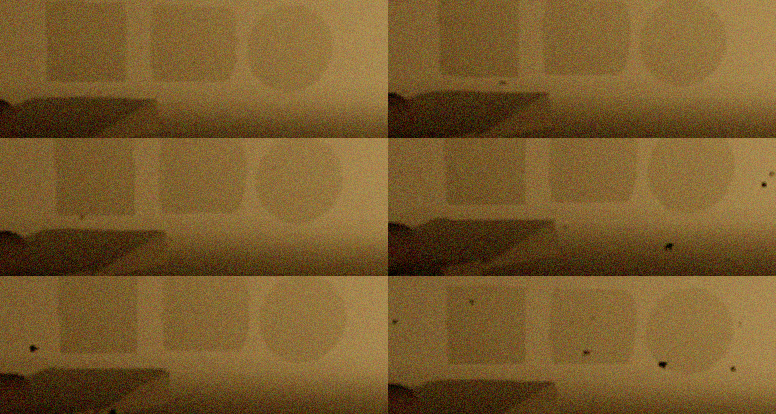
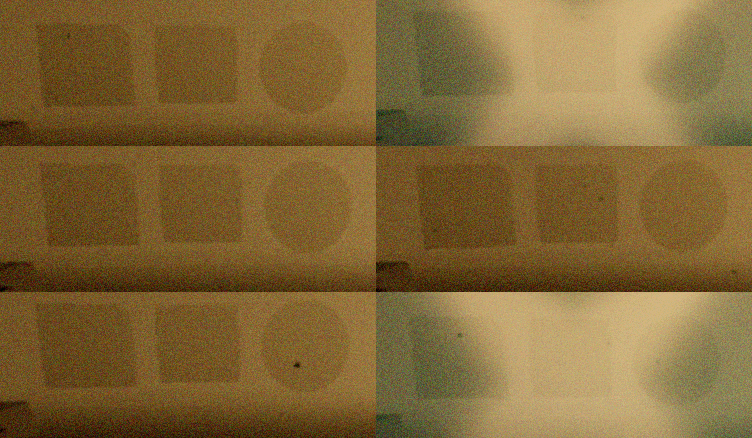
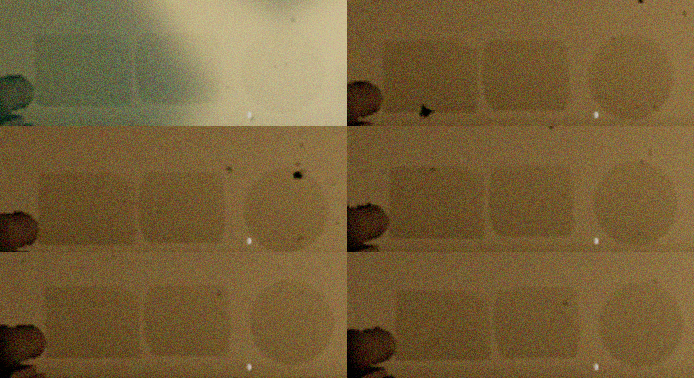
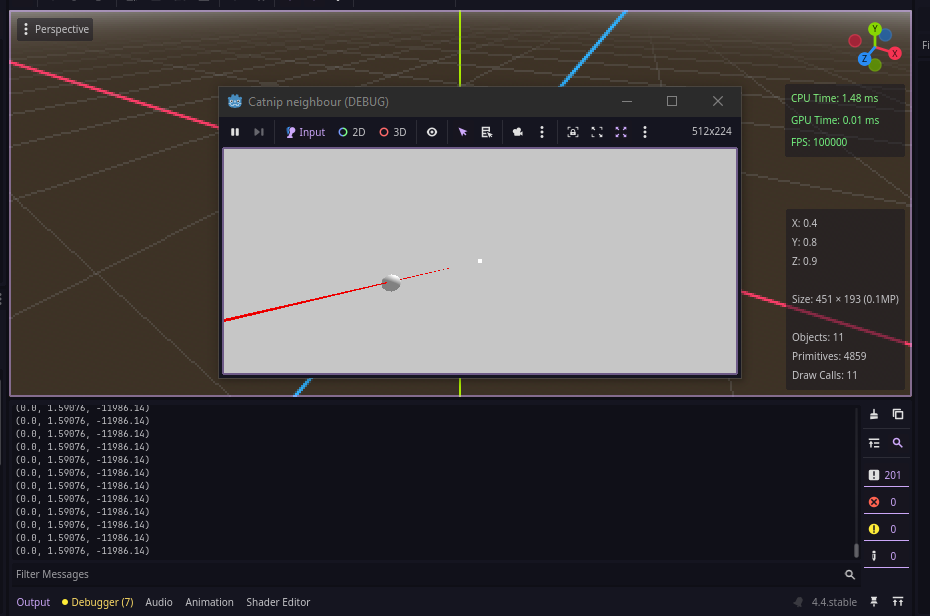
I cast a ray between position A and position B. This works fine… mostly. When it hits a box collision it works. BUT if it hits a cylinder collision the ray collides some frames, and pierces through other frames.
Using Jolt FYI.(doesnt make a difference! - Godot phys does the same)
I refer to the raycast code via a centralized script like so:
var hit_pos = globals.raycast_simple(start_pos, end_pos)
Raycast code(located in globals) →
func raycast_simple(start_pos : Vector3,end_pos : Vector3,mask = null):
	##TODO, doesnt really work with cylinder collisions!!!!
	var space_state = get_world_3d().direct_space_state
	var ray_params = PhysicsRayQueryParameters3D.new()
	ray_params.collide_with_areas = false
	ray_params.collide_with_bodies = true
	if mask == null:
		ray_params.collision_mask = 0b00000000_00000000_00001000_00000001 #mask 1 and 12
	else:
		ray_params.collision_mask = mask
	ray_params.from = start_pos
	ray_params.to = end_pos
	var result = get_world_3d().direct_space_state.intersect_ray(ray_params)
	if result:
		return result.position
	else:
		return null
then inside whatever - say a Lens Flare (A is at the sun, B is the camera)
	if hit_pos:
		flare.visible = false
	else:
		flare.visible = true
Example, flare behind! 12500units (meters) away
Box works Cylinder fails Sphere fails
Observations:
The ray collision flickers when hitting cylinder collision. Not when hitting box collision. Works perfect for box coll.
Godot phys and jolt makes not difference.
I’ve tried putting this in _process() as well as _physics_process(). No difference.
I realize that cylinders actually doesn’t “exist” - in many engines, as far as i know. So i’m wondering if godot is building a cylinder in the physical world either out of boxes or god forbid convex hulls, and it is buggy, or it is just inherently dodgy?
“Hit inside” doesn’t make a difference.
I’m OBVIOUSLY doing something wrong, but i can’t see what…since boxes are working just fine.
What are your start and end positions? Have you tried enabling visible collision shapes in the debug menu?
Your raycast code looks fine, only nitpick is you could use your space_state variable here
var result = get_world_3d().direct_space_state.intersect_ray(ray_params)
# to
var result = space_state.intersect_ray(ray_params)
The cylinder shape is a mathematical shape, not a convex hull, but it is less efficient than some others and a little wonky; however if this is happening for the Sphere, the most simple and reliable shape, then it’s probably not the shape’s fault.
I noticed this was happening. So I’ve set up a little scene with this lens flare object with the raycast code running 12km out. Then I have a box, a cylinder and a sphere next to each other like in the gifs you see up there. Moving camera from side to side reveals that box is the only one that works. Sphere and cylinder works 1/5 frames. Ish.
I am fairly certain that the ray length is to blame for your problem. I’m not sure what you’re trying to create (a lens flare?), but you should probably think up another solution.
If you could share more details, I’d be happy to help.
I will .
What this is about is the fact that a box is fine. Which tells me there is something that probably could be better internally.
(havent seen this behaviour in unity or unreal)
I can’t reproduce the problem. I’m getting expected consistent hits on a unit cylinder with totally random positions for collider and ray origin and random rotation and nudge of the collider (so it doesn’t always aim at the center). It works properly even when distances are in the millions of units ballpark.
You’re doing something else wrong. Post a MRP if you can.
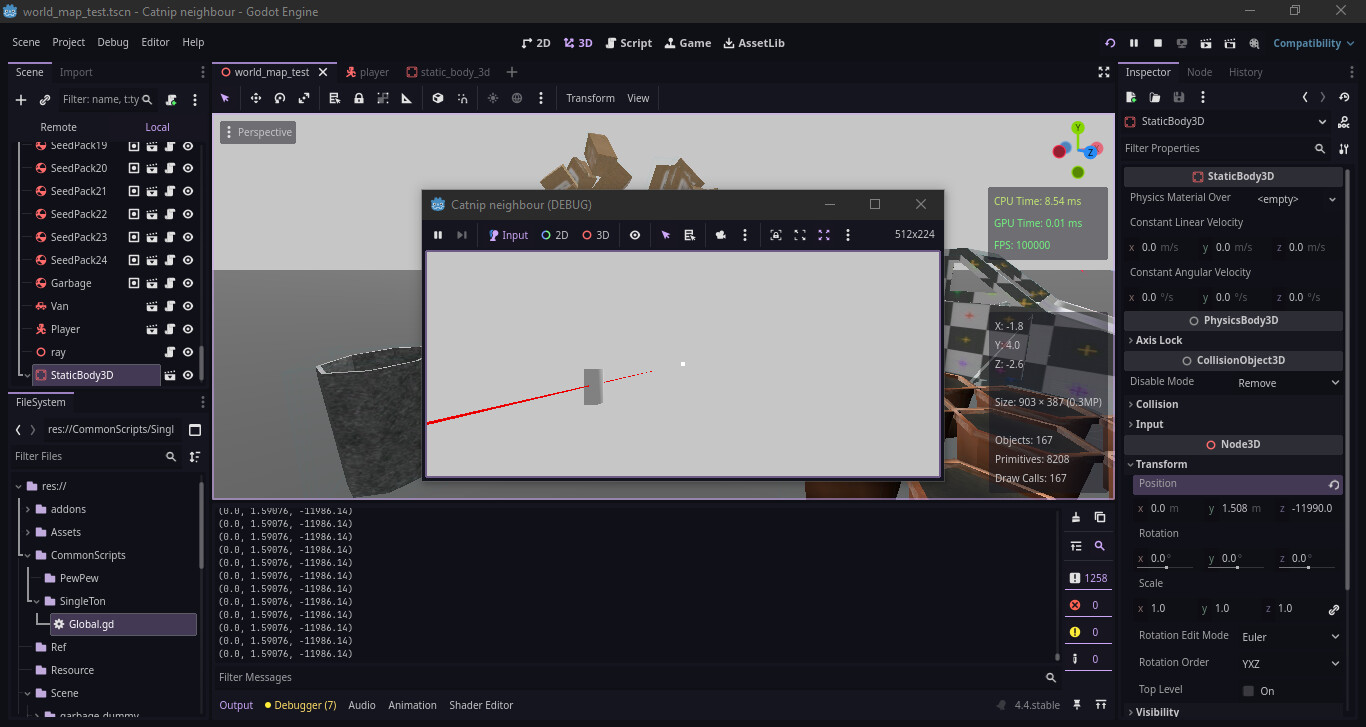
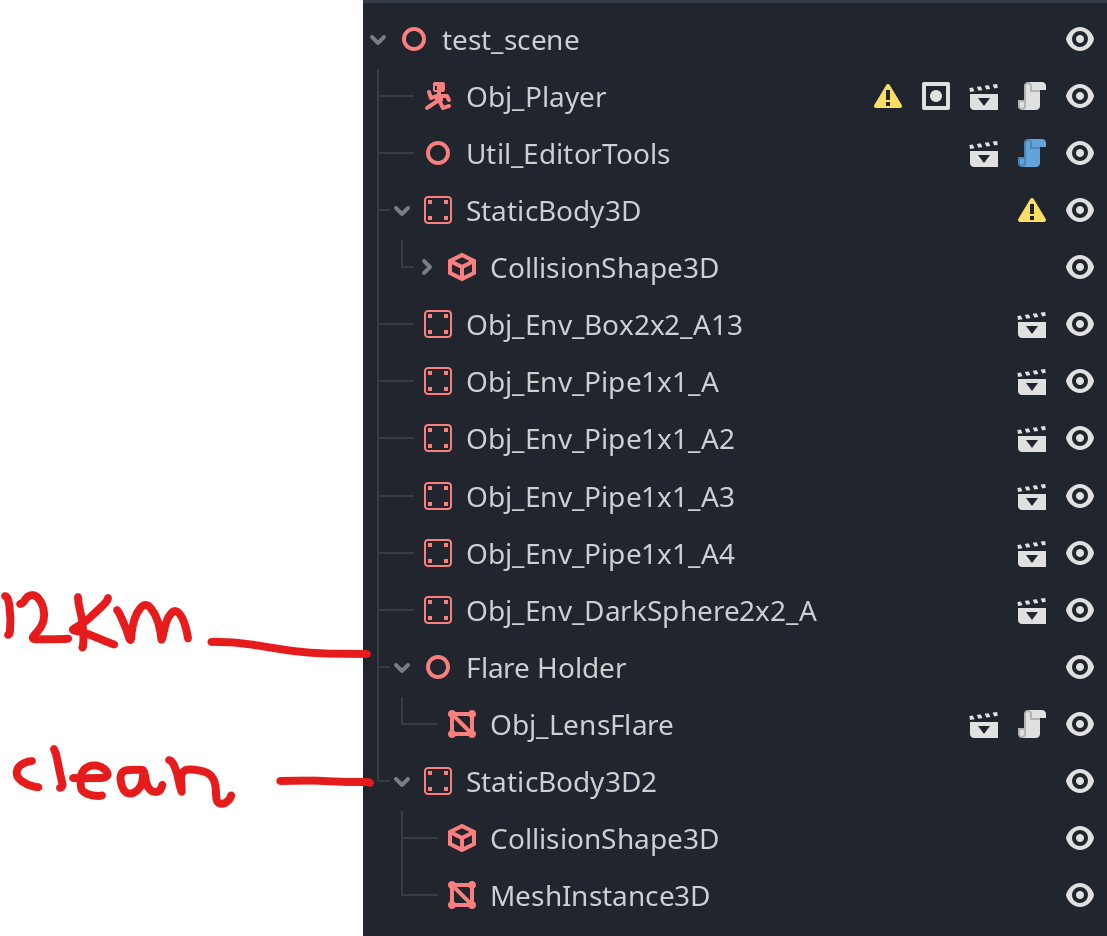
With this in mind, could you share the configuration of your node tree? More context is always nice, and it could give us a clue as to where your project differs from other user’s similar, working, implementation.
the scene here is simple. Ive even build a clean cylinder in the scene, with collision making sure it is not scaled un-uniformly. To see if it was my instanced objects that was the problem.