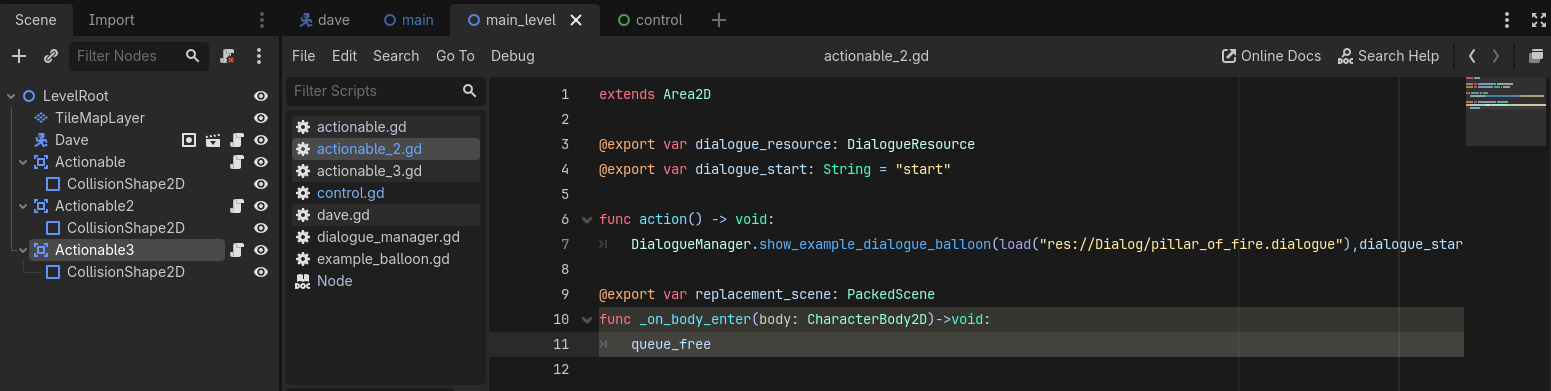
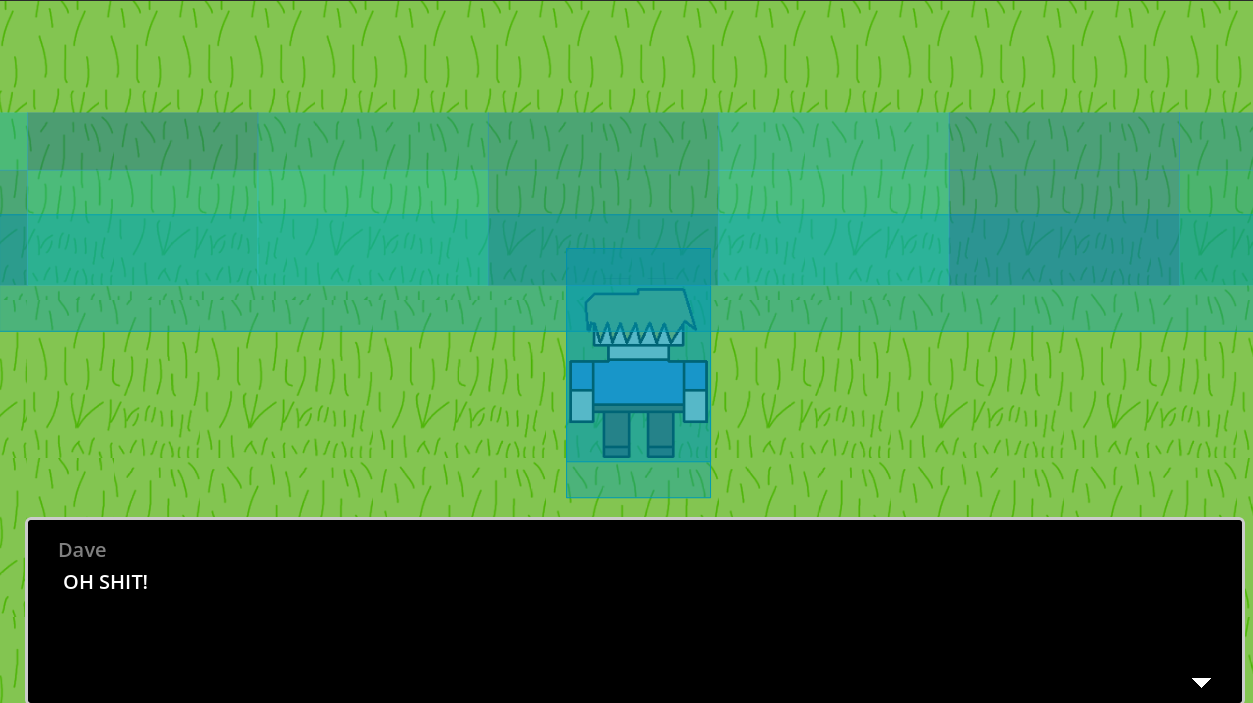
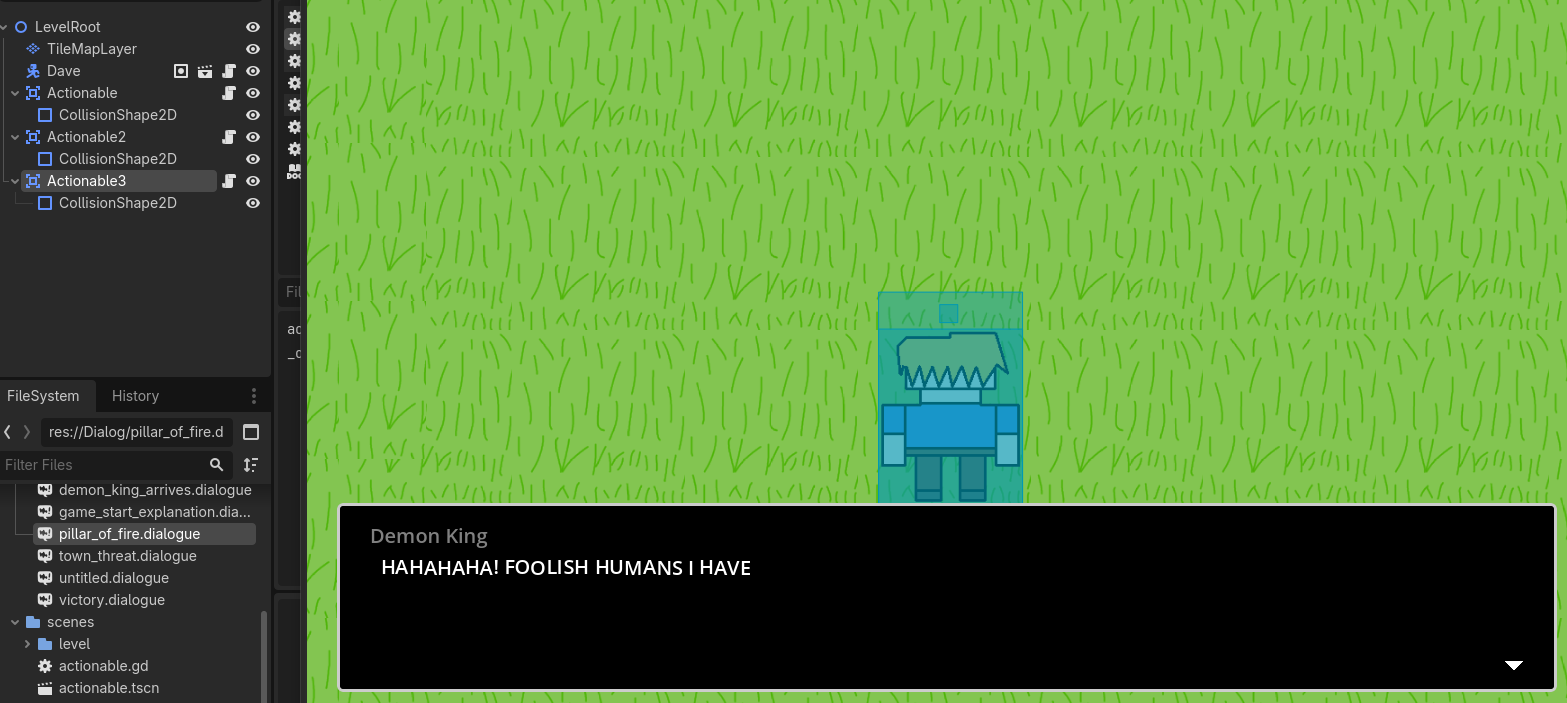
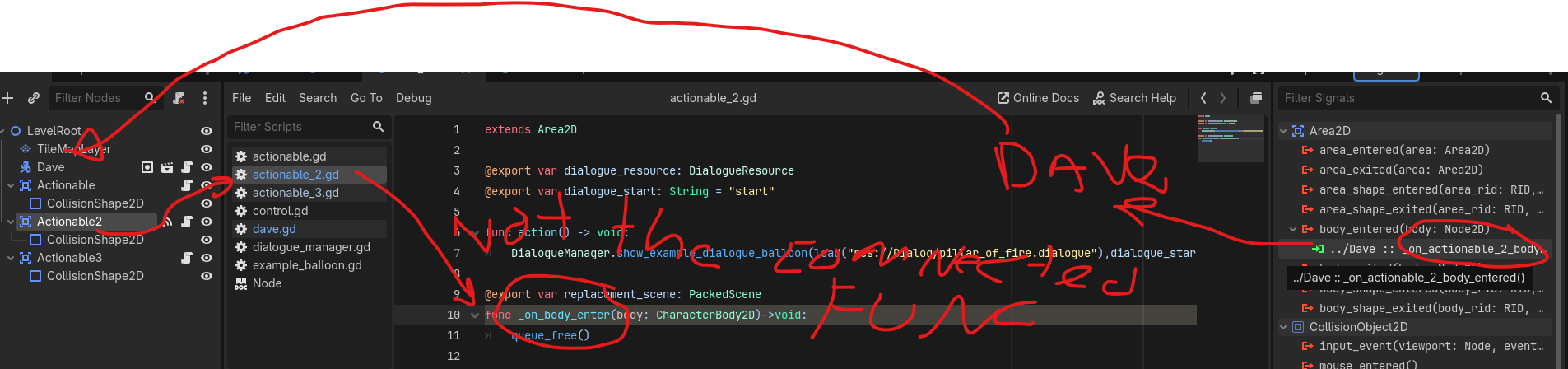
I'm working on a Game Jam project right now and I'm stuck on replacing one CollisonShape2D with another after a dialogue box and animation have stopped playing. I've been trying to make this work for about two days now to no avail. Essentially, after the player interacts with a CollisonShape2D (named Actionable2 moving forward) I want it to disappear and be replaced with a different CollisionShape2D (Actionable3. Actionable2 triggers without issue, but no code I've tried has been successful in then replacing it with Actionable3.
I’ll probably show up here a few more times with other questions until this is done, sorry in advance, it’s my first time doing any coding since I was in high-school.
Your queue_free is missing braces. This is valid code but it will not run. change it to queue_free()
(When using the name of a function without the braces it is actual a reference/pointer to the function which you could assign to a variable or an argument for another function. In gdscript this is called a Callable)
I see no mention of looping in the rest of your questions.. Relax. I know you mentioned you’re taking part in a game jam, but trying to go fast due to some deadline will only make you go slower.
Sorry, what I mean is Actionable 2 still remains in the same spot and is what triggers when I hit the interact key, Actionable 3 never spawn in.
No worries, I have about 9 days left and work from home for all but two of them. After this, I just have to finalize the code for the number generator and the score keeping. I can also reuse and edit this code for what happens when the player wins.
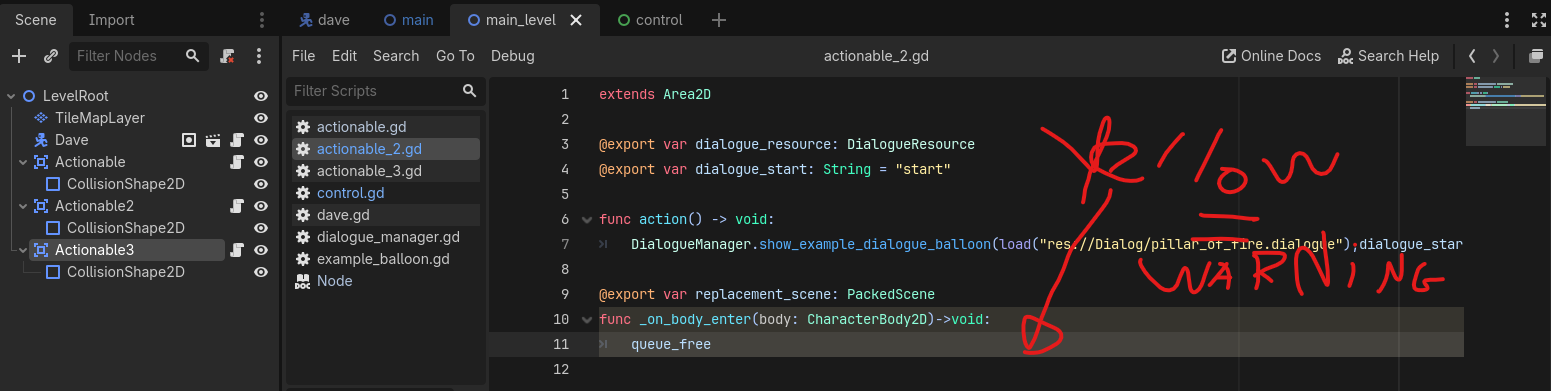
If you read the warning at the bottom of your script you may see something like “code does nothing, because variable you’re referencing is not assigned”… something to that extent anyway.
When you add the parentheses like this queue_free() your Actionable2 will most likely delete itself as long as the body_entered signal is connected to your _on_body_enter() function… is it?
It should be now. If it helps, the yellow warning I have reads “The parameter “body” is never used in the function “_on_body_enter()””
Apologies if I’m being frustrating to work with. Doing my best to double check that I’ve followed everything correctly and that I’m getting all the relevant info in screenshots.
That new warning is to be expected, because you’re not doing anything with the parameter body, if you want to suppress this warning you can rename it to _body.
Anyway. You mentioned it is still not deleting itself.
Then the next logical explanation is that your function _on_body_enter() is not being called by anything.
Have you connected it to the body_entered signal of your Actionable2 node? Look at your screenshot; it seems like you haven’t:
Of course you’re not! Asking questions is what the forum is for… Maybe check the guidelines (like you can type formatted code in stead of screenshotting code, it’s easier to work with):
(it’s elder millennial bedtime in Europe by the way. Someone will probably take over if you still need help)
Actionable2 shows “Node has one connection”, clicking on it then opens what was shown in the signal section. If I got to Dave using that section it reads:
func *_on_*actionable_2_body_entered(body: Node2D) → void:
| pass #replace with function body.
clicking the green icon beside that first line next to that brings up a window displaying Source: Actionable2 Signal: body_entered Target: Dave
So yes, the signal connects to that function in Dave, which you probably need. But you need to add another connection to the function in your screenshot:
Actionable2.body_enter
You can add another connection by double clicking on the signal again and then use “Pick” to pick the function called body_enter of the node named Actionable2
What would be more proper is to connect all your signals up to a main script attached to LevelRoot and make that script call down to the child nodes, locating then using a unique name with a percent sign in front of them %
Signalling up and calling down prevents spaghetti code. It also protects your project somewhat from losing signal references.
Even safer is when you connect all your signals in code as well (from this coordinating main script connected to your LevelRoot node):
I don’t think I’m following this step correctly, probably a side effect of how long I’ve been staring at my code or my lack of experience. I tried following what was said here as best I could but nothing really changed.
During a group coding session for the Game Jam participants last night we figured out how to get Actionable2 to despawn when the dialogue box closes. Turns out that Dialogue Manager has a function built into it for this.