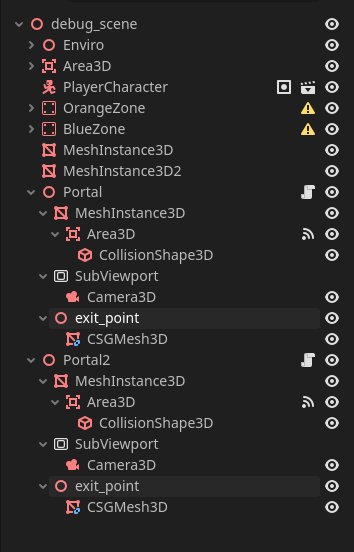
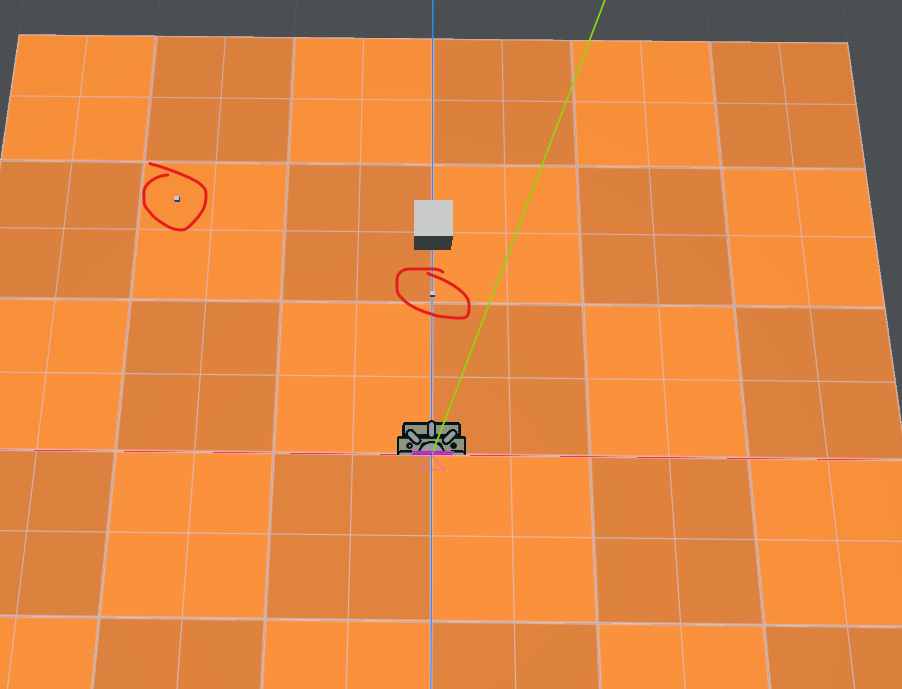
`Hello, I’m currently trying to code a seamless portal system for a little non-euclidean game I’m currently making.
For testing purposes, I have set up area A and area B each containing a portal linked to the other.
My problem is the following : Portal A’s camera works perfectly fine, while Portal B’s transform seems to be calculated from the wrong point.
I feel like I’m missing on something very trivial but I can’t find out what it is.
Can someone help me figure this out ?
The calculation is as following (pseudocode) :
(this makes Portal A work, but breaks Portal B)
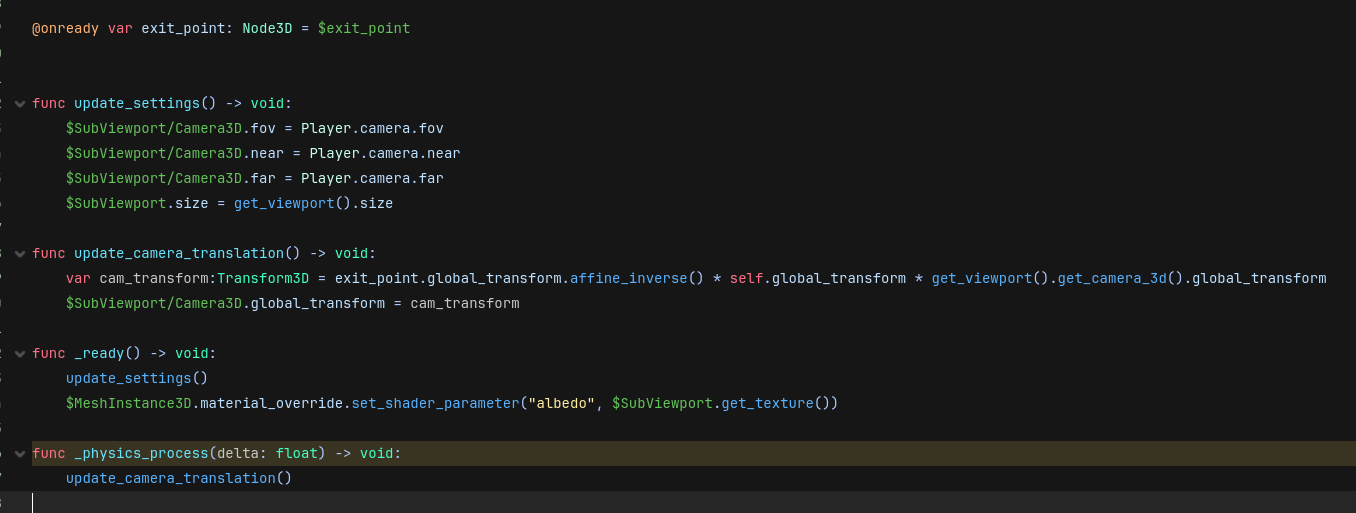
transform = exit.global_transform.affine_inverse * self.global_transform * player_camera.global_transform
(this makes Portal B work, but breaks Portal A)
transform = self.global_transform.affine_inverse * exit.global_transform * player_camera.global_transform
A thing about portals that is easy to miss is that enter and exit are faced in opposite directions. The portal cam should resolve to the same exact global position as the player cam when the portals are placed back to back. I think it sould be something along the lines of transform = mirror(exit.global_transform) * self.global_transorm * player_camera.global_transform
Isn’t the internet full of portal recipes? I would imagine there exists a working solution somewhere already.
I just did further testing. And this is effectively not a math problem at all as I was thinking.
I changed things up a bit. Now each portal has a portal_a and portal_b pair of values.
You’d rightfully think setting [portal_a, portal_b] and [portal_b, portal_a] would work ?
Now here’s the curiosity :
if portal b is set to [B, A] then portal a works but not b
BUT if portal b is set to [A, B] just like portal a… now portal b works but not portal a ???
mind you, this testing step had me not change a single thing about portal a
What I’m getting out of this is that portal b’s variables seem to replace portal a’s as if both are using shared variables instead of their own.
So yeah, the math was right, something else is wrong.
Whatever you’re trying to do, the order matters. from left to right: first goest the destination matrix, then the source matrix and then the object that’s being teleported matrix.
As explained in my previous comment about my further testing results, it appears that portal b is overwriting the data of portal a as if both are using shared variables.
I genuinely cannot make it any more clear but I’ll rephrase I guess
Each portal has a pair of variables A and B (see the screenshot I attached in said comment)
They essentially replace the self and exit_portal members to make things more clear for debugging purposes.
For some reason, portal b’s values overwrite portal a’s
So let’s say I have [A, B] and [B, A], in reality I actually have [B, A] and [B, A] making the calculation for both portals mirror what’s set for portal b.
Let’s make things even clearer.
Now both portals are completely independent from each other.
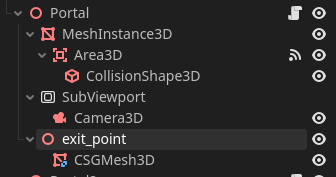
I’ve added a node3d called “exit_point” which - as its name suggests - serves as a replacement for the exit portal. (see attached screenshot one)
To make problems impossible to miss, both points are placed somewhat randomly.
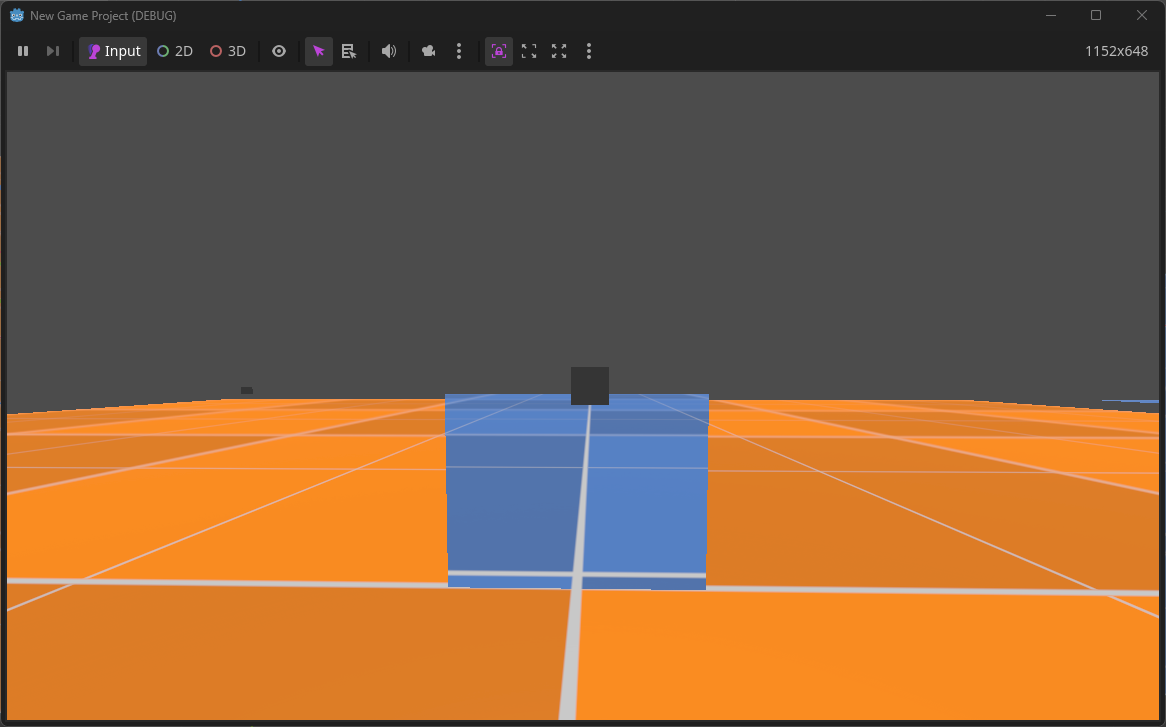
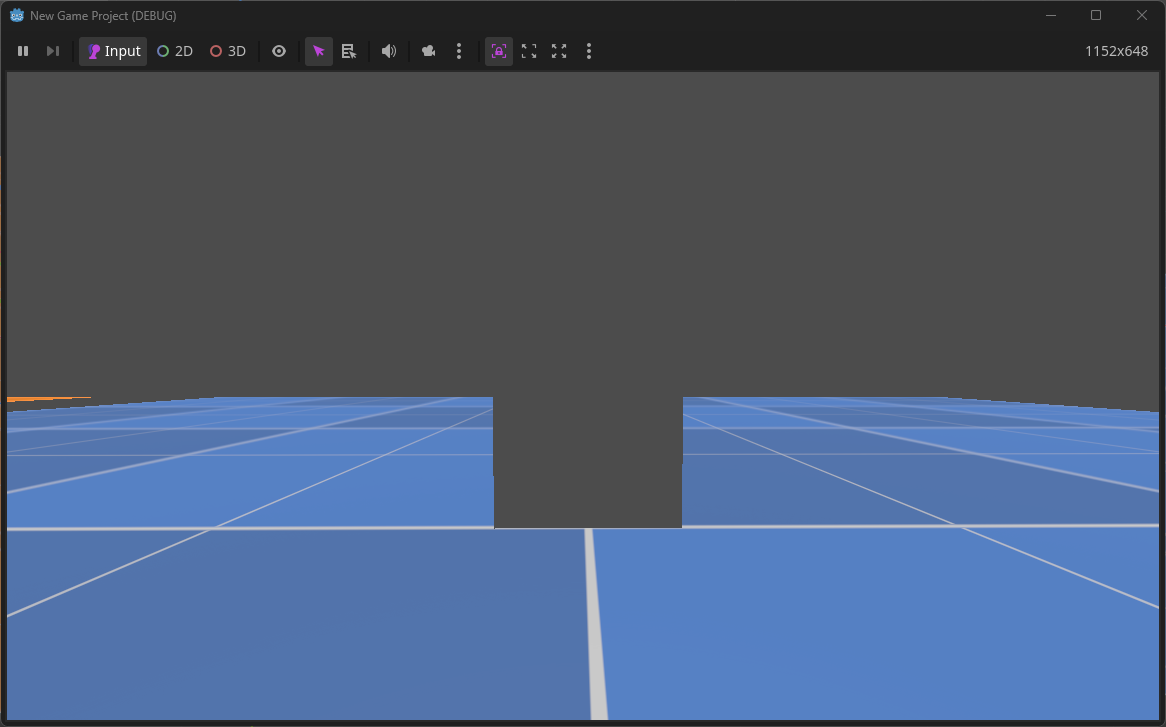
The pattern still occurs here. One portal works while the other does not.
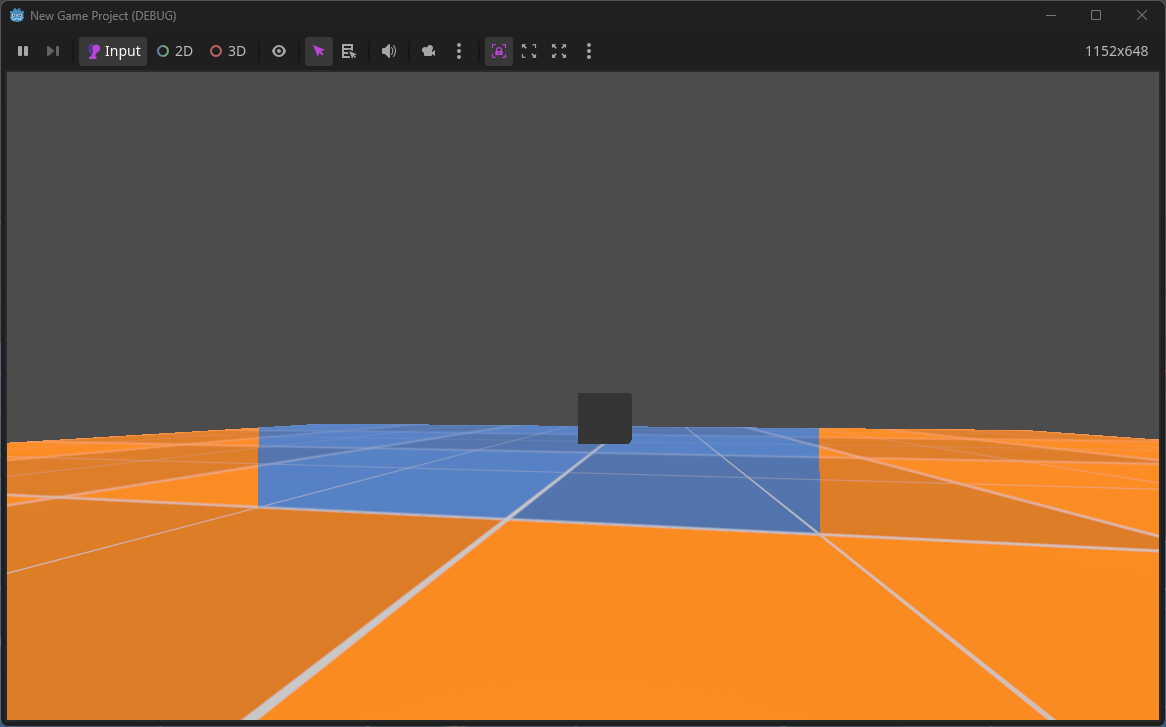
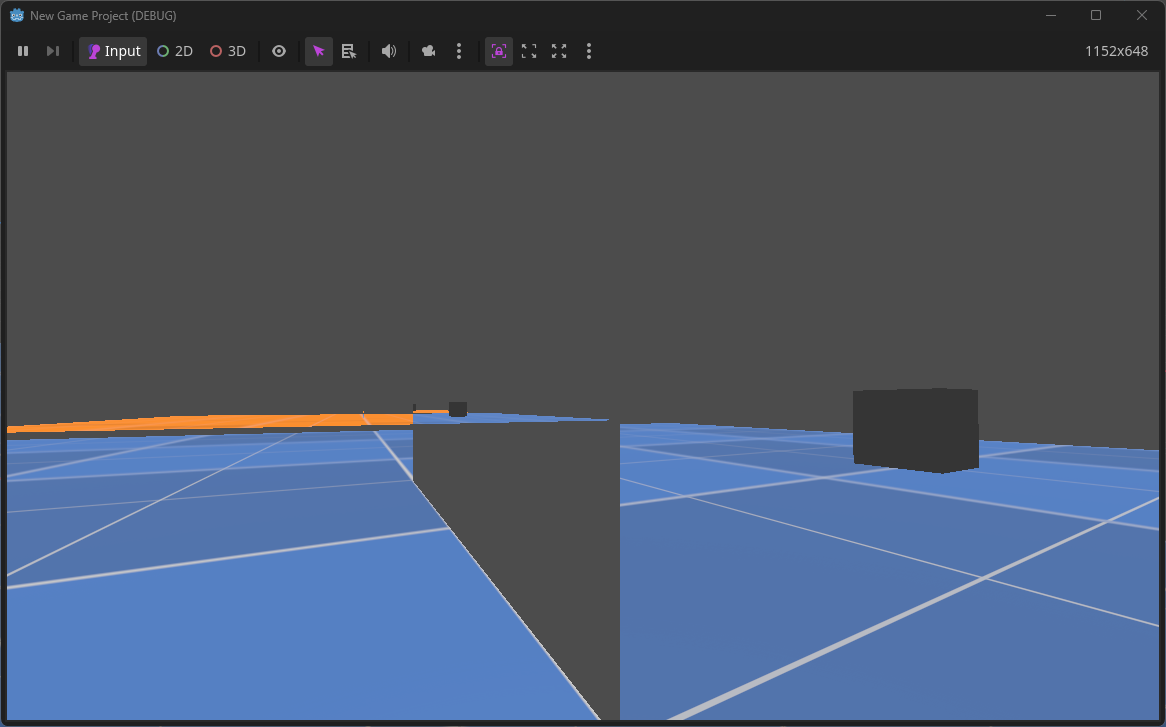
The orange portal’s camera is at the right place and orientation while the blue one is not.
(see attached screenshot two and three)
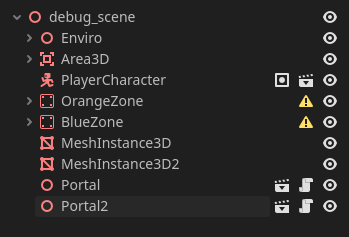
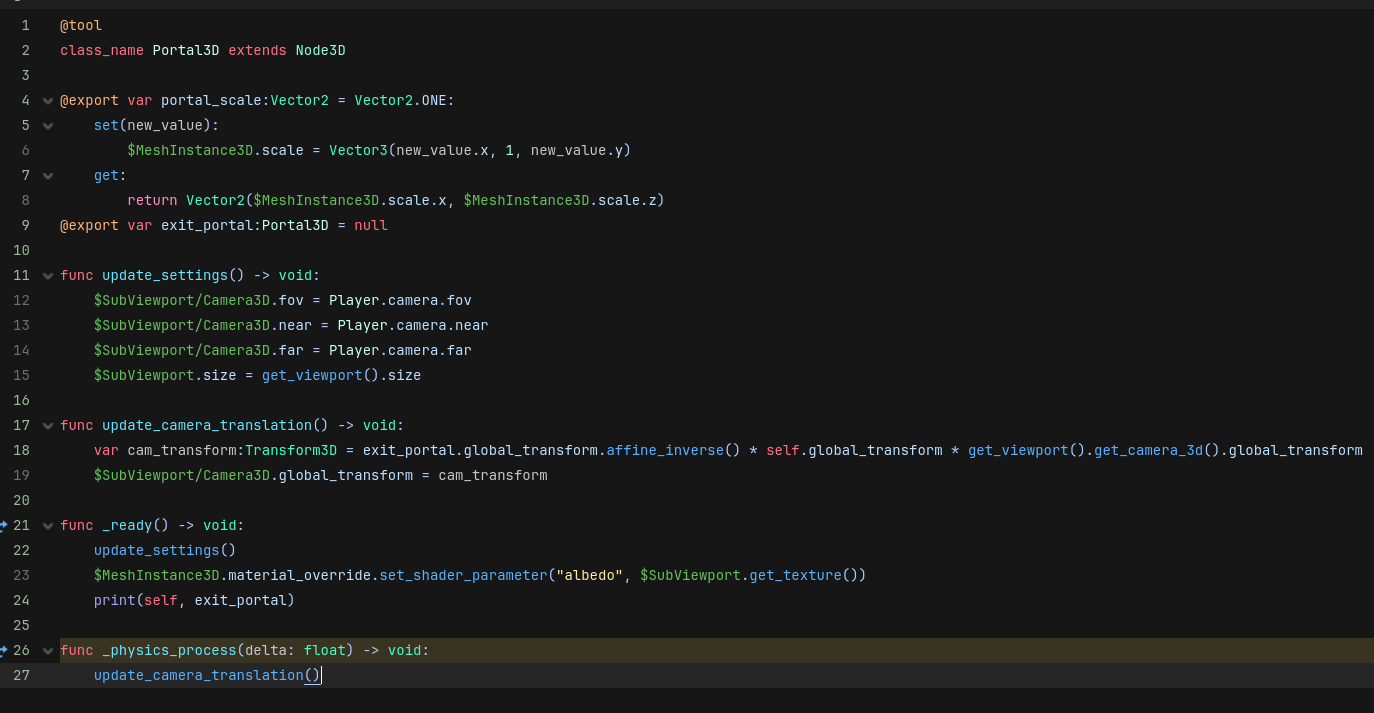
I will also attach screenshots of the “new” code (still the same ol’ code but eh) and of the scene tree.