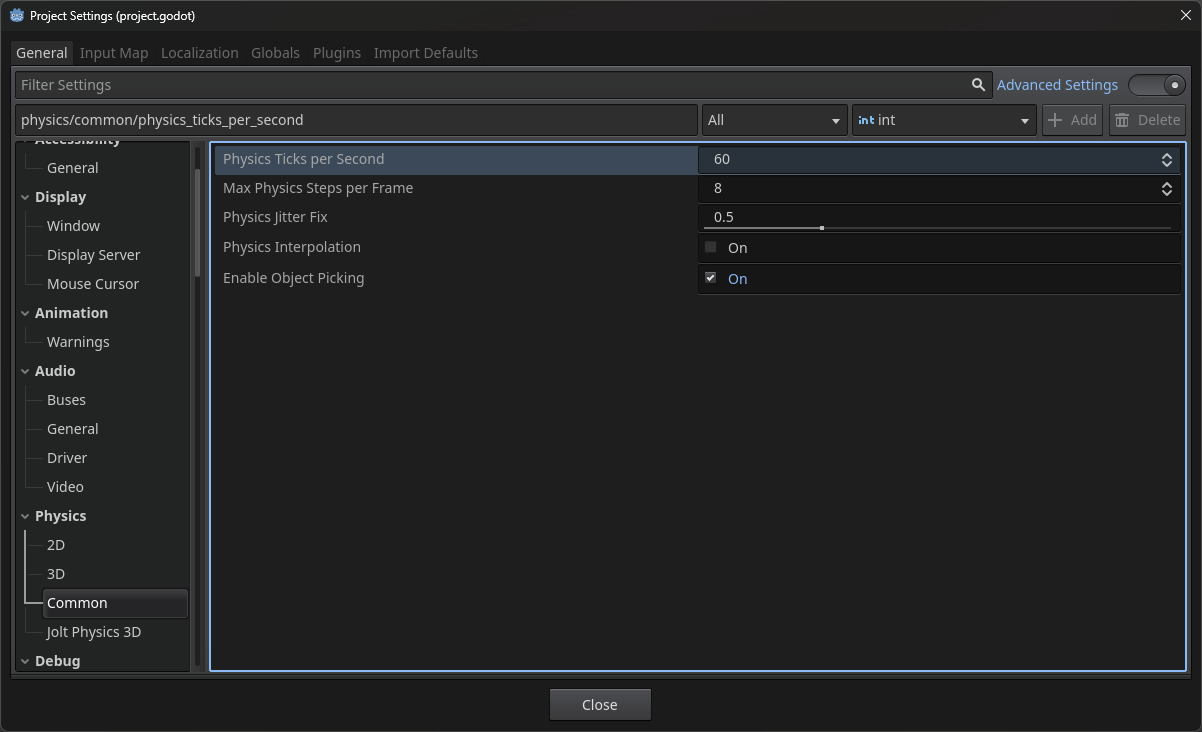
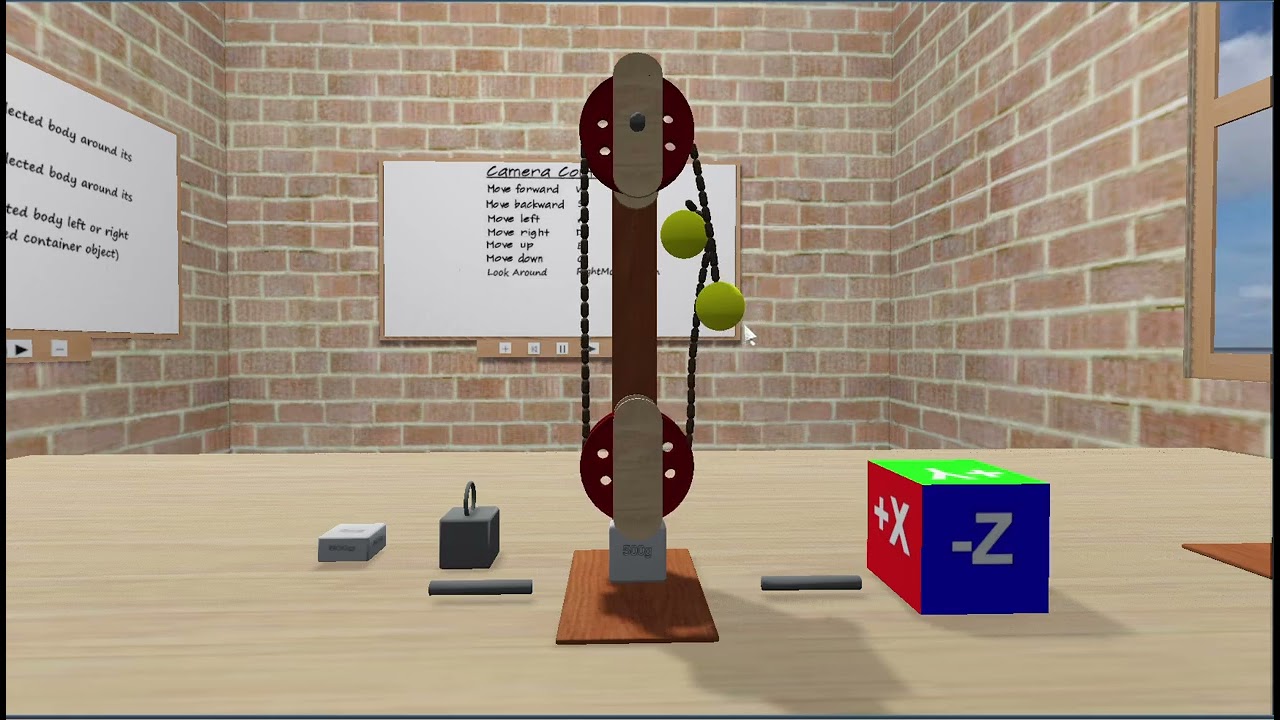
Hello folks
I am a hobbyist 3D programmer who is getting on in years (79 of them!). I have messed around with interactive 3D graphics from the early DOS/Windows95 days until the present with its overwhelming supply of advanced 3D game engines. The engines I have worked with have been PowerRender (obsolete), 3DRad (obsolete), Esenthel (too expensive), Unity (too heavy), and my own DirectX11 based engine. All of these have been based on C++ Windows platforms. The physics engines I have used have been PhysX and Bullet.
Enough background history… and fast forward to the present:
This last year I ventured into the JavaScript ThreeJS web 3D framework.
The interactive 3D content and rendering is excellent, but it lacks a good inbuilt physics engine. Also, being a C++ programmer, I found the JavaScript a little getting used to.
Recently I came across Godot4.4 with its inbuilt Jolt physics engine. This engine appealed to me… and hence my current situation.
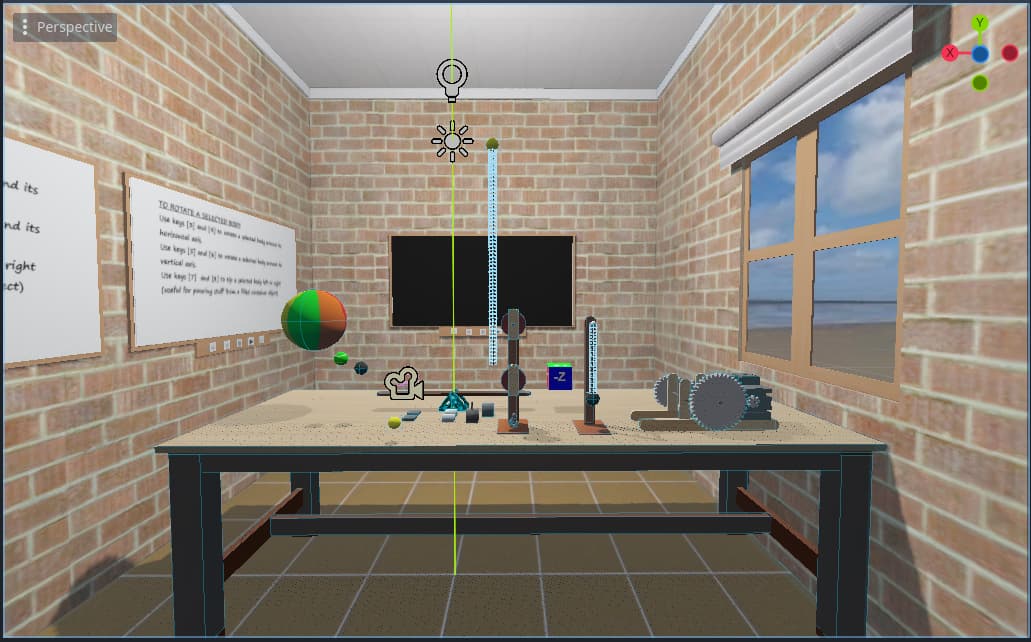
I have found that the way to quickly get to grips with a new engine is to port the old stuff (that you know works well on previous engines) over to the new engine or framework. A project that I have been working on and off for a number of years is called “The SciTech Playroom”, and is the project I have chosen as my first Godot endeavour. Basically, it involves a simple room with a work table on which the player can conduct interactive science experiments and technical demonstrations. For this to be realistic, a primary requirement is a good physics engine.
I would like to use this Forum’s Showcase/In-Development platform to try and keep folk simply updated on my progress. Please bear in mind that this will NOT be a detailed DevLog and I spend very little time on advanced graphics modelling and rendering. My focus is mainly on the physics engine interactivity. At my age, I am a great believer in the KISS principle!
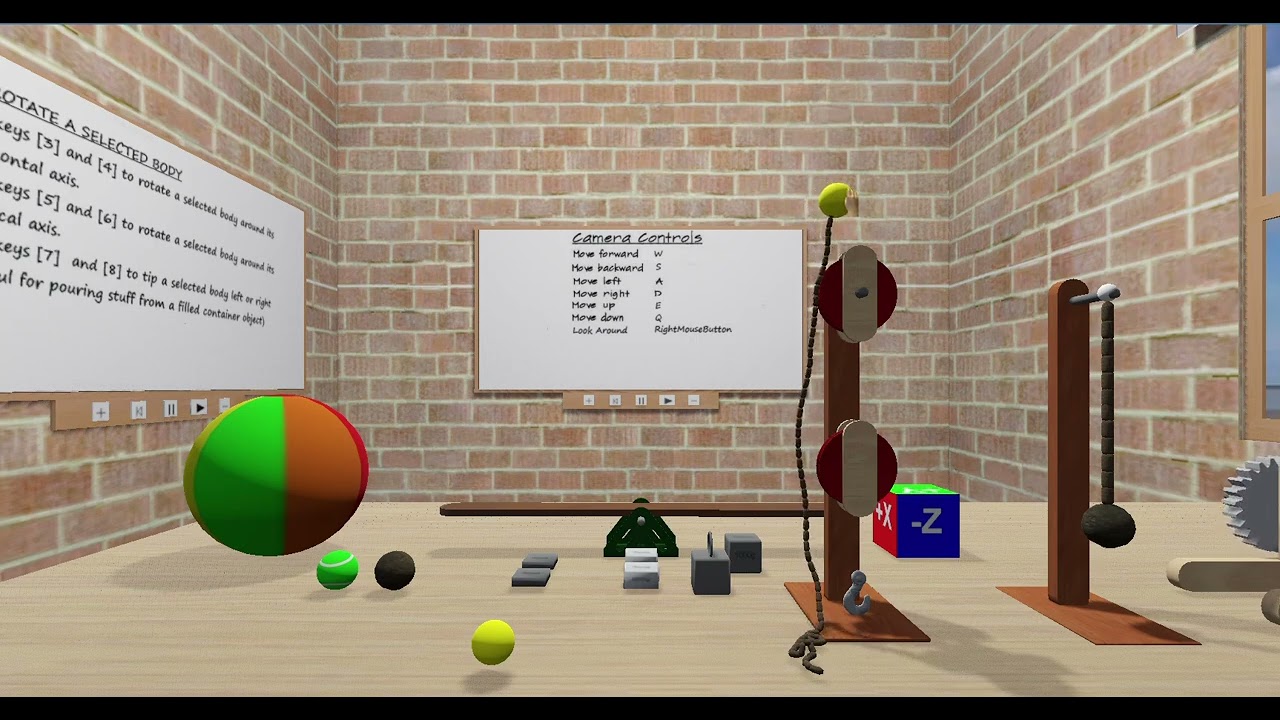
I attach my first video which will serve to give background on the environment of the room and how the player/camera moves around it, as well as how the whiteboards on the walls of the room can display user instructions, graphics and videos.
I might just add that my experience in creating Youtube videos is very limited, so no sound included!
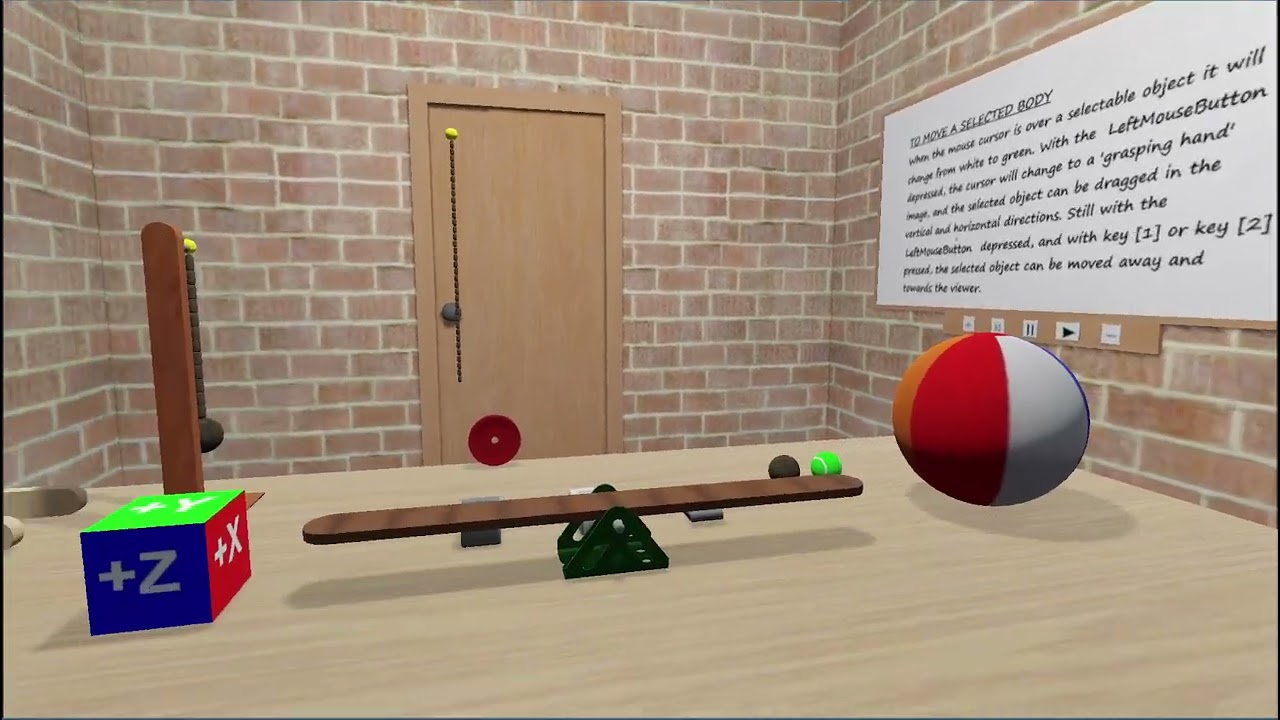
Over the next few months, I will be posting videos outlining the various pieces of interactive apparatus that will be used to demonstrate
STEM (Science,Technical,Engineering,Math) projects which seem to be the trend in the Educational field in these present confusing times.
I welcome simple advice, helpful comment and ideas in this regard.
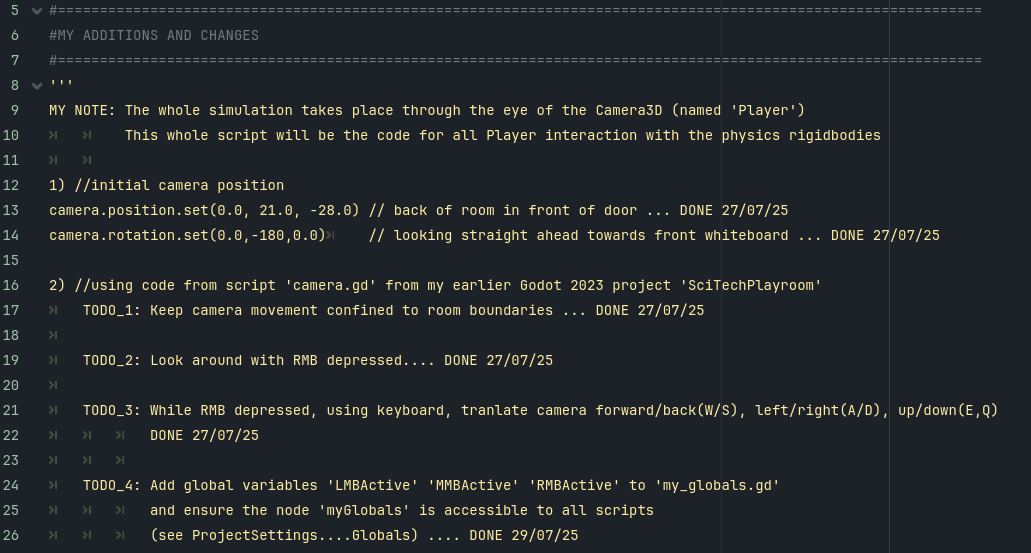
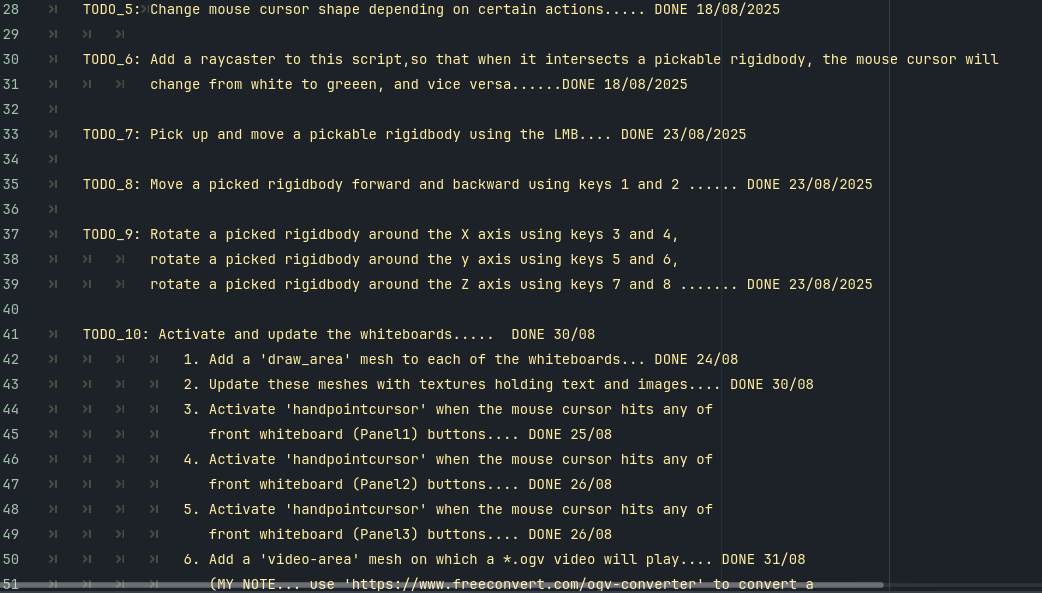
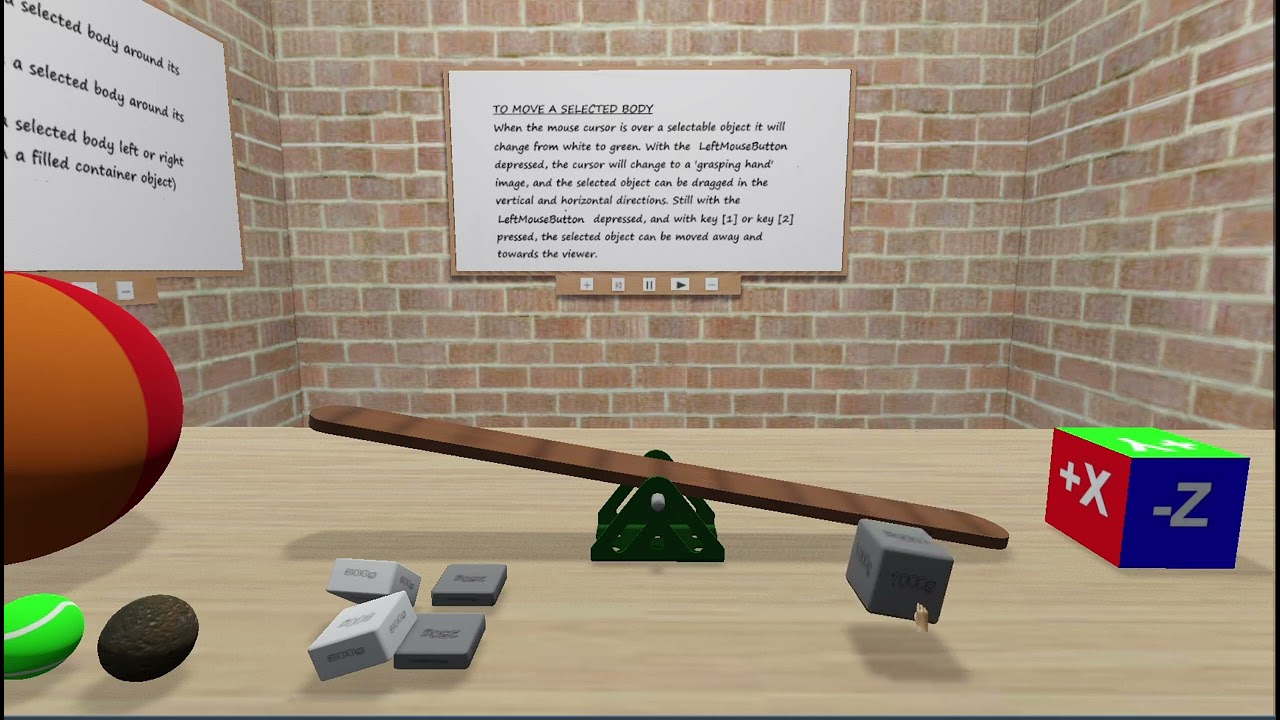
The manipulation of small rigidbody objects is an important requirement for this project. The picked objects have to be manipulated smoothly (using mouse and keyboard) with no jittering.
The following video partly demonstrates this concept by placing and balancing different weight rigidbody objects on a rigidbody seesaw, hinged to its staticbody support via a Jolt physics engine HingeJoint. The weights used are 2 x 250gm, 2 x 500gm and 1 x 1000gm.
The same video also demonstrates interaction with a selected rigidbody by means of using keyboard keys to rotate that body around its local
X, Y or Z axes.
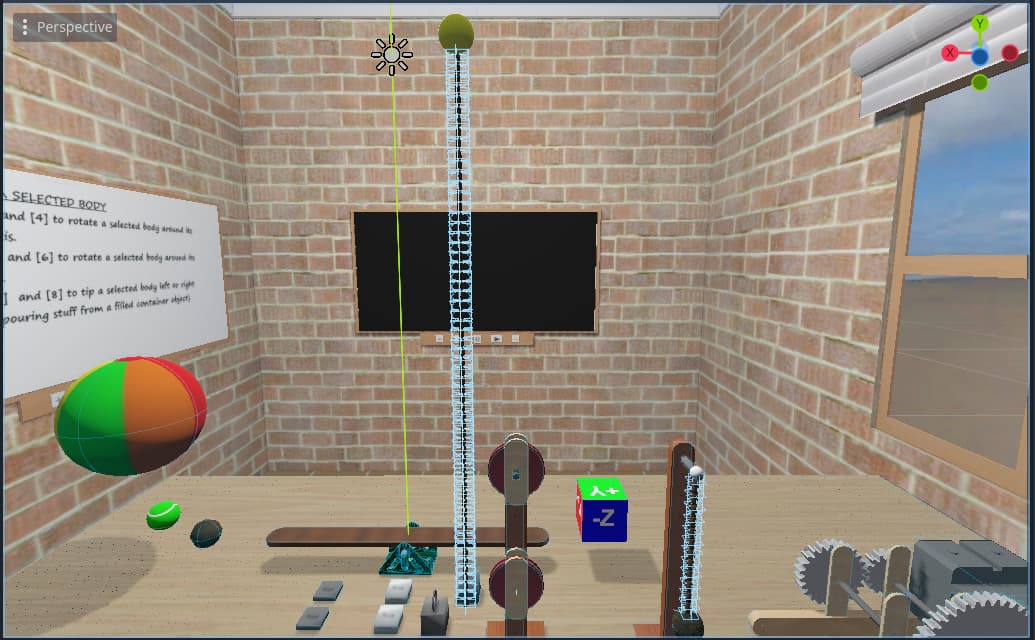
As can be seen from the items currently on the work table, I have been experimenting with a train of gears driven by a motor.
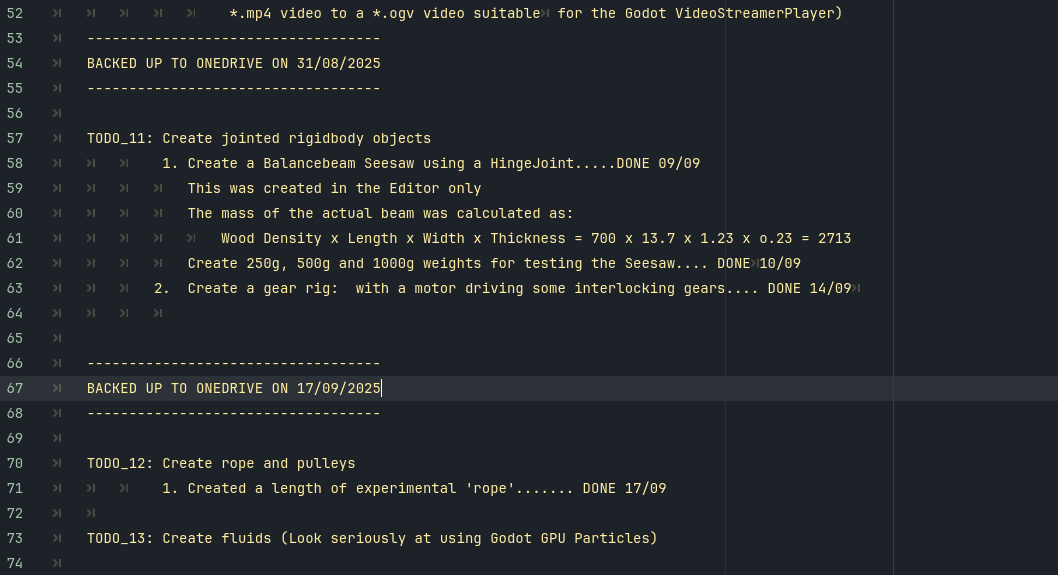
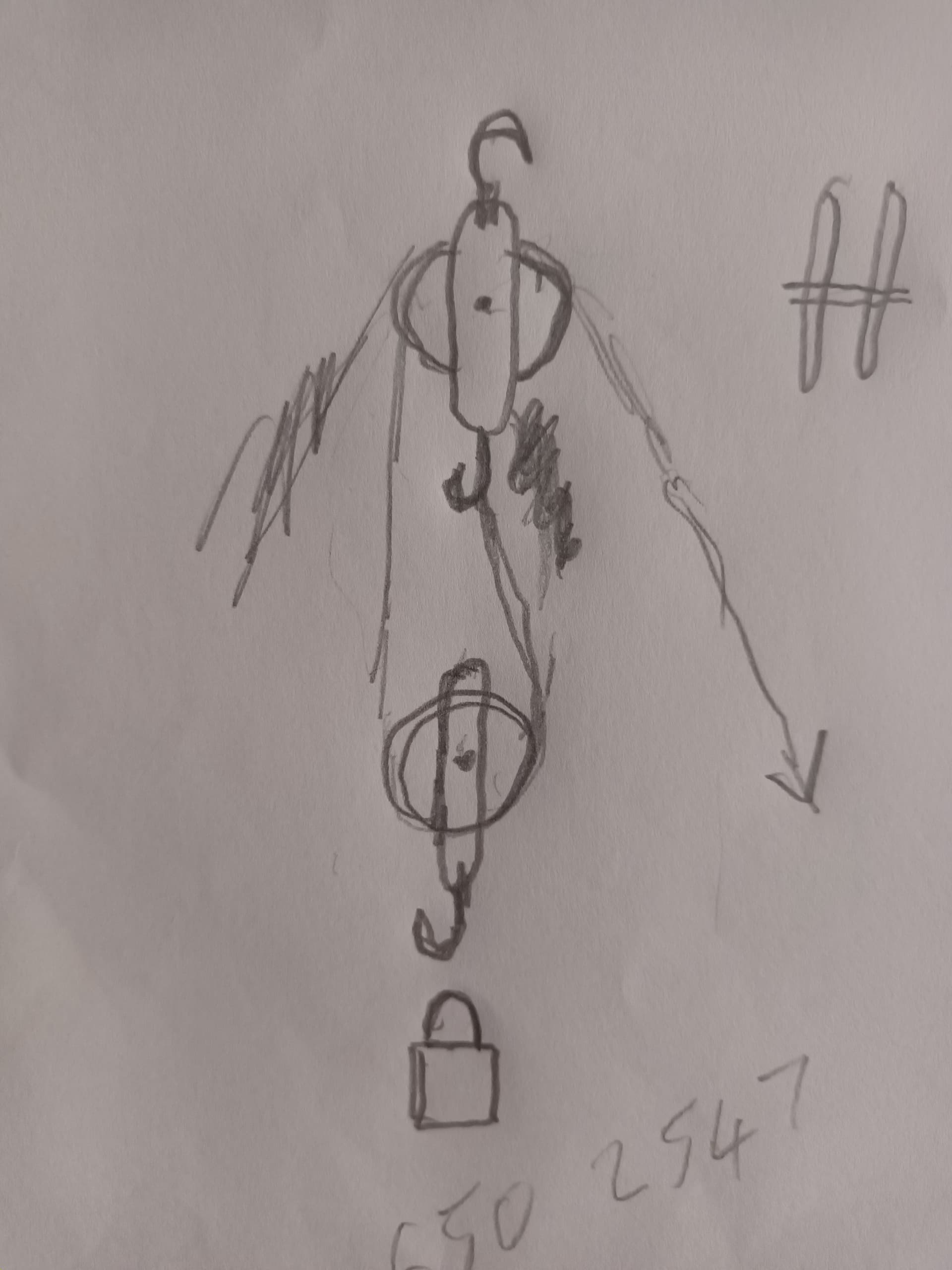
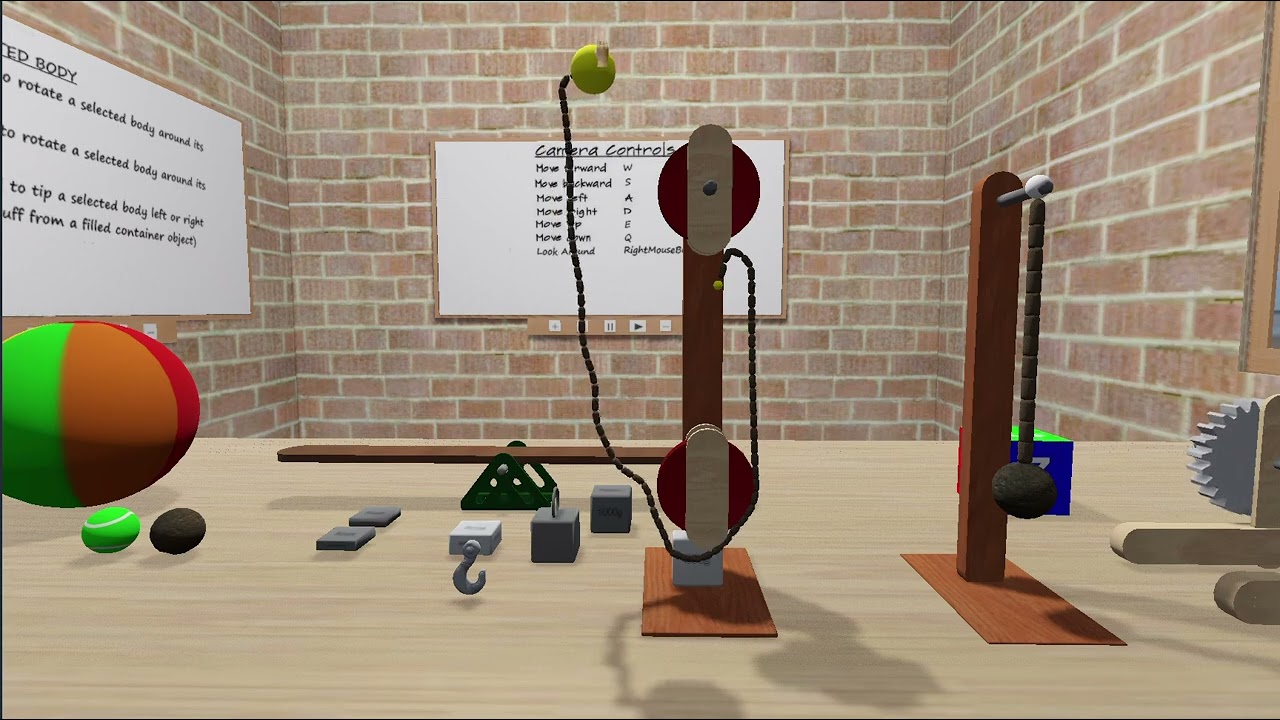
Also, I’m looking at creating rope/cord which can be picked up and moved. I would also like to see it
- looping two pulleys
- being wound onto a motor-driven winding drum
I will keep this platform updated with successes, failures and problems in this regard.