Godot Version
4.5
Question
I’ve come to learn that there is an issue with Volumetric Fog and it not casting shadows on new lights rendered throughout the project.
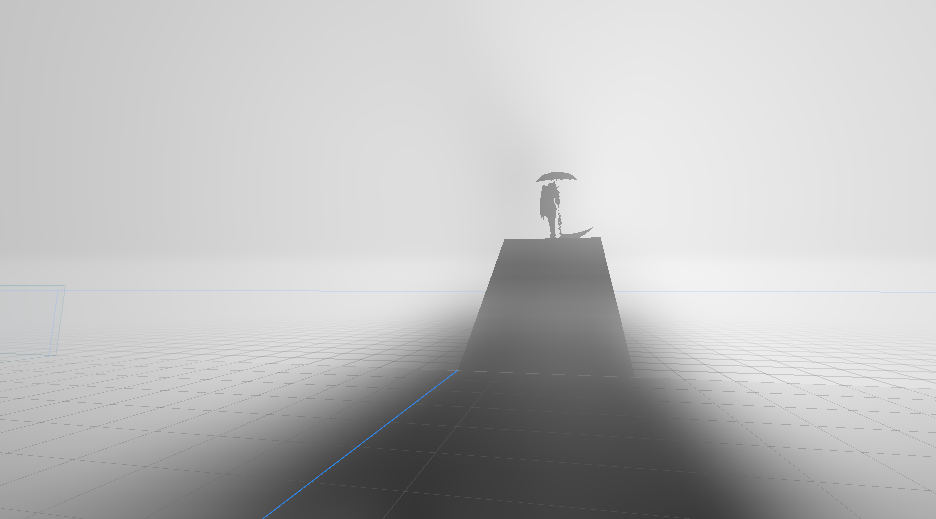
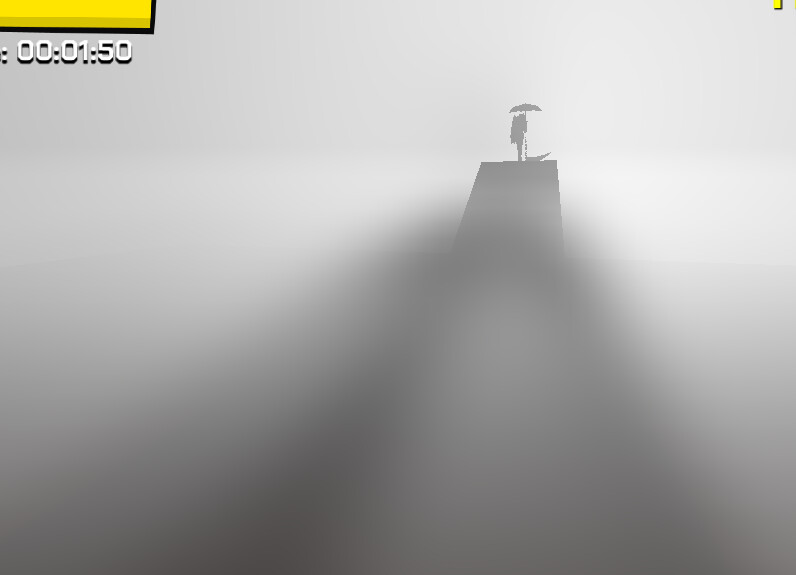
In my game, the player is able to teleport to a place which contains some fog, a DirectionalLight3D which casts a shadow from a character right onto the player. The atmosphere, as seen in the editor looks great, and if I start the game directly in the scene, it looks fine too.
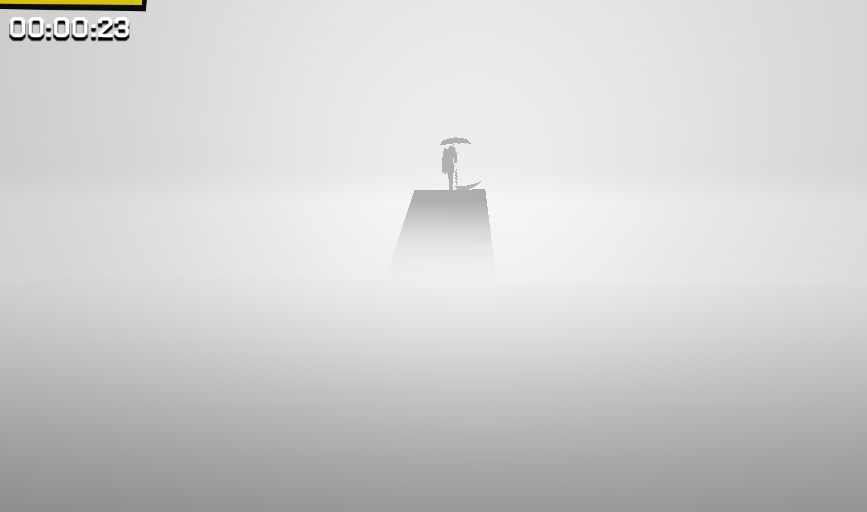
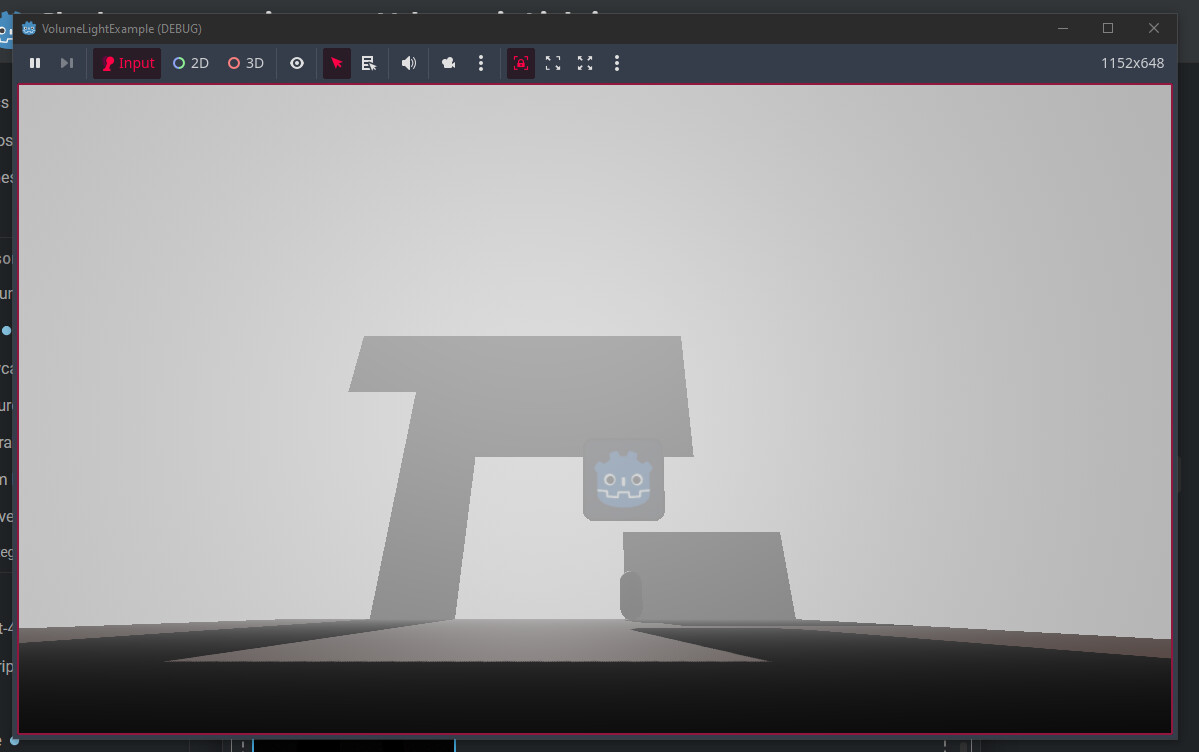
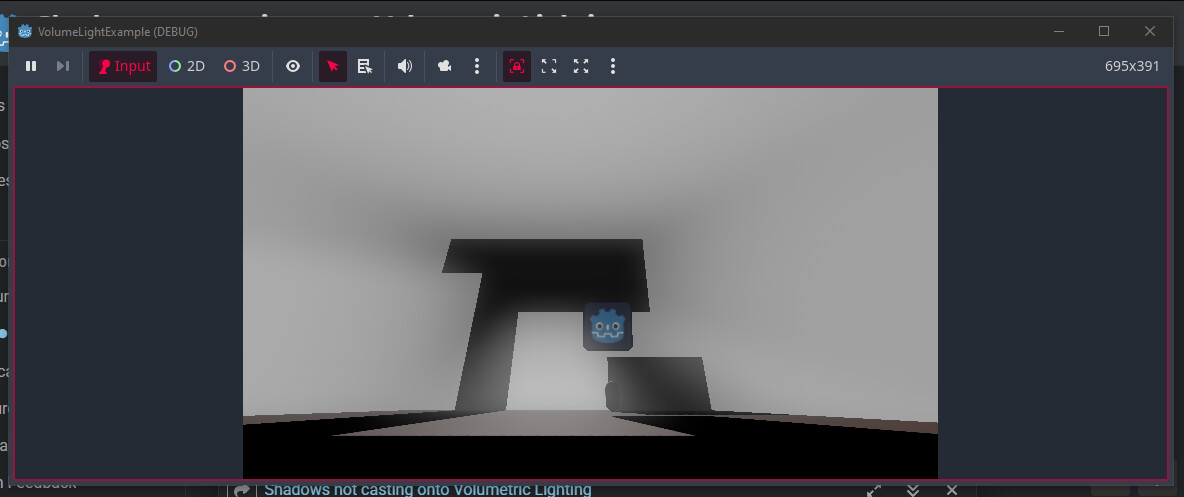
However, when testing normally, by having the player teleport to this place through the intended means, the shadow just does not show up on the fog like how I see it in the editor or when directly running the scene. A fix to that has been to make the game fullscreen or resize the window, but this is really far from ideal, as what would be ideal would be for the game to simply render the shadows as it should, without requiring resizing the window or changing fullscreen values. After having done this, the game will apply shadows onto the volumetric fog normally… at least for this scene, so far as I tested.
I’ve looked around a couple places; on Reddit, GitHub and here in the forums too; but found no workarounds to my issue. Is this really a thing that I should just wait until it is fixed? Or is there some hacky way that, now knowing that this fixes the problem, that I can get the shadows to work again?
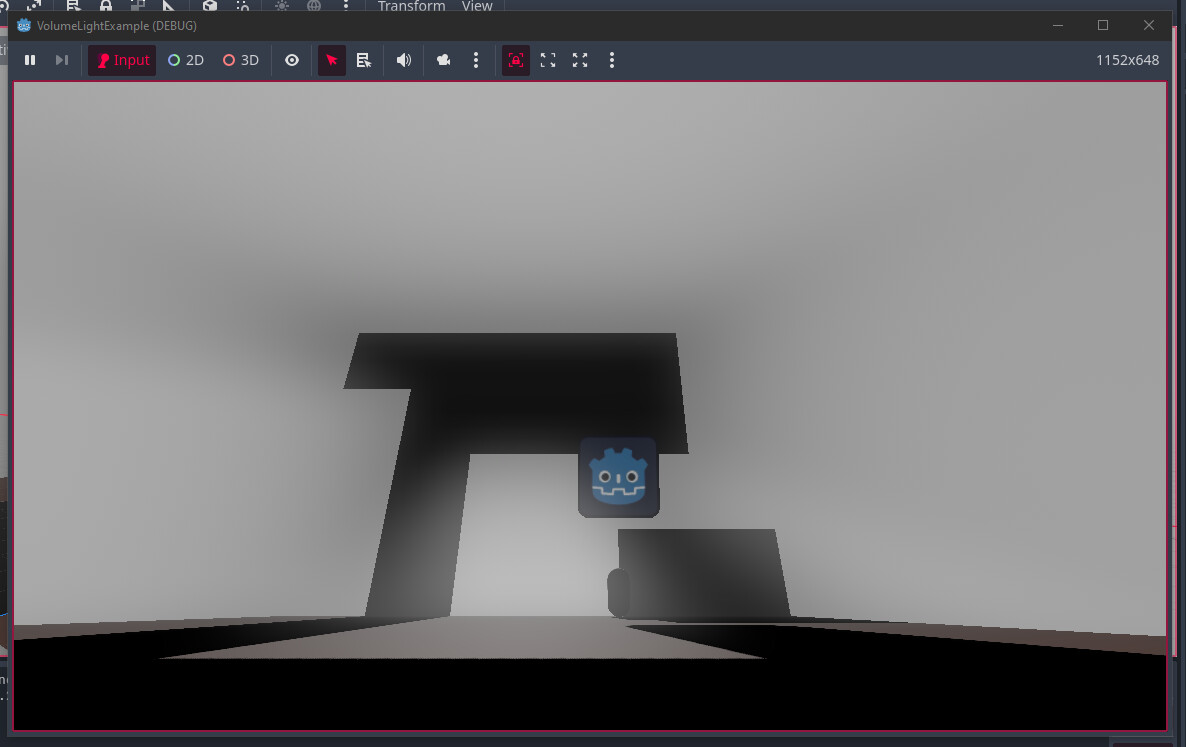
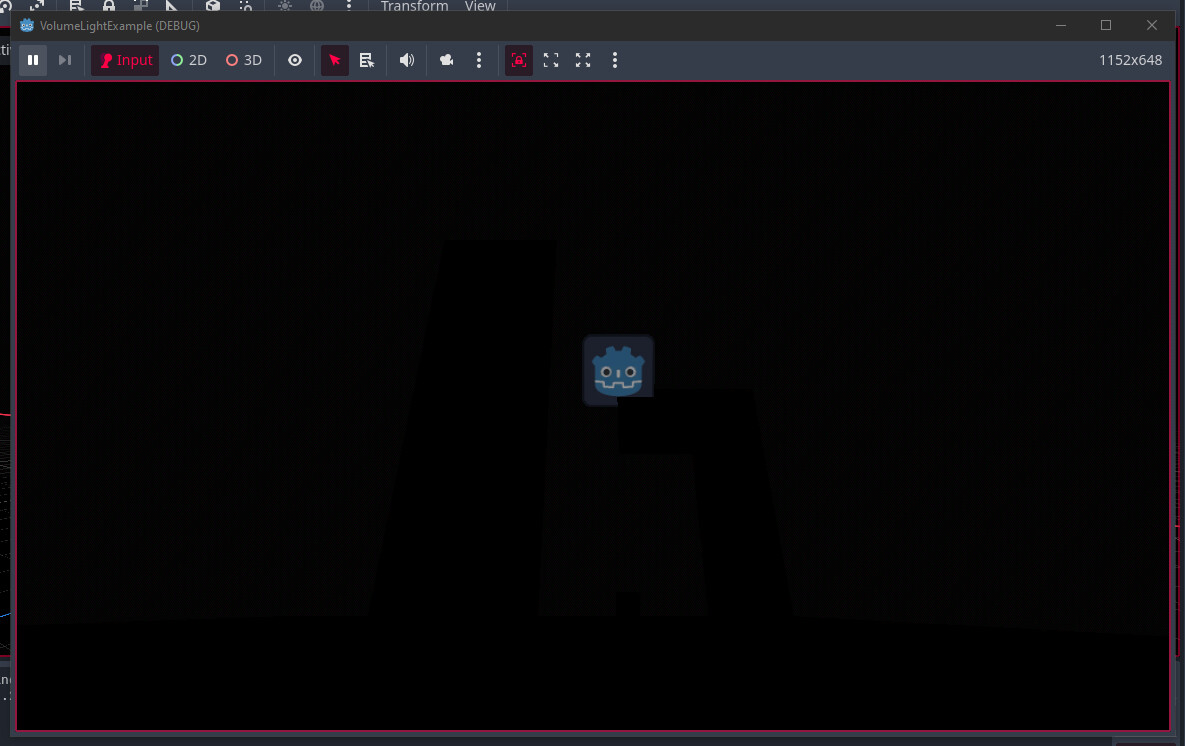
Images for reference:
Can you make a minimal reproduction example?
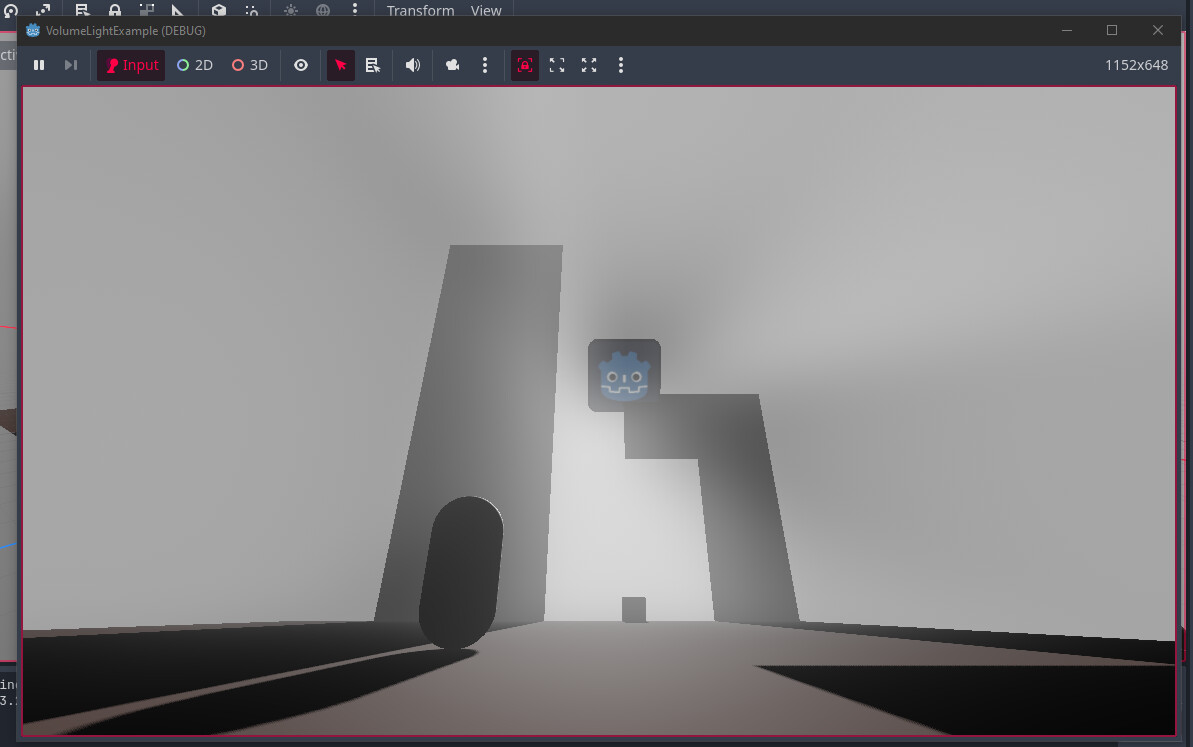
Yeah, I have made one just now.
So, if I make a scene with a DirectionalLight3D already enabled and start the game here, and then change scenes… the DirectionalLight3D will continue to cast shadows properly.
Here’s an example of that.
But, if I make it so that the starting scene begins with no DirectionalLight3D… then the new scene that gets instantiated with a new DirectionalLight3D, will not cast shadows anymore. That is until I resize the window, or, in case of my game, switch from and to fullscreen.
Here’s an example:
The code responsible for changing the maps here, is pretty simple. It gets the tree, tries to find a Node3D called “TheMap“ and replaces that, by freeing it and immediately instantiating another one.
Here’s the code behind what triggers the map change.
class_name MapChanger extends Area3D

@export var map: PackedScene
@onready var player: CharacterBody3D = get_tree().current_scene.get_node_or_null("Player")

func changemap(body: Node3D) -> void:
  if body == player:
    Maphandler.replace_map(map.instantiate())

func _ready() -> void:
  body_entered.connect(changemap)


func _process(_delta: float) -> void:
  pass
Here’s the code responsible for actually doing that:
extends Node

@onready var tree = self.get_tree()
@onready var map: Node3D = tree.current_scene.get_node_or_null("TheMap")

func replace_map(node: Node3D) -> void:
  if map != null:
    map.queue_free()
    tree.current_scene.add_child(node)
    map = node

func _ready() -> void:
  get_tree().node_added.connect(func(node: Node):
    if node.name == "TheMap": map = node
  )
The code that replaces the map is about 1:1 with my game. It does just about the same thing.
What happens if you change the value of some volumetric fog parameter in world environment by a little bit after the node has been added?
Changing it from remote did nothing, changing it from code also seemed to do nothing.
I’ve figured out a way to work around this, and while it is a bit hacky, it works out for what it’s supposed to do.
What I did, is swap anti-aliasing modes on the fly right after the scene changes, and then back to normal.
My game has an anti-aliasing setting, so to avoid forcibly changing the player’s settings, I just made it check what value it has, change it to some other value, and then back to the original value.
It’s not pretty, or desireable imo, but it gets the job done.