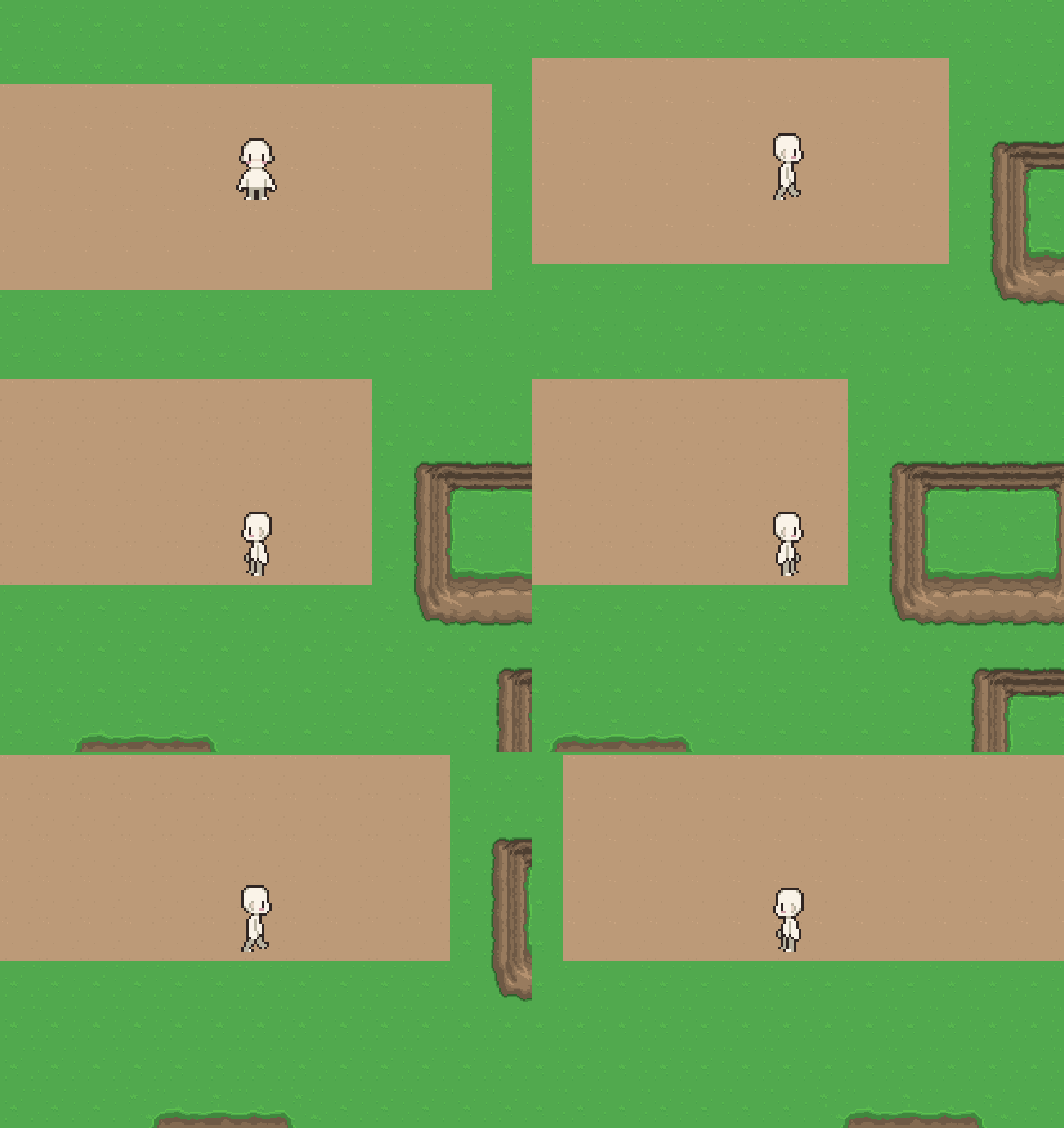
im not exactly sure whats happening, im thinking that the code is calculating my sprite’s direction incorrectly or something like that
it starts off normal however when trying to walk around, the LEFT and RIGHT facing sides get all messed up and end up almost de-syncing?
(id like to clarify that i dont actually understand half of my code, its from an online tutorial by Michael Games with a minor modification in place, so if you guys could please explain any suggestions like you would to a complete idiot )
heres my player code, specifically everything to do with movement inputs
This looks like it’s overcomplicated to what it’s supposed to do. Here’s a slightly simpler script that utilizes the flip_h parameter of the Sprite2D, which you should be using.
I explained in the other thread why multiplying the x scale by -1 would create precisely this issue. Also many people have already suggested to use sprite.flip_h.
Read the responses of the other thread carefully, try to understand the words said and not just copy paste something into your code. You managed to copy paste the one suggestion that was wrong.
yeaaaaaa I figured that may be the case
not gonna lie I couldn’t figure out the horizontal flip as it kept giving out errors (might bee too dense to figure it out or blind to the proper solution) , so I tried the other suggestion left in the comment and it seemed to work well enough, turns out it really didn’t
Quick question about this, would it work just the same with a sprite that has an up and down facing animation? your suggestion appears really concise and I’m greatful for it, but from what I can understand in the code it only does a horizontal flip for left and right movement?
i want to try get my understanding of this well before I try implementing more code I don’t understand into the project if you don’t mind
For vertical movement you can’t just flip a sprite upside down like you would with the horizontal movement, so no - you can’t apply the same principle.
In your video I can see you already have an up and down movement animations - so you can just play them accordingly based on the player’s velocity.y component - the up animation if it’s negative and down animation if it’s positive. Try to implement it yourself and see if you can manage to do it. If not - post your problem here again.
If that’s relevant in your project, you should also consider a case of diagonal movement - then one of the animations (vertical or horizontal) should have a priority over the other.
 )
)