Godot Version
4.2.1 stable
I used Google translator and I apologize if anything is unclear.
Question
I need to make the button visually and programmatically hold when a key is hold and, in some cases, when the button is hold with the mouse.
All this should be responsible for moving the camera around the scene
I accomplished the first point using this code in TextureButton node and I also use the template to move CharacterBody2D “CharacterBody2D: Basic Movement”
extends TextureButton

func _ready():
	toggle_mode = false

func _process(delta):
	if Input.is_action_pressed("d"):
		toggle_mode = true
		button_pressed = true
	elif  Input.is_action_just_released("d"):
		toggle_mode = false
		button_pressed = false
But in the case of a mouse hold, I could only guess at code like this in CharacterBody2D node
func _on_left_button_down():
	Input.action_press("d")
func _on_left_button_up():
	Input.action_release("d")
buuuut this happens
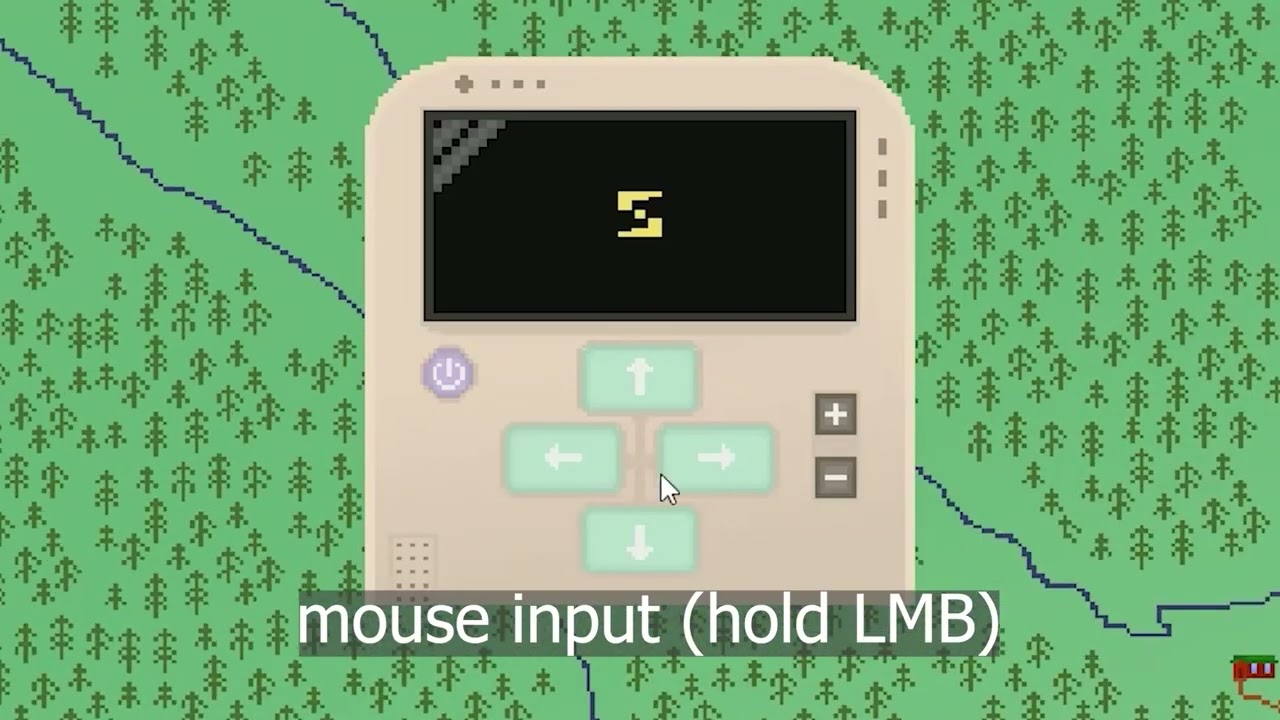
(node settings and structure)
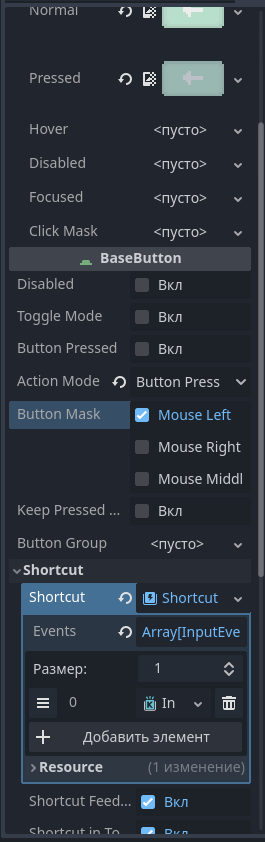
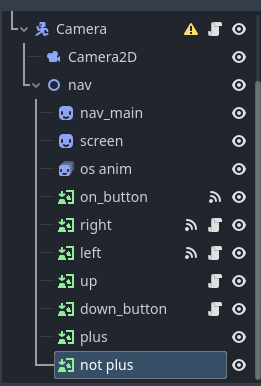
I thought about using touchscreen buttons, but they continue to be activated when the cursor is not on the button
and thanks in advance for help! :>
