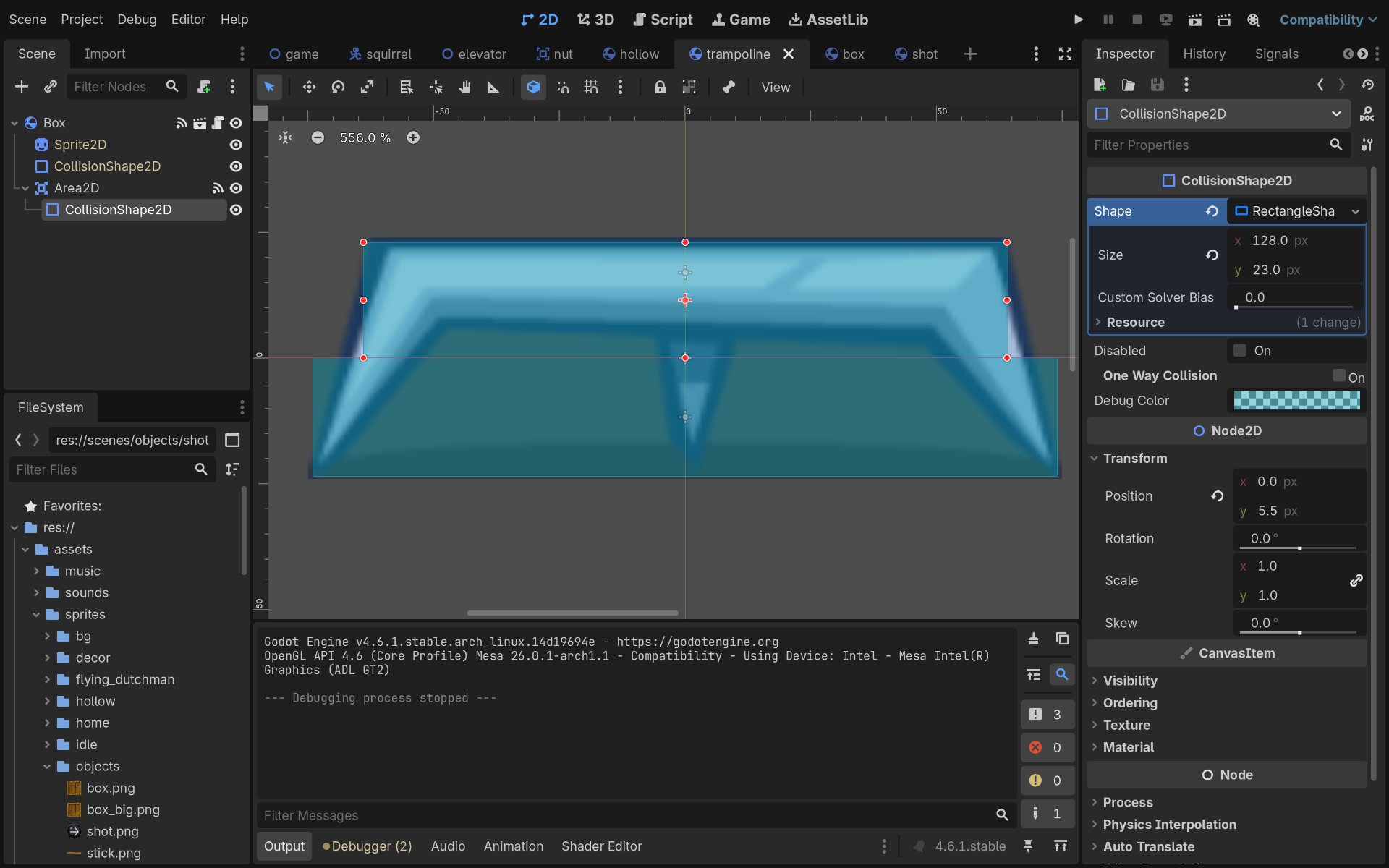
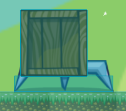
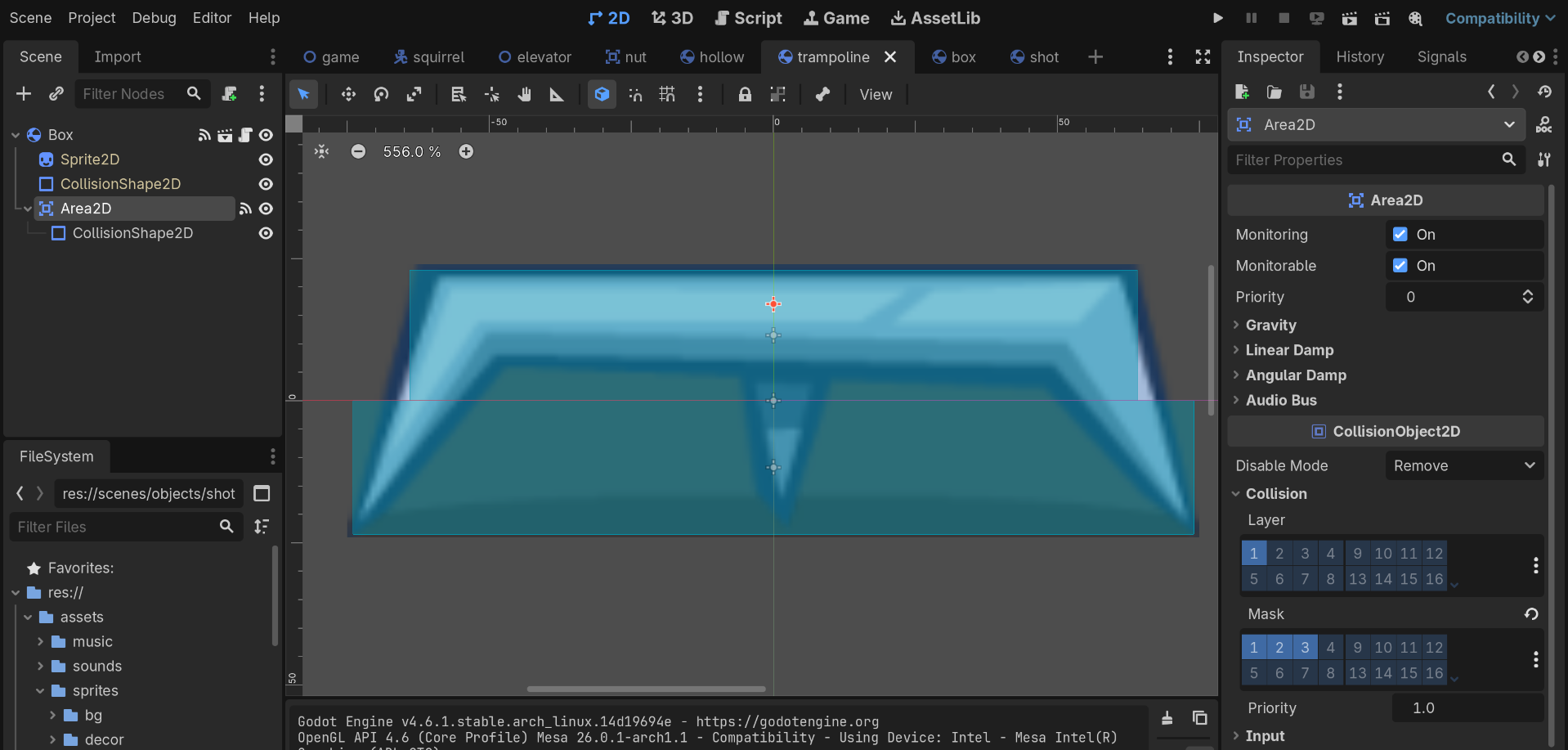
I want to create trampoline. As the player jumps on its top, his jump becomes higher each time. At the bottom of trampoline the player should stand as if on the ground
extends 'res://scripts/box.gd'

@export var k: float = 1.2
@export var min_bounce: float = 300.0

func _on_area_2d_body_entered(body: Node2D) -> void:
	body.velocity.y = -max(abs(body.velocity.y) * k + 60, min_bounce)
Code of player’s _physics_process
func _physics_process(delta: float) -> void:
	var direction := Input.get_axis('move_left', 'move_right')

	if is_on_floor() and not $CollisionShape2D.disabled:
		if Input.is_action_just_pressed('jump'):
			velocity.y = jump_velocity
		else:
			n_air_jumps = 0
		if direction == 0:
			$AnimatedSprite2D.play('idle')
		else:
			$AnimatedSprite2D.play('run')
	else:
		if Input.is_action_just_pressed('jump') && n_air_jumps < 0:
			n_air_jumps += 1
			velocity.y = jump_velocity
		velocity += get_gravity() * delta
		$AnimatedSprite2D.play(fall_anim)

	if direction > 0:
		$AnimatedSprite2D.flip_h = false
		$Skins.scale.x = 1
	elif direction < 0:
		$AnimatedSprite2D.flip_h = true
		$Skins.scale.x = -1

	if direction:
		velocity.x = direction * speed
	else:
		velocity.x = move_toward(velocity.x, 0, speed)

	move_and_slide()

	for i in range(get_slide_collision_count()):
		var collision := get_slide_collision(i)
		if collision.get_collider() is RigidBody2D:
			collision.get_collider().apply_central_impulse(-collision.get_normal() * PUSH_FORCE)
	queue_redraw()
The player is probably falling fast enough to touch the RigidBody on the same frame as they touch the area, when they hit another body their velocity will stop. You may have to store the player’s velocity.y before move_and_slide, then use that in your calculation. Setting a maximum fall speed could also help if you want to limit the trampoline’s potential height.
func _on_area_2d_body_entered(body: Node2D) -> void:
	if body is Player:
		body.velocity.y = -max(abs(body.pre_slide_velocity.y) * k + 60, min_bounce)
Depends on how you create inanimate objects. If they are RigidBodies then you will need to use linear_velocity or apply_central_impulse
func _on_area_2d_body_entered(body: Node2D) -> void:
	if body is Player:
		body.velocity.y = -max(abs(body.pre_slide_velocity.y) * k + 60, min_bounce)
	elif body is RigidBody2D:
		body.linear_velocity.y =  -max(abs(body.linear_velocity.y) * k + 60, min_bounce)
The way with pre_slide_velocity significantly increased the max height of jump but player still falls through the Area2D. Is there the solution with 100% guarantee that player will not fall?
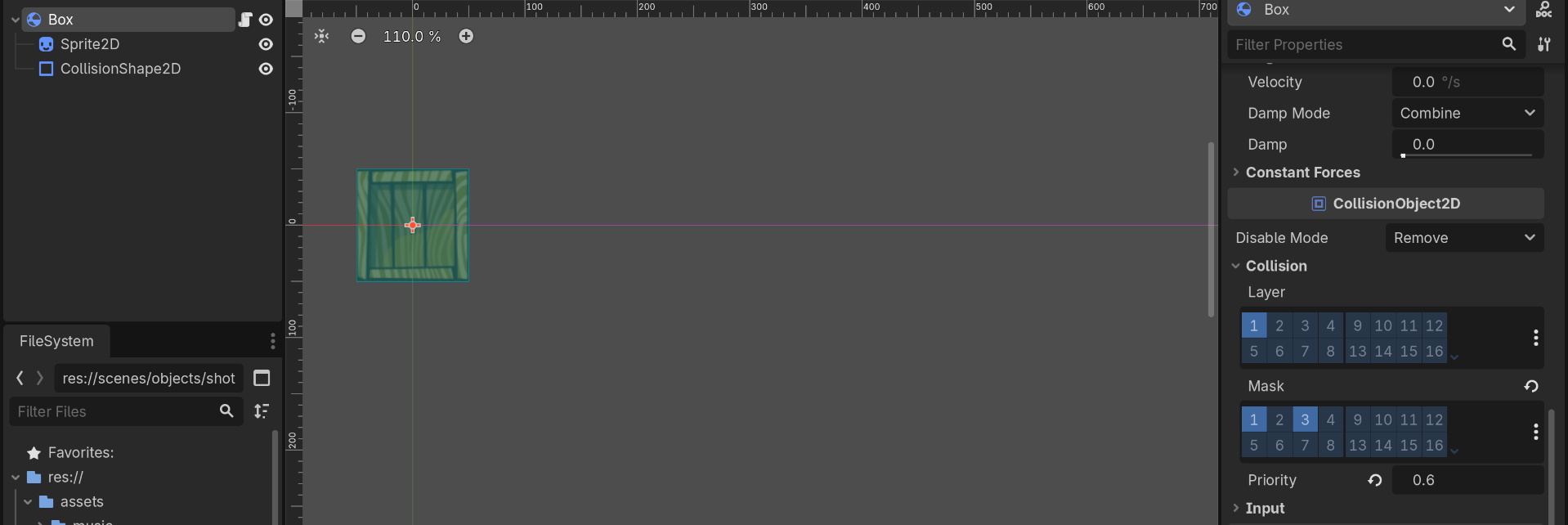
Yes, Box is RigidBody2D, player is CharacterBody2D. The linear_velocity or apply_central_impulsedont work because Area2D completely ignores RigidBody2D. And this is strange because Box’s Layer is 1 and Trampoline’s Mask is 1 and 3. Maybe I should use for i in range(get_slide_collision_count()): in trampoline too?
Areas do not stop collision so there is always a possibility the player “falls through” it, either meaning being full enclosed or actually falling through it by one frame step, typically you will try to set reasonable speed limits and if you need some objects to move faster use larger-than-you’d-think collision shapes to cover any physics step gaps.
How are you testing the the box ignores the trampoline? It’s worth nothing the area is a child of your box so it will always transform with the other, if they aren’t overlapping at the start then they will never overlap, and if they are overlapping at the start then it will only apply such an impulse once at the start of the game.
If you are placing two separate box/trampoline instances then they should collide and bounce on each other.
get_slide_collision_count and other get_slide_ functions do not exist on RigidBodies only CharacterBody.
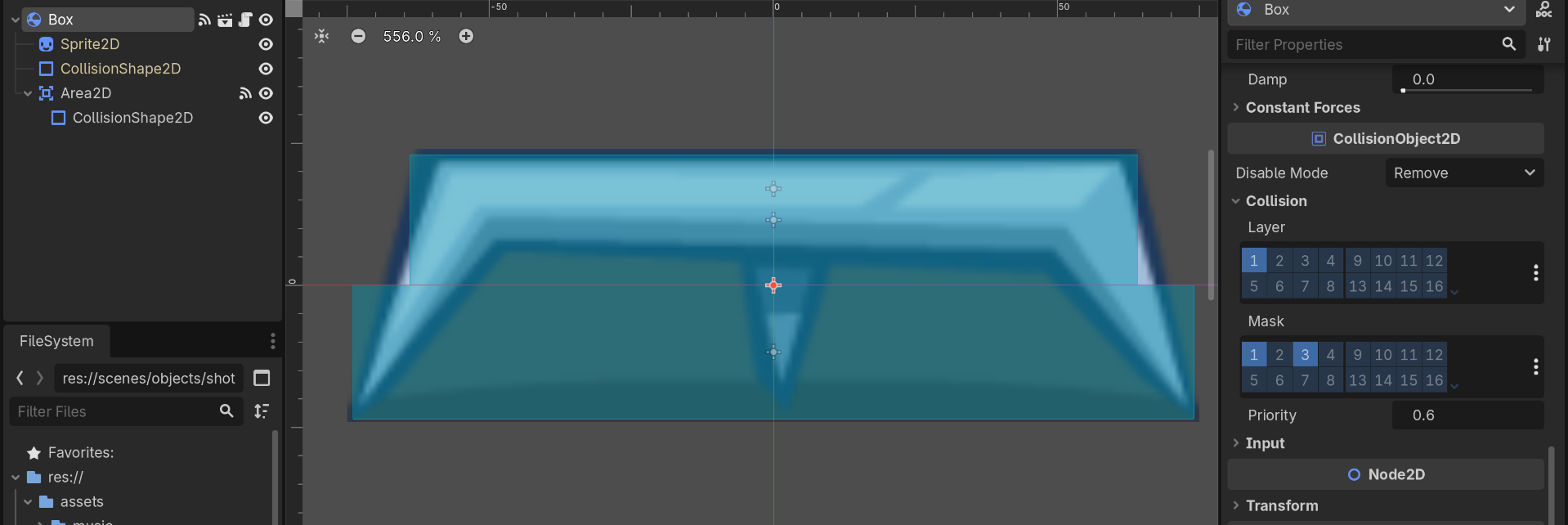
Try running with the “Debug → Visible Collision Shapes” option on. I don’t see two trampolines in your second screen shot.
Does “DETECTED” print for the player? It may help to print more information such as what is being detected
For player the print is “DETECTED Squirrel:<CharacterBody2D#50214209092>”
But for box nothing prints and with “Debug → Visible Collision Shapes” the Box collides only with the bottom CollisionShape and ignores the upper CollisionShape