Tool: Set scale of selected object suddenly doesnt work!

Godot Version

4.6.3

Question

In an older Godot this code worked just fine.

But now it will just, no matter what i do, set the selected scale to (1.0, 1.0, 1.0) even though the scale of the node3D is everything but!

if Input.is_key_pressed(KEY_ALT) and Input.is_key_pressed(KEY_R):
    var selected = EditorInterface.get_selection().get_top_selected_nodes()
    var selectedRoot : Node3D = selected[0]
    selectedRoot.scale = selectedRoot.get_scale().round()

I’ve tried all sorts of things, but i cant figure it out.

fails:

selectedRoot.scale = selectedRoot.global_transform.basis.get_scale().round()
selectedRoot.set_scale(selectedRoot.get_scale().round())

Can you try printing the scale?

if Input.is_key_pressed(KEY_ALT) and Input.is_key_pressed(KEY_R):
    var selected = EditorInterface.get_selection().get_top_selected_nodes()
    var selectedRoot : Node3D = selected[0]
    #print's the scale
    print(str(selectedRoot.get_scale()))

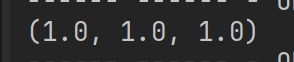
yes … this one yields (1.0, 1.0, 1.0)

image

Are you certain this selectedRoot is the correct node you want to operate on? Have you tried printing it’s path? print(selectedRoot.get_path())

I speculate that here, the scale which is showed inside the editor, is not stored in the Node3D’s local scale property so far.

Probably, the secret of solution is the fact that,

get_scale() 

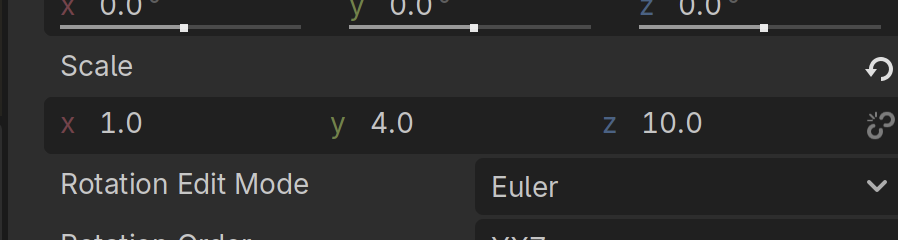
returns (1,1,1) while the Inspector shows (1,4,10)

Given this, it is good idea to check whether the node has a non-uniform transform basis instead of a pure scale .

So try printin g:

print(selectedRoot.transform)
print(selectedRoot.transform.basis)
print(selectedRoot.transform.basis.get_scale())

and also:

print(selectedRoot.global_basis.get_scale())

If one of those returns (1, 4, 10) then the scale is living in the basis rather than in the local ‘scale’ property.

yes, cus im doing a set position as well (just deleted it to avoid clutter in this thread) and that works.

Thing is, as i say, all this worked fine - so I assume that something has changed in Godot.

oh good thinking! Will try this!

this guy, prints this…:

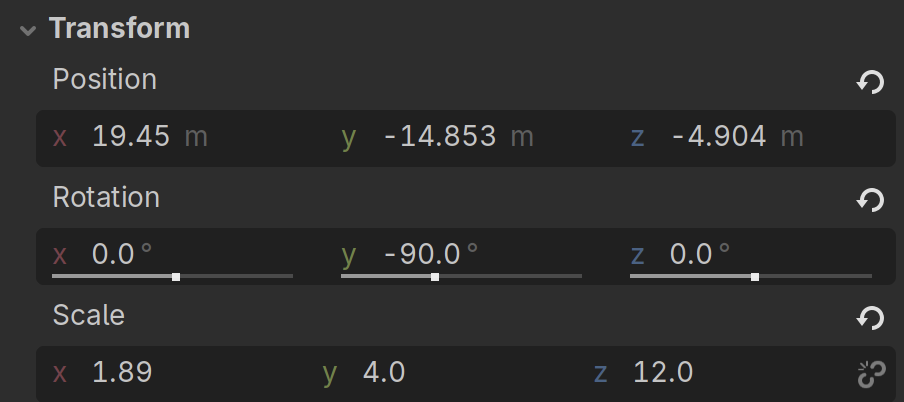
[X: (-0.0, 0.0, 1.0), Y: (0.0, 1.0, 0.0), Z: (-1.0, 0.0, -0.0), O: (19.44958, -14.85345, -4.903503)]
[X: (-0.0, 0.0, 1.0), Y: (0.0, 1.0, 0.0), Z: (-1.0, 0.0, -0.0)]
(1.0, 1.0, 1.0)

This is very interesting, so my suggestion was wrong…The transform you printed contains a pure rotation basis and basis.get_scale() correctly reports (1,1,1)

So I would kept the @gertkeno solution as his suggestion, is the next step I would follow…

thing is, i have a position.round() before the scale thing and it works splendid.

Can one of you verify that this “just works” on your projects? in a TOOL (!)

What kind of node are you using this for? global_transform gets orthonomalized if scale is disabled, which is the default for some nodes like Camera3D. Local transform should ignore this flag though.

Node3D:
is_scale_disabled(): false
global: (1.0, 4.0, 15.0)
local: (1.0, 4.0, 15.0)

Camera3D:
is_scale_disabled(): true
global: (1.0, 1.0, 1.0)
local: (1.0, 4.0, 15.0)

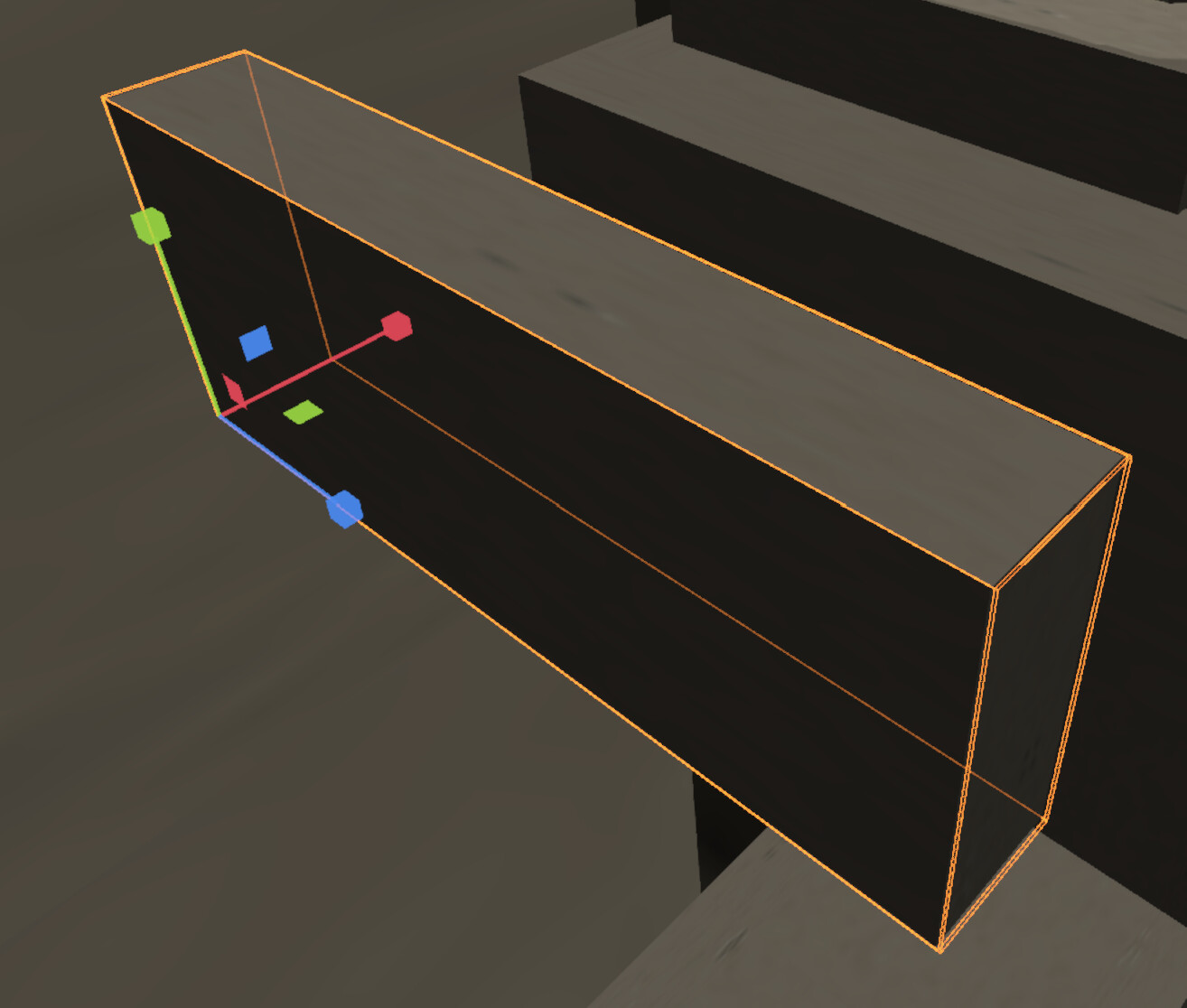
it is staticBody3D

Here is the “real” (cluttered) script. Which HAS worked in older Godots, and it does do the rounding of the position!!!

	if Input.is_key_pressed(KEY_ALT) and Input.is_key_pressed(KEY_R):
		var selected = EditorInterface.get_selection().get_top_selected_nodes()
		
		if selected.is_empty():
			return
			
		var selectedRoot : Node3D = selected[0]
		selectedRoot.position = selectedRoot.position.round()
		selectedRoot.scale = selectedRoot.get_scale().round()

Try printing the node’s scale directly via node path, not through selection.

not sure how i would do that specifically via the path… i feel like that is what im already doing and it IIISSS working with the position - so it does have a grip on the right object in the scene.

You don’t know the path of the node?

yes yes i do. But since this works…

var selected = EditorInterface.get_selection().get_top_selected_nodes()
if selected.is_empty():
    return
var selectedRoot : Node3D = selected[0]
selectedRoot.position = selectedRoot.position.round() #This WORKS!!!

haven’t i got a sufficient “path” to the node?

What am i to do with this:

selectedRoot.get_path()

How do you know it’s the node you think it is? Just print the scale via the direct path to the node and also print selectedRoot.get_path() and see if it matches the direct path.

i know its the node because manipulating the position works.

selectedRoot.get_path()

just gives me the correct path. Since that exact script worked in 4.4 I’m concerned that it is something with the scaling in editor TOOLs that has snapped.