Trouble Making Playing Character Not Move During Dialogue

Question

Hello, I'm a new user and I'm trying to use the Dialogue Manager plugin to make a very small game. I'm trying to use Dialogue Manager's "dialogue_started" signals to make the character not move using a boolean value. However, it seems the signal is not being emitted, any advice would be very appreciated! Below is the relevant code for this question.

var CanMove = true

func _canmovetrue():
CanMove = true

func _canmovefalse():
CanMove = false

func _ready():
DialogueManager.dialogue_started.connect(_canmovefalse)
DialogueManager.dialogue_ended.connect(_canmovetrue)

func _physics_process(delta: float) → void:
if (CanMove):
if not is_on_floor():
velocity += get_gravity() * delta

    if Input.is_action_just_pressed("jump") and is_on_floor():
        velocity.y = jump_power * jump_multiplier
        
    direction = Input.get_axis("move_left", "move_right")
    if direction:
        velocity.x = direction * speed * speed_multiplier
    else:
        velocity.x = move_toward(velocity.x, 0, speed * speed_multiplier)
    move_and_slide()
else:
    return
1 Like

I’m not familiar with the Dialogue Manager, does it automatically emit its signals? Maybe you have to emit them iteratively in code?

Greetings, I am one who also uses Dialogue Manager;
is blocks_input set to true in the inspector for the dialogue object?

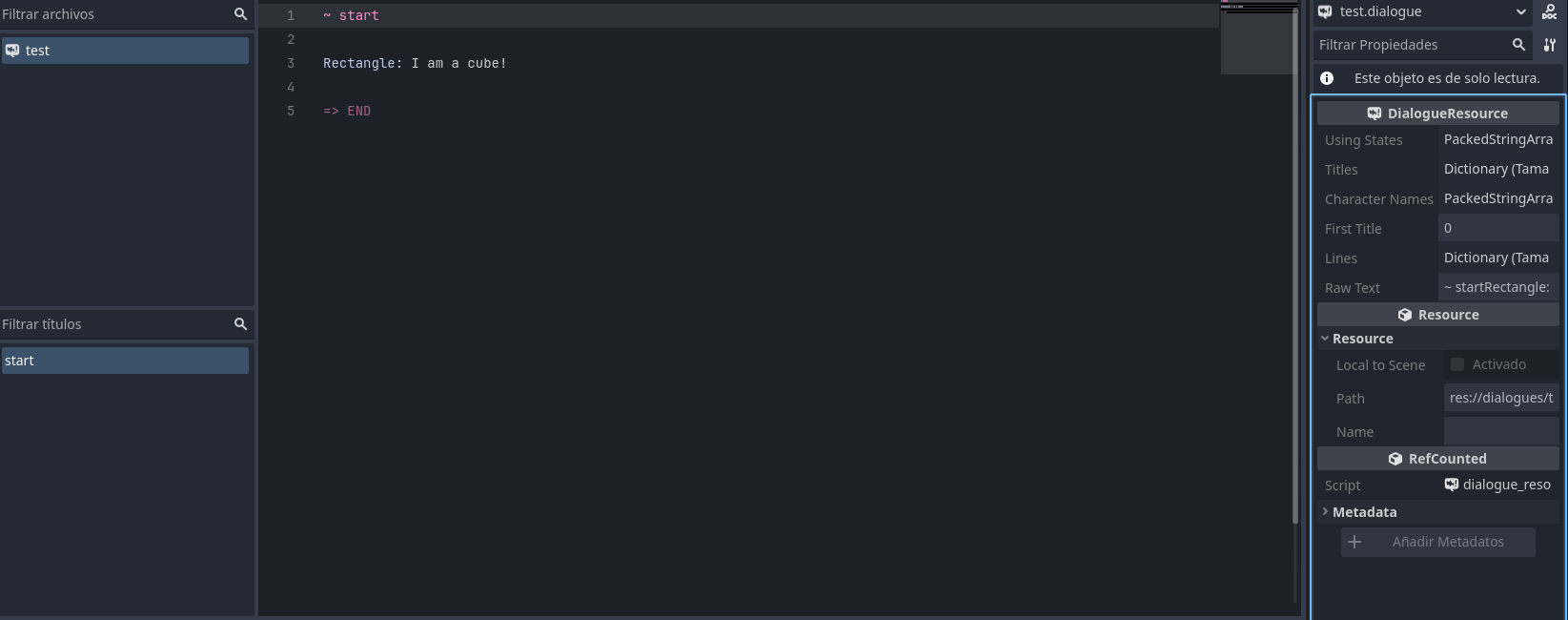
Thanks for replying, but I can’t seem to find the “blocks_input” option (screenshot provided). It says the object is only a reading object so maybe it has to do with that?

try the template balloon, its in there if i remember correctly.
(i use it because i have no idea how to read most addon code to be fully transparent lol :sweat_smile:)

If you have a state machine it seems easier to put the player in a separate state where it does what you want it to and nothing else.

Thanks for the clarification. Will_block_other_input is set to true so I don’t really understand what’s going on.

i see… try a handler that simply stops input in the player scene while the text box is visible. Solves a lot of issues for me unless you want Chrono Trigger dialog

I have managed to solve it! Turns out I just needed to put the player movement in the unhandled input, thank you so much for your help though! I appreciate the kindness.
1 Like