Where to start when making an input buffer system?

Godot Version

4.7.stable

Question

Hi, I found myself at the necessity of creating an input buffer system for a hack and slash combo system (different input order of light and heavy attacks do different things), but I haven’t found any solid documentation on it. All youtube shows me when I search for “godot input buffer” is a lot of people using a timer node to detect if the player pressed jump x time before hitting the ground.

I found this post which mentions a ring buffer, but I don’t quite get it? I also don’t know if this would be the correct approach for what I’m trying to do.

I usually have an idea of what the code of what I’m trying to do will look like, but this time I’m completely blind to what the solution would be, hence this very forum post.

All I need is a way to process input like light attack and heavy attack in different orders, but with loose time to it, in a buffer. Like, pressing L L L H before the first attack comes out, should be a valid input for the combo to trigger, which could be done in an array, but how do I disconsider what input comes after that? What data format should I use for storing the individual inputs in an array? How do I allow for animation canceling, even when the input queue is filled already? I’m just at a blank here ;u;

I hope my very confusing and convoluted explanation of my problem can suffice for someone to help me here ;u;
I’m not the best at explaining things, sorry, I tried my best.

Thanks in advance, just reading this text is a lot.

Yeah the Coyote time trick is often a one-input buffer. If you need more inputs buffered like that in a fighting game as you’ve described then you will have to use an Array to store multiple inputs. My post recommends optimizing that by using it as a ring/circular buffer; the idea reduces allocating (by avoiding .append) and reduces shifting (by avoiding .erase or .remove_at), the only downside is the fixed size, but many fighting games will have input buffers for hundreds of frames or even record an entire play session.

The sample I posted would store a timestamp and the entire input even object. When progressing through the array of buffered inputs you can compare against the timestamp to determine if the combo is valid/if the buffered input should be ignored.

class BufferedInput:
	var input: InputEvent
	var time: int

const _MAX_INPUTS = 20
var buffered_inputs: Array[BufferedInput] = []

I figure you could produce animation cancels by checking every frame if a hit was landed, then check what the next in sequence of valid buffered inputs is. If it’s another attack, then immediately start that attack. You could add more rules so light attacks only cancel into mediums, medium into heavy, heavy into special. With a ring buffer it could never be “full”, instead overwriting the oldest inputs.

Fighting games and combo systems are very complicated! I hope any of this helps, and I’m always excited to play more :slight_smile:

Remember that _physics_process() is a continuous while loop that runs while the game is running.

Inside it, you can check Input.is_action_just_pressed() and add them to an Array as @gertkeno suggests.

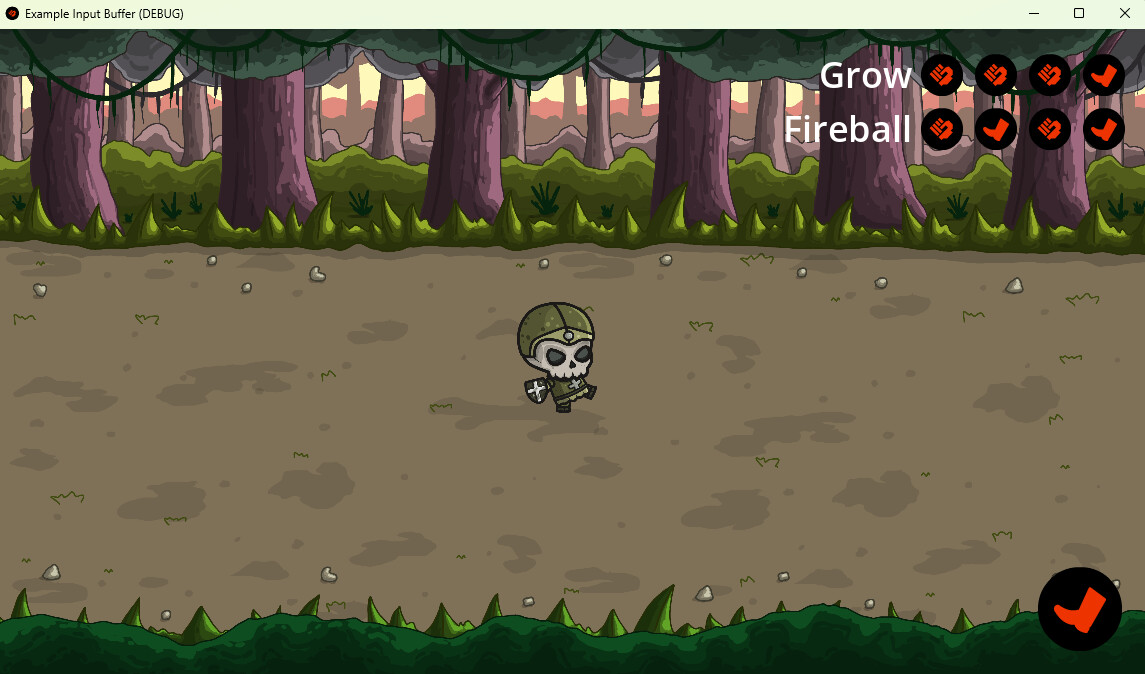
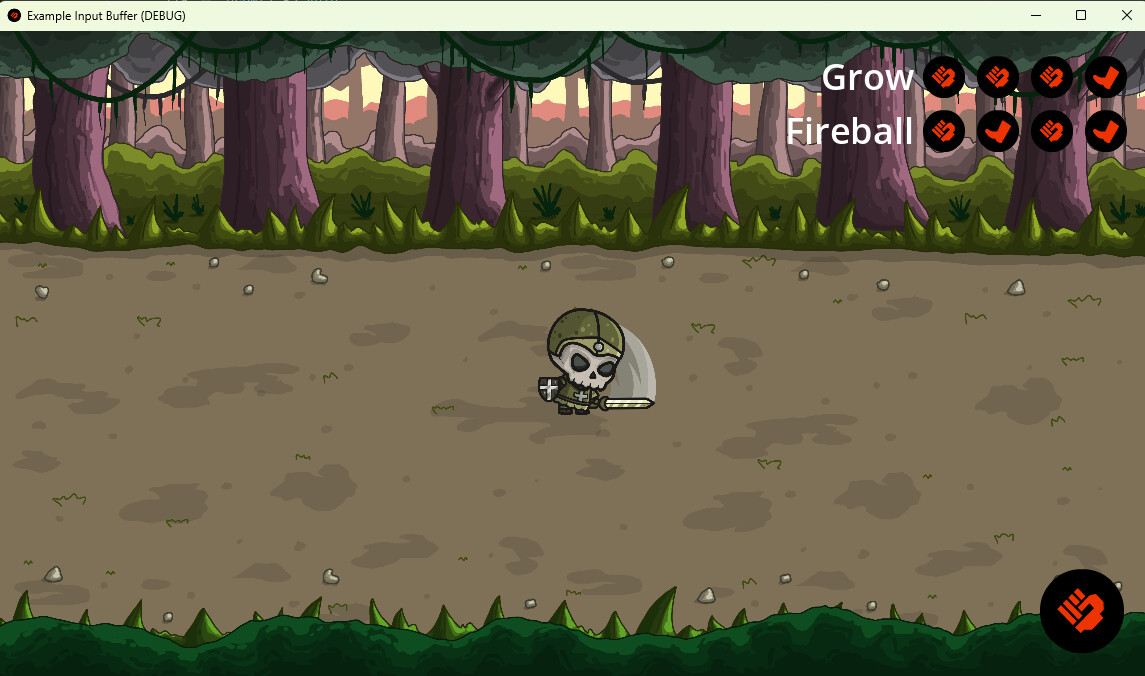
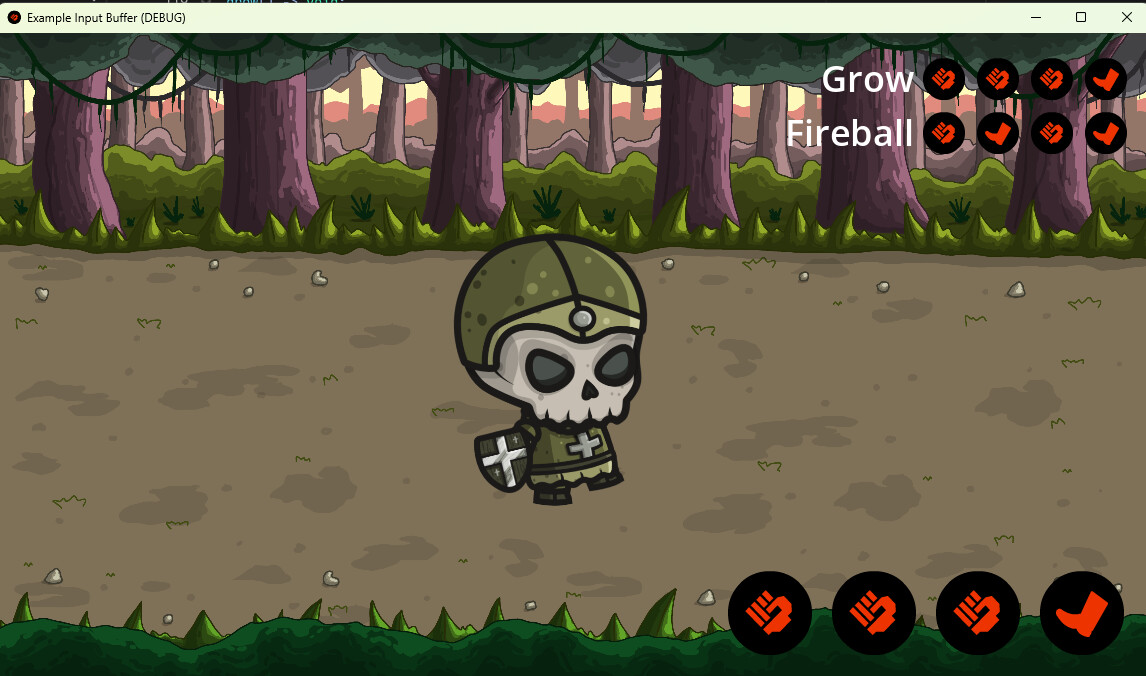
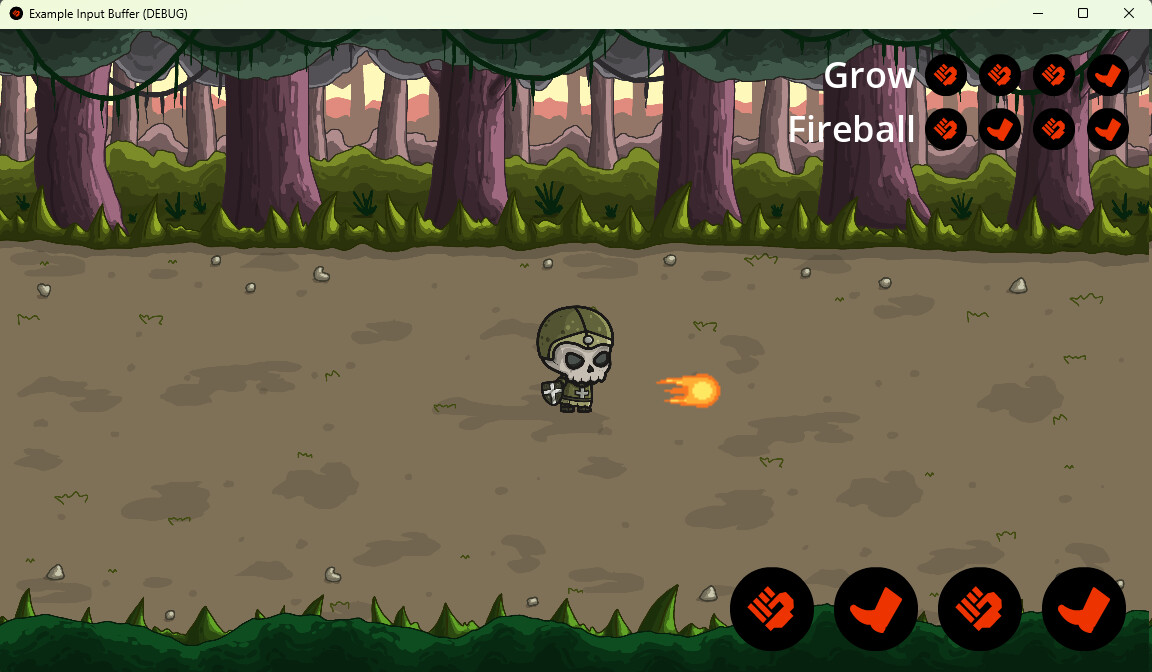
What you are asking is actually a lot more complicated than just how to buffer it, but I thought it’d be fun to implement. so I took an hour and a half and made you an example project with an animated character that has light and heavy attacks, moves, supports keyboard, mouse, and controller. I put in two special attacks. One is growing to a large size and kicking. The other is shooting a fireball.

The character and background are free from Craftpix.net. The fireball is free from NYKNCK on Itch. The sound effects are from Ovani and I paid for them. I recommend them for all your sound needs. (Which means anyone downloading this project cannot legally reuse them without buying them from Ovani.)

You can download the project here

Example Input Buffer Project

It’s inspiring to see that some veteran members here can spin up a demo project in 1,5 hours that seems better than all my projects. Honestly, I hope I one day reach that point too :raising_hands:

Hi, sorry for the delay (busy day today), I still have some questions:

How do I cancel a combo, given a player input, and how do I not cancel it if it isn’t allowed to be cancelled at a certain time?

Can I use a state machine pattern to avoid hard coding the combos like you did? I thought to use a node-based state tree to define which inputs lead to which combo (so, I’d have nodes that represent each kind of attack, and going lower into the tree means a combo is performed, so I can easily setup more combos throughout the game), but I’m not exactly sure on how to do the smaller details on that…
(You don’t have to code this one (or anything, really) if you don’t want to, just explaining with pseudo code should suffice, I know it’s a little ambitious)

Otherwise, thanks, that helps a lot, I’ll have stuff to learn for quite a while with this project you made.

I’d need some very specific examples to help you with that.

Yes. That was just a quick-and-dirty implementation to get you started. A push StateMachine is one way to handle that.

That seems like a possibility that could work.

You’re welcome.

On your example, let’s say I want to cancel an animation if you double tap a directional within the first half of the current animation. How would I do that?

I’m slowly but surely figuring out how to do this on a state machine, and how to properly implement this system with a decently programmed buffer, you helped a lot on that.

You can stash input frames as a (transition, delay) pairs.
Then buffer these pairs.
Then for every frame you check if the player pressed or released any buttons.
If the player didn’t do that, you now have the last input pressed, then a 1-frame delay, then the latest input.
If nothing changed from last frame, you now have the last input pressed, then a 2-frame delay and nothing else.
the delay can accumulate into as many frames as whatever your combos can wait before resetting.
Parsing that buffer then becomes a matter of asking what the player pressed or released, and how long they took to do that since last press/release. Packing a dedicated delay value will let you do simple if (delay_milliseconds < 200 and delay_milliseconds > 36) - type checks to allow some tolerance in timing.

You’d first have to detect that double-tap. Then you would have to see if an animation is playing, and what animation is playing. Then decide if it should be cancelled, and what animation to transition to.

A one-frame delay is not enough. That’s 1/60th of a second. If you were to try and make the checking that exact, it would become impossible to play the game.

I did specify that the delay accumulates as the player continues to not press or release anything.
closest to frame perfect i’ve ever seen among acquaintances is ±90ms anyways, and many games even ignore single-frame inputs because of the debouncing filter.

Hello there,

Here’s how I’d probably approach it; Separating physical input from game actions by buffering the actions instead of acting on input directly. The input layer just says “jump was pressed”; a buffer holds that request for a short window, and gameplay polls it when the conditions are met.


A wrapper that holds a countdown timer alongside the action it represents:

class_name BufferedAction
extends RefCounted

var kind: StringName
var time_left: float

func _init(p_kind: StringName, p_window: float) -> void:
    kind = p_kind
    time_left = p_window

A buffer that owns the buffered actions and their lifecycle:

class_name ActionBuffer
extends RefCounted

var _actions: Array[BufferedAction] = []

func push(kind: StringName, window: float) -> void:
    # dedupe: if it's already buffered, just refresh the timer
    for a in _actions:
        if a.kind == kind:
            a.time_left = window
            return
    _actions.append(BufferedAction.new(kind, window))

# success path: find + remove
func try_consume(kind: StringName) -> bool:
    for i in range(_actions.size()):
        if _actions[i].kind == kind:
            _actions.remove_at(i)
            return true
    return false

# just remove expired ones here
func tick(delta: float) -> void:
    for i in range(_actions.size() - 1, -1, -1):
        _actions[i].time_left -= delta
        if _actions[i].time_left <= 0.0:
            _actions.remove_at(i)

# if we need fully clear the buffer
func flush() -> void:
    _actions.clear()

Then push on input and consume in physics:

extends CharacterBody2D

@export var jump_buffer_window: float = 0.15
var _buffer := ActionBuffer.new()

func _unhandled_input(event: InputEvent) -> void:
    if event.is_action_pressed("jump"):
        _buffer.push(&"jump", jump_buffer_window)

func _physics_process(delta: float) -> void:
    # consume before tick when conditions are met
    # so a tight window can't expire
    if is_on_floor() and _buffer.try_consume(&"jump"):
        _jump()
    _buffer.tick(delta)

func _jump() -> void:
    pass  # velocity.y = jump_velocity ...

That’s actually really close to what I got in mind, ngl, thanks for the study material!

Just a question: Is there a more programatically-able way to get the inputs than being one if per input? Something like input.get_type()? (I read the documentation, I know there’s no such thing in the input itself, but not if there aren’t other ways of doing this.) I guess a match statement could work, but it’s still not too elegant of a coding practice, but that might be the only way…

In case it’s not clear, I want all actions done by the player to be buffered, for different reasons for each action.

Kinda answering my own question, I did the following:

class_name Player extends CharacterBody2D

enum InputTypes {
	GP_UP,
	GP_LEFT,
	GP_DOWN,
	GP_RIGHT,
	GP_RUN,
	GP_LIGHT_ATTACK,
	GP_HEAVY_ATTACK,
}

@export var buffer_window: float = 0.15

@onready var input_buffer := ActionBuffer.new()

And then

func _unhandled_input(event: InputEvent) -> void:
	for input_type in InputTypes.keys():
		if event.is_action_pressed(input_type):
			input_buffer.push(StringName(input_type), buffer_window)

Question still remains: Is there a better way to do this?

hello there,

I hit the same wall, so I built InputForge — I wanted have UE5-style input context matching:

[Export] public InputMappingContext GameplayContext { get; set; }
[Export] public InputAction JumpAction { get; set; }

public override void _Ready()
{
    EnhancedInputSystem.GetInstance().AddContext(GameplayContext);
    GameplayContext.BindAction(JumpAction, OnJump);
}

private void OnJump(bool pressed)
{
    _buffer.Push(new JumpAction());
}

There’s also a well-known GDScript implementation, G.U.I.D.E, with a good video tutorial here.

edit: that said, your own loop is a clean approach too — if you don’t need context matching, this is possibly the cleanest solution:

func _unhandled_input(event: InputEvent) -> void:
    for input_type in InputTypes.keys():
        if event.is_action_pressed(input_type):
            input_buffer.push(StringName(input_type), buffer_window)

Isn’t an entire plugin a little too overkill..?

Also, I’m having trouble with held actions, like running by holding down shift…

for simple cases it’s genuinely overkill, yeah. the one place a central dispatcher starts to pay off is when you’re overriding _unhandled_input / _input in a lot of places that has a cost, and routing everything through one dispatcher can help there. but for most setups it’s unnecessary.

for the held-action problem: you can bind shift to its own run action and just poll it, since a held action isn’t really a buffering thing

func _physics_process(delta: float) -> void:
    var direction := Input.get_vector("left", "right", "up", "down")
    var speed := run_speed if Input.is_action_pressed("run") else walk_speed
    velocity = direction * speed
    move_and_slide()

alternatively you can make shift-modified variants like run_left, run_right, … and read two vectors:

var moveDirection := Input.get_vector("left", "right", "up", "down")
var runDirection := Input.get_vector("run_left", "run_right", "run_up", "run_down")

but; by default shift + w will fire both run_up and the plain up, so you’d get both vectors at once.

Again, answering my own question (I’m really actively trying to get this system off the ground):

Changed the BufferedAction class to this:

class_name BufferedAction extends RefCounted

var time_held: float = 0.0

var kind: StringName
var time_left: float
var held: bool

func _init(_kind: StringName, _window: float, _held: bool) -> void:
	kind = _kind
	time_left = _window
	held = _held

Added this method to the ActionBuffer class:

func try_purge(kind: StringName) -> void:
	for i in range(_actions.size()):
		if _actions[i].kind == kind:
			if _actions[i].held and _actions[i].time_held >= buffer_time:
				_actions.remove_at(i)

Changed the tick method on ActionBuffer to:

func tick(delta: float) -> void:
	for i in range(_actions.size() - 1, -1, -1):
		_actions[i].time_left -= delta
		_actions[i].time_held += delta
		if _actions[i].time_left <= 0.0:
			_actions.remove_at(i)

Lastly, on the character controller script:

func _physics_process(_delta: float) -> void:
	#region Input
	for input_type in InputTypes.keys():
		var input_type_lowercase: String = input_type.to_lower()
		if Input.is_action_just_pressed(input_type_lowercase):
			input_buffer.push(input_type_lowercase, buffer_window, false)
		elif Input.is_action_pressed(input_type_lowercase):
			input_buffer.push(input_type_lowercase, buffer_window, true)
		else:
			input_buffer.try_purge(input_type_lowercase)
	#endregion Input

And now, inputs can be held down for only a minimum amount of time (I’ll implement a different delay for each action in the future, this will suffice for the prototyping stage), thank you all for participating, everyone helped a lot!.

I’ll deliberately leave the topic unsolved, so people from the future in the future can chime in and ask their question, if they have any.
(Of course, unless a moderator tells me to tag it solved, or if anyone objects within reason.)

hey again;

buffering an action that’s polled every frame doesn’t really make sense; it’s already processed every frame, so even if you miss it on one frame you catch it on the next. buffering is for instant, conditionally-triggered actions like jump, where you don’t want to miss the press by a frame or two before the condition (landing) is met.

as an example, here’s a subtle bug this introduces: while shift is held, is_action_pressed keeps pushing “run” every frame, all good, the character runs.

But the moment you release shift, try_purge only removes the entry if time_held >= buffer_time, so if you held shift for less than that, the entry stays, and tick only kills it one buffer_window later. so “run” behaves as if it’s still held for ~0.15s after release. tiny and mostly harmless, but worth keeping in mind.

The first part, yeah, I guess, but it’s still one way to manage a buffer input (if you press jump frame perfectly less than 0.15s before landing, you still jump, as an effect of the input manager). Plus, as the demo project by @dragonforge-dev does, this also allows for a custom combo system that buffers for an entire combo before its first animation ends, if handled correctly. I’m too tired to continue iterating on this now, but I think I’m going on the right general direction.

The second part, yes, I am aware, I’ll start working on that tomorrow, if I’m still unassigned on any projects at my current job, or on my own free time. I’m thinking of ways to implement a different max time for each separate input, it’ll be done soon.