Godot Version
v4.4.1.stable.official [49a5bc7b6]
Question
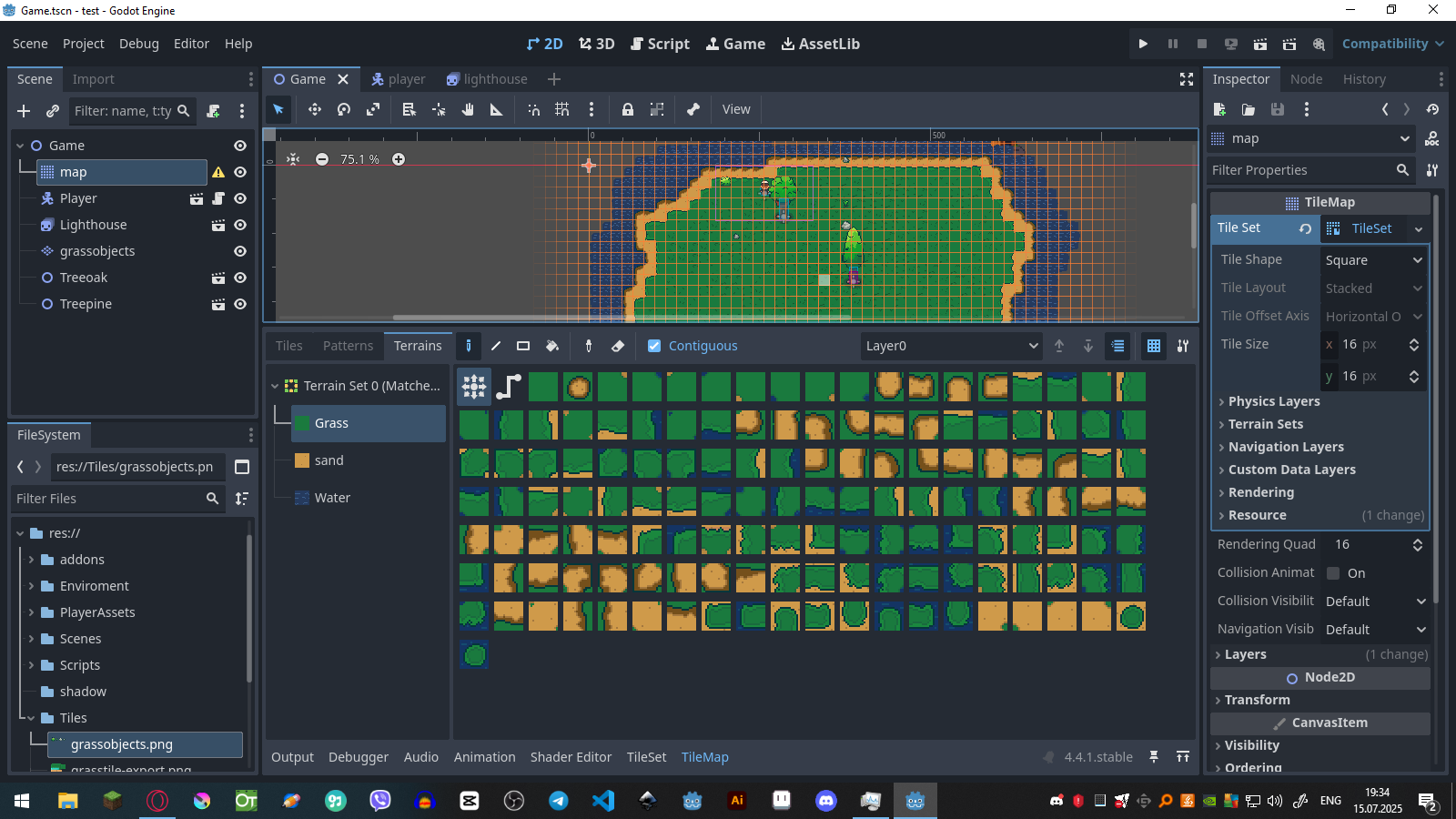
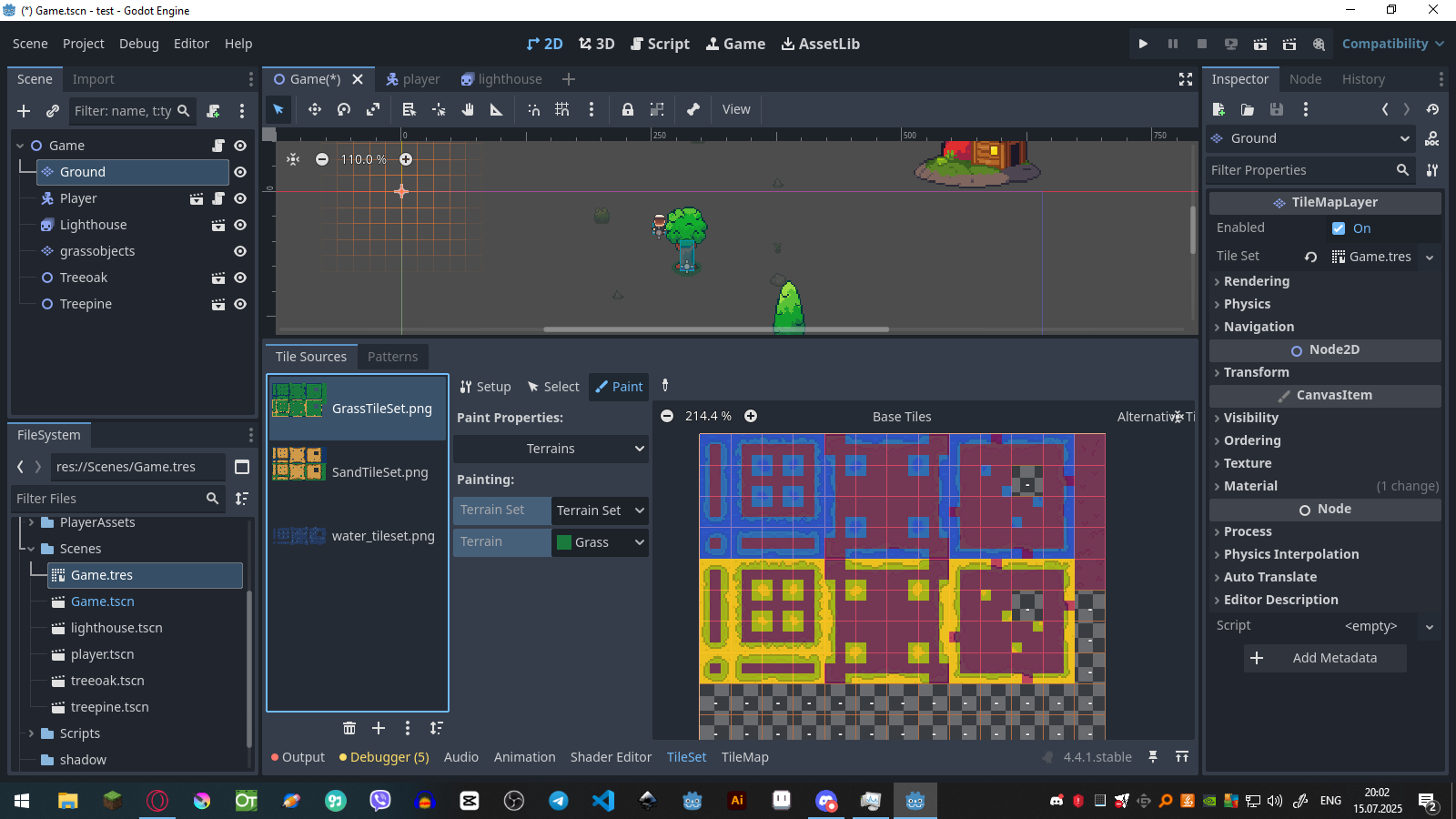
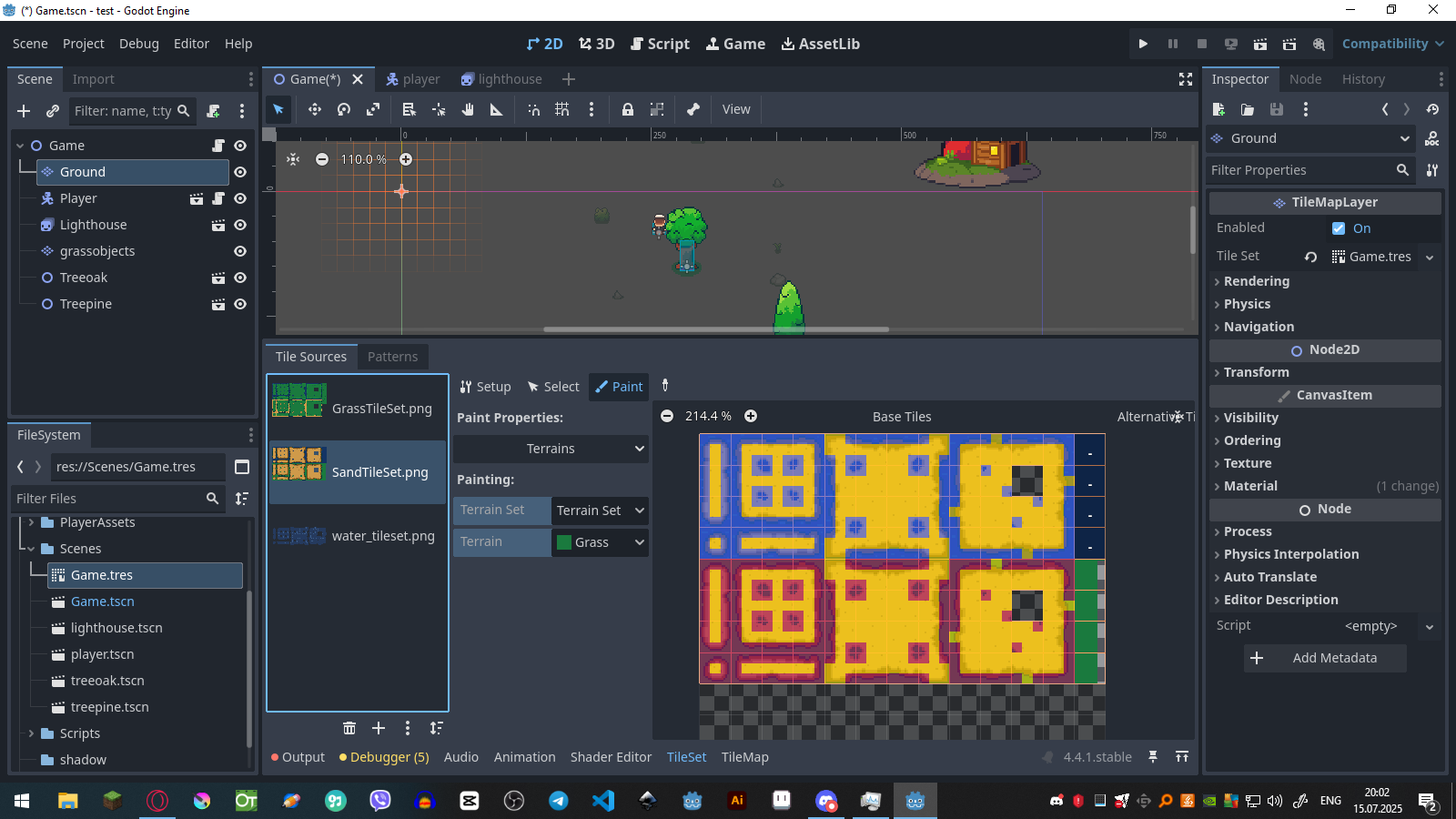
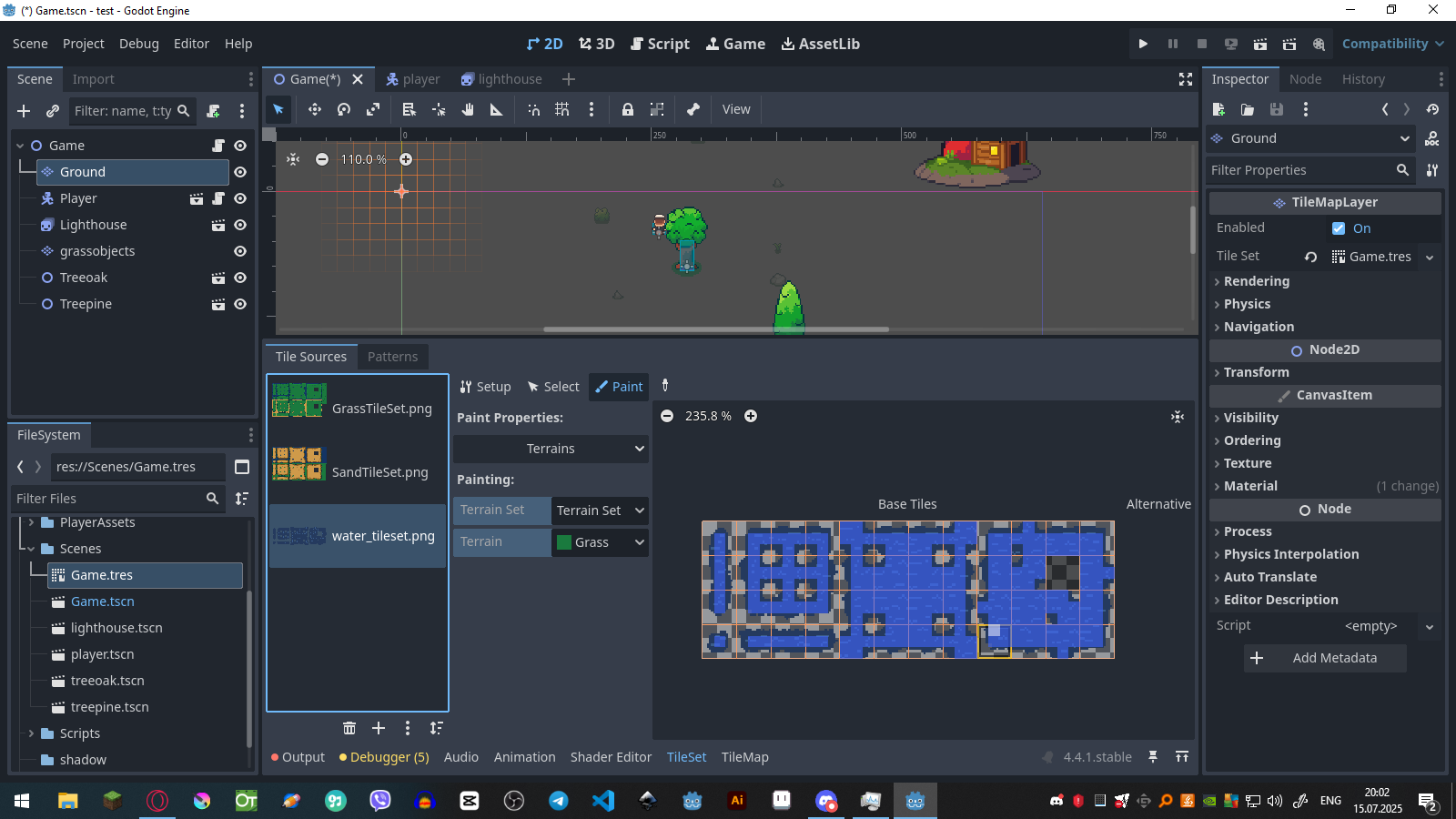
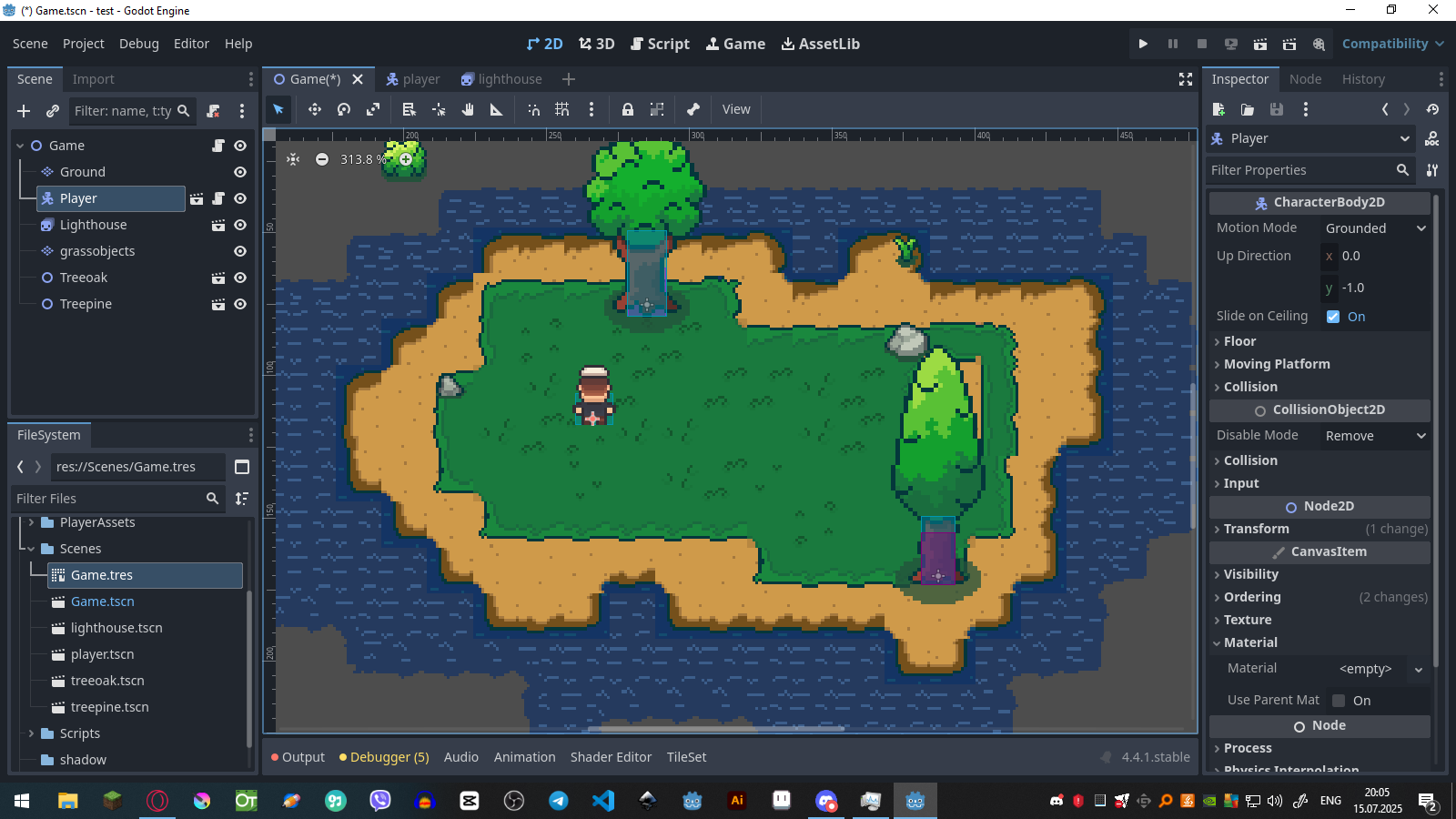
I want to create an island for my top down gamae, and i need to create it with tilemap terrains, i didn't find any video related to this only procedural generations with just colors like grass is green, water is blue, but i need with my tiles.There is my terrain example.
What exactly is the problem?
It looks like you setup the terrain wrong.
This tutorial shows how to set up the terrain:
I want to create procedural generated island while using terrains, i followed this video https://www.youtube.com/watch?v=rlUzizExe2Q&t=324s to use procedural generation but its just colored tiles, i don’t understand how to use terrains to get smooth transition beetwen grass and sand for example.
You also need to copy her code, which generates the tilemap based on the noise-texture
yes i was using this channels another video to get my bitmask
Idk maybe i made a mistake because its my first time using bitmask also i created tileset myself so maybe thats the problem.
the screenshots look fine to me. Did you also implement the code she presented?
yes, but it was just like in the video there was just colored blockes like green yellow as grass and sand i want smth like this to be generated.
not like this
Can you send your code here?
Sure!
extends Node2D

@onready var tilemap = $map
@export var noise_height_text : NoiseTexture2D

var source_id = 1
var atlas_water = Vector2i(0,3)
var atlas_grass = Vector2i(9,2)
var noise : Noise
var width : int = 200
var height : int = 200
var island_radius = 100

func _ready():
	noise = noise_height_text.noise
	generate_world()

func generate_world():
	for x in range(-width/2, width/2):
		for y in range(-height/2, height/2):
			var pos = Vector2(x,y)
			var dist = pos.length()
			var noise_val = noise.get_noise_2d(x * 0.1,y * 0.1)
			var threshold = 0.8

			if noise_val + (island_radius - dist) * 0.1 >= threshold:
				tilemap.set_cell(0, Vector2i(x, y), source_id, atlas_grass)
			else:
				tilemap.set_cell(0, Vector2i(x, y), source_id, atlas_water)
now this will not work because i swicthed from tilemap to tilemaplayer
Yeah so currently you are only using the “set_cell”-method. You want to use terrains, therefore you need to call set_cells_terrain_connect.
This method takes in an array of cells, so what you want to do is to save the coordinates in a array and then call this method once:
const WATER_THRESHOLD = 0.3
const SAND_THRESHOLD = 0.5

func generate_world():
	var water_cells = []
	var sand_cells = []
	var grass_cells= []
	for x in range(-width/2, width/2):
		for y in range(-height/2, height/2):
			var pos = Vector2(x,y)
			var dist = pos.length()
			var noise_val = noise.get_noise_2d(x * 0.1,y * 0.1)

			if noise_val < WATER_THRESHOLD:
				water_cells.append(Vector2i(x, y))
			elif noise_val < SAND_THRESHOLD:
				sand_cells.append(Vector2i(x, y)
			else:
				grass_cells.append(Vector2i(x, y))
	tilemap.set_cells_terrain_connect(water_cells, 0, 2) # Water Cells
	tilemap.set_cells_terrain_connect(sand_cells, 0, 1) # Sand Cells
	tilemap.set_cells_terrain_connect(grass_cells, 0, 0) # Grass Cells
Note that this might cause lag depending on the size of the generation.
You can play around with the threshold to get the kind of generation you want
IMPORTANT: This expects the noise to return a value between 0 and 1. depending on the noise type this can vary
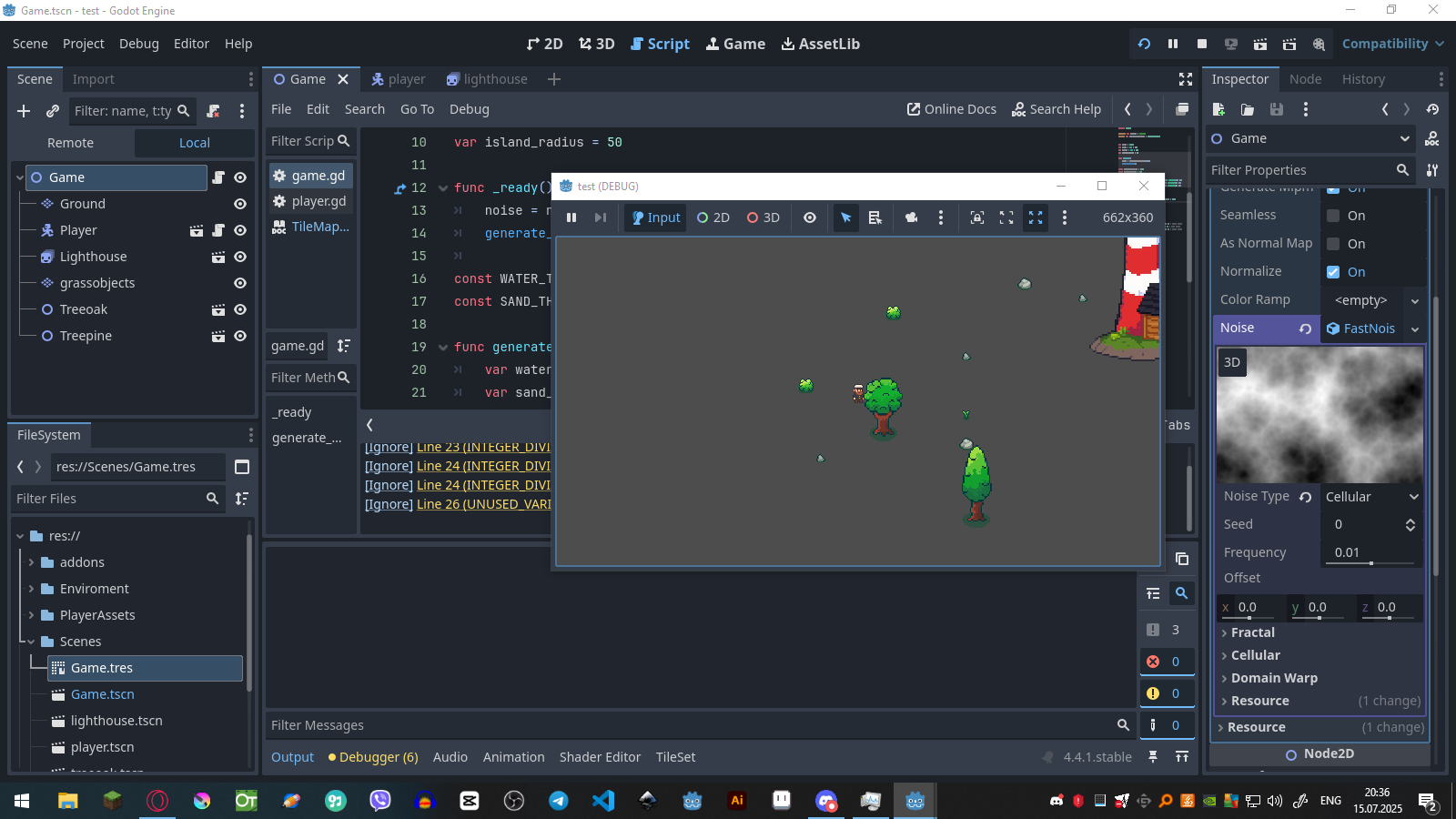
idk what i am doing wrong but it does not generating the world.
extends Node2D

@onready var tilemap = $Ground
@export var noise_height_text : NoiseTexture2D


var noise : Noise
var width : int = 100
var height : int = 100
var island_radius = 50

func _ready():
	noise = noise_height_text.noise
	generate_world()

const WATER_THRESHOLD = 0.3
const SAND_THRESHOLD = 0.5

func generate_world():
	var water_cells = [Vector2i(0, 0), Vector2i(1, 0), Vector2i(2, 0)]
	var sand_cells = [Vector2i(0, 0), Vector2i(1, 0), Vector2i(2, 0)]
	var grass_cells= [Vector2i(0, 0), Vector2i(1, 0), Vector2i(2, 0)]
	for x in range(-width/2, width/2):
		for y in range(-height/2, height/2):
			var pos = Vector2(x,y)
			var dist = pos.length()
			var noise_val = noise.get_noise_2d(x * 0.1,y * 0.1)

			if noise_val < WATER_THRESHOLD:
				water_cells.append(Vector2i(x, y))
			elif noise_val < SAND_THRESHOLD:
				sand_cells.append(Vector2i(x, y))
			else:
				grass_cells.append(Vector2i(x, y))
	tilemap.set_cells_terrain_connect(water_cells, 0, 3) # Water Cells
	tilemap.set_cells_terrain_connect(sand_cells, 0, 2) # Sand Cells
	tilemap.set_cells_terrain_connect(grass_cells, 0, 1) # Grass Cells
Which noise type are you using?
Then you have to change the threshold to something like:
const WATER_THRESHOLD = -0.1
const SAND_THRESHOLD = 0.1
Does it throw an error?
Hmm okay can you try this code and check the “output” tab to see what gets printed?
extends Node2D

@onready var tilemap = $Ground
@export var noise_height_text : NoiseTexture2D


var noise : Noise
var width : int = 100
var height : int = 100
var island_radius = 50

func _ready():
	noise = noise_height_text.noise
	generate_world()

const WATER_THRESHOLD = -0.1
const SAND_THRESHOLD = 0.1

func generate_world():
	var water_cells = []
	var sand_cells = []
	var grass_cells= []
	for x in range(-width/2, width/2):
		for y in range(-height/2, height/2):
			var noise_val = noise.get_noise_2d(x, y)

			if noise_val < WATER_THRESHOLD:
				water_cells.append(Vector2i(x, y))
			elif noise_val < SAND_THRESHOLD:
				sand_cells.append(Vector2i(x, y))
			else:
				grass_cells.append(Vector2i(x, y))
	print(water_cells)
	print(sand_cells)
	print(grass_cells)
	tilemap.set_cells_terrain_connect(water_cells, 0, 3) # Water Cells
	tilemap.set_cells_terrain_connect(sand_cells, 0, 2) # Sand Cells
	tilemap.set_cells_terrain_connect(grass_cells, 0, 1) # Grass Cells
it says this ERROR: [output overflow, print less text!]
So i think it being generated but i can’t see, or no ?
okay but this would mean that it should work. The position of the map is (0, 0) right?
yes the tilemaplayer is at 0,0 position.
Actually also i tried smth like this
noise_val = (noise_val + 1.0) * 0.5
and there was just big cube of send with grass outline.
okay try with width = 20 and height = 20 and use simplex smooth again